

The Work of Byron Katie— the mobile app for inner peace.
 4.40
4.40
Chat, meet genuine singles in your area. Real connections start with being real.
4.30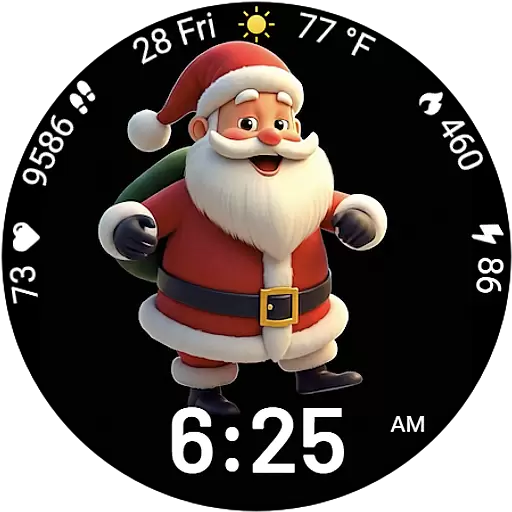
Designed to delight, impress and energize your festive spirit every single day
4.4
The all-new Cync app. The simple, connected app for Cync and C by GE.
4.50
Use your device sensors to detect energy and convert it into spoken words.
4.10
Spirit Communicator is a real paranormal ghost hunting app with many fun modes.
3.90
Have your Tehillim with you at all times
4.70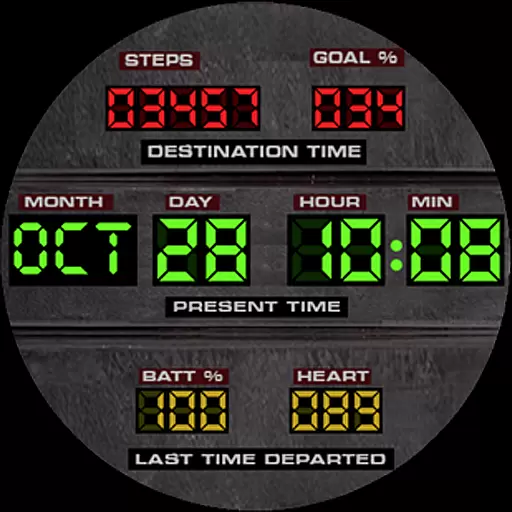
Futuristic watchface inspired by Back to the Future: sleek, retro, timeless
4.0
Subwoofer school’s in session! You’ve now enrolled into KICKER U.
3.80
Discover the "To Be a Christian" App: Your Guide to Deepening Faith!
5.00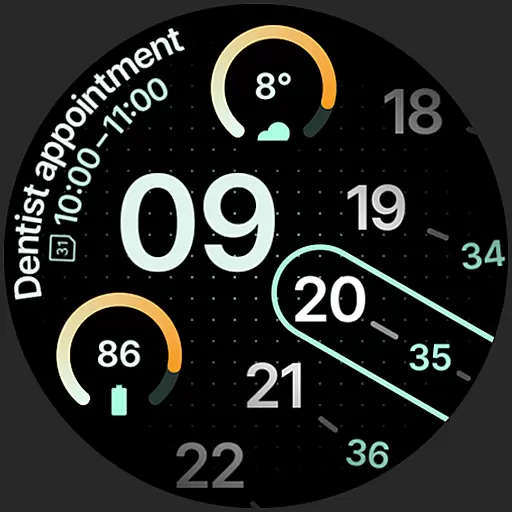
A unique and customizable watch face which rotates its layout every minute.
4.80
Smart & Healthy Living
4.60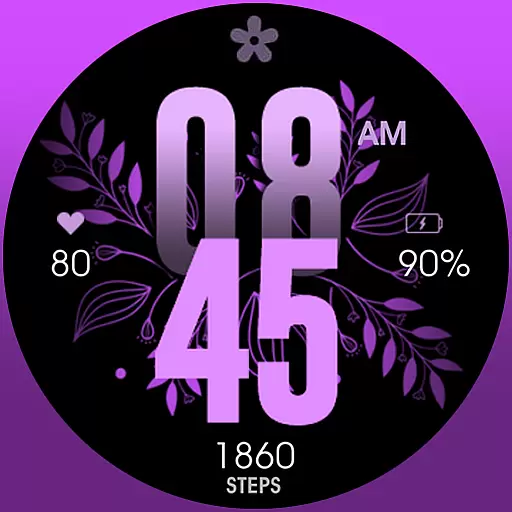
Colorful selection floral watch face with gyro for Wear OS
4.60
Earn money & gift cards when you take surveys, play games, scan receipts & more.
4.50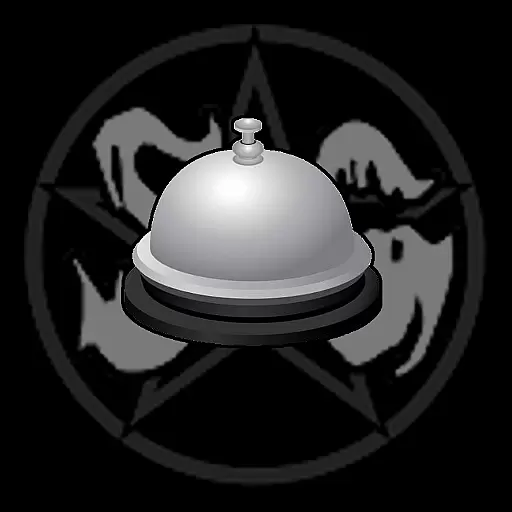
Paranormal Spirit Bell Trigger Device
4.30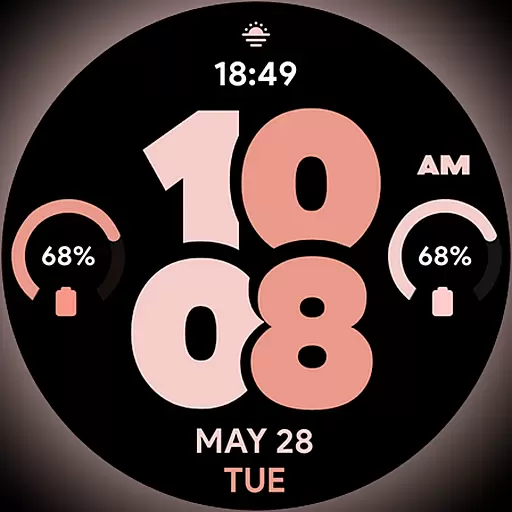
Material You inspired colors with BIG and Bold looks for Wear OS watches.
4.20
View over 160,000 line dance stepsheets from the CopperKnob website.
3.30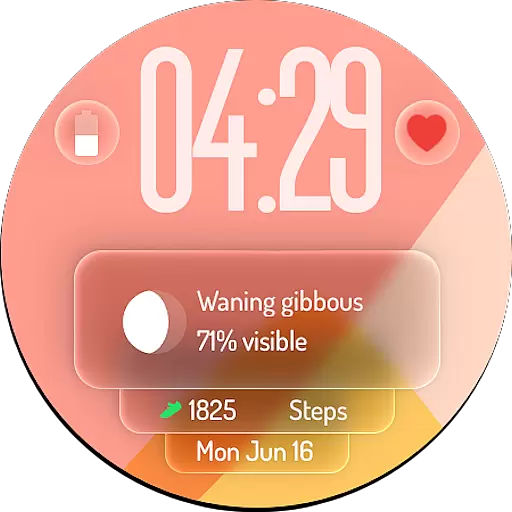
A watch face with transparency and fluid visuals inspired by liquid glass design
4.3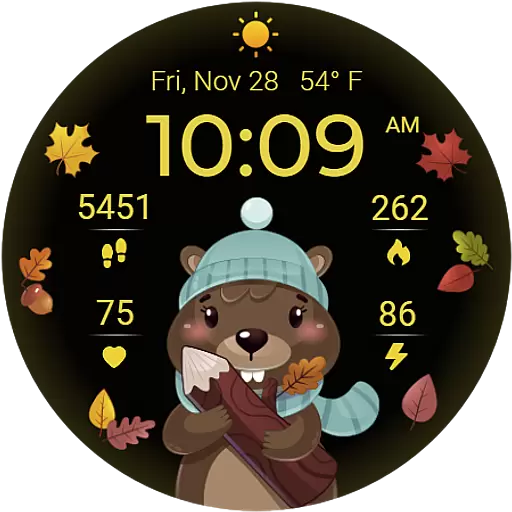
The cutest Autumn watchface featuring the adorable Mr. Squirrel
4.0


