
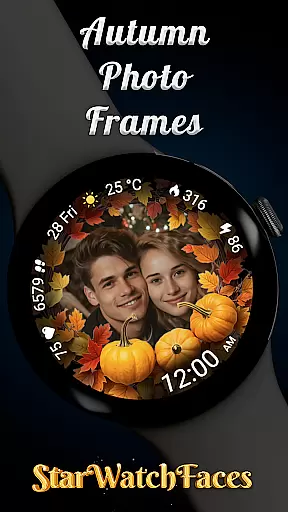
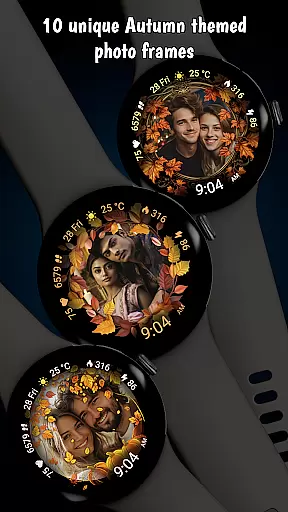
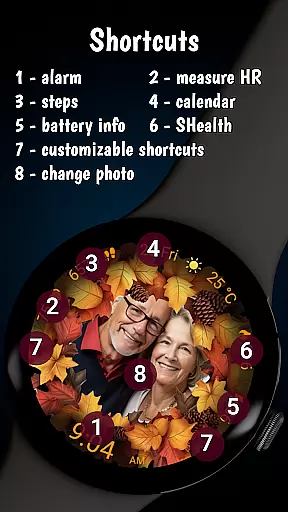
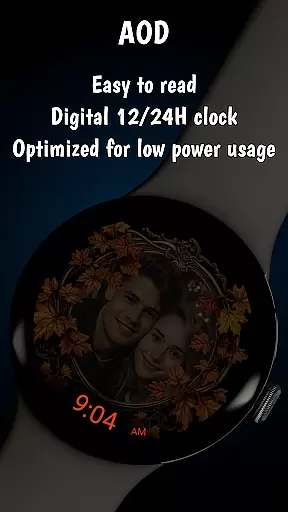


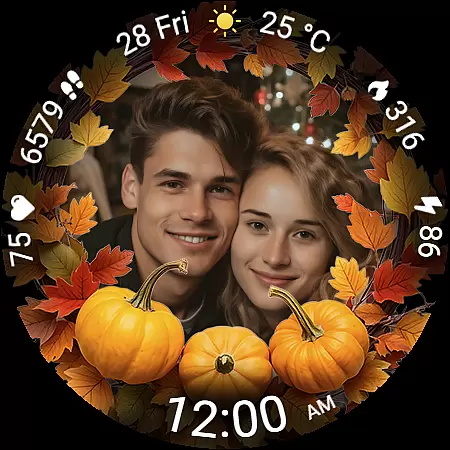
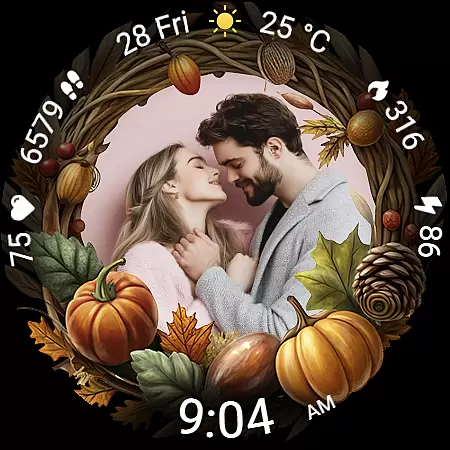
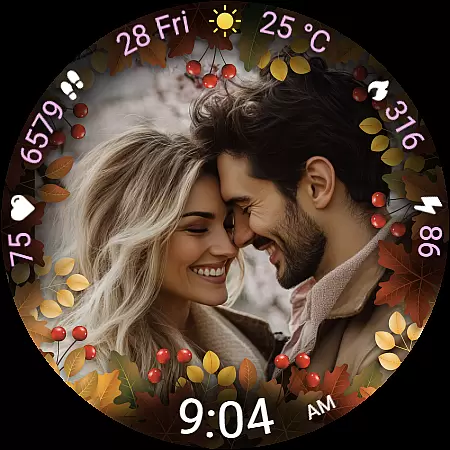
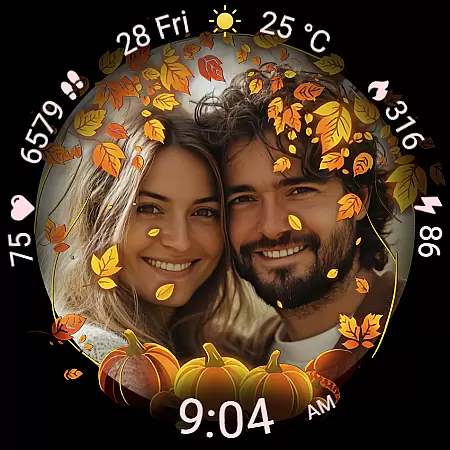
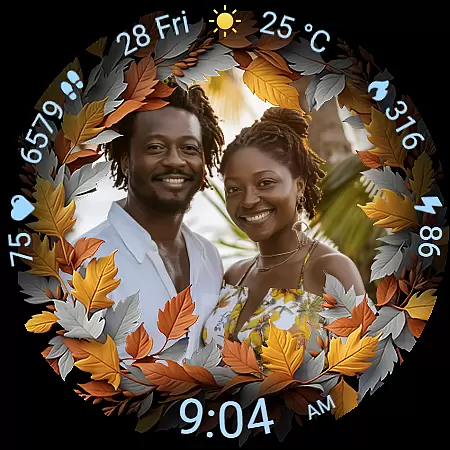
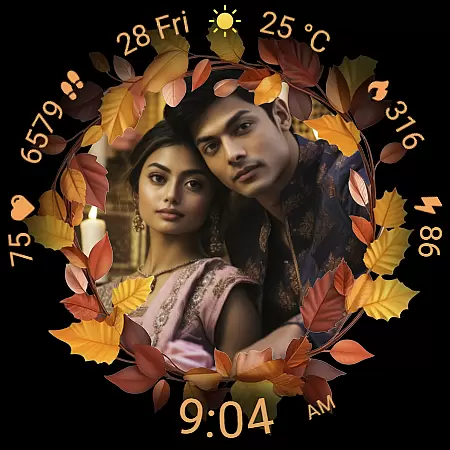
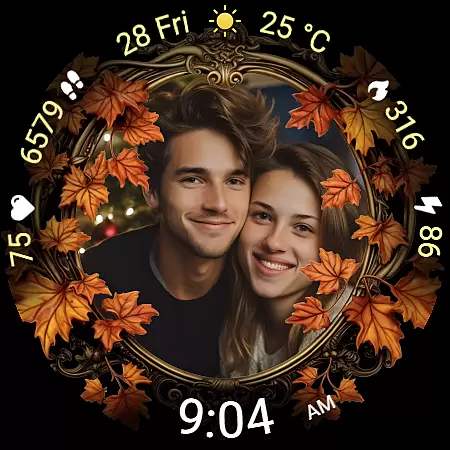
Autumn Photo Frames for WearOS is a lifestyle-enhancing watchface that combines personal memories with seasonal aesthetics. This app allows users to display cherished photos within beautifully designed autumn-themed frames directly on their smartwatch. With support for 10 unique frames and rich customization options, it offers both emotional connection and practical functionality.
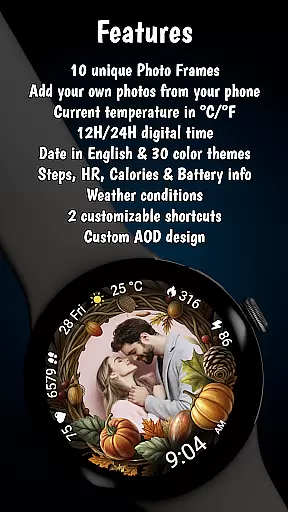
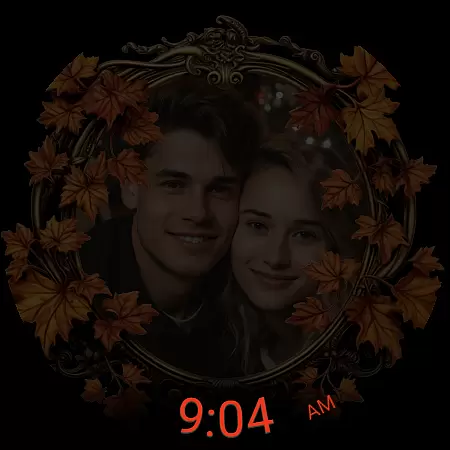
The watchface features essential metrics like heart rate, step counter, calories burned, and weather information, all presented in a clean digital format. Users can choose from 30 color themes, switch between 12h/24h time formats, and enjoy optimized Always-On Display performance. Compatible with Wear OS 6 or newer, this app transforms your smartwatch into a personalized gallery while maintaining premium usability.
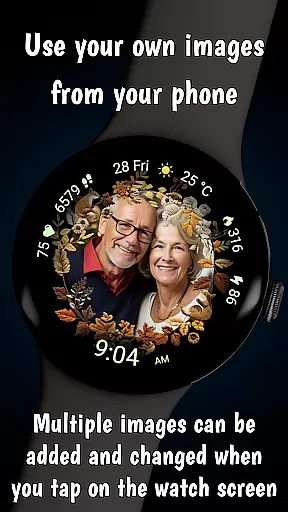
Autumn Photo Frames stands out with its innovative blend of personalization and functionality. The core feature lets users set their own images inside elegant autumn-themed frames using the companion app on their phone. With support for multiple photo uploads and easy switching via tap gestures on the watch, it creates a dynamic personal gallery on your wrist.
Beyond photo display, the app provides comprehensive health and utility metrics. These include real-time heart rate monitoring, step tracking, calorie counting, and detailed weather updates with temperature options in °C or °F. The inclusion of two customizable shortcuts and various color themes ensures users can tailor their experience precisely to their preferences while maintaining optimal performance through low battery optimization features.
The Autumn Photo Frames watchface for Wear OS offers a comprehensive lifestyle experience by integrating personal memories with essential smartwatch functionalities. This application goes beyond simple timekeeping, embedding rich customization options that cater to users' emotional and practical needs.
With 10 unique autumn-themed frames, 30 color themes, and features like heart rate monitoring, step counting, and weather updates, the app ensures that users can tailor their watch to reflect both their personal style and daily requirements. The ability to add and manage photos directly from your phone makes it an ideal choice for those who value a personalized touch in their wearable technology.
Users benefit from the thoughtful design that combines seasonal aesthetics with practical metrics. Whether you want to celebrate family moments or track daily activities, this watchface provides both sentimental value and functional utility, making it a versatile addition to any lifestyle.
Authenticity is at the core of the Autumn Photo Frames watchface, ensuring that every feature delivers genuine value. All promotional materials, including screenshots featuring AI-generated couples, are clearly labeled, maintaining transparency with users about the content's origins.
The app includes verified functionalities such as heart rate monitoring, step counting, and calorie tracking, which are essential for users focused on health and fitness. These features are designed based on credible data sources and technological standards, providing reliable information to users.
Additionally, the availability of customization through trusted companion apps like Wearable for Samsung devices and Pixel Watch app for Pixel watches ensures that users have a seamless and authentic experience. By combining expertly designed themes with practical health metrics, the watchface establishes itself as a credible and valuable lifestyle tool.
Highly customizable
Emotional connection
Premium aesthetics
Comprehensive metrics
Seasonal themes
Wear OS 6+ only
Photo setup required
Limited free options
Battery consumption
Complex settings

Designed to delight, impress and energize your festive spirit every single day
 4.1
4.1
A smart Siddur with halachic times
4.60
Use your device sensors to detect energy and convert it into spoken words.
4.10
Smart & Healthy Living
4.60
Discover your Nationality, Family Origin, and Ancestry from one selfie
4.50
Earn money & gift cards when you take surveys, play games, scan receipts & more.
4.50
Retro animated weather with hourly forecast Watch Face for Wear OS
4.60
Futuristic watchface inspired by Back to the Future: sleek, retro, timeless
4.2
Create slime on your phone and enjoy satisfying and relaxing ASMR games
4.50
Daily lessons from A Course in Miracles with scheduled reminders
4.80
Get the news, events and savings that matter to you with AARP Now.
4.80
Pay your rent, submit work orders and much more with the RentCafe Resident App.
4.70
Make money, get paid cash rewards & gift cards for every survey. Earn today!
4.60
Crochet made easy: step-by-step tutorials, beginner patterns & projects
4.60
Vehicle ownership simplified. Get the myChevrolet® app today.
4.60
PARAVOX 4 is a professional ITC paranormal research application.
4.50
Discounts, savings, and rewards
4.20
Fly your Solo like a boss.
4.10
Bring the warm colors of fall directly to your wrist with Autumn Leaves!
4.2


User Reviews