
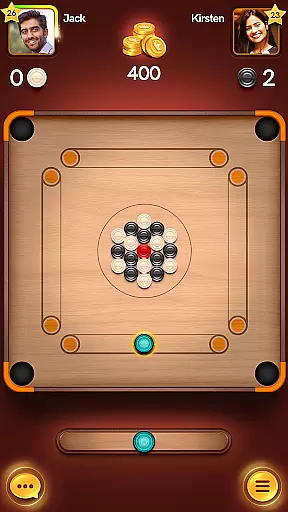
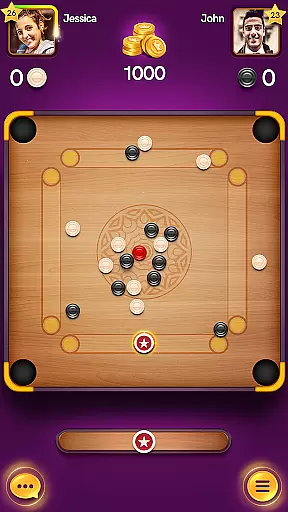
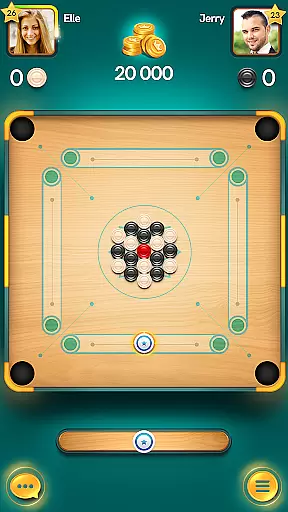
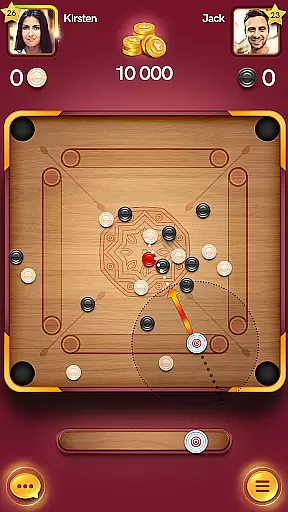
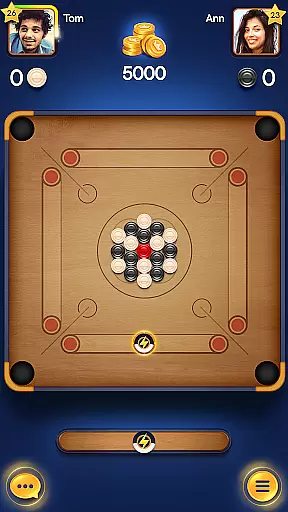
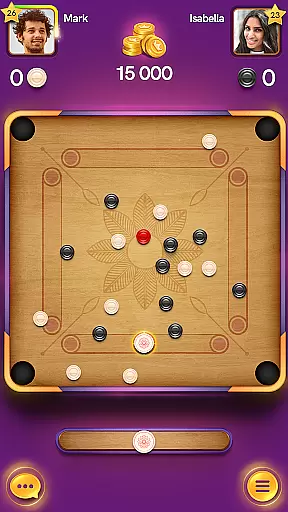
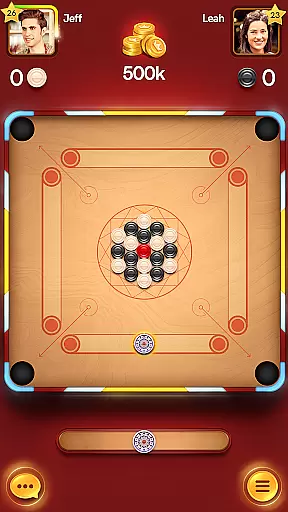
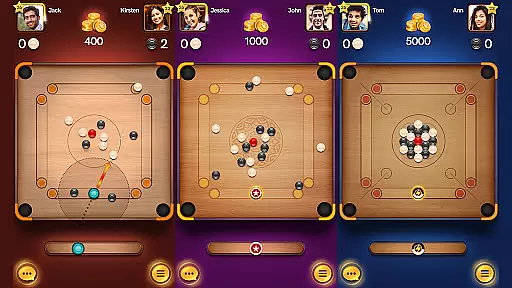
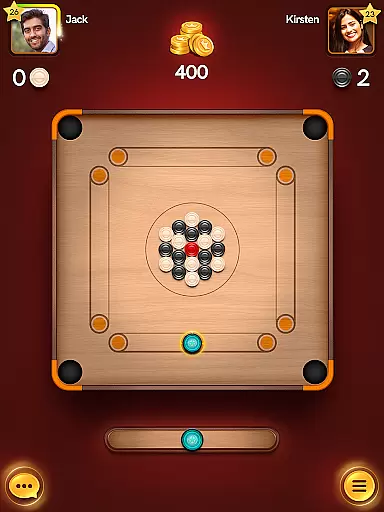
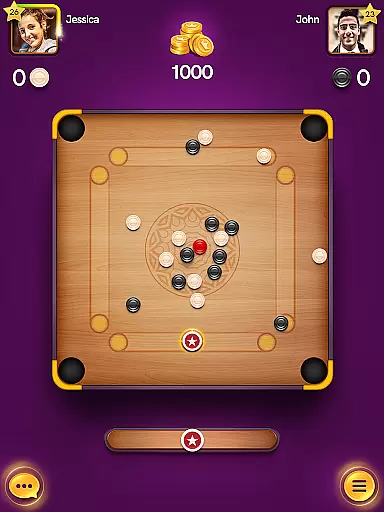
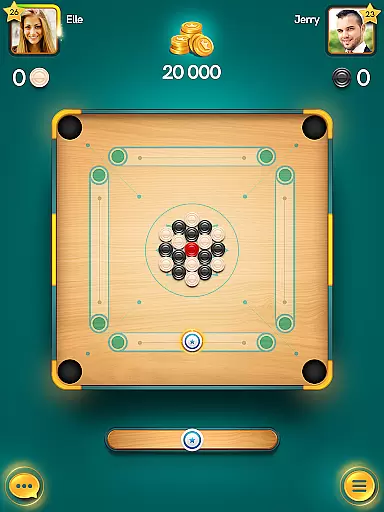
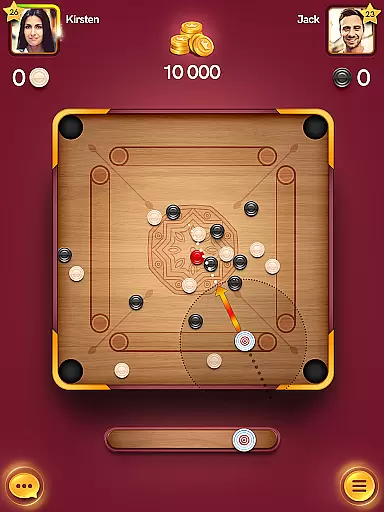
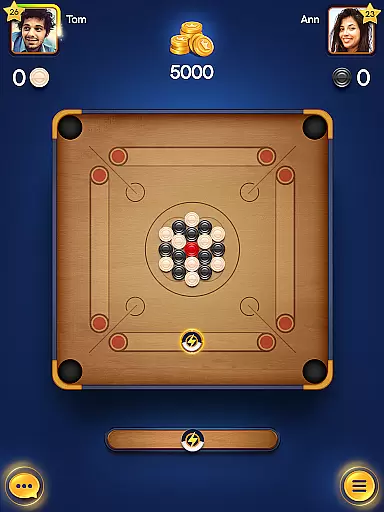
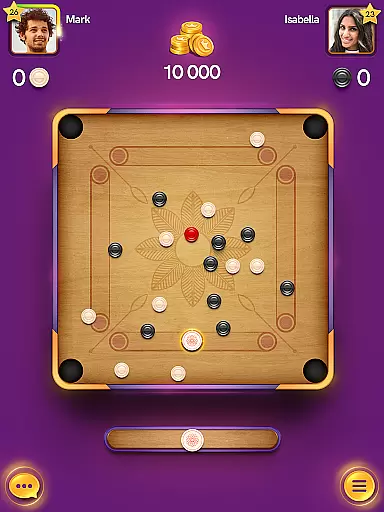
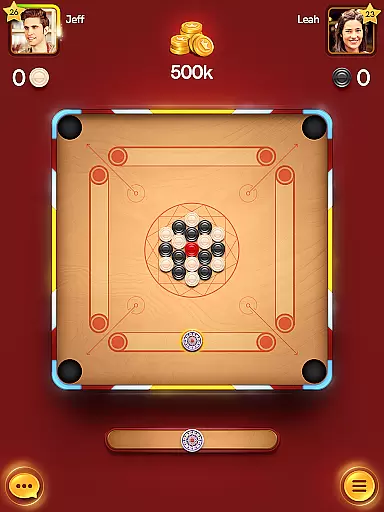
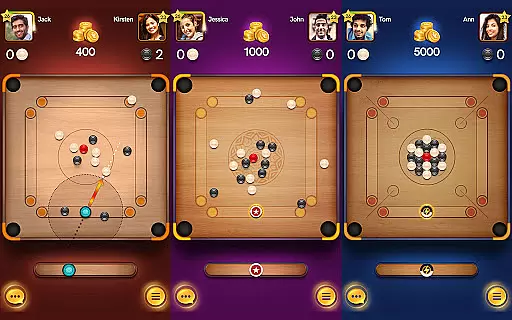
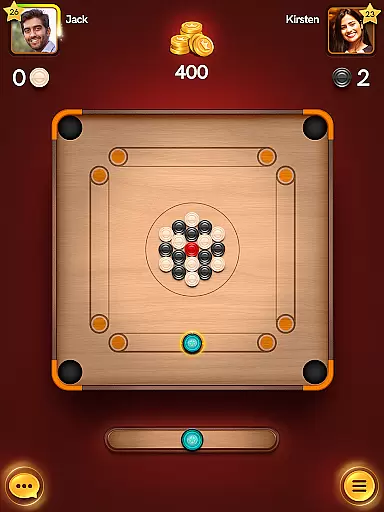
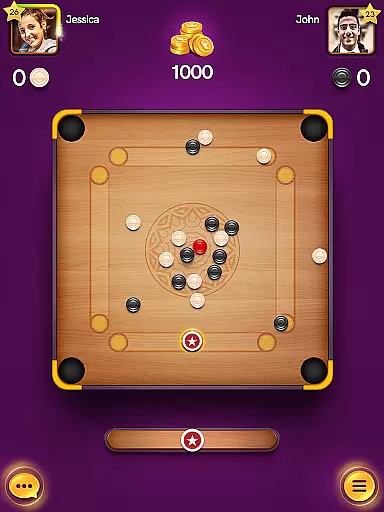
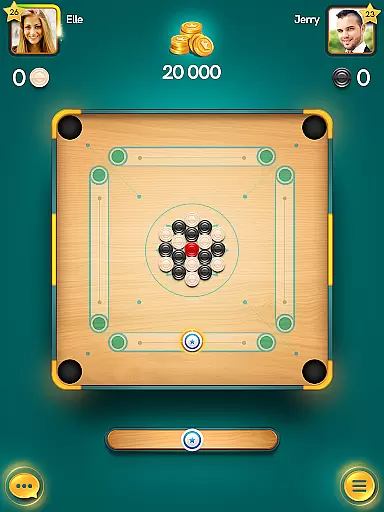
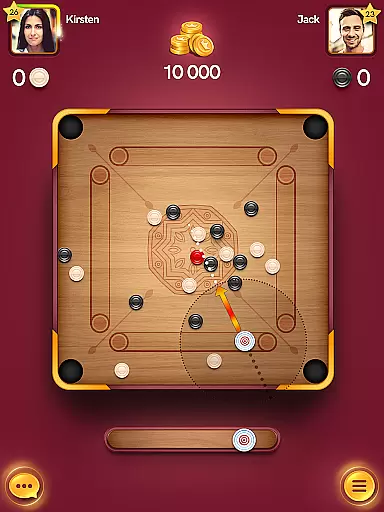
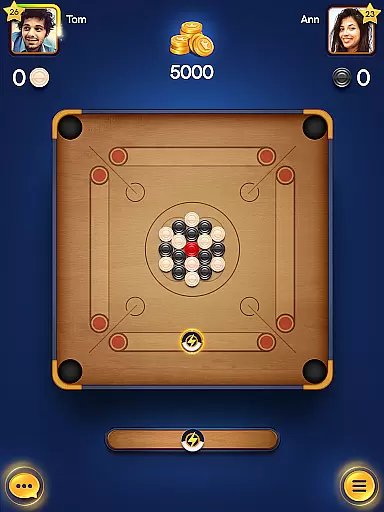
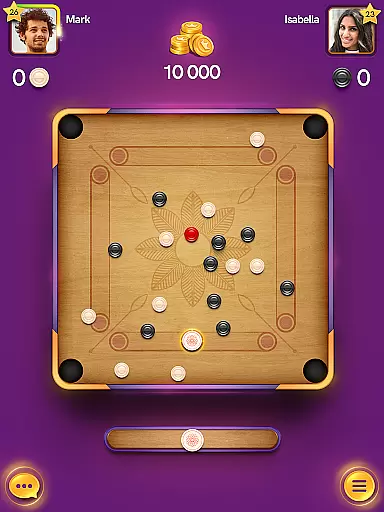
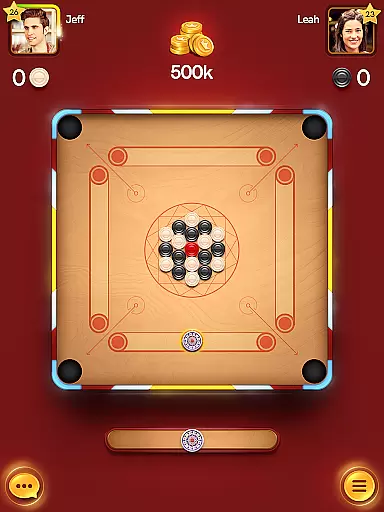
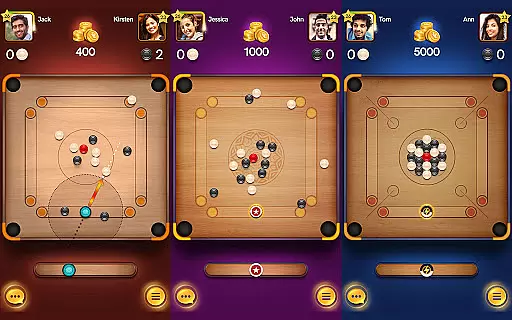
Carrom Pool: Disc Game is a multiplayer board game that combines classic carrom mechanics with modern gameplay elements. The core function of the app is to provide an engaging platform for players to compete against opponents worldwide in real-time matches. With multiple game modes including Carrom, Free Style, and Disc Pool, it caters to both casual and competitive gamers.
The app stands out with its smooth controls, realistic physics, and customizable strikers and pucks, allowing users to personalize their gaming experience. Whether you're playing solo offline or challenging friends in one-on-one matches, Carrom Pool offers diverse arenas and unlockable rewards that keep players engaged. Its appeal lies in bringing traditional board games into the digital age while maintaining the essence of strategy and skill.
Carrom Pool: Disc Game boasts several standout features that enhance the overall gaming experience. One of its key highlights is the ability to play multiplayer matches across three distinct game modes—Carrom, Free Style, and Disc Pool—offering variety for different player preferences. Additionally, users can challenge friends directly or compete with top players globally, adding a social and competitive dimension to the gameplay.
The app also includes daily golden shot challenges where players can win big prizes, along with free victory chests containing exciting rewards. Smooth controls and realistic physics ensure an immersive experience, while customization options like unlockable strikers and pucks let players showcase their unique style. Offline play support further enhances accessibility, making it easy to enjoy the game anytime, anywhere.
Carrom Pool delivers an authentic simulation of the classic board game with meticulous attention to detail in its physics engine. The game captures the precise movement and interactions of the carrom pieces, ensuring that each strike behaves as it would on a real carrom board.
The developers have implemented advanced algorithms to mimic friction, momentum, and collisions, creating a realistic gaming experience. This level of accuracy allows players to execute complex shots with confidence, knowing that the game will respond predictably and fairly.
Players can appreciate the subtle nuances of the game, such as the spin and speed of the striker, which directly affect the outcome of each turn. These elements are crucial for mastering advanced techniques and strategies within the game.
The control scheme in Carrom Pool is designed to be user-friendly while offering depth for more experienced players. With simple tap and swipe gestures, users can easily aim and shoot, making the game accessible to newcomers.
Despite its simplicity, the controls provide enough precision for players to perform sophisticated shots. The intuitive interface ensures that gamers can focus on strategy rather than struggling with complicated mechanics.
Additionally, the responsive nature of the controls enhances the overall gaming experience. Players can seamlessly transition from one move to the next, maintaining the flow of the game and allowing for quick, strategic decisions during intense multiplayer matches.
Realistic physics
Multiplayer modes
Daily rewards
Offline support
Customizable items
Limited tutorials
Occasional lag
In-app purchases
Ads between games
Complex for beginners

Modern arcade style pool game with single player, Relaxed game of 8 ball.
 4.60
4.60
BE A SOCCER HERO! Pass, Shoot & Score your way to legendary status!
4.50
NEOGEO's masterpiece game is now available in the app!
4.20
Ice Fishing Derby - It's the fun of ice fishing without the frostbite
4.40
Quick-fire archery duels! Play the most realistic 3D archery game now!
4.70
Space City Home Network subscribers can now stream their favorite local teams.
3.60
For Fans to Buy Tickets
4.80
An Archery Scoring App. Use Target Faces for Arrow Plotting, Arrow Tag, Analysis
4.60
How Fast Is Your Break? Find out with Break Speed Powered by Predator!
3.90
Build a football club from scratch and see if you can conquer the leagues!
4.70
Grab the ball and play your Basketball career in this 3D Real-time Sport Game!
4.60
Backflip Madness! Fast-paced, parkour-flavored extreme sports backflip game.
4.50
FIFPRO licensed soccer game
4.50
Old-School Football
4.40
Fun multiplayer golf game! Prove you’re a golf legend and play with friends!
4.40
Play eFootball™ with users around the world!
4.10
A classic reborn, now into Season 3!
4.00
The Hudl app helps coaches and athletes win using video.
3.70
Webcam based exercise and learning game with rock climbing!
4.1


User Reviews