
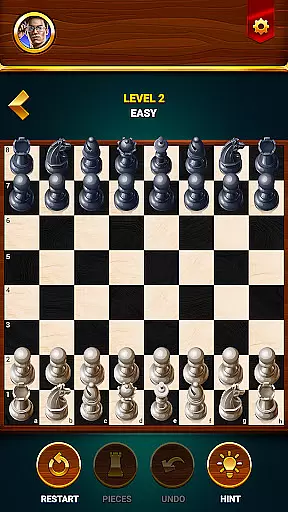
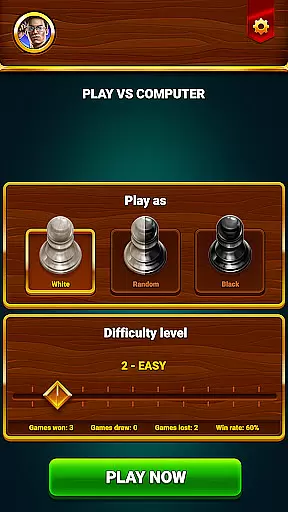
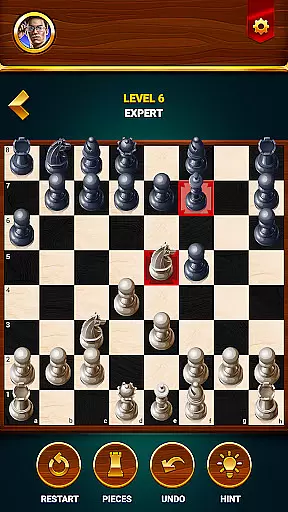
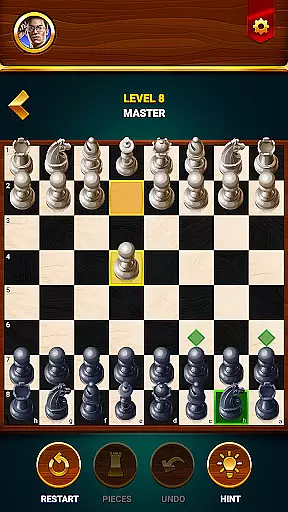
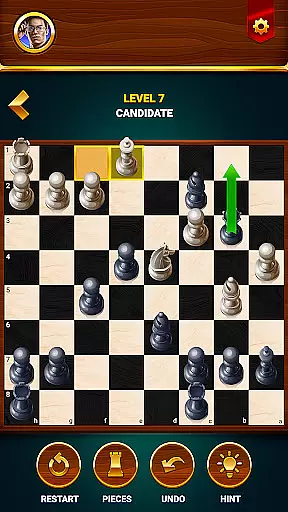
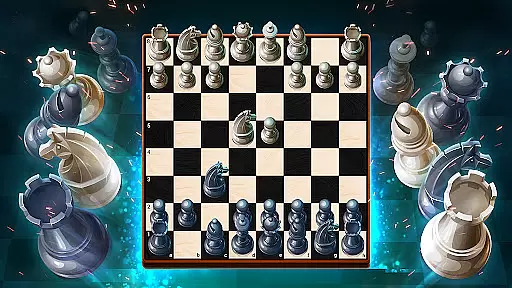
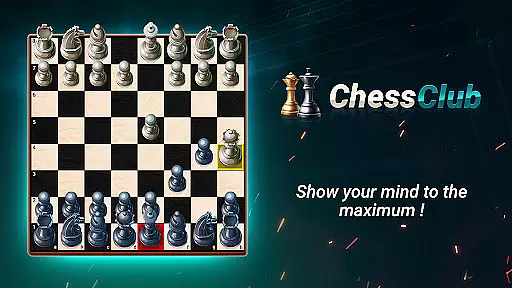
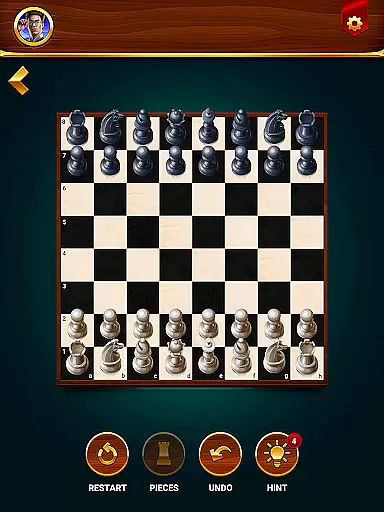
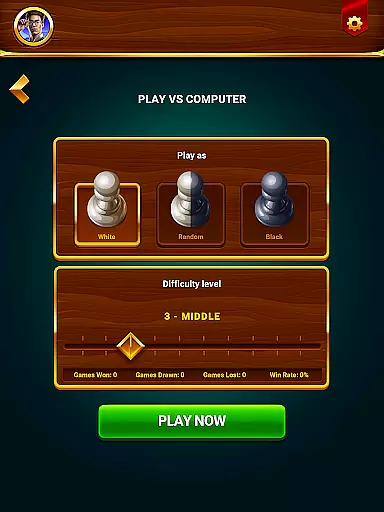
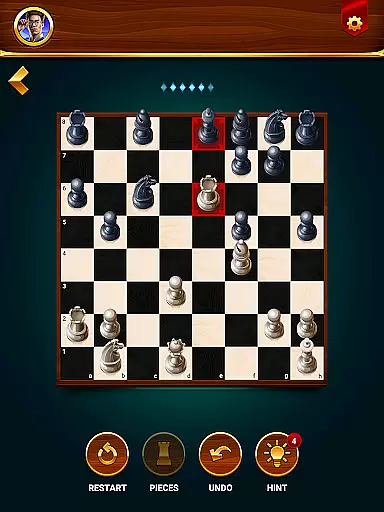
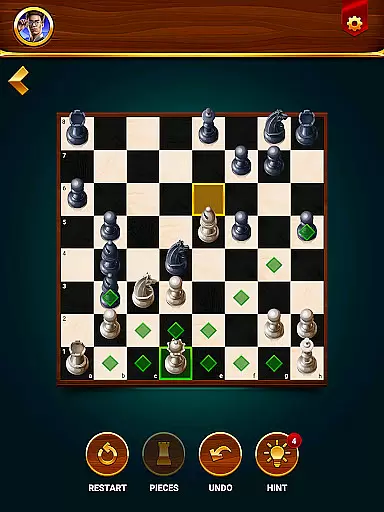
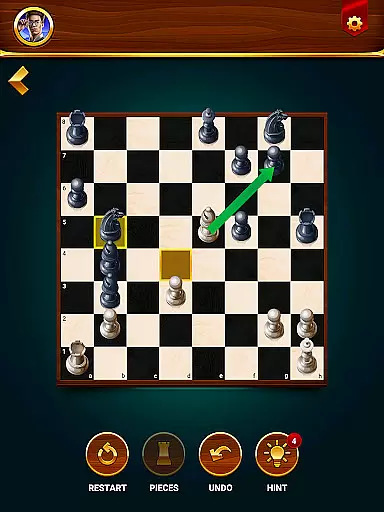
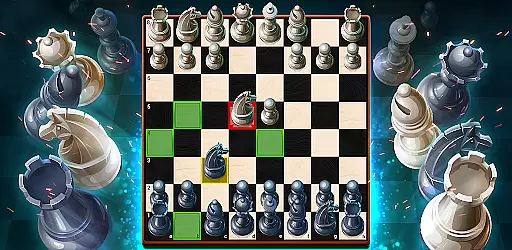
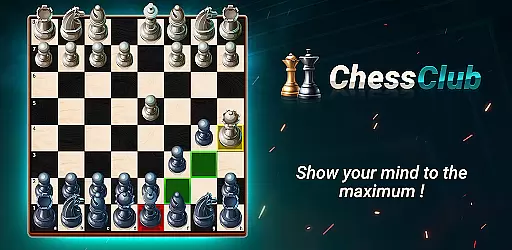
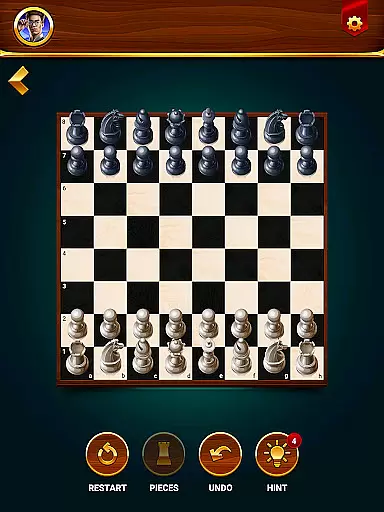
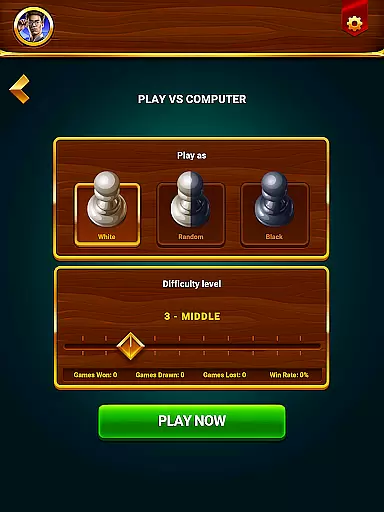
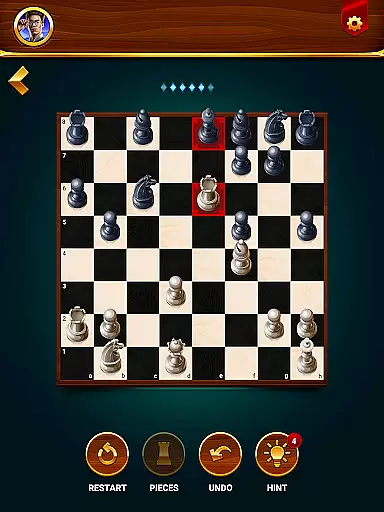
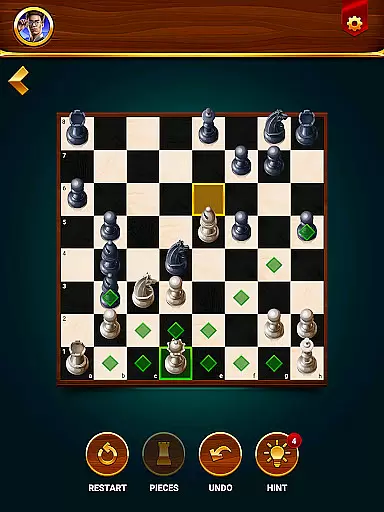
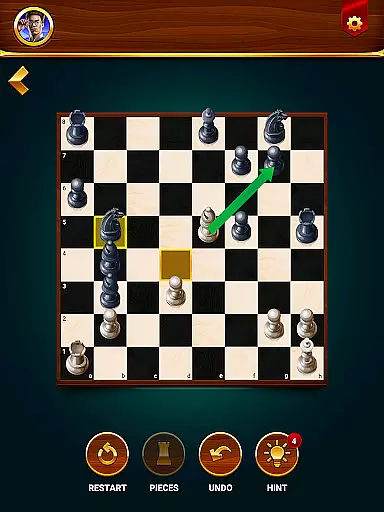
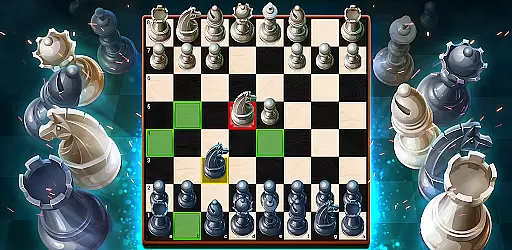
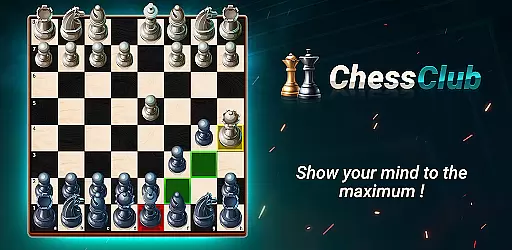
Chess - Offline Board Game is a premier chess application designed for players of all skill levels. Whether you are new to the game or an experienced grandmaster, this app offers unlimited free games in both 2D and 3D formats. You can play offline against computer opponents with varying difficulty levels, challenge friends in two-player mode, solve daily puzzles, and even learn through interactive lessons. The app provides essential tools like hints, undo, and restart options, along with detailed statistics to track your progress.
This versatile chess app stands out by offering a comprehensive learning program that covers everything from basic moves to advanced strategies. It also features special events where you can compete for rewards. With support for multiple languages and customizable display options, Chess Club ensures a personalized experience for every user. This makes it not only a game but also a complete training platform to enhance your strategic thinking and problem-solving skills.
Chess - Offline Board Game boasts an impressive array of features tailored to enrich your chess-playing experience. One standout feature is its adaptive AI opponent system, which allows you to select difficulty levels ranging from beginner to grandmaster. This ensures that players of all skill levels find appropriate challenges. Additionally, the two-player mode lets you engage with friends locally, adding a social element to the game.
The app also includes daily chess puzzles and tactics training, helping users refine their strategies and improve their gameplay. Interactive lessons provide step-by-step guidance on mastering different aspects of chess, from basic rules to complex maneuvers. Other notable features include hint assistance, undo functionality, and the ability to restart games. These tools make it easier for players to learn from their mistakes and develop better strategies over time.
Furthermore, the app offers robust customization options, allowing players to choose between 2D or 3D graphics, adjust language settings, and analyze performance statistics. Such flexibility ensures that each player can tailor the app to suit their preferences while continuously improving their skills.
Authenticity and flexibility in chess rules are crucial for both casual players and serious competitors. The Chess - Offline Board Game app ensures that all traditional chess rules are accurately implemented, preserving the integrity of the game while offering some customizable options to suit different play styles.
This app allows users to choose between 2D and 3D modes, catering to aesthetic preferences without compromising rule accuracy. Players can also access features like hints and undo options, which add a layer of flexibility for those who wish to learn and improve without strict adherence to tournament rules.
For players focused on competitive play, the app offers varying difficulty levels and realistic AI opponents, simulating real-world chess scenarios. This helps users practice under conditions that closely mimic official games, ensuring they are well-prepared for actual tournaments.
By balancing strict rule-following with optional aids, this app provides an optimal environment for users to enjoy chess at their own pace while still adhering to established guidelines, making it suitable for both leisure and rigorous training.
The quality of AI opponents in chess applications significantly impacts the user experience, especially for those looking to improve their skills against challenging adversaries. The Chess - Offline Board Game app excels in delivering high-quality AI opponents that cater to all skill levels, from beginners to grandmasters.
Users can select different difficulty settings, allowing them to progressively challenge themselves as they improve. The AI's adaptability ensures that each game remains engaging and educational, providing realistic strategies that push players to enhance their tactical thinking and problem-solving abilities.
In addition to adjustable difficulty levels, the AI opponents in this app are designed to simulate human-like behavior, offering unpredictable and varied gameplay. This feature is particularly beneficial for players preparing for real-life matches, as it mimics the uncertainty and complexity of facing human opponents.
Overall, the sophisticated AI system in Chess - Offline Board Game not only entertains but also educates, making it an invaluable tool for anyone looking to elevate their chess skills in a dynamic and responsive environment.
User-friendly interface
Comprehensive learning modules
Versatile AI opponents
Engaging two-player mode
Detailed performance tracking
Limited online multiplayer
In-app purchases available
Occasional ads displayed
Advanced lessons locked
Heavy app size

Enhance your brain with vibrant visuals, enjoy 20,000+ stunning pics & puzzles!
 4.50
4.50
Challenge friends in offline 2 player games. Play boxing, fighting, chess, snake
4.00
Loop and Merge!
4.1
Addictive, challenging and beautiful - test yourself in this ancient game!
4.30
The award-winning board game of strategy and intrigue. The Spice must flow.
4.90
Experience a fresh take on the classic crime-solving board game.
4.60
Play logic numbers match - Test your IQ with cross math, woody Block Puzzle game
4.90
Play bingo, roll dice, and relax with a brain-boosting MONOPOLY board game!
4.70
Dice, strategy, and luck!
4.80
Harvest resources to build a woodland village in a beloved digital board game!
4.90
Mahjong match game with large tiles, senior-friendly design, and offline play.
4.90
Play free Bingo with millions worldwide, enjoy nonstop fun and win great prizes!
4.80
Defuse a bomb with your friends!
4.80
Start Playing this cool Domino Game right now!
4.70
Joyful color by number & paint by number in this relaxing coloring game!
4.60
Relive your favourite childhood game, now on mobile and tablet.
4.60
Choose your own life story again and again in this family-friendly board game!
4.60
Challenge your mind in the ultimate mathematical strategy game!
4.20
A brilliant tile placement game: build territories & French medieval landscapes
2.20


User Reviews