![Delta Touch [10 x Doom engine]](https://cdn.linksharehub.com/ocp/?u=https%3A%2F%2Fl1.fancapitalize.com%2Fimages%2F2025%2F12%2F0362662440744f9c4332472af4b0e734.jpg&t=webp)
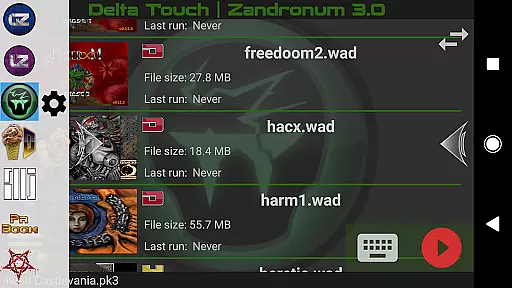
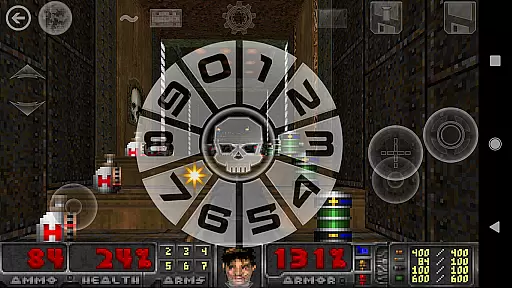
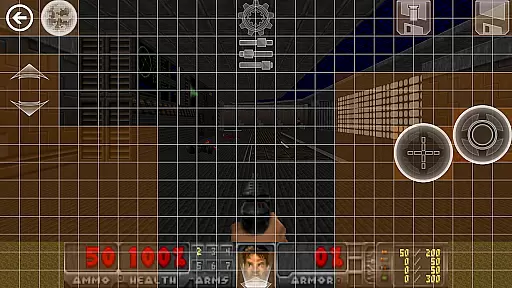
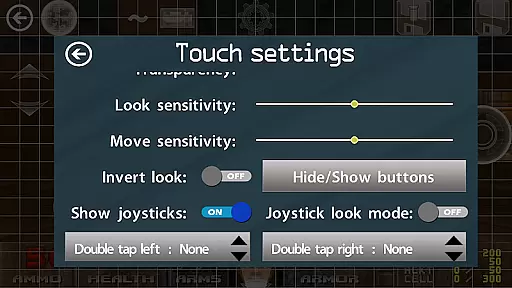
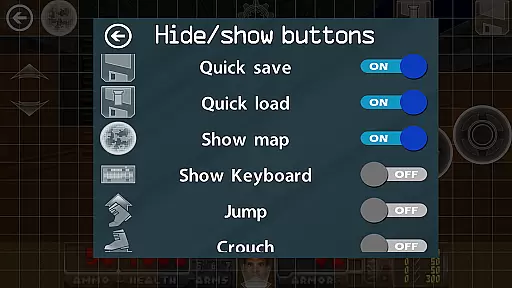
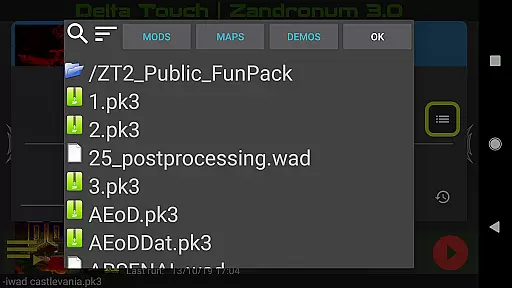
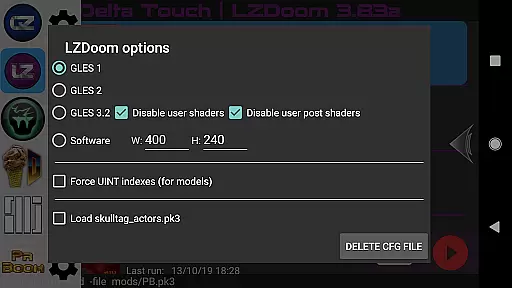
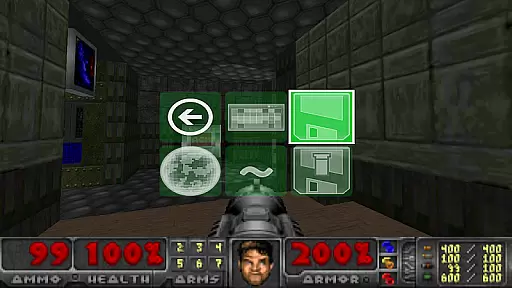
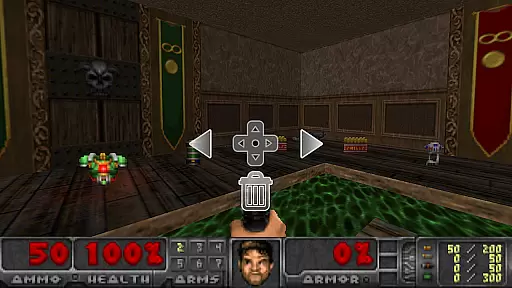
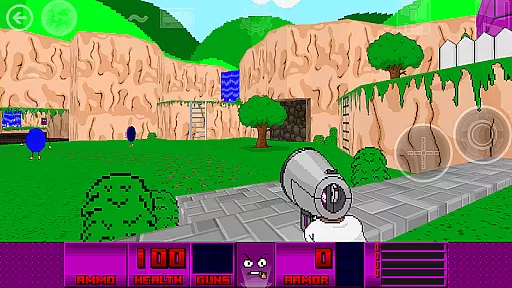
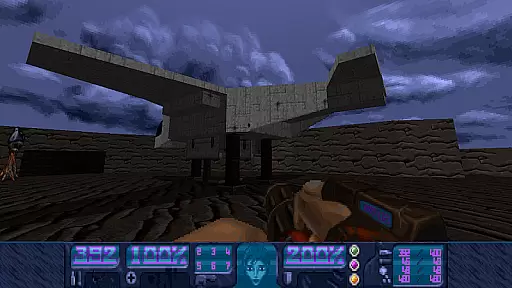
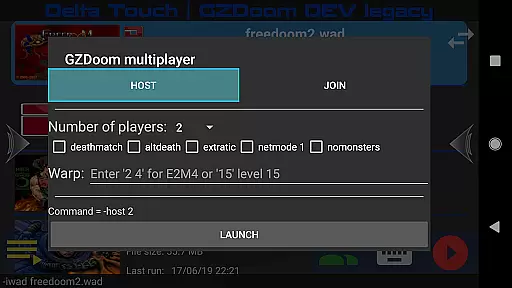
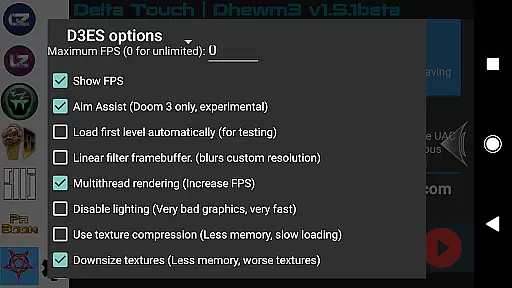
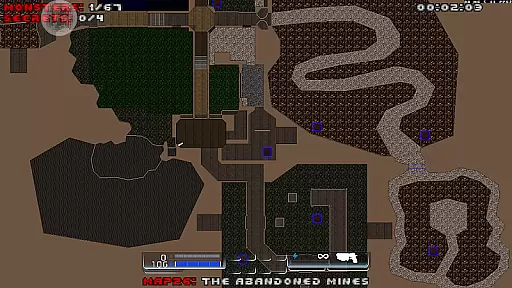
Delta Touch brings ten of the best Doom engine source ports to Android, offering an unparalleled retro gaming experience. The app includes popular ports like GZDoom, Zandronum, Chocolate Doom, and more, supporting a wide range of Doom, Hexen, Heretic, and Strife wads. With full touch screen controls, gamepad support, and customizable UI, it caters to both casual and hardcore gamers.
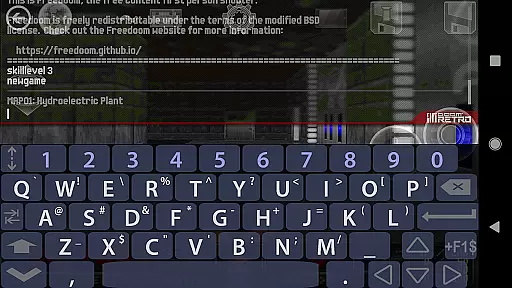
The application stands out with its highly customizable touch controls, built-in keyboard for cheats, and console commands. It also features 18 custom buttons for GZDoom mods, multiplayer launcher support, and gyro aim assist. FreeDoom data is included, allowing users to start playing immediately while providing the option to import personal wad files for extended gameplay.
Ideal for retro gaming enthusiasts, Delta Touch offers a versatile platform to enjoy thousands of community-made mods and levels. Whether you're reliving classic Doom experiences or exploring new mods, this app provides a comprehensive solution for enjoying Doom engine games on modern Android devices.
Delta Touch boasts an impressive array of features designed to enhance the Doom gaming experience on mobile. The app supports multiple rendering modes, save/load touch screen layouts, and downloads MIDI and Fluidsynth samples for high-quality music playback. These features ensure that players can tailor their experience to match their preferences and device capabilities.
One of the standout functionalities is the extensive customization options. Users can configure touch screen controls, access a built-in keyboard for cheats, and navigate the UI via gamepad. Additionally, the app facilitates multiplayer gaming through dedicated launchers for GZDoom and Chocolate Doom, making it easy to connect with friends or join online matches.
Advanced features include mouse and keyboard support for Android 8 and above, gyroscopic aim assist, and the ability to import/export user settings. These aspects cater to power users seeking a PC-like experience on their mobile devices. With support for Doom 3's PK4 files and multitasked rendering, Delta Touch pushes the boundaries of what's possible in mobile retro gaming.
Control responsiveness and latency are crucial factors in action games, determining how quickly and accurately a player's input translates into in-game actions. Delta Touch [10 x Doom engine] excels in this area by offering highly customizable touch screen controls alongside full game-pad support.
The application provides an extensive set of options for players to fine-tune their control schemes. With 18 custom buttons specifically for GZDoom mods, users can tailor the interface to suit their playstyle. This level of customization ensures that every command is readily accessible, reducing the time between a player's decision and the execution of an action.
Moreover, Delta Touch supports various input methods including mouse and keyboard (for Android 8 and above), as well as gyro aim assist for devices equipped with a gyroscope. These features contribute to a responsive gaming experience where inputs are registered almost instantaneously, allowing gamers to maintain precision during fast-paced sequences without noticeable lag or delay.
By prioritizing low-latency interactions and providing multiple ways to interact with the game, Delta Touch enhances the overall gameplay experience, making it more immersive and enjoyable for fans of the Doom engine games.
In action-packed games like those powered by the Doom engine, combat feedback tightness is essential for delivering satisfying and engaging gameplay. Delta Touch [10 x Doom engine] achieves this through its meticulously designed touch controls and comprehensive support for external controllers.
Players will find that each button press corresponds directly to an immediate in-game response, whether they're using on-screen buttons or a connected gamepad. The appu2019s built-in keyboard allows access to cheats and console commands, giving experienced players additional tools to tweak their combat experience further.
Additionally, Delta Touch offers various rendering modes which not only enhance visual fidelity but also ensure that animations and effects during combat are smooth and crisp. This attention to detail extends to multiplayer scenarios too, where synchronization across networks must be precise to preserve the integrity of competitive play.
With these elements combined, Delta Touch delivers tight combat feedback that reinforces the visceral thrill of battle within the classic Doom environment, ensuring that every shot fired and every enemy defeated feels impactful and rewarding.
User-friendly interface
Extensive customization
Wide game compatibility
Active developer support
Regular updates
High-end device required
No BFG edition support
Complex setup for beginners
Large storage needs
Limited Doom 3 mod support
The Ultimate AAA Shooter: Mobile Warfare Redefined.
 4.60
4.60
An unprecedented hardcore Soulsborn-like title on mobile
2.90
Defeat the nasty aliens!
5.00
A Troll Platformer Game
3.30
NEOGEO's masterpiece game is now available in the app!
4.70
Five years ago, Carl ‘CJ’ Johnson escaped the haze of Los Santos, San Andreas…
3.30
BLEACH anime action RPG. Relive the story, unleash Bankai, battle Hollows!
4.80
Swing into action as a spider legend in an epic fighting adventure
4.60
Let's make the numbers bigger!
4.30
Evolve monsters, climb tiers, and cash out real money in Monster Cash!
4.80
Battle in! Gunship Helicopters vs Tanks! Fast PVP Combat in Modern War Vehicles!
4.70
Childhood nightmares should remain in the past.
4.60
Welcome to the ultimate FNaF mashup!
4.60
Try yourself at intense combat & tactical stealth missions in our shooting game!
4.40
Rockstar Games brings its biggest release to mobile yet.
4.40
Run, jump, and escape in the ultimate endless jungle adventure game!
4.10
A fun platform run game with thousands of traps and wow that push your limits
4.00
Play online with people all over the world! Can YOU become the longest player?
3.90
Play through 45 action-packed missions with over 90 iconic Marvel characters!
3.00


User Reviews