
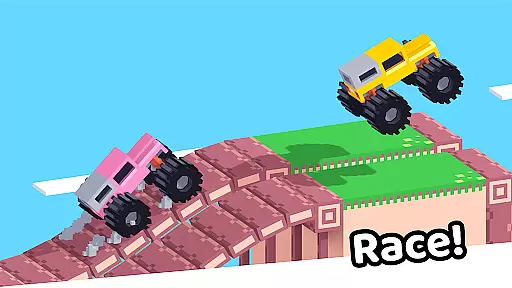
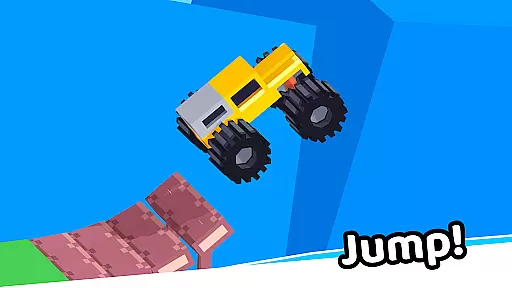
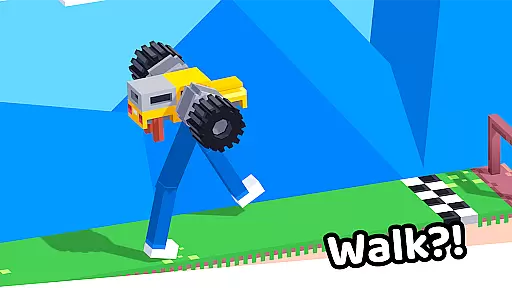


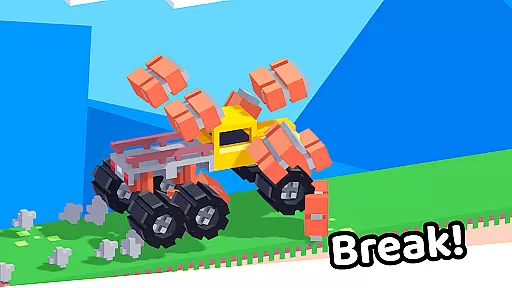


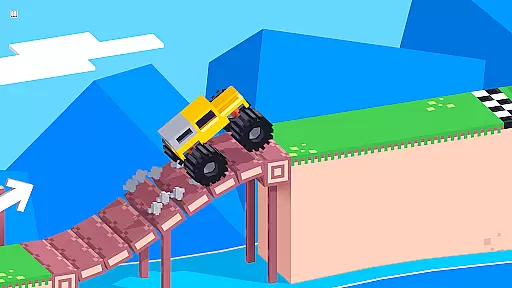
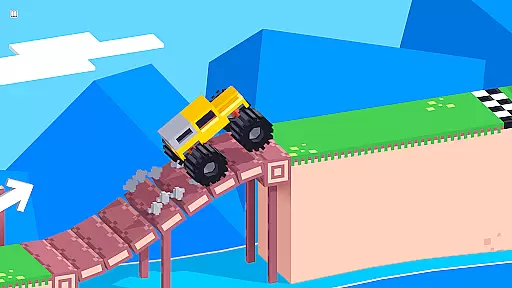
Drive Mad is a physics-based racing game that challenges players to master realistic driving mechanics. With simple controls - right to accelerate and left to brake, the game offers an authentic driving experience that requires actual skill to navigate through challenging levels.
The game features over 100 progressively difficult levels where players can perform impossible stunts and tricks. Its compact install size, smooth performance, and offline play capability make it an ideal mobile game for long-term entertainment.
Drive Mad stands out with its realistic physics engine that simulates authentic vehicle handling. The game's minimalist control scheme makes it easy to learn but difficult to master, providing an engaging challenge for players.
With more than 100 unique levels, each presenting different obstacles and terrain types, the game maintains high replay value. Players can enjoy seamless offline gameplay, quick loading times, and responsive touch controls optimized for mobile devices.
Realistic handling physics are essential for any racing game that aims to provide an authentic driving experience. Drive Mad excels in this area by implementing advanced physics calculations that mimic real-world vehicle dynamics.
The game requires players to master the art of acceleration and braking, with each action directly impacting the vehicle's behavior. This level of realism ensures that every turn, drift, and jump feels genuine and challenging.
As players progress through the 100+ levels, they develop a deeper understanding of the physics system. The game rewards skillful maneuvering with impressive stunts that would seem impossible in less sophisticated racing titles.
This focus on realistic physics not only enhances gameplay but also helps players improve their virtual driving skills over time.
Precision control and minimal input latency are crucial for competitive racing games. Drive Mad achieves this by implementing responsive controls that react instantly to player inputs.
The simple control scheme - right to accelerate and left to brake - belies the complex underlying mechanics that ensure every touch is registered accurately and promptly.
With fast performance being a key feature, the game maintains consistent frame rates even during complex stunt sequences. This stability guarantees that there's no delay between the player's actions and the on-screen response.
The combination of precise controls and low latency creates an immersive experience where players feel directly connected to their vehicles, enabling them to execute challenging maneuvers with confidence.
Realistic physics simulation
Over 100 challenging levels
Compact app size
Smooth performance on all devices
Fully functional offline mode
Steep learning curve
Limited control options
No multiplayer mode
Basic graphics quality
Occasional performance issues
Ultimate 4x4 OffRoad Truck Driving Simulator Game with Real Physics & Suspension
 3.60
3.60
Race in the golden era of rally.
3.30
Console-quality racing on Android.
4.40
Race cars on asphalt, drift in the most wanted street racing car game with nitro
4.40
Experience exciting multiplayer racing action with epic stunts and challenges!
4.50
Get your ride and explore a trial racing paradise in Stunt Bike Extreme!
4.70
Drive off hill in the offroad car racing game with advanced crash physics!
4.30
Real drag racing game - car tuning, upgrades, and 3D multiplayer street racing
4.10
Realistic extreme bike racing game — experience pure speed and ride fast!
4.60
Street car racing has started, experience the drving skills!
4.50
Collect & stack coffee cups and upgrade them to earn extra few bucks!
4.50
PvP Car Racing Game. Premium Online Real-Time Multiplayer Racing, Live Race
4.50
Pilot your ship at high speeds through a distant industrial space colony.
4.50
Fun car racing games, track building & monster trucks for boys & kids 5-13
4.40
The Next-Gen of Endless Motorbike Racing
4.40
Experience the ultimate thrill of realistic motorcycle racing.
4.30
Drive Car in drive simulator! Driving, bus simulator & parking games for fun!
4.30
Race through bustling highways, master the wheel and become the king of speed!
4.2
Ride your neon bike, dodge traffic, and beat high scores.
4.1


User Reviews