
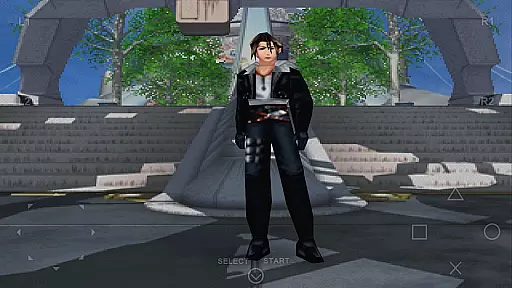
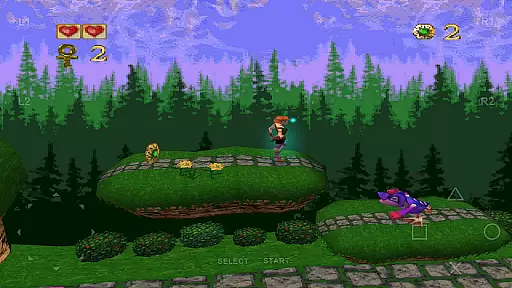
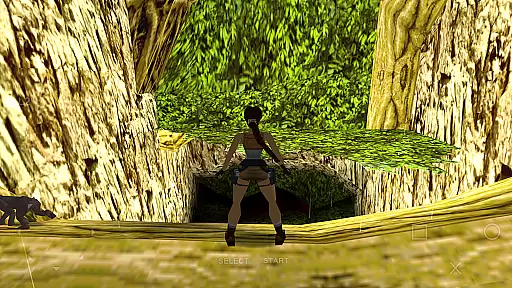
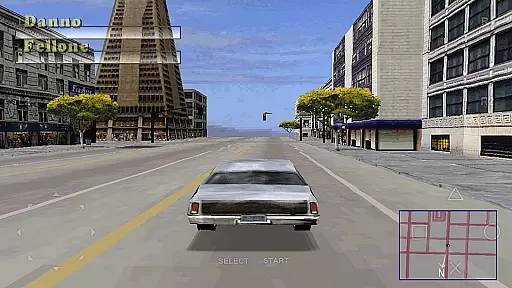
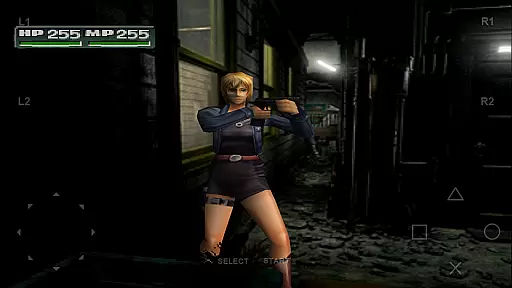
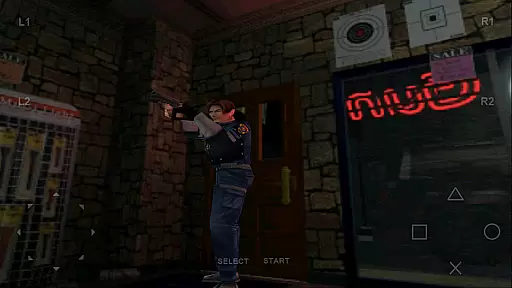
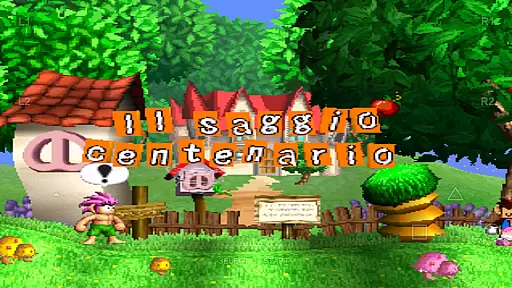
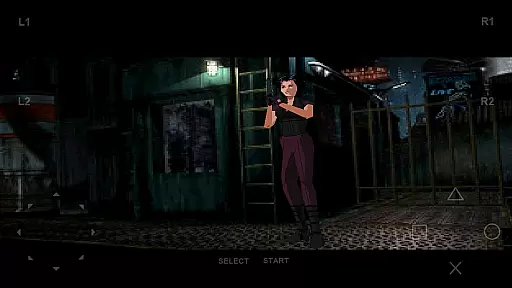
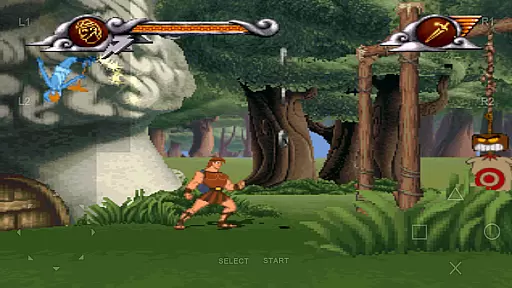
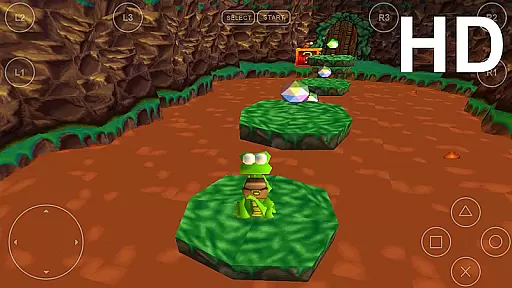
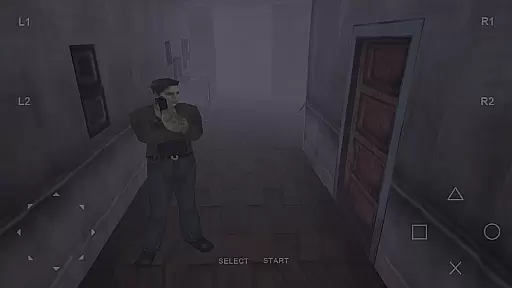
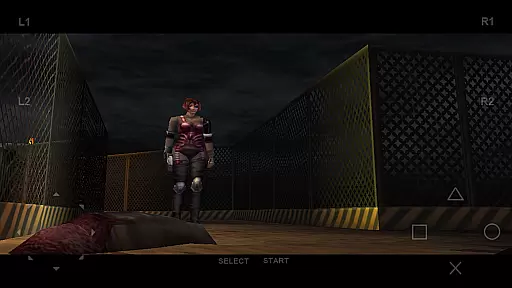
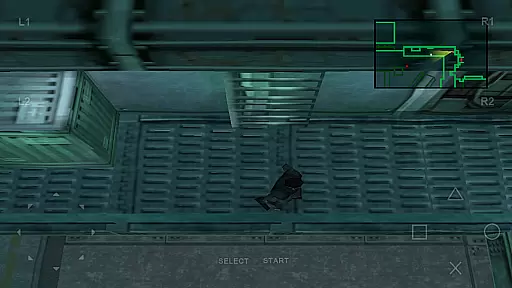
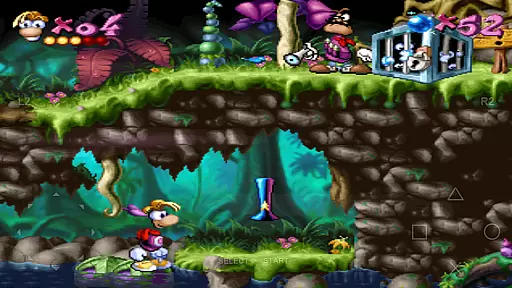
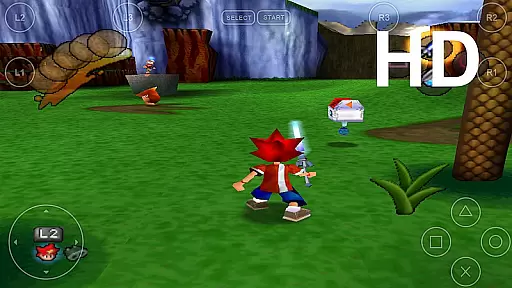
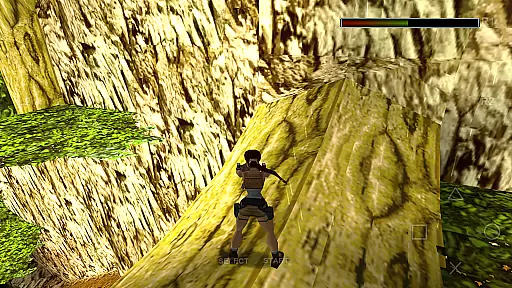
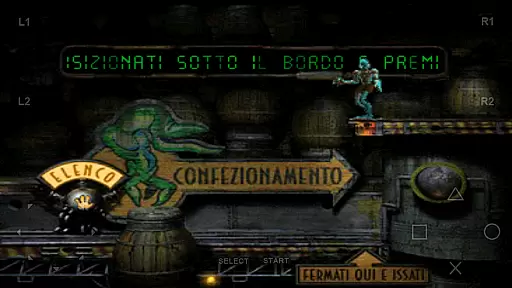
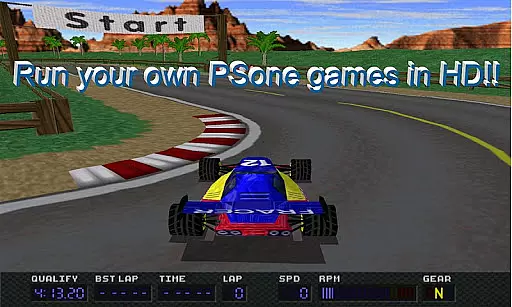
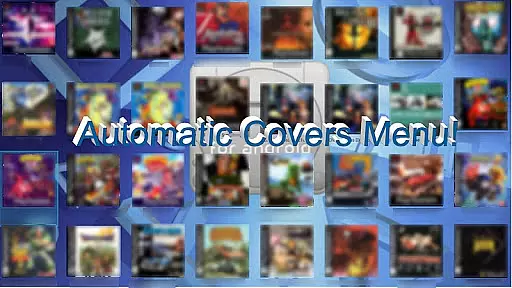
FPse for Android devices is a premier PlayStation 1 emulator that brings classic gaming to your smartphone. It offers high-resolution graphics through OpenGL, supports a wide range of Android versions, and provides an intuitive interface that automatically scans for games. The app stands out with its compatibility, performance, and enhanced features like savestates, force-feedback, and emulation of audio tracks.
This emulator supports various file formats including .img, .iso, and .bin, and works seamlessly with both touch controls and external gamepads. Advanced functionalities such as LAN multiplayer mode, widescreen display options, and VR glasses support make FPse a versatile choice for retro gaming enthusiasts. Enjoy the classics with modern enhancements on the go.
FPse boasts an array of sophisticated features designed to enhance gameplay. With support for multiple input methods including touchscreen, G-Sensor, and external controllers like IcontrolPAD and Zeemote, users can customize their gaming experience. The software renderer in High Definition allows up to 4x native resolution, providing crisp visuals that surpass original console quality.
Innovative features include experimental LAN multiplayer using two Android devices, exclusive multi-player modes connecting up to four devices, and automatic cheat code search functionality. Additionally, FPse offers texture dithering, polygon shaking fixes, and shader improvements for optimized rendering. These capabilities ensure a smooth, immersive experience while playing beloved PSone titles on modern hardware.
FPse for Android offers a streamlined and intuitive experience for playing PlayStation 1 games on your smartphone. The app is designed to be user-friendly, ensuring that even those new to emulation can easily navigate its features.
The emulator supports a wide range of devices, from Android 2.3 to Android 8, making it accessible to a broad audience. Its interface automatically scans local storage for PSone games and displays their covers, simplifying game selection.
With high compatibility and performance optimizations, FPse ensures smooth gameplay across various devices, including older models. This means users can enjoy their favorite titles without worrying about technical glitches or performance issues.
By focusing on ease of use and broad device support, FPse makes classic gaming accessible to everyone, allowing players to relive their favorite PlayStation memories anytime, anywhere.
One of the standout features of FPse for Android is its flexibility in session length, accommodating both short bursts of play and extended gaming marathons. This adaptability caters to different lifestyles and preferences, enhancing user engagement.
The app includes savestate functionality, enabling players to save their progress at any point. This feature is particularly useful for those with busy schedules, as it allows them to pause and resume games without losing progress, fitting gaming into their daily routines seamlessly.
Additionally, FPse's support for various control schemesu2014including touchscreen, external controllers, and even VR glassesu2014ensures that users can choose the most comfortable setup for their gaming sessions, whether brief or lengthy.
This flexibility not only enhances convenience but also encourages regular play by adapting to individual time constraints and preferences, making FPse an ideal choice for casual gamers seeking a personalized experience.
User-friendly interface
High compatibility rate
Advanced graphic options
Supports multiple controllers
Regular updates and improvements
Requires game files separately
Some features still in progress
Performance varies by device
No built-in game purchases
Complex setup for beginners

How does a p fall?
 3.70
3.70
Defeat your enemies by creating a larger army of bullets!
4.40
Blast through Match-3 puzzles, collect cute creatures, build your own paradise!
4.90
Control Global Flights, Test Your ATC Skills!
4.30
A game where you swipe various objects to send them to the desired location
4.3
Black hole games - eat tiles, grow bigger, and master the fun
4.80
More fast-paced, food-making, cooking fun for everyone!
4.90
Heads or tails? Coin Flipper in an idle game about flipping coins!
3.60
Instant town building toy
4.50
Keep Popgoes alive in a quirky collection of LCD minigame challenges!
5.00
Funny Italian Brainrot games for antistress. Unwind with Italian Meme games.
4.70
Enjoy an endless treasure hunt journey! Beat bosses in this arcade shooter game
4.50
Be the coolest person when prank video call and chat with idols.
4.40
Embark on a colourful hand drawn journey of discovery through the ages!
4.40
Plan, craft and compete—an idle RPG with a smart Forge and Eternal cards.
4.20
All-in-one tricky challenges, viral trending mini games. Stay calm & relax.
4.20
Five new incredible party games to liven up any gathering!
3.30
Relive those 8 bit glory days
4.4
Classic brain train minigames
4.5


User Reviews