
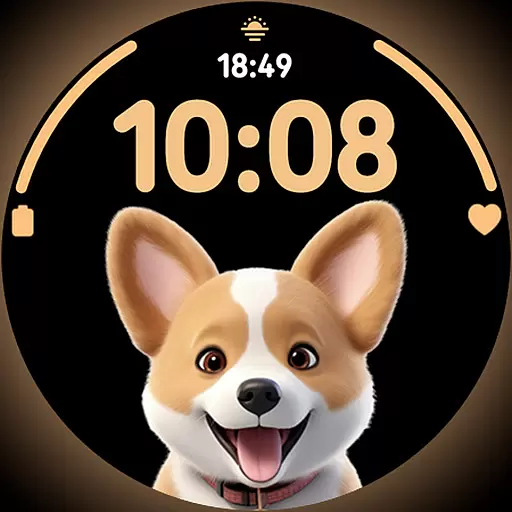
Cute Adorable Animals now on your wrist with our Wear OS watch face!
 4.40
4.40
A daily quote for success
4.4
Smart home security protection
3.20
Made To Order Faves
4.70
My Diary - Daily Journal with lock: Diary journal app and secret diary with lock
4.80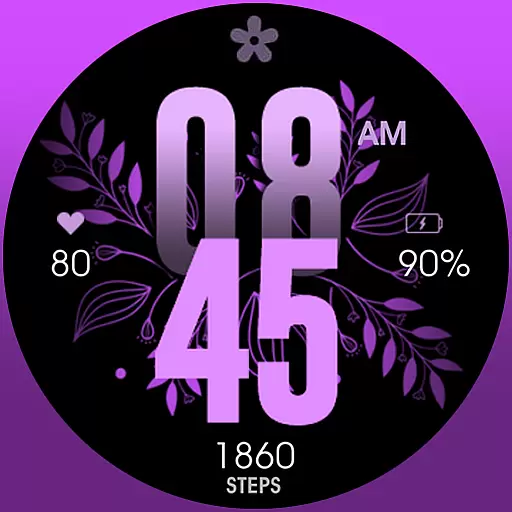
Colorful selection floral watch face with gyro for Wear OS
4.60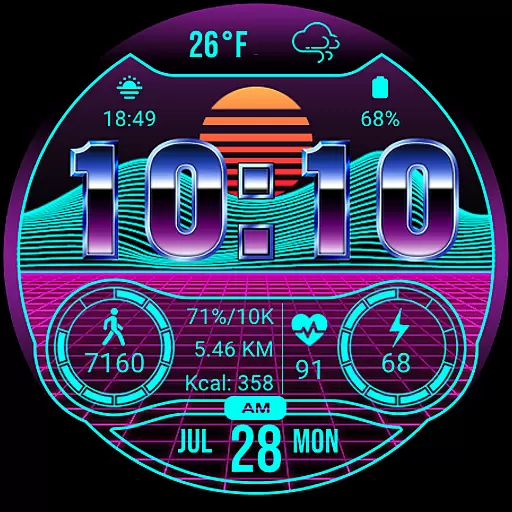
Digital smart watch face made for Wear OS.
4.70
An Eerie Musical Trigger Toy for Spirits to Play with!
3.50
Share opinions, get paid cash
4.30
Your store’s deals, where you are.
4.80
Pay your rent, submit work orders and much more with the RentCafe Resident App.
4.70
Make money, get paid cash rewards & gift cards for every survey. Earn today!
4.60
Vehicle ownership simplified. Get the myChevrolet® app today.
4.60
The all-new Cync app. The simple, connected app for Cync and C by GE.
4.50
This app is intended to support professional EMDR therapy.
4.50
PARAVOX 4 is a professional ITC paranormal research application.
4.50
Earn points with every purchase with Moe Rewards.
4.20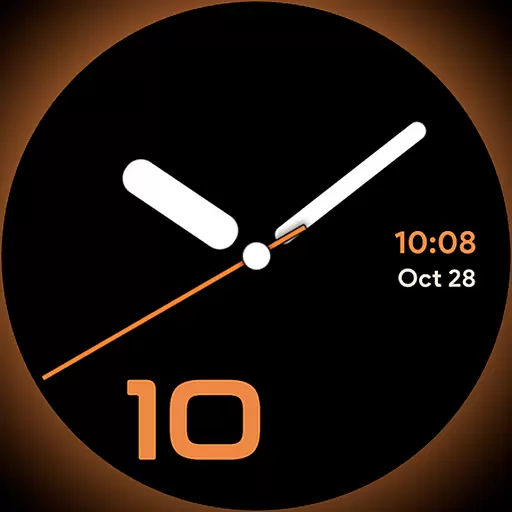
Unique Dark Analog style for Wear OS watches.
4.1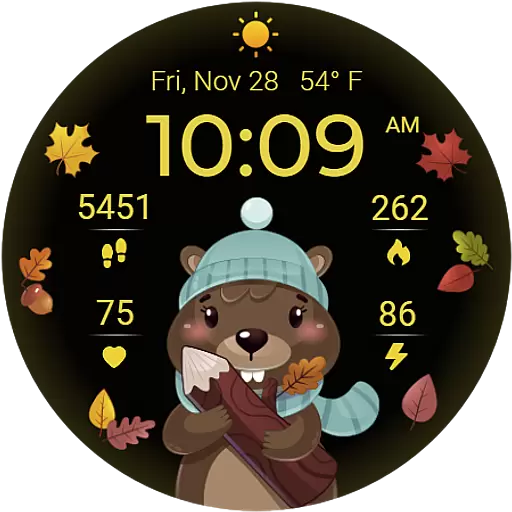
The cutest Autumn watchface featuring the adorable Mr. Squirrel
4.1


