
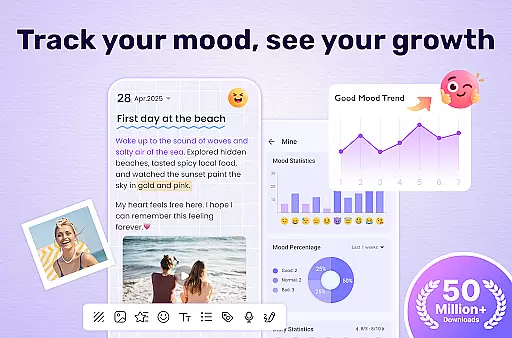
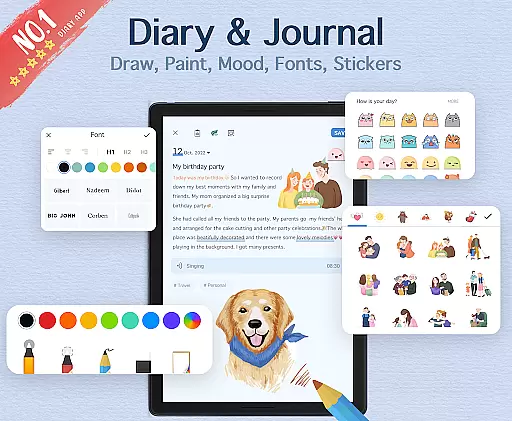
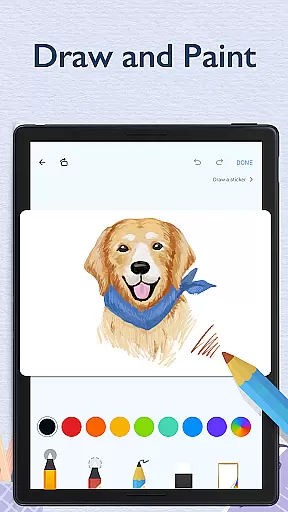
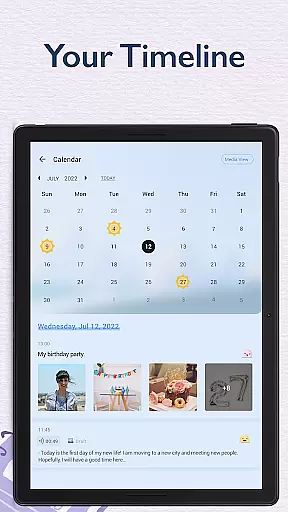
My Diary is a feature-rich digital journaling app designed for users seeking a secure and customizable way to document their daily lives. This lifestyle application allows you to record personal entries, secret thoughts, travel experiences, and emotional moments with ease. With support for multimedia content such as photos and videos, the app transforms traditional diary-keeping into a dynamic and visually engaging experience.
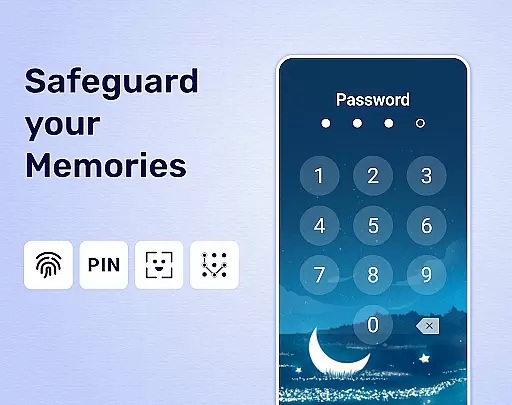
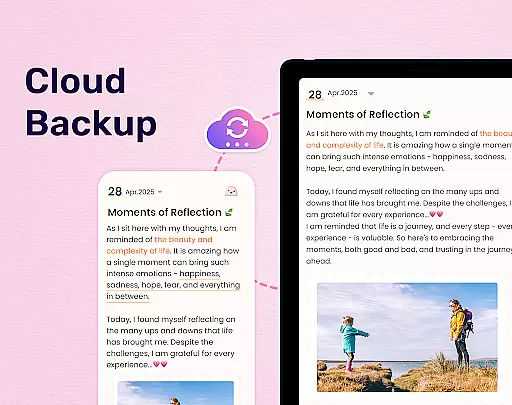
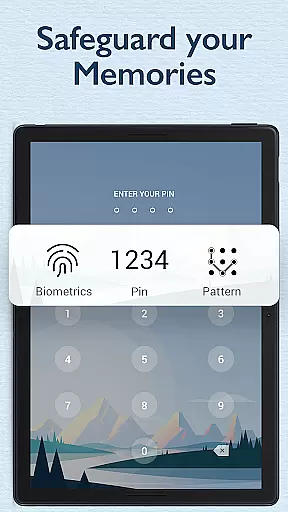
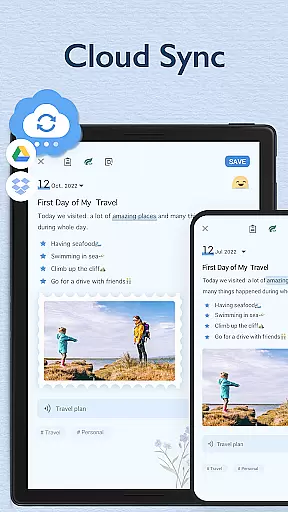
One of the standout features of My Diary is its robust security system. Users can protect their private entries with a password or fingerprint lock, ensuring complete privacy. Additionally, the app offers cloud synchronization with Google Drive and Dropbox, enabling seamless access across multiple devices while safeguarding memories through automatic backups. Whether exporting entries to PDF or TXT formats or printing them for physical keepsakes, My Diary provides versatile options for preserving your personal history.
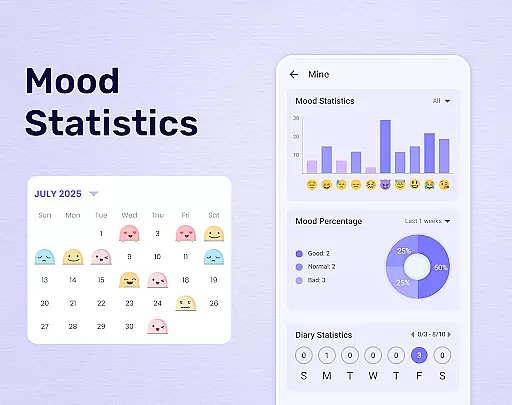
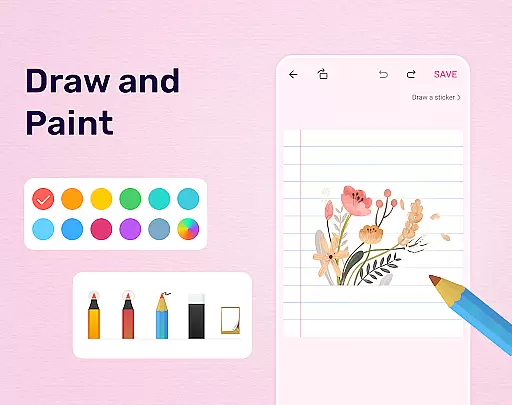
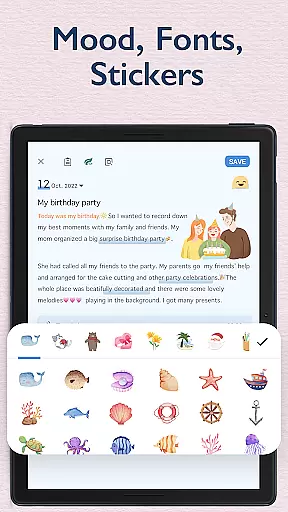
Beyond functionality, My Diary enhances the journaling experience with artistic themes, mood tracking stickers, and an eye-protection mode that prioritizes user comfort during extended writing sessions. Its intuitive interface caters to various needs, from organizing work-related notes to chronicling life's milestones. By combining practicality with creativity, My Diary stands out as an essential tool for anyone looking to maintain a meaningful and secure digital diary.
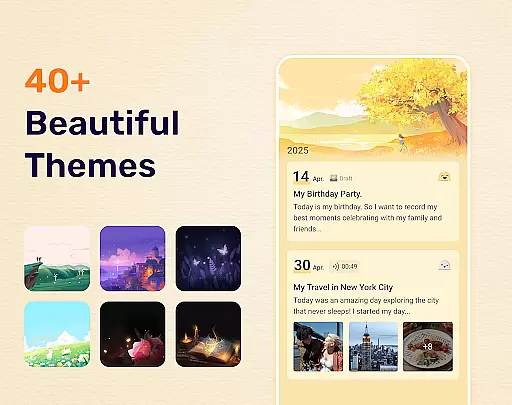
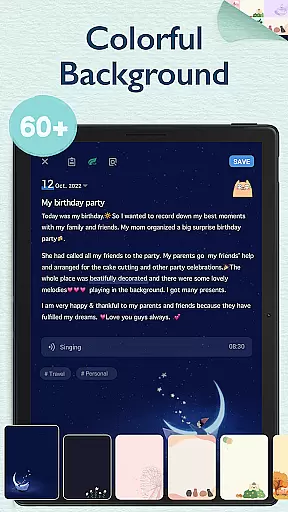
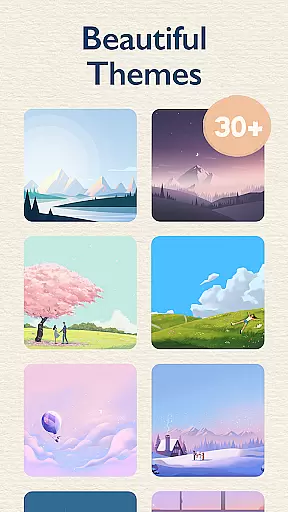
My Diary distinguishes itself through a variety of innovative features tailored to enhance the journaling experience. First and foremost, it offers advanced customization options, including multiple artistic themes, background choices, and night dark mode, allowing users to personalize their diaries according to their preferences. These design elements not only make journaling visually appealing but also create an immersive environment conducive to self-expression.
Another key aspect of My Diary is its comprehensive security framework. The app supports both passcode protection and biometric authentication via fingerprint scanning, ensuring that sensitive entries remain confidential. Furthermore, its cloud integration capabilities enable users to sync and back up their data effortlessly, preventing loss of valuable memories. For added convenience, the app allows exporting diary entries in various formats like PDF and TXT, making it easy to share or store records externally.
My Diary also incorporates thoughtful tools such as mood-tracking stickers, health-conscious eye-protection mode, and tag-based organization systems. These functionalities cater to diverse user needs, whether they aim to track emotional patterns, reduce screen fatigue, or efficiently categorize different types of entries. By addressing both aesthetic and practical aspects of journaling, My Diary delivers a holistic solution for modern diary enthusiasts.
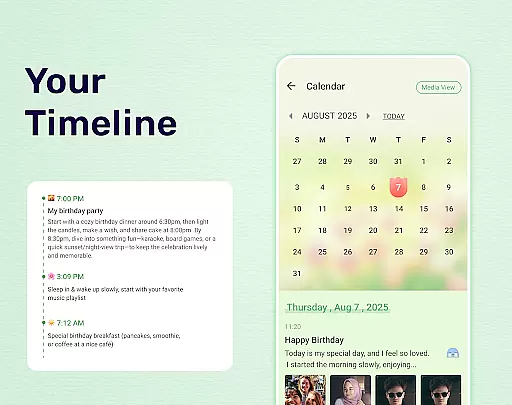
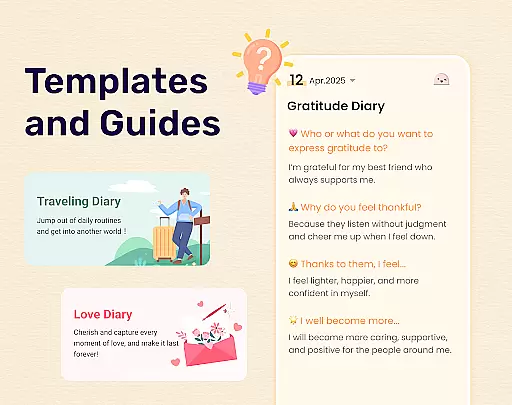
My Diary offers extensive coverage of lifestyle categories, making it more than just a simple diary application. With features tailored to various aspects of life, the app supports multiple journal types including travel journals, mood diaries, love diaries, baby diaries, and even pregnancy and work diaries.
The inclusion of tags enhances the organization of these diverse diary entries, allowing users to categorize and retrieve their writings with ease. Whether you want to document your journeys, track your moods, or preserve precious moments from different phases of life, My Diary provides the tools necessary for comprehensive lifestyle tracking.
Moreover, the availability of artistic themes, night dark mode, and customizable backgrounds enriches the writing experience, ensuring that each entry can be as unique as the moment it captures. This variety not only makes the diary more engaging but also encourages consistent use by accommodating personal preferences and changing moods.
Authenticity is at the core of My Diary's design philosophy. The app ensures content authenticity by providing users with secure, private spaces to record their genuine thoughts and experiences. With advanced security features like fingerprint lock and passcode protection, users can trust that their personal reflections remain confidential and unaltered.
While My Diary does not claim medical or psychological expertise, its features such as mood tracking and emotional expression through stickers are designed based on general understanding and user feedback. These elements help users maintain an authentic record of their emotional states over time, which can be valuable for personal reflection or sharing with trusted professionals.
Furthermore, the continuous updates and improvements made to the app demonstrate the developers' commitment to maintaining high standards of quality and reliability. User reviews and ratings serve as additional validation of the app's effectiveness in delivering a trustworthy digital diary experience.
User-friendly interface
Advanced security features
Multimedia support
Customizable themes
Cloud synchronization
Limited free features
Occasional bugs
Ads in free version
Learning curve
Export limitations

Digital watch face design. Modern looking, hi-res & battery friendly.
 4.00
4.00
Earn points with every purchase with Moe Rewards.
4.20
A daily quote for success
4.2
See wait times and check into a hair salon ahead of time with Online Check-In.
4.80
Celebrate the holidays with Advent Calendar: daily surprises and festive fun!
4.4
Your store’s deals, where you are.
4.80
The Wyze app is your gateway to a smarter life and a safer home.
4.40
Earn money for every survey and game you play, and get real rewards every time
4.50
Create slime on your phone and enjoy satisfying and relaxing ASMR games
4.50
Pay your rent, submit work orders and much more with the RentCafe Resident App.
4.70
Have your Tehillim with you at all times
4.70
The all-new Cync app. The simple, connected app for Cync and C by GE.
4.50
Premium floor cleaning robots
4.50
Discounts, savings, and rewards
4.20
What is my face shape? Find out your face shape from picture, see fitting frames
3.90
Communicate with your vehicles and Powerwalls anytime, anywhere
3.60
An Eerie Musical Trigger Toy for Spirits to Play with!
3.50
Smart home security protection
3.20
Turn your watch into a key fob for your Tesla
2.90


User Reviews