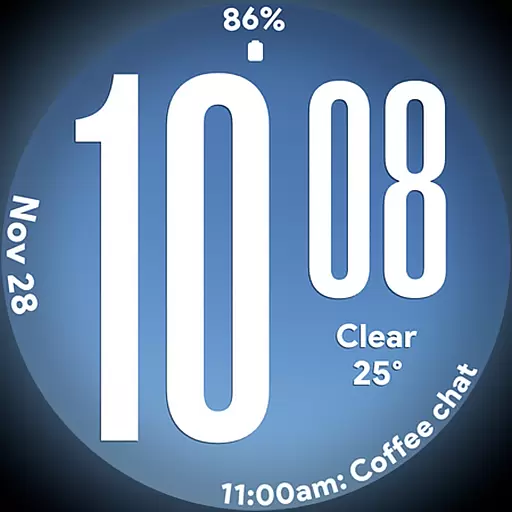
Big bold weather watch face with dynamic backgrounds and 3 complications
 4.3
4.3
The all-new Cync app. The simple, connected app for Cync and C by GE.
4.50
Take Hobby Lobby with you wherever you go!
3.40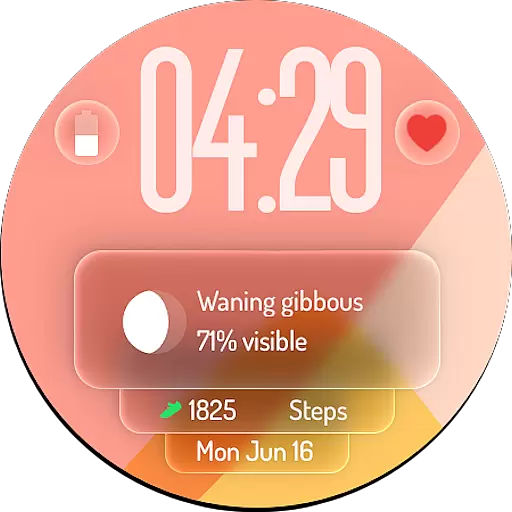
A watch face with transparency and fluid visuals inspired by liquid glass design
4.0
Paranormal EVP, Ghost Box, Spirit box, ITC, Haunted, Spirit communication device
3.70
This is a simple and highly functional alarm clock "Smart Alarm" paid version.
4.20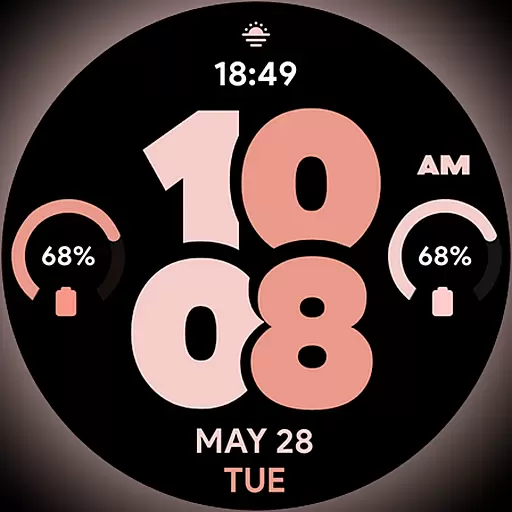
Material You inspired colors with BIG and Bold looks for Wear OS watches.
4.20
Share opinions, get paid cash
4.30
Just play, earn rewards, fetch gift cards, and turn gaming into real payouts!
4.80
Made To Order Faves
4.70
A smart Siddur with halachic times
4.60
This app is intended to support professional EMDR therapy.
4.50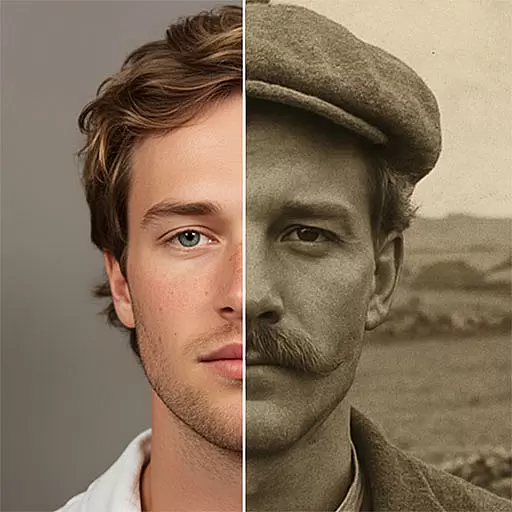
Discover your Nationality, Family Origin, and Ancestry from one selfie
4.50
Paranormal Spirit Bell Trigger Device
4.30
SmartHQ: Your Connected Home Command Center
4.10
Subwoofer school’s in session! You’ve now enrolled into KICKER U.
3.80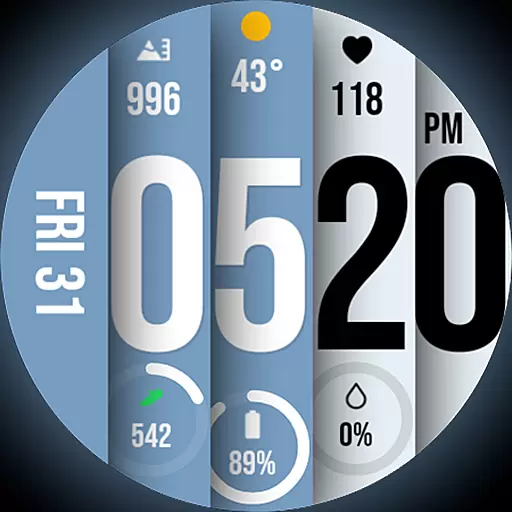
Unique BIG BOLD TIME with amazing colors and customisations.
3.70
A daily quote for success
4.4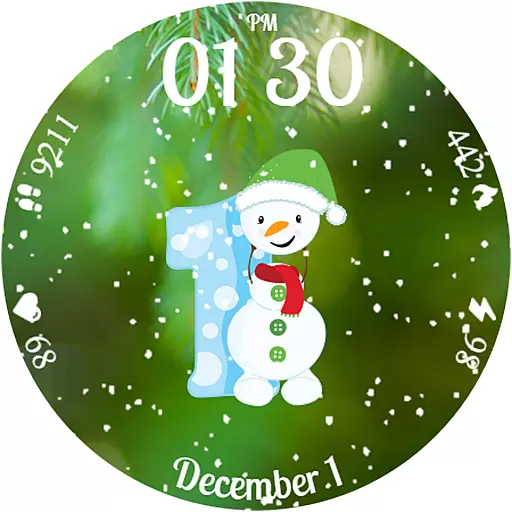
Celebrate the holidays with Advent Calendar: daily surprises and festive fun!
4.2


