Blue Cross and Blue Shield of Texas member information
 4.60
4.60
The Omada app enhances your program experience and helps you stay engaged.
4.50
Care Simplified by MyChart
3.40
CPR Timer for High Performance AHA BLS / ACLS
5.00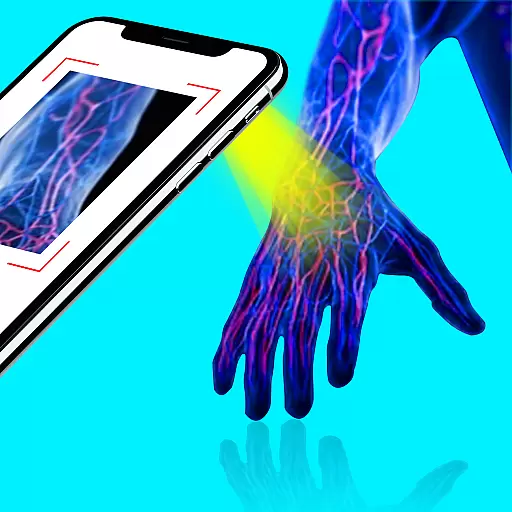
X-Vein: Advanced vein detection for medical practice
3.10
ASCCP Management Guidelines- There’s an app for that!
4.60
Get your lab results on your smartphone with MyQuest.
4.40
Manage your health care in one easy place
4.40
Manage your healthcare through the FollowMyHealth® Universal Health Record.
4.80
myVCA is your tailor-made guide to raising a healthy and happy pet.
4.90
The Better Pharmacy Experience
4.90
Pelvic Floor Muscle Exercises
4.80
Boost reading, writing, speaking and listening with a scientifically proven app.
4.70
Radiographic Positioning Guide for Medical Imaging Professionals and Students
4.50
The official DSM-5-TR® app
4.50
Assess and treat left neglect more effectively in stroke and brain injury rehab.
4.30
Your pocket guide to following The Monash University Low FODMAP diet.
4.20
Master AEMT with 1,400+ study items, TEIs, practice tests, and scoring.
4.10
The world's best selling 3D Human Anatomy app with groundbreaking 3D technology
2.00


