
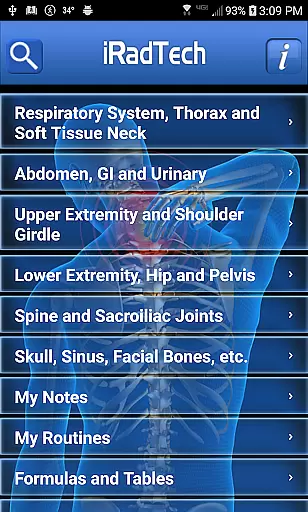
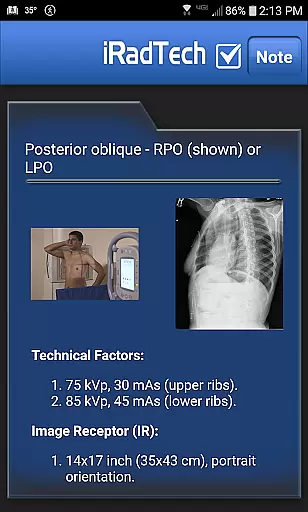
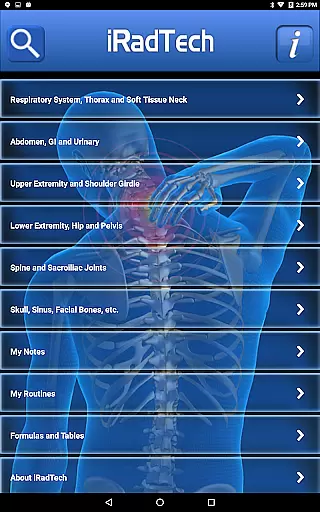
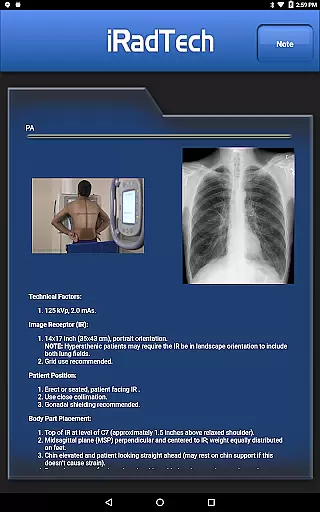
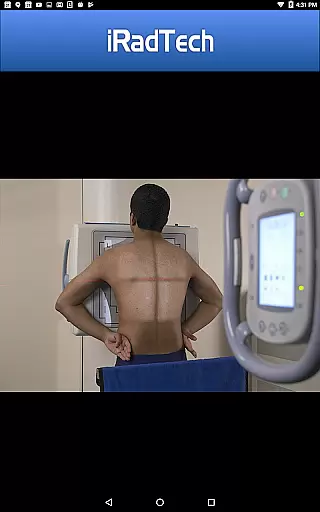
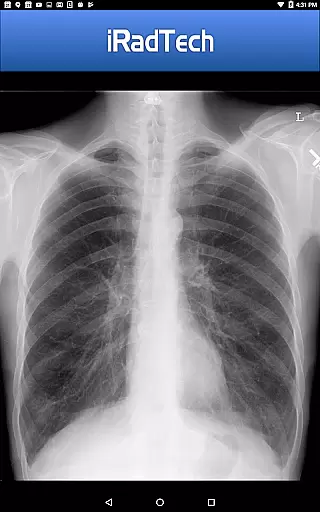
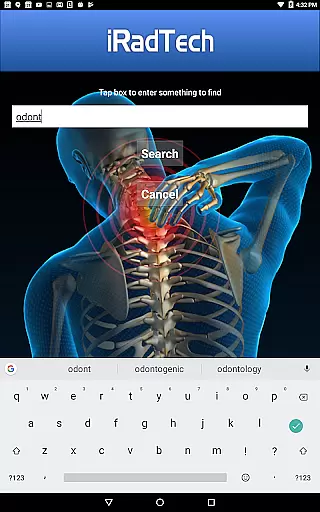
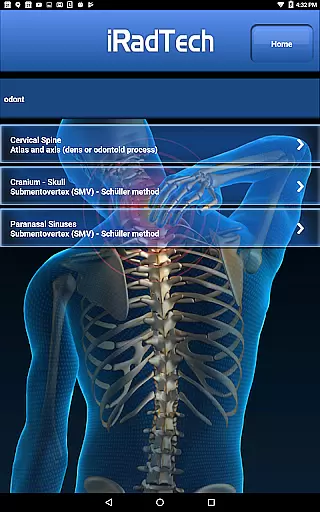
iRadTech is a comprehensive radiographic positioning guide designed for medical imaging professionals and students. The app provides detailed instructions for over 200 radiographic positions, covering technical factors, patient positioning, and image quality points. Each position includes suggested digital imaging system settings, representative radiographic images, and correctly positioned human model photographs.
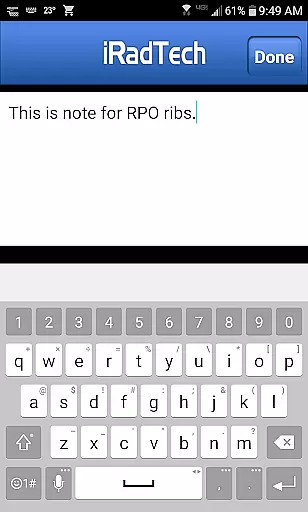
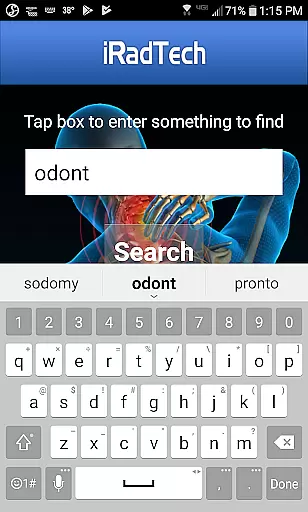
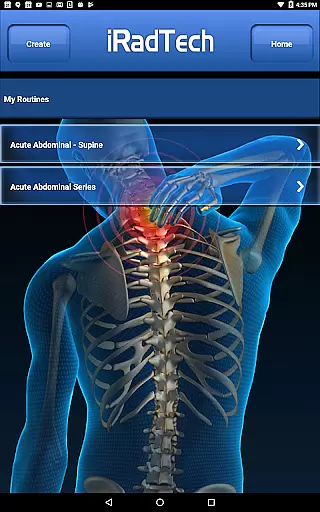
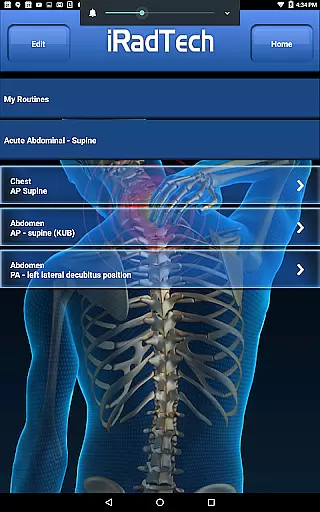
The app's key features include a helpful NOTE tab for saving techniques, a search function for quick access to specific positions, and My Routines functionality for creating saved routines. Additionally, the My Notes feature allows users to save notes unrelated to specific positions. Developed using ARRT Content Specifications, iRadTech serves as both a practical positioning guide and a valuable study aid for radiography students.
With content written and edited by experienced radiography educators, this app ensures accuracy and relevance in clinical practice. It references the latest ASRT Radiography Curriculum and national positioning texts, making it an essential tool for technologists and clinical instructors seeking a reliable reference and review resource.
iRadTech offers an extensive array of features that cater specifically to medical imaging professionals and students. One of its standout characteristics is the detailed breakdown of more than 200 radiographic positions, complete with technical factors, image receptor specifications, and patient positioning guidelines. This level of detail ensures users can accurately replicate each position in clinical settings.
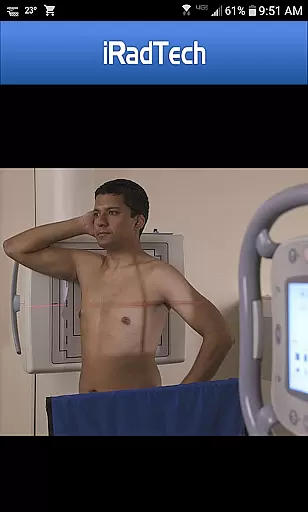
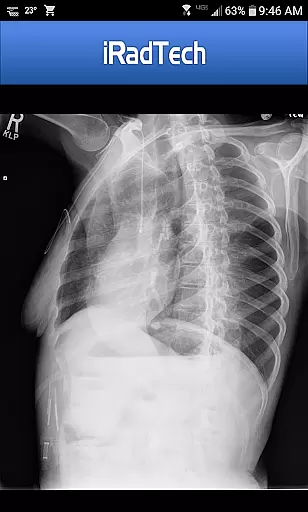
In addition to textual instructions, the app provides enlargeable representative radiographic images and properly positioned human model photographs. These visual aids help users better understand the required positioning and collimation areas. The inclusion of a NOTE tab for every position allows users to save special techniques or additional information, enhancing the learning experience.
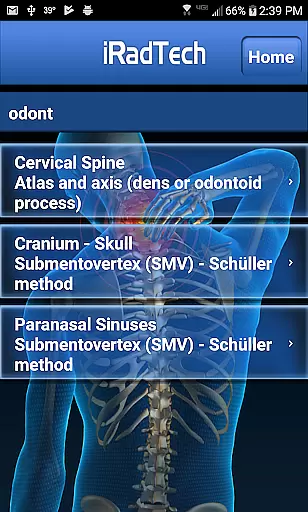
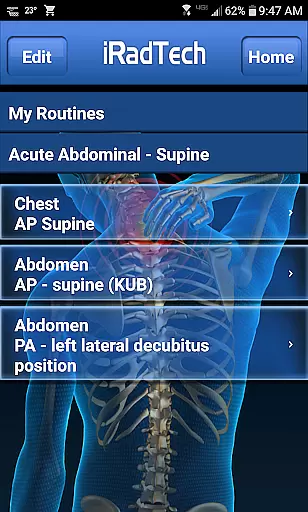
Other notable features include the search function, which quickly locates specific positions, and the My Routines tool for organizing selected positions into routines. Furthermore, the My Notes function enables users to save general notes. Developed by experienced radiography educators, iRadTech aligns with current educational standards, ensuring its utility as both a practical guide and a study aid.
In the field of medical imaging, having access to credible and expert-reviewed content is crucial for both professionals and students. iRadTech ensures the highest level of accuracy by developing its content using ARRT Content Specifications, covering nearly all entry-level radiographic positions. This meticulous approach guarantees that users are referencing material that aligns with professional standards.
The application provides detailed instructions for over 200 radiographic positions, each written and edited by two Ph.D. radiography educators boasting more than 30 years of teaching experience each. Their expertise ensures that every piece of information, from technical factors to patient positioning, meets stringent educational and clinical criteria.
Additionally, iRadTech includes optional positions which, although not listed on the ARRT Radiography Content, serve as handy references in clinical practice. These have been carefully selected by the authors and other educational colleagues, further enhancing the app's value as a comprehensive study aid.
While iRadTech does not provide real-time teleconsultation services, it excels in offering tools that significantly enhance the quality of remote learning and consultation preparation. The app features a robust search function capable of finding specific terms within position titles and instructions, streamlining the process of accessing critical information quickly.
One standout feature is the My Routines function, allowing users to group selected positions into a saved routine. This capability proves invaluable for technologists preparing for consultations or students organizing study materials for exams. By customizing routines, users can ensure they are reviewing the most pertinent information efficiently.
Furthermore, iRadTech offers enlargeable representative radiographic images and photographs of properly positioned human models. These visual aids, combined with the appu2019s detailed instructions, empower users to accurately interpret and discuss complex imaging scenarios, thereby improving the overall quality of teleconsultations and remote learning experiences.
User-friendly interface
Comprehensive position details
High-quality images
Customizable notes
Aligned with ARRT standards
No offline mode
Limited advanced tools
Occasional bugs
Premium cost
Heavy on storage

MySafeRide simplifies booking and managing rides for health plan members.
 3.50
3.50
Explore human anatomy with this rich learning experience.
4.00
A comprehensive medical disease app.
5.00
3rd trimester? Counting Kicks is what moms should do-It’s important & easy too!
4.30
The Omada app enhances your program experience and helps you stay engaged.
4.50
MHealth is the mobile version of MEDITECH’s Patient and Consumer Health Portal.
3.10
Internal medicine literature at your fingertips.
4.50
Take your aphasia therapy to the next level with 4 evidence-based advanced apps
4.70
Tap & save. Coupons that fit in your pocket. Find low prices on prescriptions.
4.80
Spruce is the leading platform for HIPAA-compliant communication and care.
4.90
Be more confident prescribing homeopathy at home for your family.
4.80
A comprehensive 3D atlas of the human body
4.80
Boost reading, writing, speaking and listening with a scientifically proven app.
4.70
PPP provides quick offline access to over 350 field treatment protocols.
4.60
Modivcare members can book and manage trips.
4.50
One app to unlock your health
4.30
Assess and treat left neglect more effectively in stroke and brain injury rehab.
4.30
Voice pitch monitor for speech therapy, LSVT, Parkinson's, singing & trans
4.30
Update medical records, view upcoming appointments, message your provider & more
3.80


User Reviews