
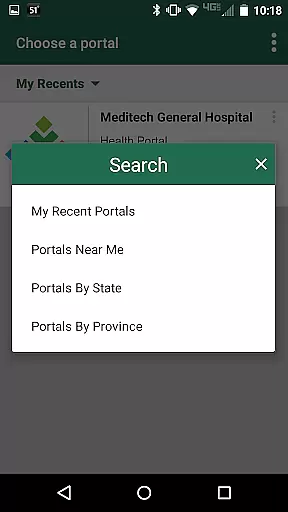
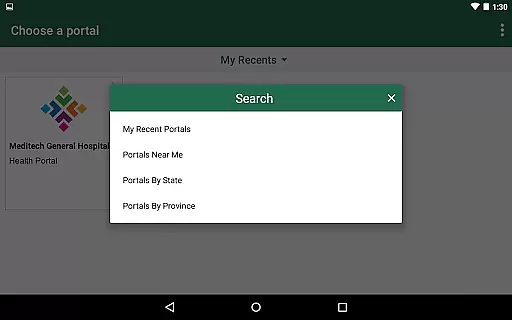
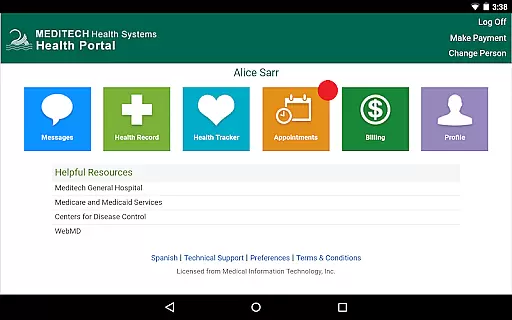
MEDITECH MHealth is a mobile health application that provides secure and convenient access to your personal health information. The app serves as the mobile extension of MEDITECH's Patient and Consumer Health Portal, allowing users to manage their healthcare directly from their mobile devices or tablets.
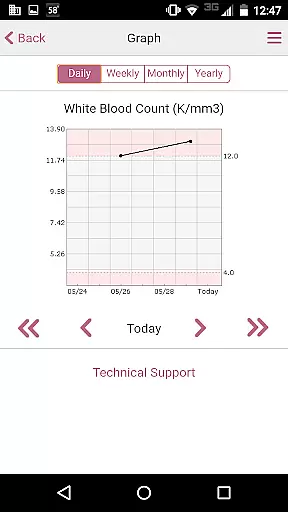
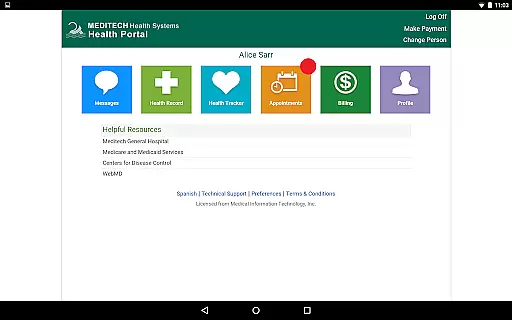
With features like secure communication with care teams, appointment scheduling, pre-registration, and reviewing lab results, MHealth empowers patients to take control of their healthcare management. It also supports tracking of immunizations, allergies, and conditions, making it an essential tool for managing family health.
This app is particularly useful for individuals who want instant access to their medical records and wish to stay connected with their healthcare providers. By offering comprehensive health data at your fingertips, MHealth enhances patient engagement and facilitates better health outcomes.
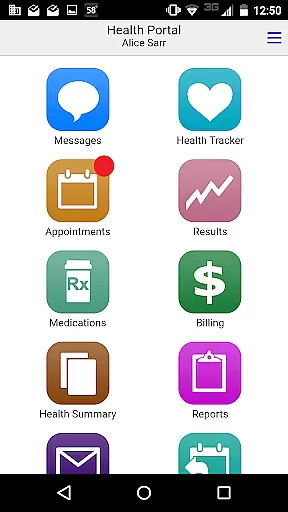
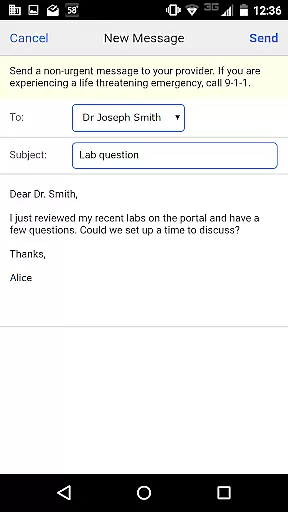
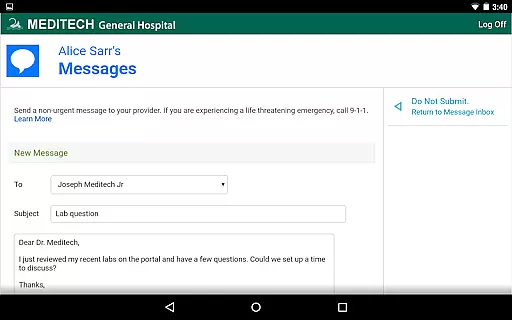
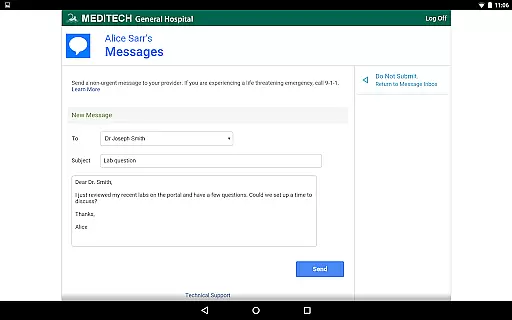
MEDITECH MHealth offers a robust set of features designed to enhance patient engagement and streamline healthcare management. One of its standout capabilities is secure messaging, which allows users to communicate directly with their care team, ensuring timely responses to health concerns.
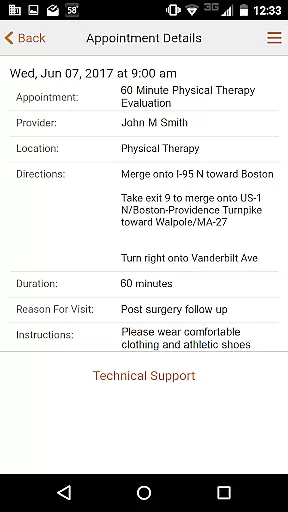
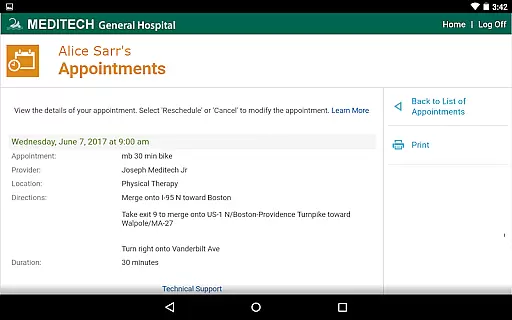
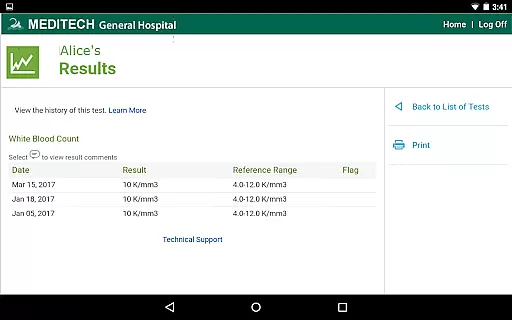
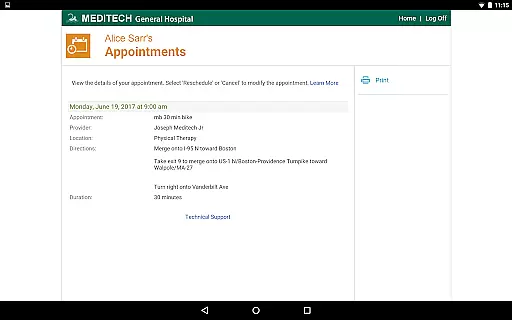
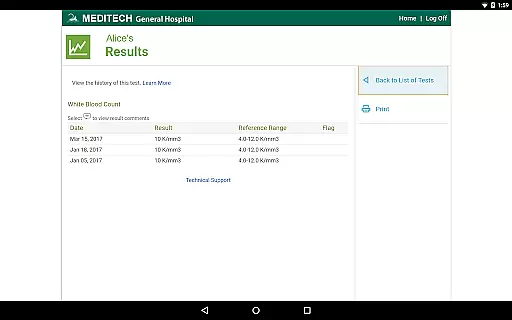
The app also enables users to request and manage appointments efficiently. Patients can view details of upcoming visits, pre-register for appointments, and even review laboratory results and radiology reports. This level of accessibility not only saves time but also improves the overall patient experience by keeping them informed about their health status.
Additionally, MHealth supports medication management, allowing users to track home medications, request prescription renewals, and reference visit history including discharge instructions. These features collectively contribute to better health management and increased patient autonomy.
MEDITECH MHealth ensures the highest level of medical content credibility by providing direct access to your official health records. The information displayed within the app is sourced directly from your healthcare provider's system, ensuring authenticity and accuracy.
Each piece of data presented in the app undergoes expert review through your care team. Laboratory results, radiology reports, and other medical information are verified by healthcare professionals before being made available to you, maintaining professional standards.
The app enables users to track important health details such as immunizations, allergies, and conditions with precision. This tracking capability is supported by the same rigorous standards used in medical facilities, giving patients confidence in their personal health management.
MEDITECH MHealth offers a secure communication channel with your care team, enhancing teleconsultation quality. Through the app, users can send messages and requests directly to their healthcare providers, ensuring professional and timely responses.
The ability to request new appointments and pre-register for upcoming visits streamlines the teleconsultation process. This feature allows both patients and healthcare providers to prepare adequately for virtual consultations, improving overall quality.
With prescription renewal requests and medication management features, the app supports continuous care between teleconsultations. These tools help maintain consistent communication between patients and their care teams, contributing to better health outcomes.
User-friendly interface
Comprehensive health tracking
Secure communication
Appointment management
Medication tracking
Limited to existing portal users
Dependent on provider activation
No offline functionality
Potential privacy concerns
Requires internet connection

Health Care at Your Fingertips
 4.60
4.60
Easy telehealth appointments + urgent care
4.70
One app to unlock your health
4.30
Enables quick access to medical data and contacts in case of emergency (ICE)
4.70
Conveniently receive lab results, schedule lab appointment and pay your bills
3.70
The Better Pharmacy Experience
4.90
Easy access to benefits and rewards
3.70
Over 1,200 review questions and 5 exams—pass the NREMT with EMT Review Plus!
4.10
Tap & save. Coupons that fit in your pocket. Find low prices on prescriptions.
4.80
Manage your prescriptions anytime, anywhere with the Publix Pharmacy mobile app.
4.80
Be more confident prescribing homeopathy at home for your family.
4.80
Blue Cross and Blue Shield of Texas member information
4.60
Sync your blood glucose device, log values automatically and tame your diabetes!
4.60
Modivcare members can book and manage trips.
4.50
Radiographic Positioning Guide for Medical Imaging Professionals and Students
4.50
The OptumRx app empowers you to become an advocate of your pharmacy benefits.
4.40
A rapid reference for healthcare professionals caring for pediatric patients.
4.30
Hearing aid app for Android solves your hearing problems.
4.00
ECG modules improve rhythm ID. ACLS is a simulator for cardiac arrest scenarios.
4.1


User Reviews