Explore human anatomy with this rich learning experience.
 4.00
4.00
Easy telehealth appointments + urgent care
4.70
Hearing aid app for Android solves your hearing problems.
4.00
The Omada app enhances your program experience and helps you stay engaged.
4.50
Manage your prescriptions and pharmacy care anytime, anywhere.
4.80
The Better Pharmacy Experience
4.90
Your donation experience just got smoother; Donor Hub is your go-to place.
4.70
Good for You. Great for Life.
4.00
Manage your healthcare through the FollowMyHealth® Universal Health Record.
4.80
Want to make it easier to manage your health? We’re with you, wherever you are.
4.70
Leafly is a weed app for finding dispensaries, cannabis strains, & more.
4.70
Amplify surrounding sounds, conversations, TV or lectures for louder hearing.
4.70
Save up to 80% on your pharmacy prescriptions & medications with free Rx coupons
4.70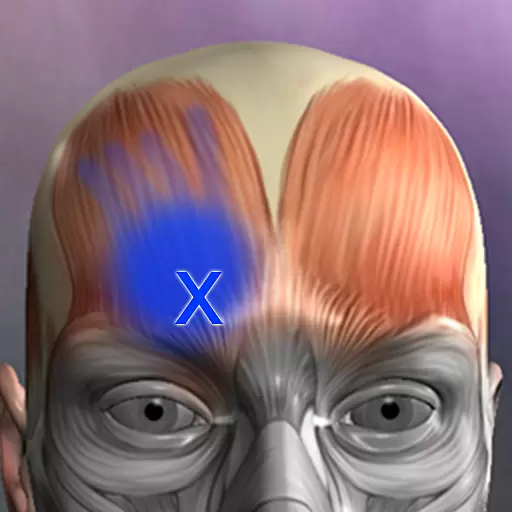
Discover the source of pain with Muscle Trigger Point Anatomy.
4.70
Blue Cross and Blue Shield of Texas member information
4.60
PPP provides quick offline access to over 350 field treatment protocols.
4.60
ASCCP Management Guidelines- There’s an app for that!
4.60
HealtheLife lets you easily manage your health online.
3.20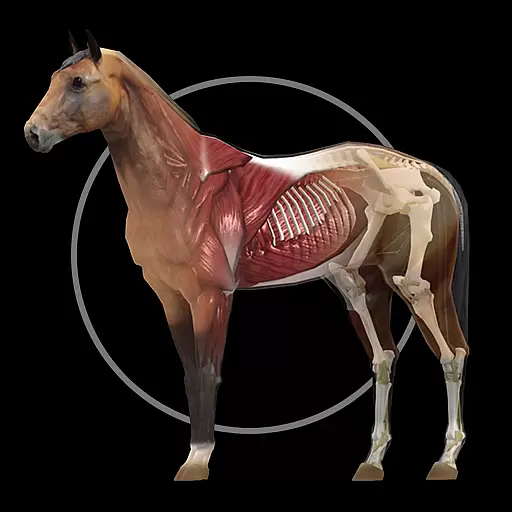
A fantastic 3d reference that includes over 300 structures and a quiz function.
3.00


