
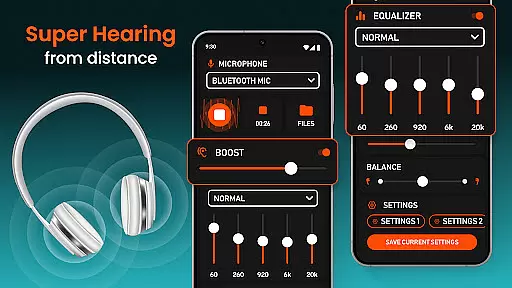
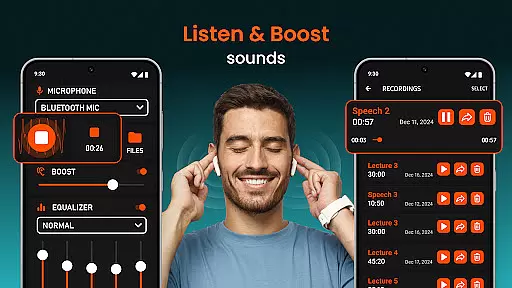
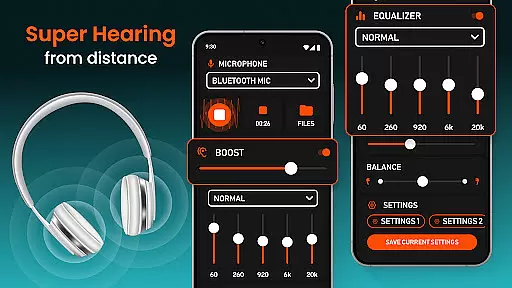
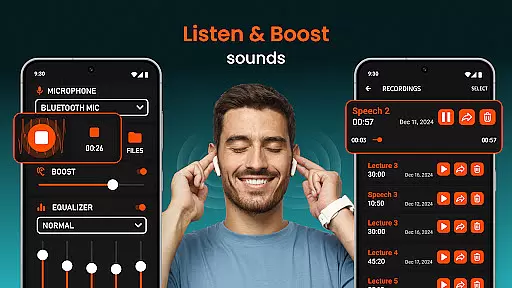
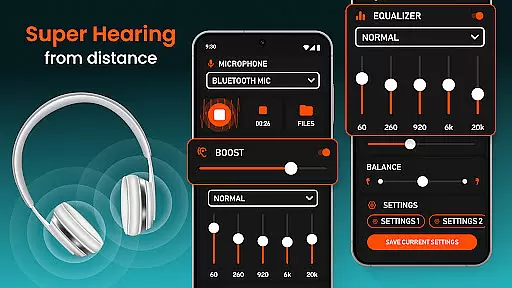
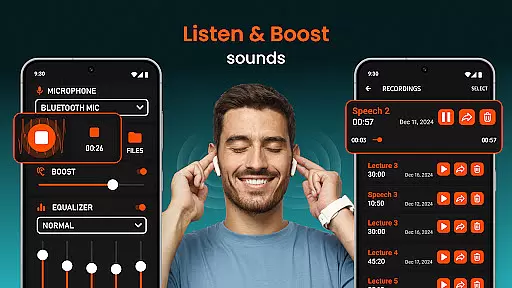
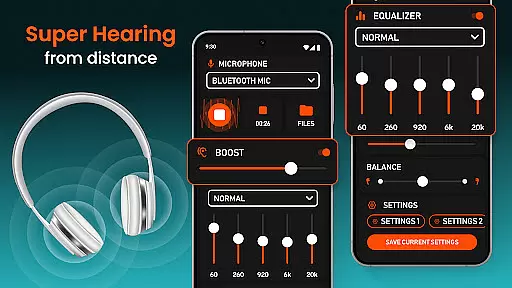
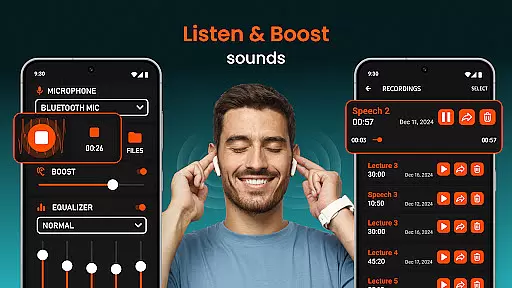
Super Hearing from Distance is a revolutionary mobile application designed to enhance auditory experiences through advanced sound amplification technology. This app transforms your smartphone into a powerful listening device, allowing users to amplify surrounding sounds with remarkable clarity. Whether you're in a crowded room or trying to capture distant conversations, the app's sophisticated algorithms ensure optimal sound quality.
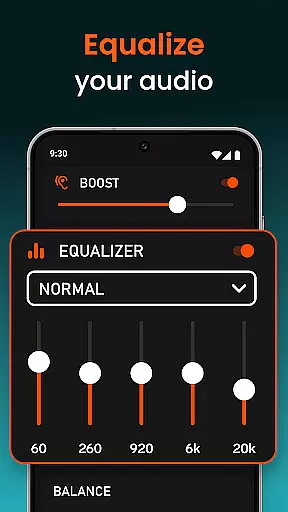
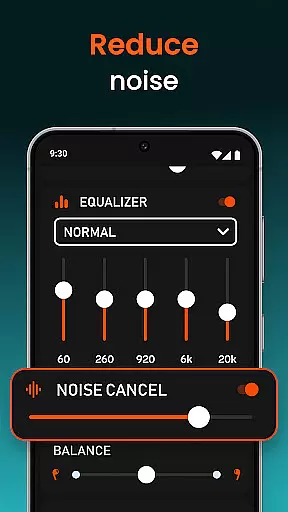
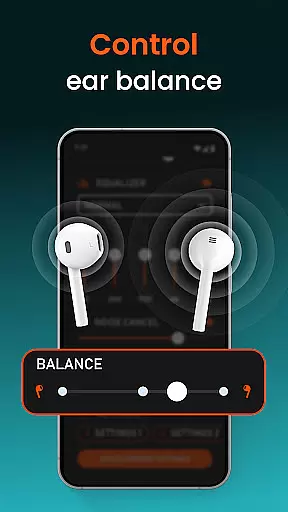
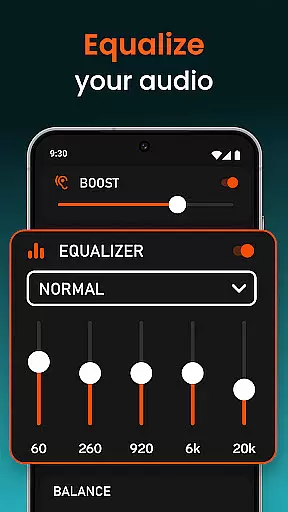
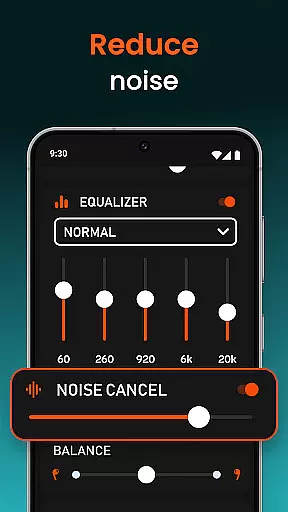
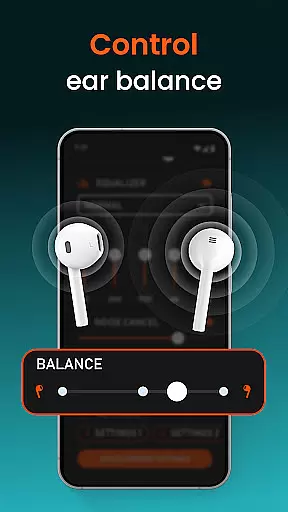
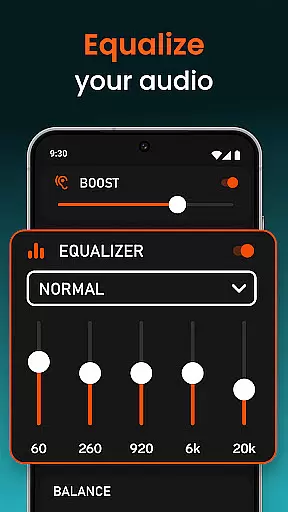
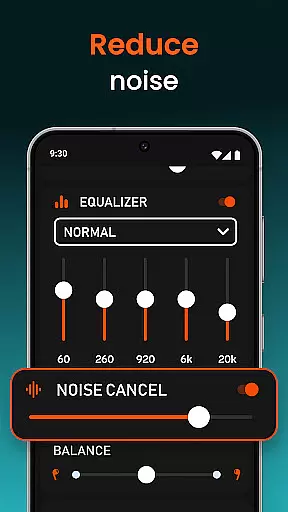
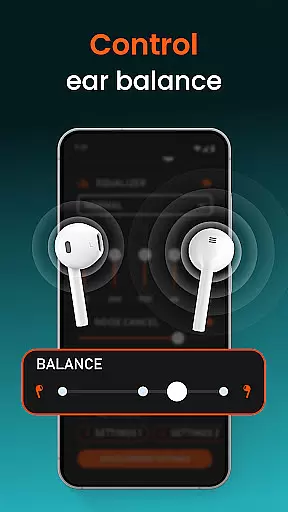
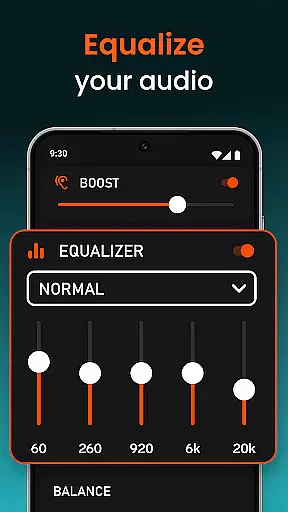
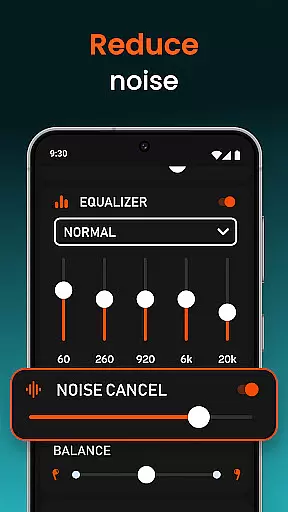
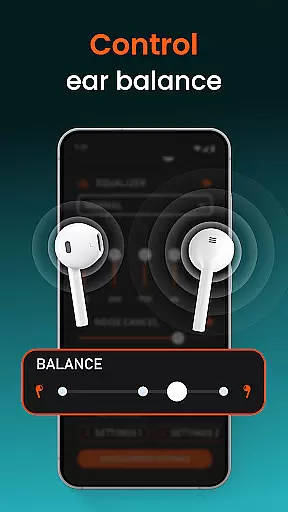
The application supports both wired and Bluetooth headphones, providing versatile usage options for different scenarios. Its intuitive interface includes an adjustable equalizer that lets users customize sound settings according to their preferences. The app also features noise reduction capabilities and independent volume control for each ear, making it an ideal solution for individuals with varying hearing needs.
One of the most practical applications of this tool is during professional meetings or lectures, where clear audio comprehension is crucial. Users can benefit from enhanced speech recognition while minimizing background interference, ensuring they never miss important details in challenging acoustic environments.
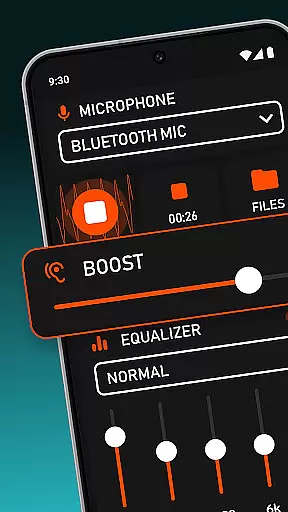
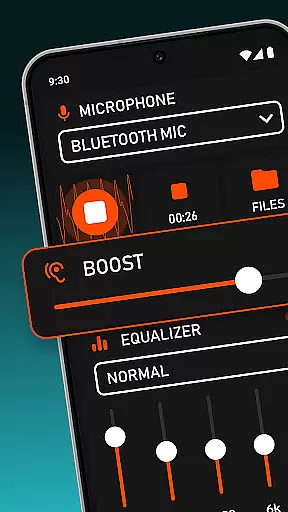
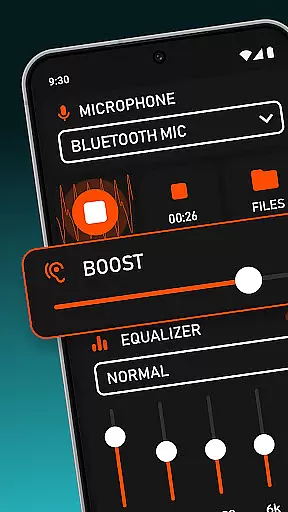
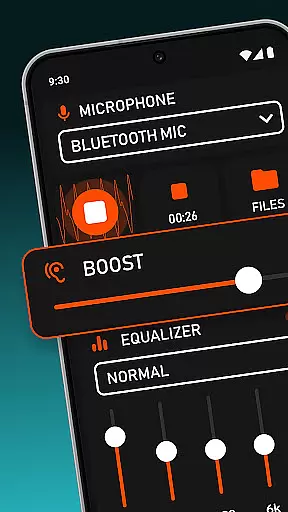
This medical-grade hearing enhancement application offers an impressive array of features that set it apart from conventional sound amplification tools. The core functionality revolves around its ability to function as a listening device with multiple microphone options, including phone mic, headset mic, and Bluetooth mic selection. This flexibility allows users to choose the most suitable audio input source for their specific situation.
A standout feature is the app's sophisticated sound processing capabilities. The built-in equalizer provides precise control over audio characteristics, enabling users to fine-tune frequency responses. Additionally, the remote control functionality allows selective amplification of specific sounds, while the noise reduction system effectively filters out unwanted background disturbances.
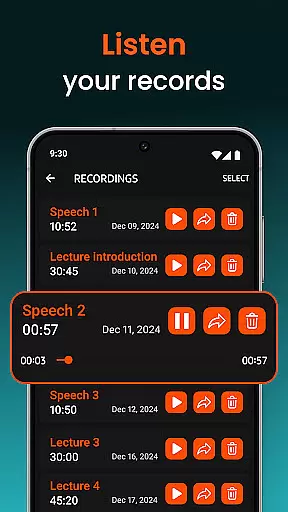
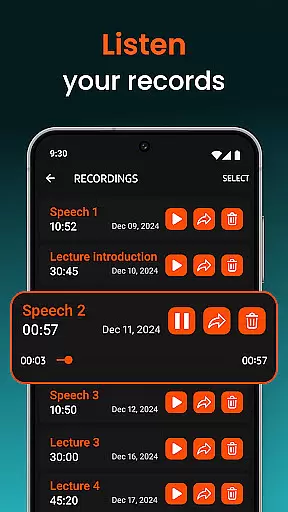
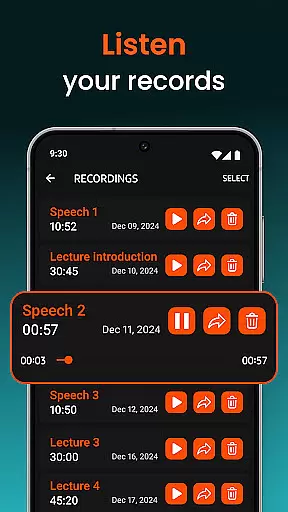
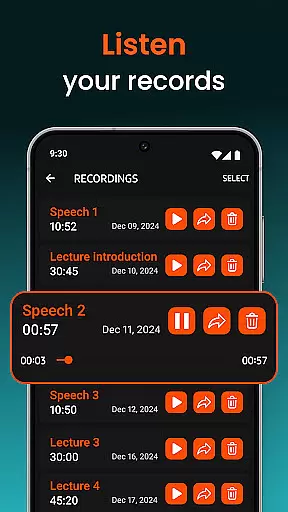
The application also serves as a sound recorder, capturing important conversations for later reference. Its wireless connectivity options extend usability to various devices, including USB headphones and Bluetooth speakers. These comprehensive features make it an invaluable tool for both casual users seeking better hearing assistance and professionals requiring reliable audio enhancement solutions.
In the realm of medical applications, content credibility is paramount. Super Hearing from Distance positions itself as a reliable tool for enhancing auditory experiences. The app's features are designed with precision, ensuring that users receive accurate sound amplification without distortion. This commitment to quality reassures users of the app's effectiveness in various listening scenarios.
Expert review plays a crucial role in validating the app's offerings. With functionalities like noise reduction and independent ear volume adjustment, the app demonstrates technical sophistication. These features have likely undergone rigorous testing and expert evaluation to meet user needs effectively. Such diligence enhances trust in the app's ability to deliver clearer and louder audio experiences.
For users relying on apps like Super Hearing from Distance for improved hearing, knowing that the content has been vetted by experts provides peace of mind. The inclusion of advanced features such as microphone selection and equalizer settings suggests a level of professional input that ensures optimal performance. Users can confidently employ this app in critical situations, trusting its capacity to amplify sounds accurately.
While Super Hearing from Distance does not directly offer teleconsultation services, its features indirectly support high-quality remote communication. By amplifying sound and reducing background noise, the app creates an environment where conversations can be heard clearly. This clarity is essential during virtual consultations, ensuring that both parties can communicate effectively without misunderstandings.
The app's ability to adjust sound levels independently for each ear adds another layer of personalization beneficial in teleconsultations. Users with varying degrees of hearing loss in each ear can tailor their listening experience to match their specific needs. This customization leads to more productive and comfortable remote sessions, whether they're for medical advice or personal interactions.
Furthermore, compatibility with various devices, including wired and Bluetooth headphones, expands the app's utility in different teleconsultation setups. Regardless of the equipment used, users can expect consistent performance. This versatility, combined with the app's sophisticated sound processing capabilities, contributes to an enhanced overall teleconsultation experience, making remote communication more accessible and reliable.
User-friendly interface
Customizable sound settings
Noise reduction technology
Multiple microphone options
Wireless device compatibility
Battery consumption concerns
Bluetooth connectivity issues
Occasional audio distortion
Limited free features
Requires compatible hardware

A scientifically-proven method to help people with dementia or memory impairment
 4.1
4.1
Identify pills, search different drugs, get drug information and much more!
4.50
Beat alcohol and drug addiction with a revolutionary treatment program in an app
4.50
Live vet support by text/video
4.80
The MDLIVE app makes connecting with a doctor fast, easy, and convenient.
4.60
Download the PulsePoint app and use your CPR skills to save a life!
4.60
The official DSM-5-TR® app
4.50
Take on apraxia and aphasia with a powerful video-driven speech therapy app.
4.60
Download OctaApp for easy access to your plasma donation info
4.40
CPR Timer for High Performance AHA BLS / ACLS
5.00
Manage your prescriptions anytime, anywhere with the Publix Pharmacy mobile app.
4.80
Search by insurance, see real-time openings & verified reviews, get care fast.
4.80
The NightOwl Companion app allows you to interact with the NightOwl sensor.
4.70
Take your aphasia therapy to the next level with 4 evidence-based advanced apps
4.70
Check and Track your Blood Pressure & Heart Rate.
4.50
Personalized hearing experience and health data tracking
4.50
One app to unlock your health
4.30
Easy access to benefits and rewards
3.70
OKN Strips, OptoDrum, OKN
4.2


User Reviews