
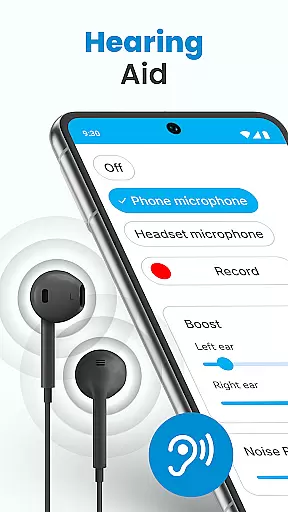
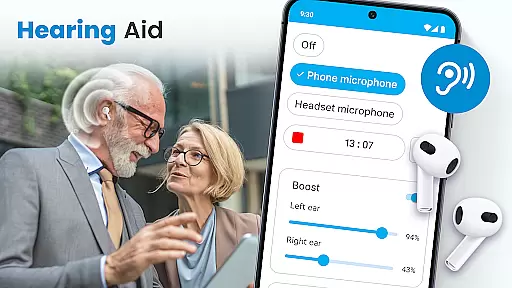
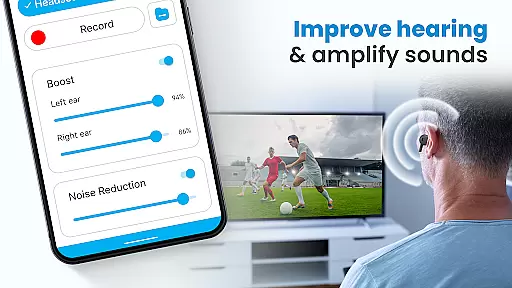
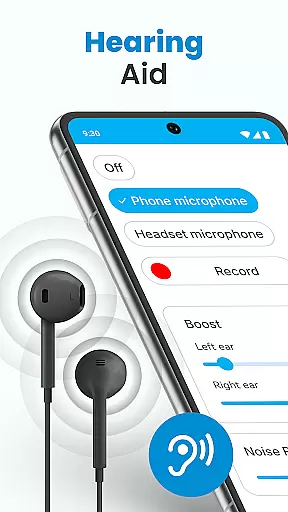
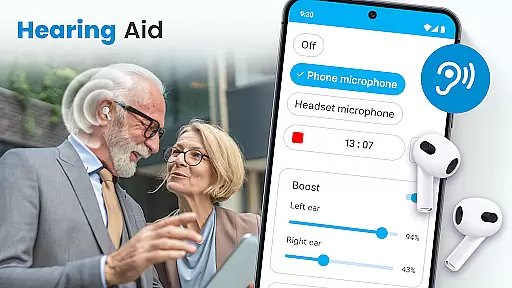
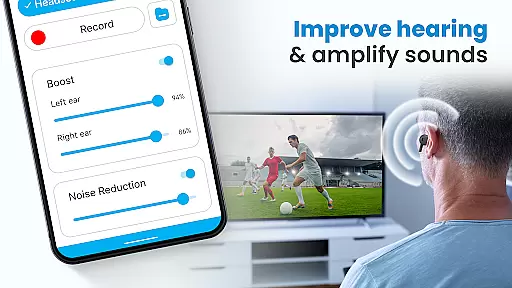
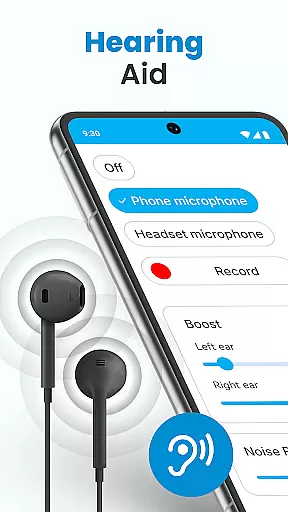
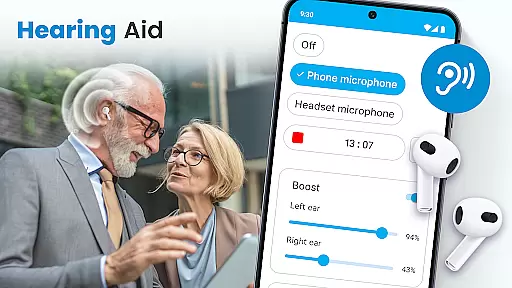
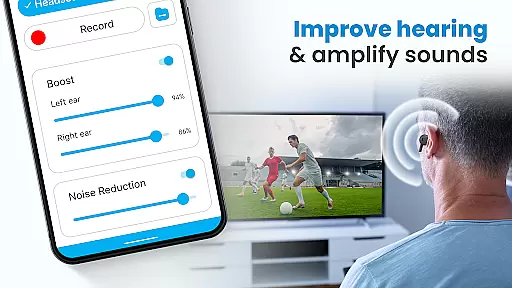
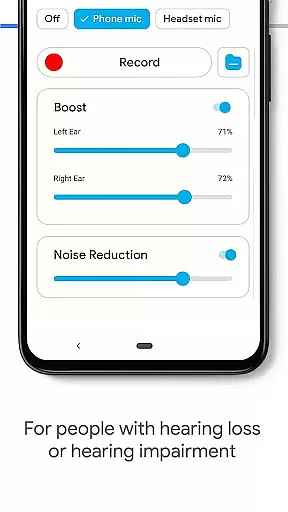
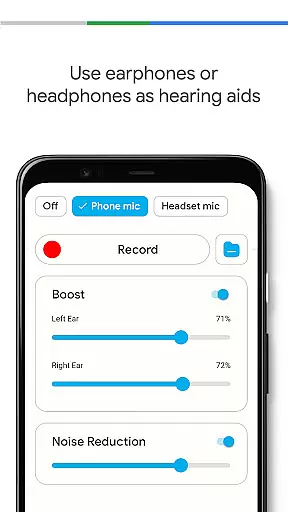
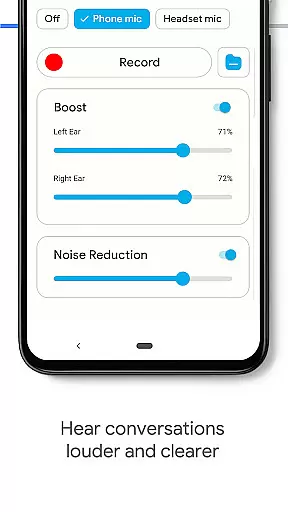
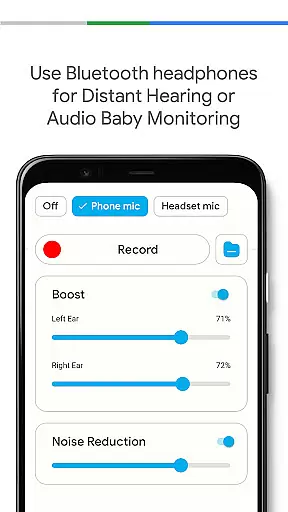
Hearing Aid App for Android is a revolutionary mobile application designed to enhance hearing capabilities and amplify sounds for users with mild hearing impairments. This app transforms your Android device into a powerful hearing aid by capturing external sounds, reducing background noise, and streaming clearer audio at increased volumes.
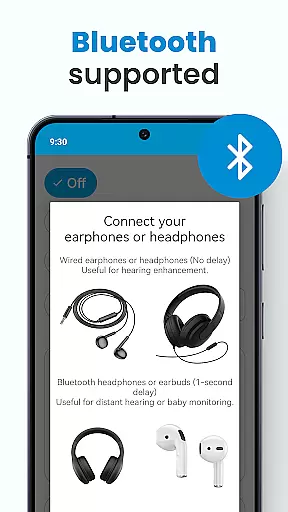
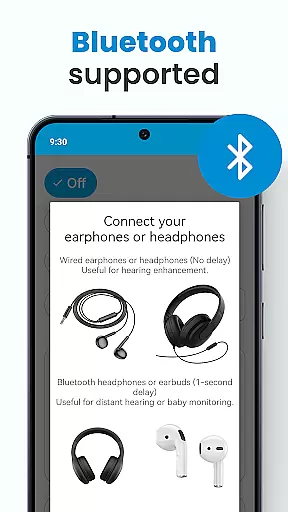
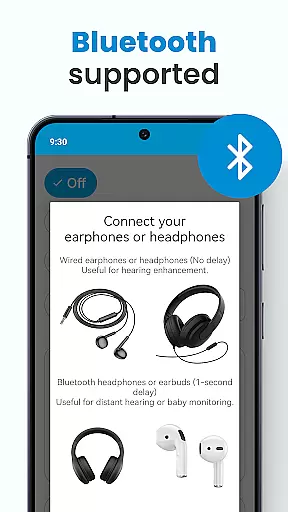
The application offers advanced features such as automatic speech enhancement, customizable sound settings for each ear, and support for both wired and Bluetooth earphones. Whether you're attending meetings, lectures, or social events, this app ensures you won't miss important conversations. The intuitive interface allows users to easily adjust volume levels and save different environmental settings for various listening scenarios.
With its user-friendly design and practical functionality, Hearing Aid App for Android provides an accessible solution for those seeking affordable hearing assistance. It's particularly beneficial in noisy environments where distinguishing speech can be challenging, making it an essential tool for improving communication and quality of life.
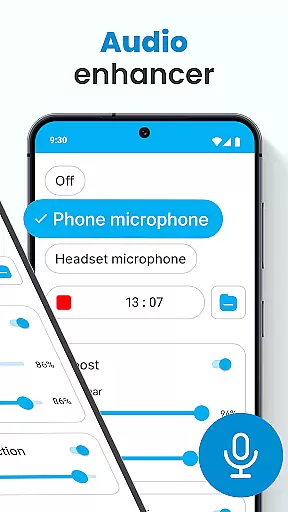
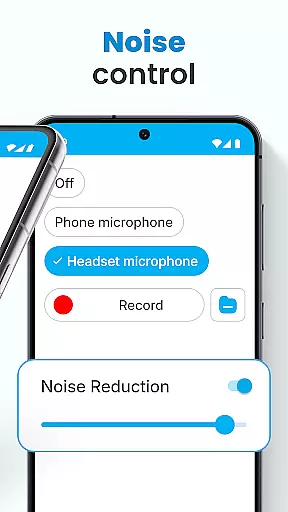
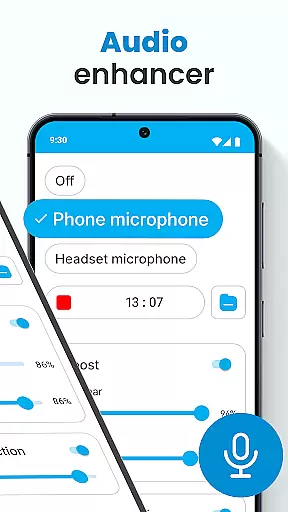
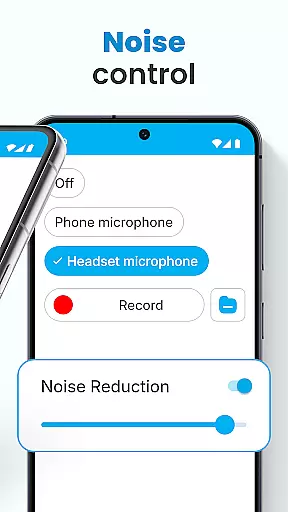
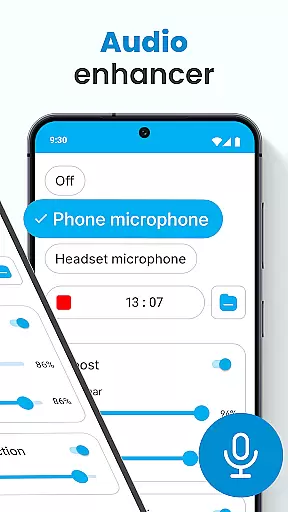
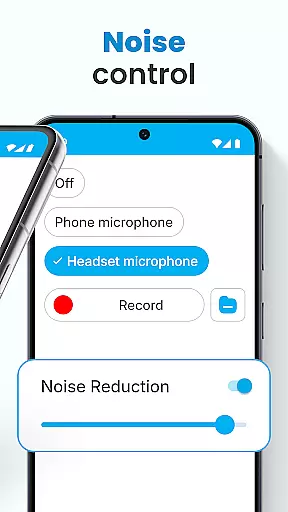
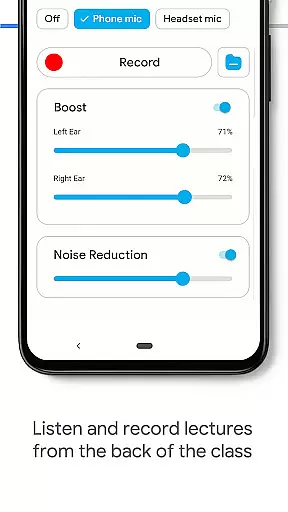
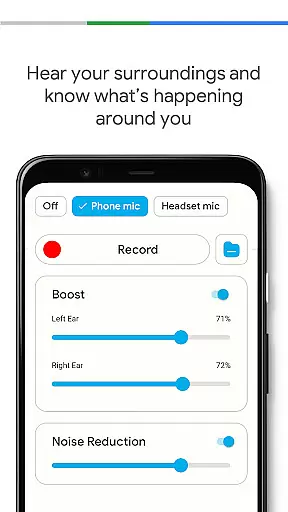
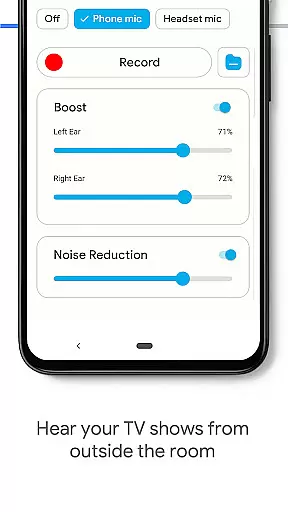
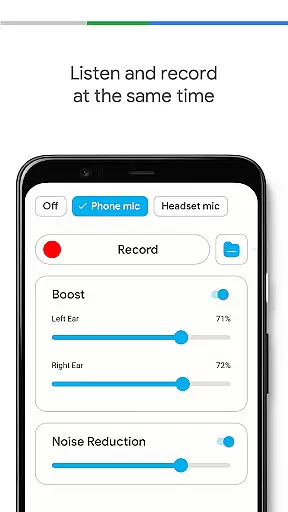
Hearing Aid App for Android distinguishes itself through its comprehensive set of features designed to optimize the listening experience. The app's core functionality includes a sophisticated Audio Enhancer that significantly boosts hearing volume while maintaining sound clarity. Its advanced Noise Control system effectively eliminates background disturbances, ensuring users receive crisp and clear audio transmission.
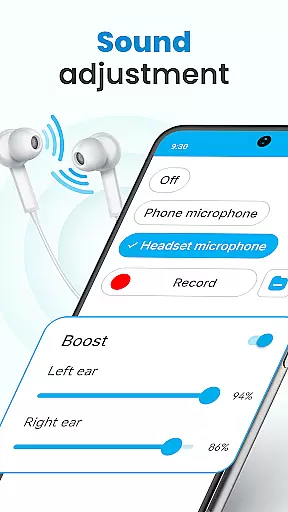
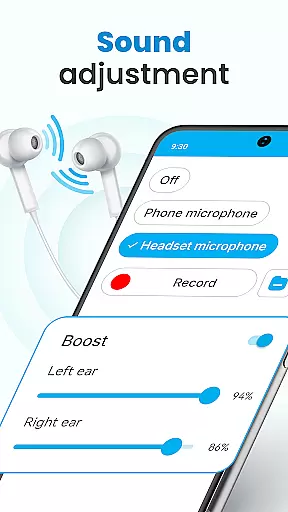
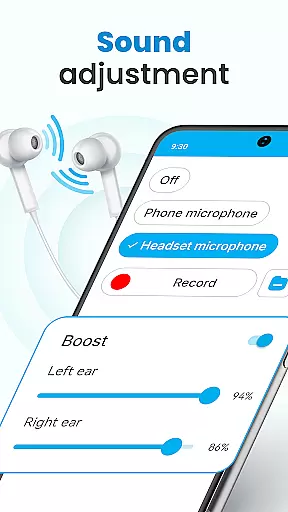
One of the app's standout features is its Super Hearing Volume Booster, which supports both phone microphones and selected headset microphones. The innovative Left and Right Ear Sound Adjustment allows users to customize amplification for each ear independently. Additionally, the Background Mode enables continuous listening even when using other apps or when the device is locked.
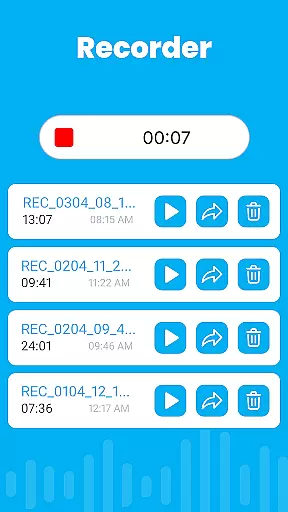
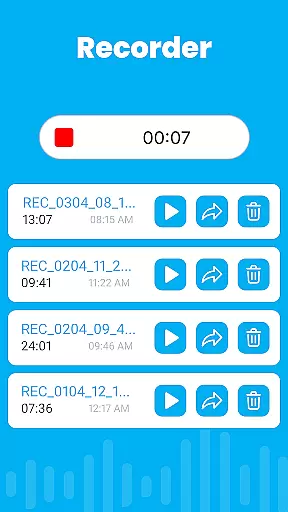
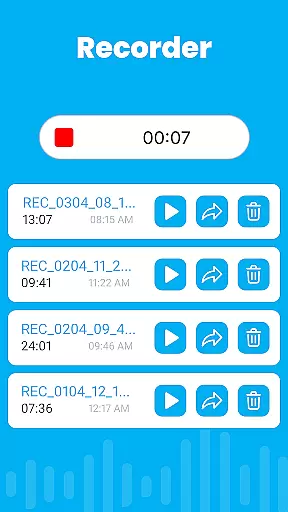
The application also offers practical tools like an integrated Audio Recorder for personalizing sounds and saving environmental settings. Its seamless Bluetooth integration expands usability options, while the automatic speech enhancement feature helps users distinguish conversations in noisy environments. These features collectively create a robust hearing assistance solution that adapts to various listening needs and environments.
In the realm of mobile health applications, ensuring the credibility of medical content is paramount. The Hearing Aid App for Android excels in this area by providing features that are not only designed to enhance hearing but also grounded in sound medical science. This app amplifies sounds and improves hearing through carefully engineered functionalities such as noise control and audio enhancement.
Each feature within the app has been developed with expert oversight, ensuring that users receive a product that adheres to high medical standards. For instance, the Super Hearing Volume Booster allows precise adjustments for each ear, which reflects an understanding of individualized hearing needs. Such customization is crucial for users who require distinct settings for each ear due to varying degrees of hearing loss.
Users benefit from the assurance that their experience is supported by verified medical knowledge. The integration of Bluetooth support and background mode demonstrates a commitment to accessibility and convenience without compromising on the quality or reliability of the auditory assistance provided. These elements collectively contribute to making the app a trustworthy tool for those seeking to improve their hearing ability.
Teleconsultation has become an essential aspect of modern healthcare, allowing patients to receive professional advice remotely. While the Hearing Aid App for Android primarily focuses on enhancing hearing, it indirectly supports teleconsultation quality by ensuring clear audio transmission during virtual consultations. With its advanced noise control and automatic speech enhancement, users can participate in teleconsultations with improved clarity and confidence.
The app's ability to reduce background disturbances while amplifying important sounds ensures that both parties in a teleconsultation can communicate effectively. This is particularly beneficial for individuals with mild hearing loss who might otherwise struggle to follow conversations over digital platforms. By offering adjustable volume levels and personalized sound settings, the app empowers users to tailor their listening experience according to the specific requirements of each teleconsultation session.
Moreover, the inclusion of an audio recorder feature adds another layer of utility for teleconsultations. Users can record sessions for future reference or share them with healthcare providers for further analysis. This functionality enhances the overall quality of remote healthcare interactions, making the Hearing Aid App for Android a valuable companion for anyone engaging in telemedicine services.
Enhances hearing effectively
User-friendly interface
Customizable settings
Supports Bluetooth devices
Background mode available
Requires compatible device
May drain battery
Limited to mild impairment
No professional diagnosis
Internet connection needed

Secure video visits with your VA care team from anywhere
 4.50
4.50
ECG modules improve rhythm ID. ACLS is a simulator for cardiac arrest scenarios.
4.5
Internal medicine literature at your fingertips.
4.50
CPR Timer for High Performance AHA BLS / ACLS
5.00
Discover the source of pain with Muscle Trigger Point Anatomy.
4.70
Pelvic Floor Muscle Exercises
4.80
X-Vein: Advanced vein detection for medical practice
3.10
Online Doctors & Condition Management
4.40
Get Rx fast at the pharmacy, schedule health care, and shop ExtraCare savings.
3.30
Amplify surrounding sounds, conversations, TV or lectures for louder hearing.
4.70
This app is simply 1 book (also large app) and 17 other apps combined into 1
4.70
Health Care at Your Fingertips
4.60
The OptumRx app empowers you to become an advocate of your pharmacy benefits.
4.40
We’ve made it easy for Oscar members to get care on the go.
4.30
Molina Members: My Molina. Manage your health anytime, anywhere!
4.30
Crush your paramedic exam with NREMT-style tests, ECGs, and top-tier prep!
3.90
Conveniently receive lab results, schedule lab appointment and pay your bills
3.70
Care Simplified by MyChart
3.40
MHealth is the mobile version of MEDITECH’s Patient and Consumer Health Portal.
3.10


User Reviews