
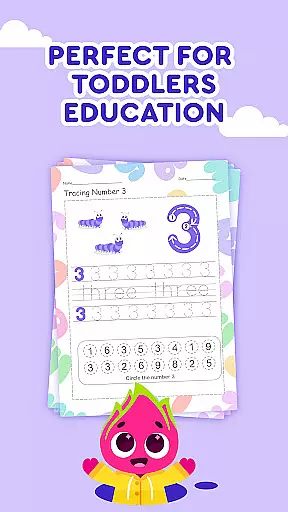

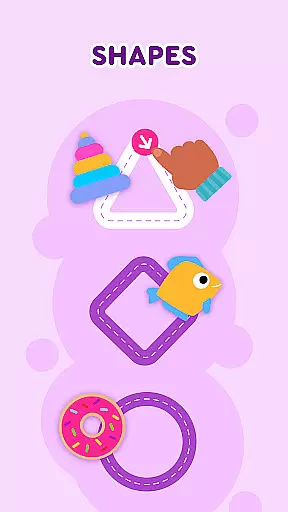
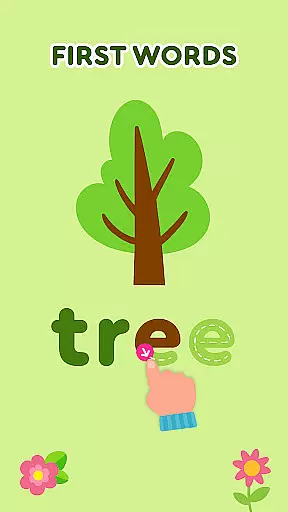
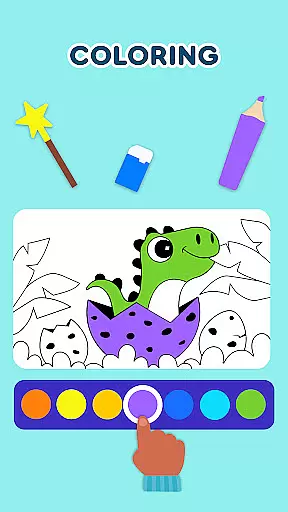
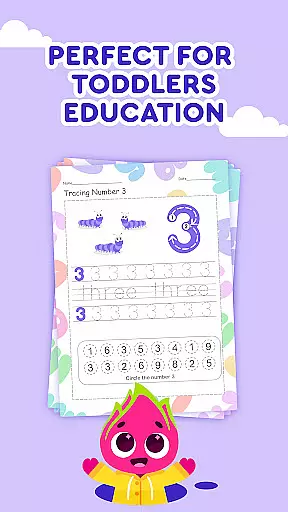

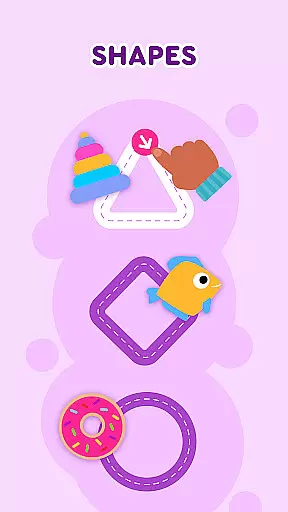
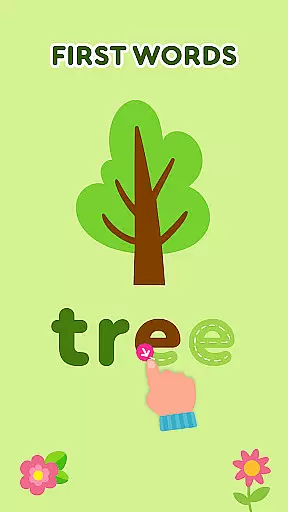
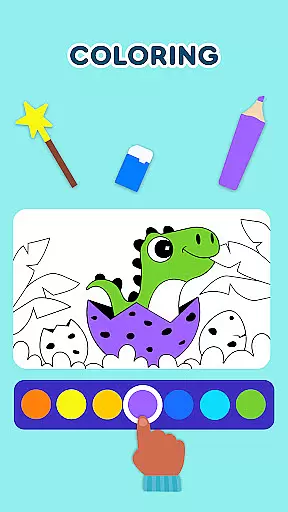
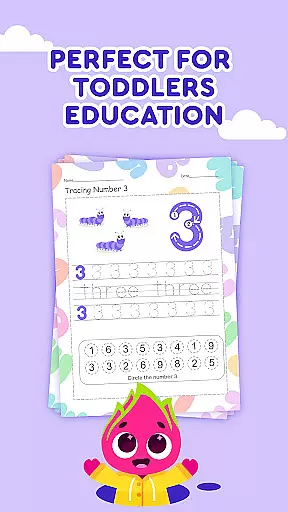
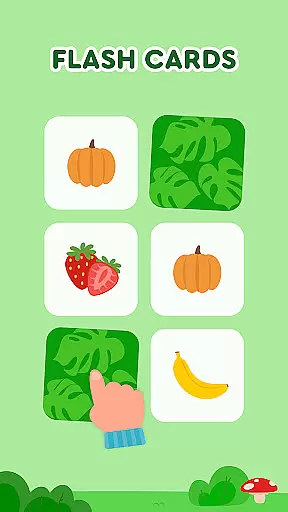
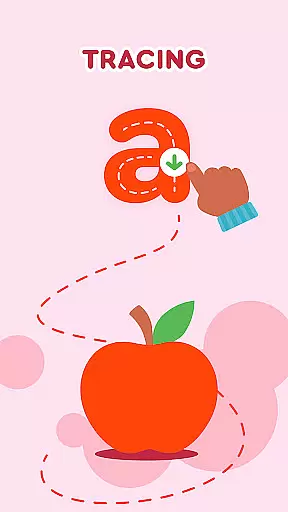
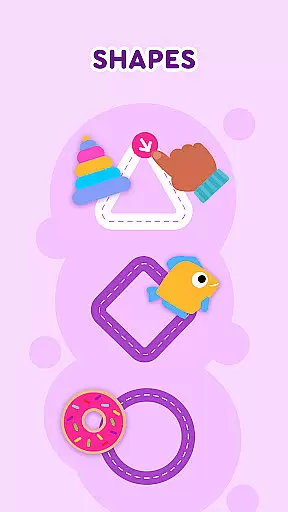
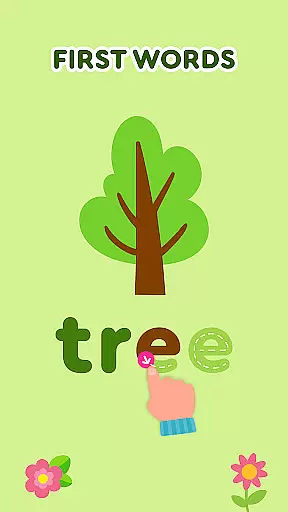
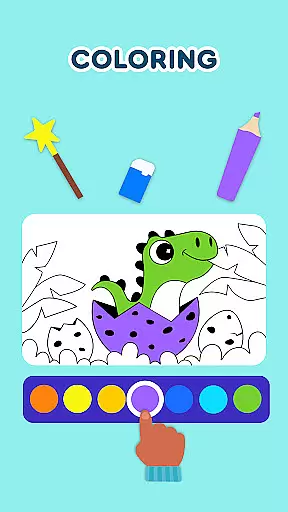
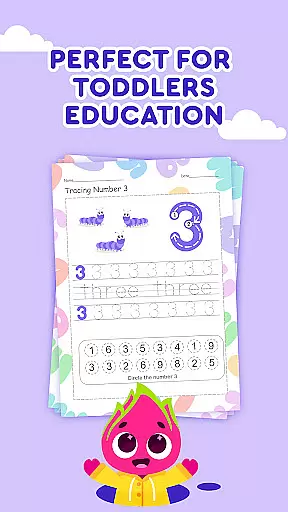
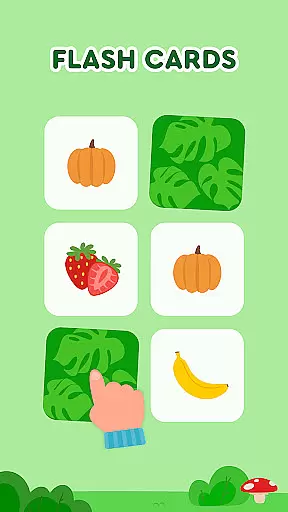
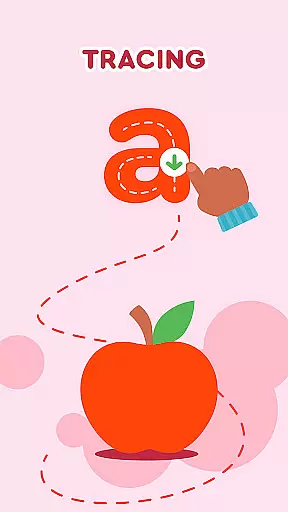
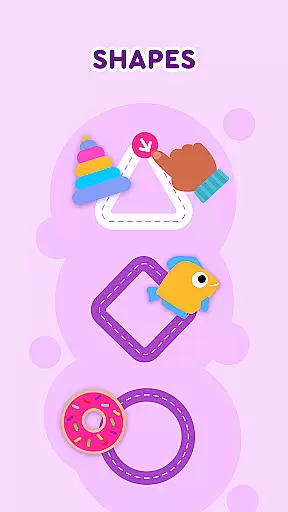
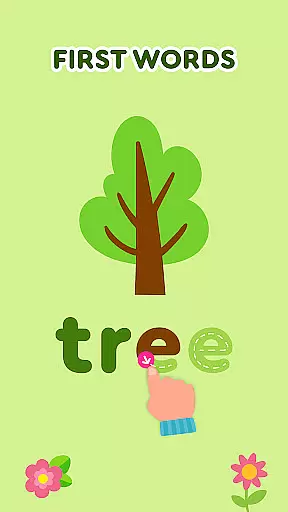
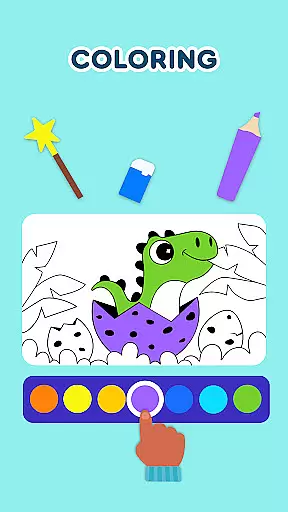
Keiki Learning Games for Kids is an educational app designed to make learning enjoyable and interactive for toddlers and preschoolers. The app offers a variety of activities including ABC games, math games, color and shape recognition, and puzzles that are crafted by child education experts. With its focus on early childhood development, Keiki provides a safe environment with no ads, where children can learn letters, numbers, animals, body parts, colors, alphabet, phonics, and shapes through engaging songs and interactive games.
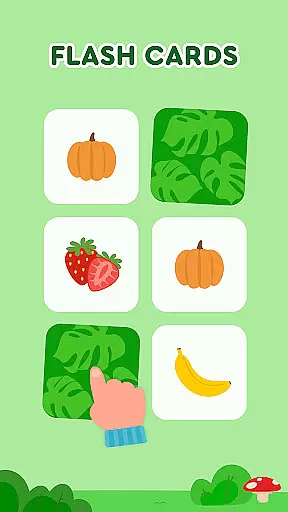
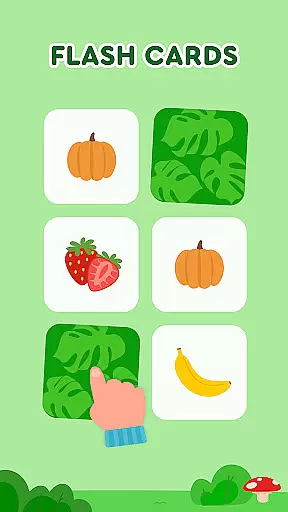
The app's core function is to teach fundamental skills through play. It includes tracing activities for writing letters, memory card games to enhance cognitive abilities, and sorting games that help in understanding object classification. These features are presented in a visually stimulating way that keeps young learners engaged while developing essential skills. Whether it's through funny kids puzzle games or cooking simulations, Keiki ensures that screen time is both fun and educational, making it ideal for parents looking to supplement their child’s learning at home.
Keiki Learning Games for Kids stands out with its diverse range of educational tools tailored specifically for young minds. One notable feature is the inclusion of 'Funny Songs' which allows children to sing along to educational tunes that cover various topics such as letters, numbers, and more. This auditory learning approach complements visual activities like the 'ABC Puzzle Games', where toddlers match letters to corresponding slots, reinforcing letter recognition and basic phonics.
In addition to traditional puzzles, Keiki also incorporates innovative game types such as 'Spin & Turn Toddler Puzzle Educational Games'. Here, children must figure out how to rotate pieces to complete pictures, promoting problem-solving skills. Another highlight is the 'Memory Cards' section, which challenges kids to find matching pairs across different themes, adjustable in difficulty to suit individual progress. Each feature within Keiki Learning Games is designed not only to educate but also to entertain, ensuring that children remain engaged while they learn crucial developmental skills.
In the realm of educational gaming, content authority and curriculum alignment are paramount for ensuring that learning is both effective and credible. Keiki Learning games for Kids takes this responsibility seriously by developing its suite of ABC games, math games, and more under the guidance of child education experts. This ensures that every interaction a child has with the game supports recognized educational standards.
The application offers a variety of activities such as tracing ABC letters, memory card games covering the alphabet, and phonics, all designed to align with preschool and kindergarten curricula. These features not only teach letters and numbers but also help in understanding shapes, colors, and even basic cooking skills through interactive play.
By integrating educational songs and cartoons within its platform, Keiki provides an engaging environment where children can sing along to learn about animals, body parts, and other essential concepts. The app's dedication to curriculum alignment means that parents and educators can trust that screen time is constructive, reinforcing classroom teachings while still being enjoyable.
Gamification in learning transforms the educational experience into an engaging journey, merging fun with pedagogy seamlessly. Keiki Learning games for Kids excels in this area by incorporating various entertaining elements like Didi Cartoons, cooking games, and harvesting activities which captivate young minds while imparting valuable life skills.
Each mini-game within the app serves a dual purpose; it entertains while simultaneously teaching key competencies such as color recognition, counting, letter identification, and problem-solving. For instance, 'Spin & Turn' puzzles challenge toddlers to think critically about spatial relationships, whereas 'Catch It!' enhances motor skills alongside color and object matching.
Moreover, Keikiu2019s approach to gamified learning includes adjustable difficulty levels across different puzzles and challenges, catering to individual learning paces. With these integrative techniques, Keiki ensures that each child's progress is personalized yet comprehensive, making early childhood education not just informative but also irresistibly enjoyable.
User-friendly interface
Educational content variety
Ad-free environment
Engaging animations and sounds
Regular updates with new content
Limited advanced learning options
Some features may require in-app purchases
Occasional technical glitches reported
May lack depth for older children
Parental controls could be more robust

Wind down, relax and snuggle up with your favourite Blocks characters.
 3.30
3.30
Pretend play in Pepi City: become a doctor or a patient. Our city, your stories!
4.30
Math Games For Kids To Learn Addition, Subtraction, Multiplication and Division.
4.30
Cure the patients to create your hospital story!
3.90
Fun step-by-step drawing & coloring app to learn and create art!
4.1
Where Little Healers can Make a Big Difference!
4.00
Companion app for Cozmo, the educational toy robot who’s got a mind of his own.
3.30
Design dreamhouses and dress up creatively in the ultimate role-playing game!
4.70
Fun baby games for kids. Play baby piano, musical instruments & nursery rhymes.
4.50
Glow Doodle! Baby Coloring & Drawing games for toddlers: Color and Learn! NoAds!
4.40
A cube building game for small (and large) builders.
4.40
Play and build with Bluey & friends in this fun LEGO® game!
4.40
Build your own BRIO railway!
4.30
Fun educational game: Learn, imagine, create, draw and color!
4.20
CASHFLOW - The Investing Game
4.00
Practice Early Literacy Skills and Build Vocabulary with Elmo & Cookie Monster!
3.90
Magical girl game where dreams come true. Collect & care for cute princesses!
3.80
Play pretend & explore at the doctor's & school in Daniel Tiger's Neighborhood.
3.30
Help your child improve their number literacy with Numberblocks: Card Fun!
2.60


User Reviews