

Health Care at Your Fingertips
 4.60
4.60
Donating blood and platelets is easier than ever with The American Red Cross.
4.80
Live vet support by text/video
4.80
Remote, medical-grade heart care at your fingertips
4.70
CPR Timer for High Performance AHA BLS / ACLS
5.00
The doctor will see you now
4.70
Donating plasma just got easier with the BioLife Plasma Services mobile app.
3.90
Secure video appointments
4.50
Manage your health care in one easy place
4.40
The Better Pharmacy Experience
4.90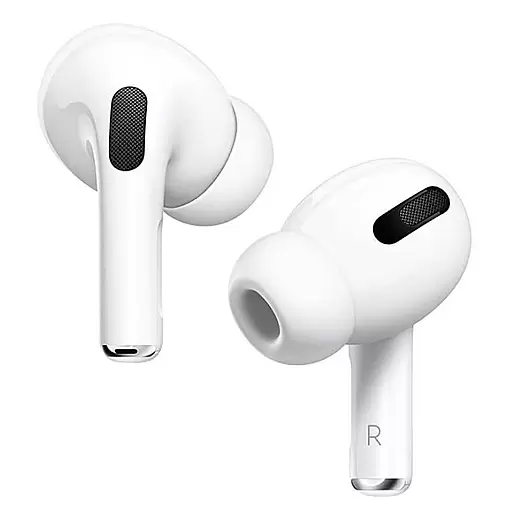
Hear far away sounds, conversations, TV and surrounding sounds more clearly.
4.70
World's largest contact lens store
4.60
Radiographic Positioning Guide for Medical Imaging Professionals and Students
4.50
The OptumRx app empowers you to become an advocate of your pharmacy benefits.
4.40
Download OctaApp for easy access to your plasma donation info
4.40
One app to unlock your health
4.30
A rapid reference for healthcare professionals caring for pediatric patients.
4.30
MySafeRide simplifies booking and managing rides for health plan members.
3.50
A rapid reference for prehospital providers caring for pediatric patients.
4.1


