
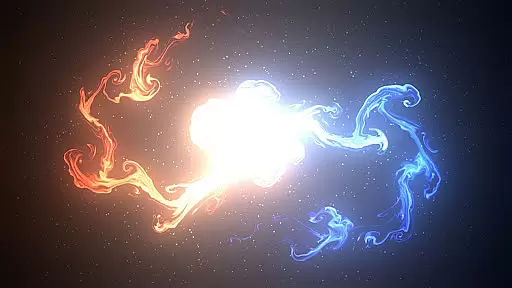
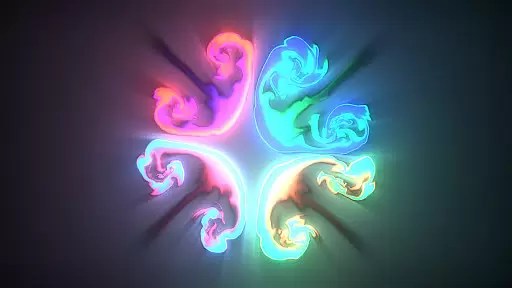
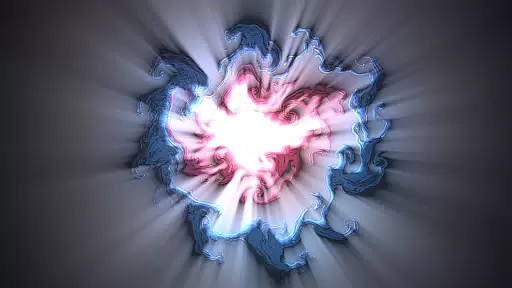
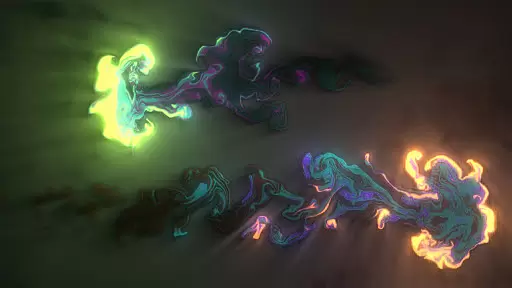
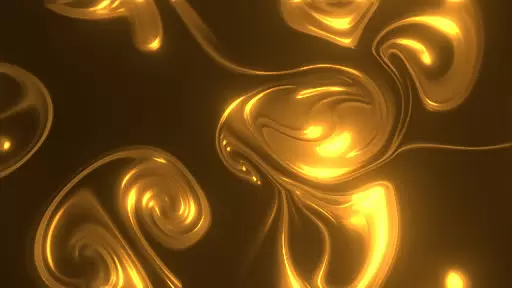
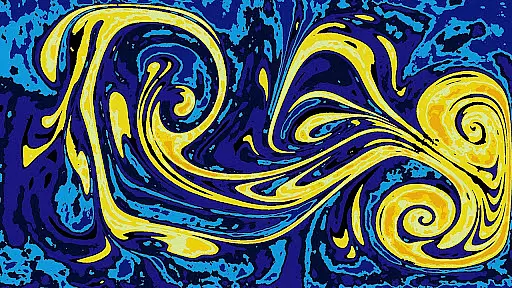
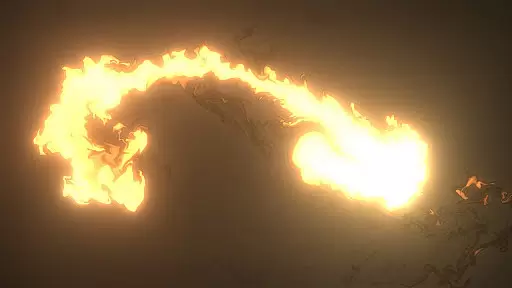
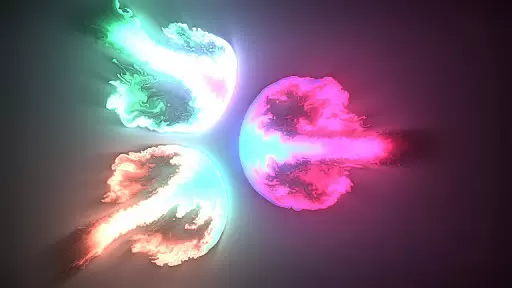
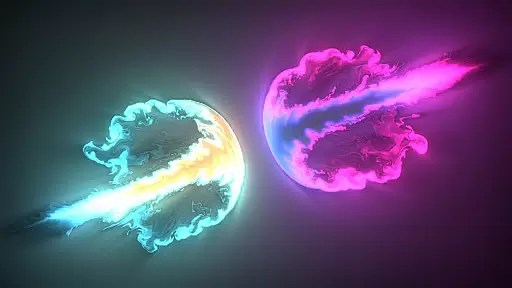
Magic Fluids is an innovative entertainment app that combines fluid simulation technology with artistic expression, offering users a unique digital canvas for both relaxation and creativity. The app's core functionality lies in its ability to simulate realistic fluid dynamics while enabling users to create stunning visual patterns through simple touch interactions.
What sets Magic Fluids apart is its dual-purpose design - it serves as both a creative tool for making abstract digital art and a therapeutic medium for stress relief. Users can choose from over 30 configuration presets or customize their own settings to control fluid behavior, color modes, and special effects like glow and textures. The app's versatility extends to its dual functionality as both a regular application and a Live Wallpaper solution.
The application finds particular value in its ability to help users relax and meditate while creating beautiful patterns. Whether you're looking to relieve stress through mindful drawing or seeking to produce impressive digital artwork resembling galaxies, liquid effects, or smoke patterns, Magic Fluids provides the tools to do so conveniently on your mobile device.
The app boasts several distinctive features that enhance user experience. Its advanced fluid simulation engine supports both smoke (gas) and water (liquid) animation, complete with thousands of particles that move naturally with the fluid. This technical sophistication is balanced by user-friendly controls, including multitouch support and highly configurable parameters.
Magic Fluids stands out through its comprehensive customization options. Users can modify fluid viscosity, flow patterns, and color schemes while enjoying additional artistic elements like glow effects and texture overlays. The inclusion of multiple quality settings ensures smooth performance across various devices, from high-end smartphones to more basic models.
A particularly innovative aspect is the app's dual implementation as both a standard application and a Live Wallpaper. This flexibility allows users to either actively engage in creating art or passively enjoy their creations as animated backgrounds. The pause function and screenshot capability further enhance usability, enabling users to capture and share their best designs while maintaining precise control over the creative process.
Magic Fluids offers an impressive range of content variety that caters to different user preferences and moods. With over 30 configuration presets, the app allows users to choose from a wide array of fluid behaviors and looks. Whether you're in the mood for a calming experience or something more dynamic and trippy, Magic Fluids has a setting for that.
The app doesn't just stop at presets; it encourages creativity by letting users save their own custom configurations. This feature ensures that the content stays fresh as users can continually experiment and save new combinations. The ability to switch between smoke (gas) and water (liquid) animation adds another layer of variety, keeping the experience engaging over time.
Users benefit from thousands of particles moving with the fluid, multiple color modes, and special effects like glow and textures. These elements combine to create an ever-changing canvas of digital art that can mimic anything from swirls and galaxies to liquid, fire, light, smoke, and lava. This diversity not only enhances relaxation but also inspires artistic expression.
Magic Fluids is designed to captivate users and encourage extended engagement durations. Its highly optimized performance and multiple quality settings make it accessible to a wide range of devices, ensuring smooth and responsive interactions regardless of the hardware being used. This optimization helps maintain user interest by providing a seamless experience without lag or interruptions.
The app's multitouch controls and live wallpaper functionality further enhance user engagement. By allowing users to interact directly with the fluid animations through touch, Magic Fluids creates an immersive environment that is both satisfying and hypnotic. Users can lose themselves in the swirling colors, which aids in stress relief and meditation, encouraging longer sessions within the app.
Retention is bolstered by features such as pausing animations and saving screenshots, enabling users to capture and revisit their favorite moments. Additionally, Magic Fluids' dual functionality as both a regular app and a live wallpaper means that users remain engaged even when they're not actively using the app. Seeing their creations come to life on their homescreen serves as a constant reminder of the appu2019s potential, prompting them to return and explore more possibilities.
User-friendly interface
Highly customizable settings
Dual app-wallpaper functionality
Stress-relief benefits
Family-friendly features
May drain battery quickly
Steep learning curve
Requires modern hardware
Limited practical applications
Premium features cost extra

Binge-worthy short dramas on DramaRush—engaging stories that fit your day.
 3.90
3.90
Air Horn - Siren Sounds Prank, Fun way to wake up your Friends and Family
4.5
Disney Stickers: Zootopia 2
4.0
Stream Movies & TV Series: Original Shows, Family Movies & New Releases Weekly
4.60
Classic dynamic pixel art from Mark Ferrari.
4.70
Open-source, fast, simple and powerful IPTV app
4.90
Earn gift cards for playing games. Become a real game tester!
4.40
Companion app for Elden Ring to track quests, bosses, progress and more.
4.70
Play casual games to get gift cards and money. More playing, more earning.
4.70
Original short dramas with diverse genres for a rich viewing experience!
4.80
Premium version to enjoy your favorite anime
4.60
Underrated short-drama gems that hit hard and keep your heart hooked.
4.50
Play games. Earn real rewards. Cash out in 3hours via PayPal or gift cards.
4.40
Official KennysGifs Stickers
4.20
Your choice of 350+ networks plus movies and full TV series on-demand.
3.70
Fool your friends & Family with Fake ultrasound test report
3.60
NFL, NBA, NHL, MLB, local sports coverage, shows, movies & news!
3.20
Stream over 80 hours of exclusive mashups and remixes by DJ Rehab.
4.3
Collaboration with popular VTubers
4.5


User Reviews