
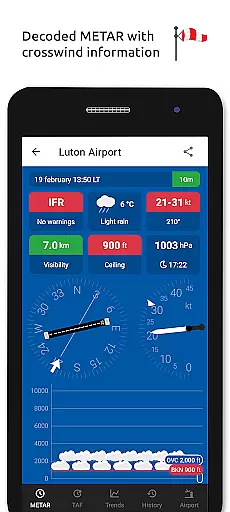
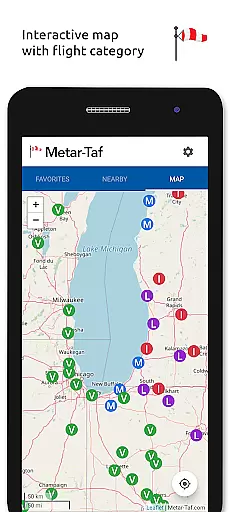
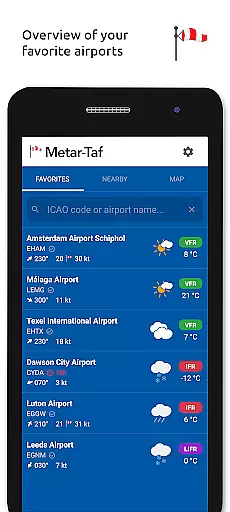
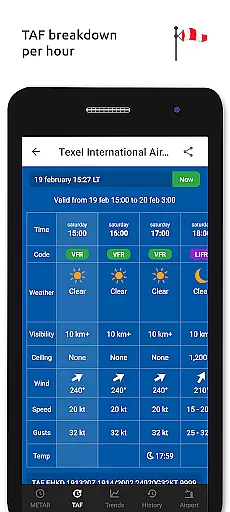
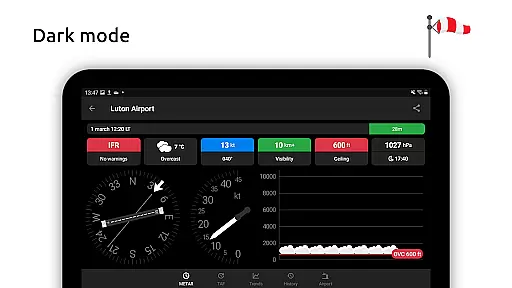
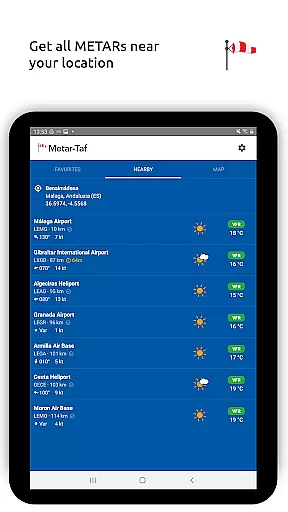
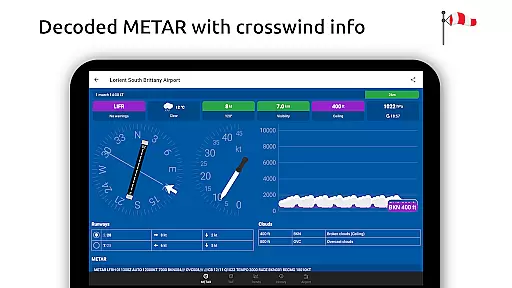
Metar-Taf is a comprehensive weather application designed specifically for aviation enthusiasts and professionals. The app provides visualized METAR and TAF weather information for airports worldwide, offering users an easy-to-understand, colorful interface with concise summaries of essential aviation weather data. Key features include crosswind calculations, flight rule categorization (VFR, MVFR, IFR, LIFR), and text-to-speech functionality for decoded METAR reports.
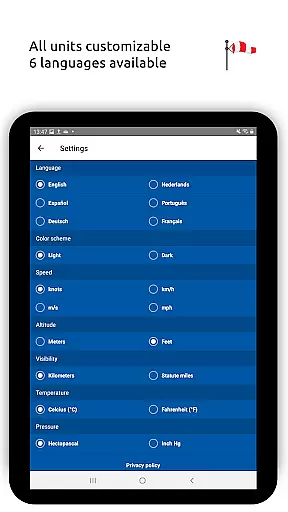
In addition to its robust METAR capabilities, Metar-Taf offers detailed TAF breakdowns displayed hourly in tables, complete with sunrise/sunset times and temperature extremes. Users can track favorite stations, access location-based observations, and search airports by ICAO code or name. With offline functionality, customizable units, and multilingual support, this app is an indispensable tool for pilots and aviation meteorologists.
Metar-Taf stands out with its extensive feature set tailored to aviation weather needs. The app's METAR visualization presents complex weather data through intuitive metrics and symbols, while its TAF display breaks down forecasts into easily digestible hourly segments. Unique capabilities include precise crosswind calculations combining METAR and runway information, and automatic flight rule categorization based on current conditions.
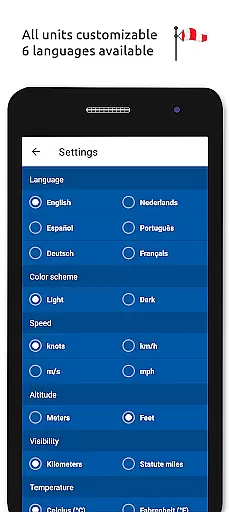
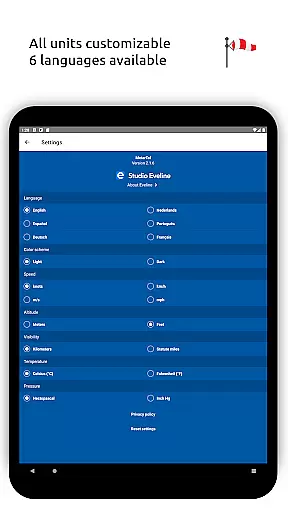
The application excels in personalization and convenience. Users can maintain a list of favorite stations for quick reference, access historical weather trend graphs, and view detailed airport information including runway directions and elevation. All measurement units are fully customizable, and local times are automatically calculated for each airport. The app's offline functionality and availability in six languages make it an exceptionally versatile tool for aviation professionals worldwide.
Accurate weather forecasting is crucial for aviation safety and planning. Metar-Taf provides reliable METAR and TAF data for airports worldwide, ensuring pilots have the most up-to-date information.
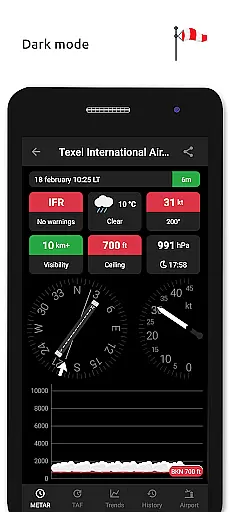
The app visualizes weather metrics in an easy-to-understand format, using colorful indicators and symbols similar to non-aviation weather reports. This simplifies interpreting complex weather data, making it accessible even to those new to aviation.
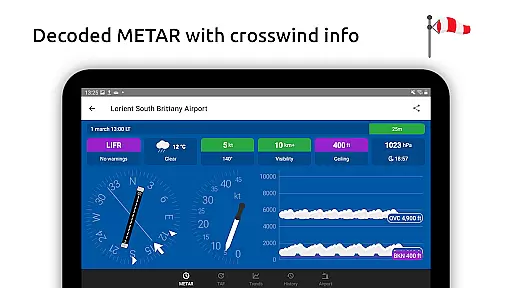
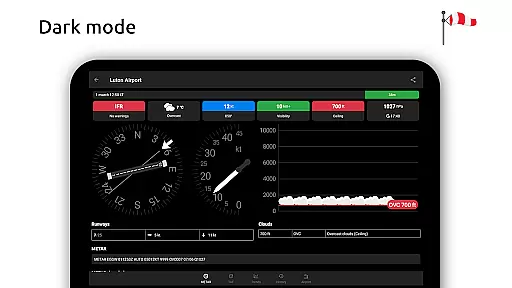
Crosswind calculations are performed by combining METAR with runway details, offering precise data that helps pilots make informed decisions about takeoffs and landings. Flight rule categories such as VFR, MVFR, IFR, LIFR further assist users in understanding current flying conditions.
With text-to-speech functionality, decoded METARs can be listened to while multitasking, enhancing convenience without compromising on accuracy or detail.
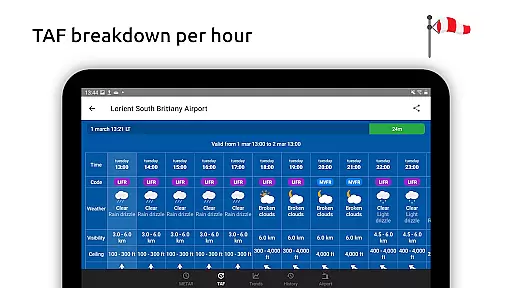
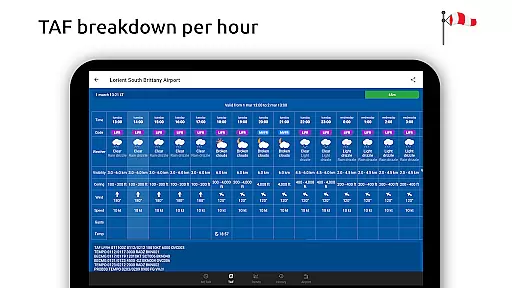
Metar-Taf offers extensive temporal and spatial forecast ranges, allowing users to track weather trends over time and across different locations. The app displays TAF breakdowns per hour in a table format, showing sunrise/sunset times and temperature extremes.
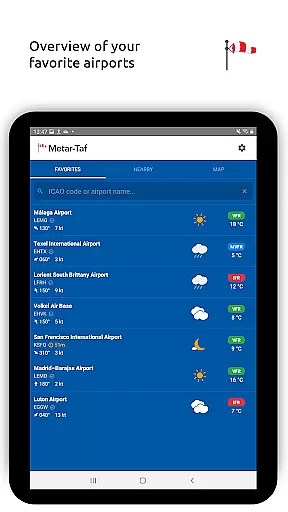
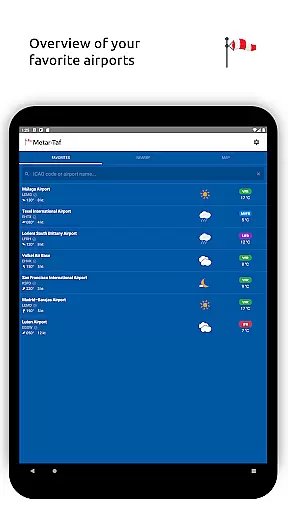
Users can add favorite stations to their list for quick access to localized weather at a glance. Observations near the user's location provide immediate situational awareness, which is vital when preparing for flights.
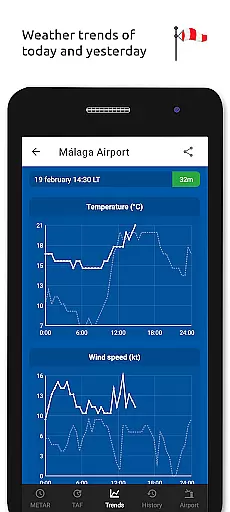
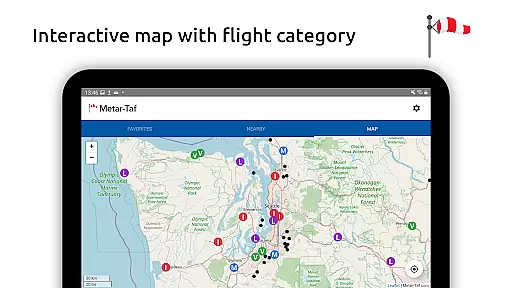
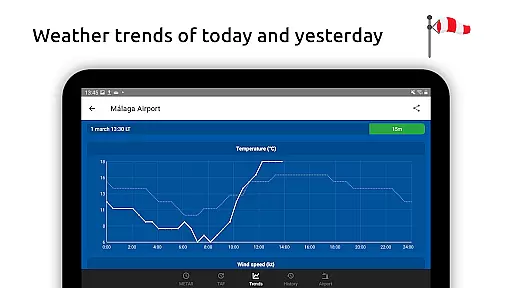
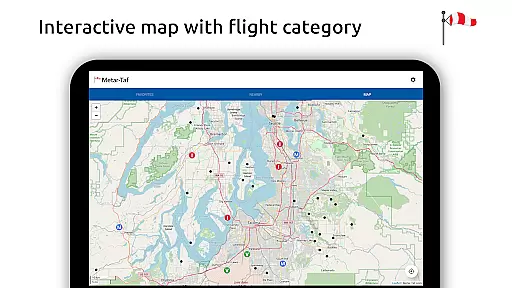
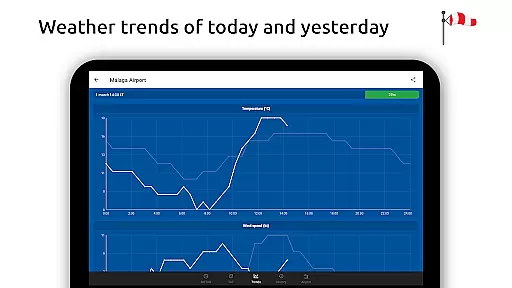
An interactive map feature lets users find stations using weather codes, search airports by ICAO code or name, and view detailed graphs of weather trends from today and yesterday including temperature, visibility, wind speed, and QNH.
For comprehensive analysis, METAR history links direct users to more data available online. Airport information like runway directions, elevation, and location is also provided, ensuring thorough preparation before any flight operation.
User-friendly interface
Comprehensive weather data
Offline functionality
Customizable units
Multilingual support
Advanced features may overwhelm beginners
Occasional data synchronization issues
Some features require technical knowledge
Interface could appear cluttered
Text-to-speech quality varies
Nuts Weather, your ideal choice for knowing weather forecast & weather radar
 4.70
4.70
Personal Weather Station PRO - Meteo monitor to check your WU info and charts.
4.20
Ultimate Lunar Calendar for 2021!
4.80
Arrive safely! Travel weather forecasts for your entire trip at time of arrival.
3.60
Get accurate rainfall and snowfall totals for pinpoint locations on a map.
4.60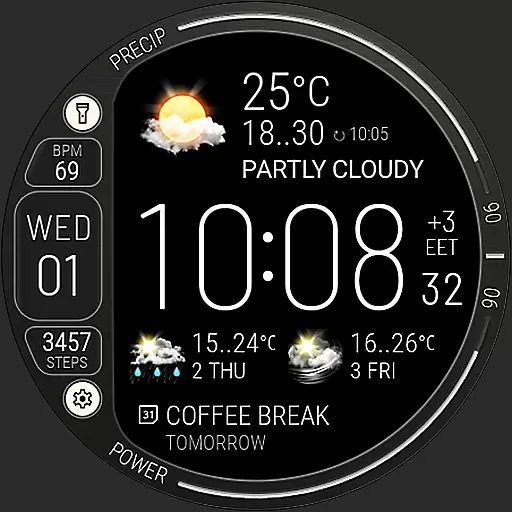
Digital Weather Watch Face for Wear OS 5+
4.4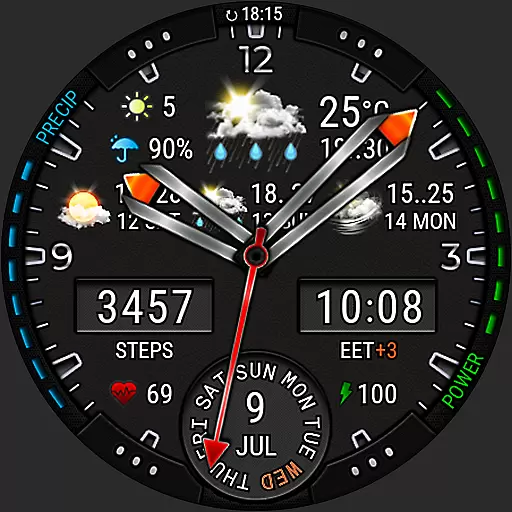
Analog Weather Watch Face for Wear OS 5+
4.10
Live NOAA weather app to track storm, rain, wind, lightning & real local updates
4.20
Hyperlocal Forecasts, Live Radar, Severe Weather alerts & Homescreen Widgets
4.30
Hurricane Tracker, Rain Map
4.80
Local Weather provides accurate and current hourly and daily forecasts.
4.80
Weather radar, satellite, wind, waves, ocean and hurricane forecasts.
4.70
Local forecast, alerts, rain, snow and wind radar, air quality & weather widget
4.60
All-in-one weather radar launcher with rain, temperature maps & local forecast.
4.30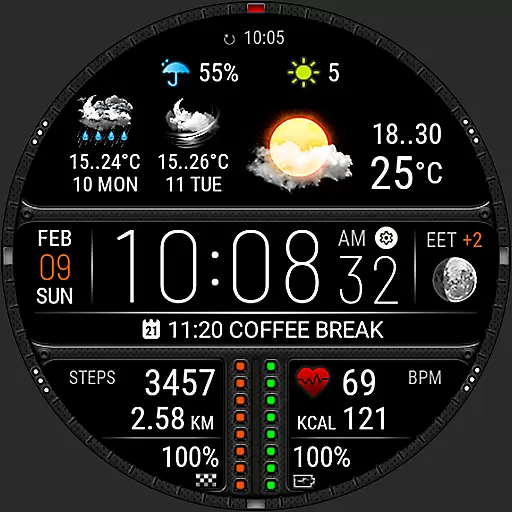
Download now and give your smartwatch a fresh, premium look!
4.20
An unofficial app version of the National Weather Service (Weather.gov)
3.90
Check forecasts, watch live news & track storms with FOX Weather.
3.80
Magnetic Compass meets smart tech: Get directions and weather alerts seamlessly
3.30
The Weather Network TV App - Your weather when it really matters
2.90


User Reviews