
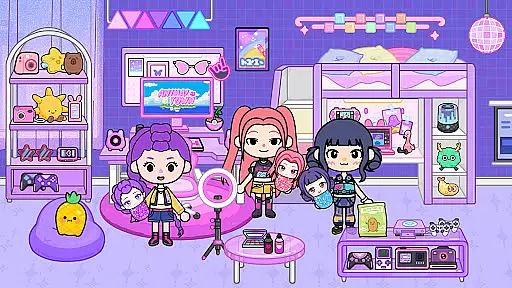

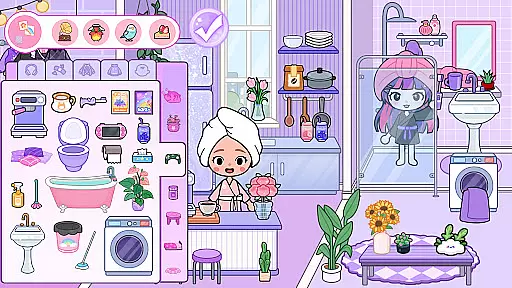
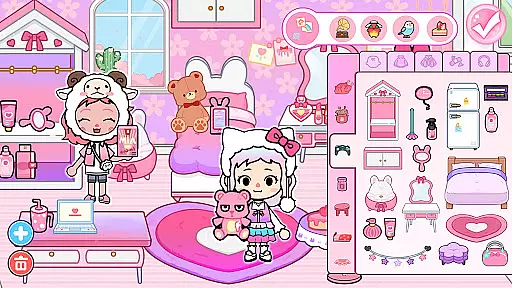
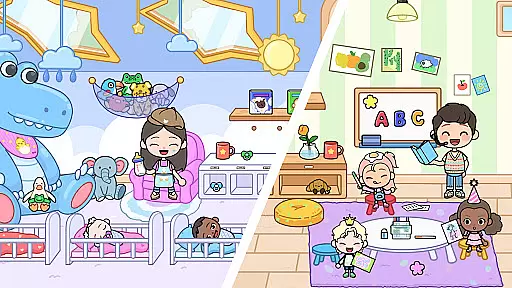
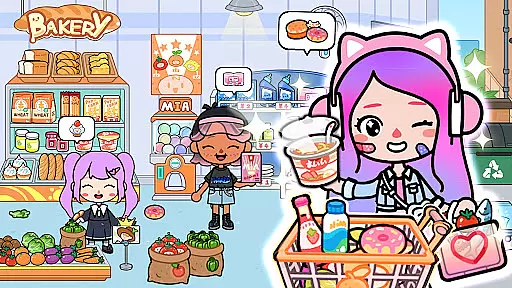

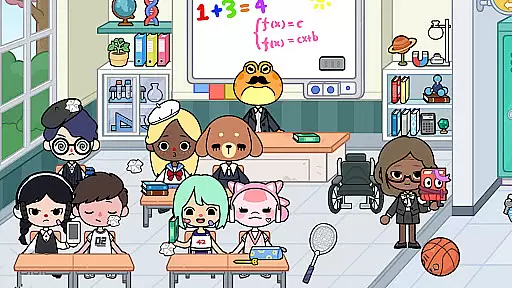
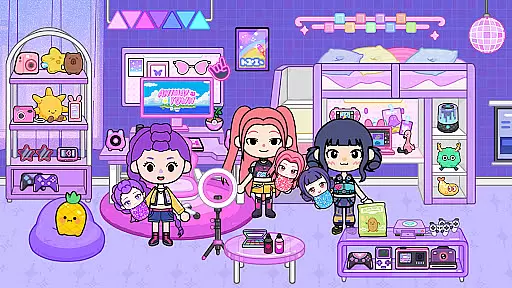

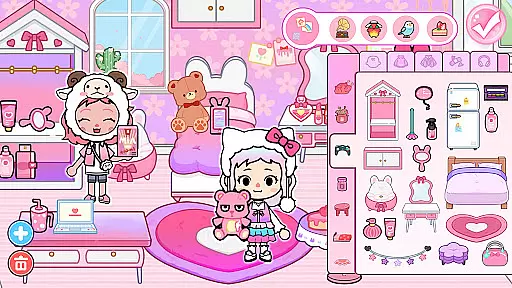
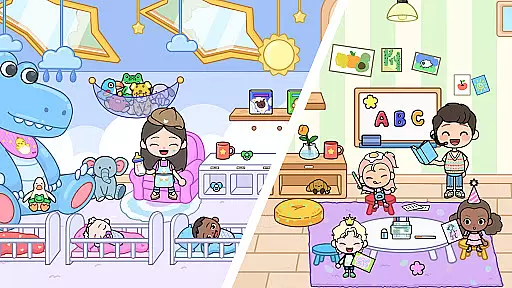
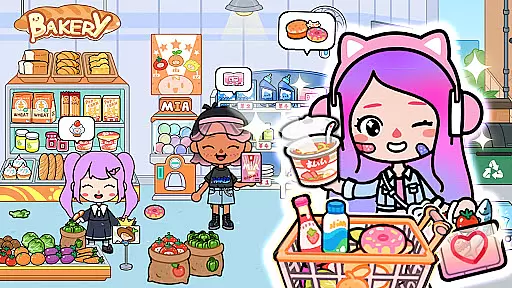

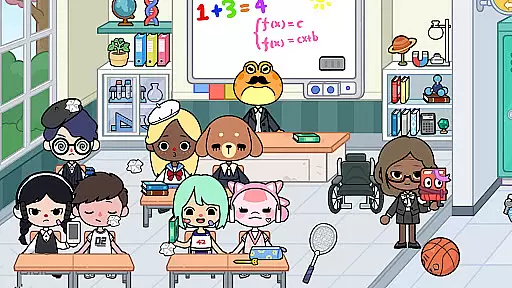
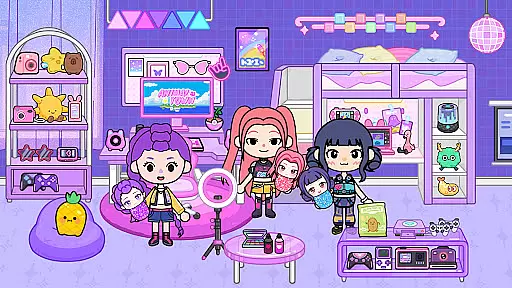

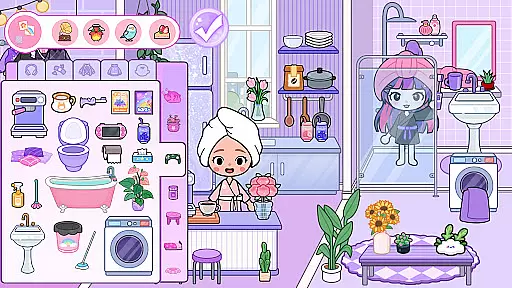
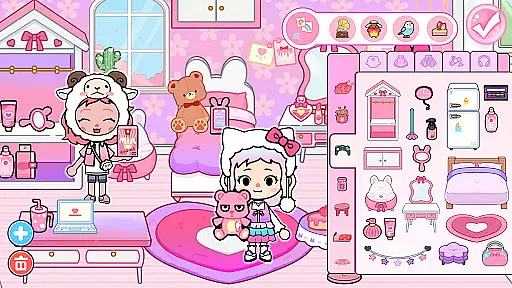
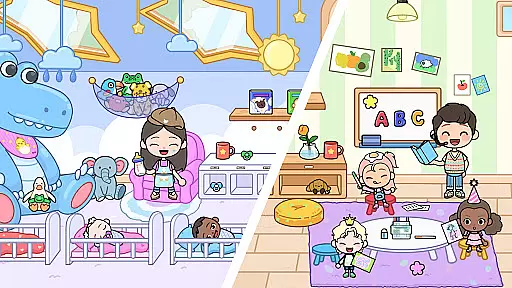
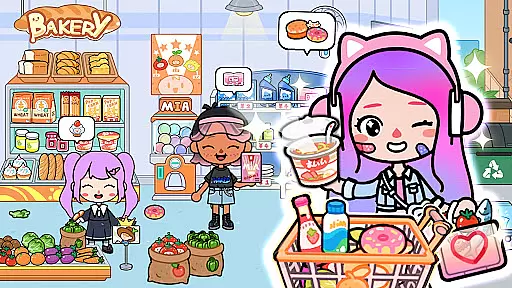

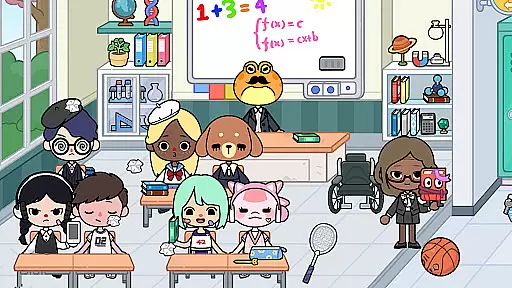
Mia World is an innovative life simulation game that combines creativity, safety, and fun in a virtual environment. Designed with input from educators and child development experts, this educational app offers a unique blend of avatar customization, home design, and open-world exploration.
The app's core features include detailed avatar creation tools, interactive house design mechanics, and a richly developed virtual city complete with schools, shops, and parks. These elements work together to create an immersive experience where users can safely explore daily life scenarios while developing essential skills through play.
One of Mia World's standout features is its comprehensive life simulation gameplay. The Avatar Maker allows for extensive character customization, enabling users to express individuality through various dress-up options and emotional expressions.
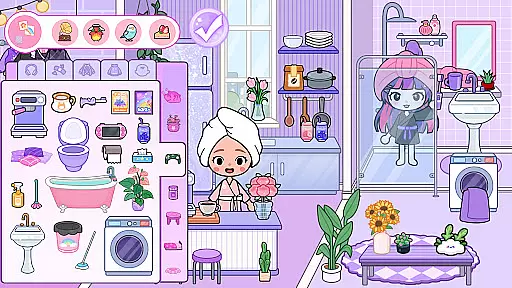
The House Design Game component provides sophisticated tools for room decoration and spatial planning. Users can experiment with color coordination and furniture arrangement while learning fundamental design principles. Additionally, the app incorporates expert-approved safety measures and positive learning loops that promote empathy, storytelling, and emotional growth in a controlled environment.
In the realm of educational gaming, content authority and curriculum alignment are crucial for ensuring that learning is both effective and relevant. Mia World stands out by integrating input from teachers and child experts to create a safe, relaxing, and educational experience.
The game's life simulation gameplay supports empathy, storytelling, and creativity through guided simulation activities. These elements are carefully designed to align with educational standards, promoting emotional growth and confidence in a calm and creative atmosphere.
By engaging in Mia World's expert-approved safety features and positive learning loops, players benefit from a structured yet flexible environment where curiosity is encouraged. This approach not only enhances traditional learning but also fosters essential life skills such as problem-solving and social interaction.
Mia World excels in gamification-learning integration, transforming ordinary gameplay into an enriching educational journey. By combining avatar customization, home design, and open-world exploration, the game creates a unique simulation platform where imagination, learning, and creativity converge.
Players can dive into a delightful life adventure where every choice, from designing dream rooms to interacting with friendly characters, serves as a learning opportunity. This interactive method promotes active engagement and retention, making education an enjoyable part of the gaming experience.
Moreover, the game's relaxing and aesthetic gameplay, complete with beautiful animations and calming sound design, ensures that learning remains a stress-free activity. As users explore, design, and grow within their virtual worlds, they develop critical thinking and creativity, all while having fun in a family-friendly environment.
User-friendly interface
Educational value
Creative freedom
Family-friendly content
Expert-approved safety
Limited advanced features
Occasional performance issues
In-app purchase requirements
Basic graphics quality
Restricted customization options

Stack the States® 2 makes learning US geography fun!
 4.50
4.50
A logic puzzle game for 1 - 3 players
4.1
Fun educational games for kids that teach number tracing, counting with modes!
4.50
Tracing, phonics & spelling games for toddlers, preschool & kindergarten kids!
4.50
Learn numbers, letters, and shapes playing toddler balloon pop games ►NoAds◄
4.60
Baby Phone Game for Kids & Toddlers to Learn Sounds, Numbers, ABCs, Phone Calls
3.80
Fun step-by-step drawing & coloring app to learn and create art!
4.1
Expert-designed fun interactive learning games to prep kids (2-5) for preschool.
4.00
Kids age 2-8 can create, explore, and play Toca Boca games their way!
3.50
Amazing toddler coloring games for 2+. Enjoy painting games
4.60
Play educational games for preschool toddlers—plus more to discover ►AdsFree◄
4.60
Fun game for preschoolers to learn addition, subtraction, counting and math!
4.50
Glow Doodle! Baby Coloring & Drawing games for toddlers: Color and Learn! NoAds!
4.40
A fan of cute games? Try animal games & take care of fluffy virtual pets!
4.20
Animal games! Adopt virtual pet dog, cat & rabbit to create your pet world!
4.10
Where the beloved world of Peppa Pig meets the creativity of LEGO DUPLO!
4.00
The kids phonics and reading app that's helped millions of kids learn to read
4.00
Daycare full of baby games! Take care of cute toddlers & play fun mini-games!
3.90
Practice Early Literacy Skills and Build Vocabulary with Elmo & Cookie Monster!
3.90


User Reviews