
A scientifically-proven method to help people with dementia or memory impairment
 4.3
4.3
The MDLIVE app makes connecting with a doctor fast, easy, and convenient.
4.60
Patient Health Portal
4.20
The Omada app enhances your program experience and helps you stay engaged.
4.50
Be more confident prescribing homeopathy at home for your family.
4.80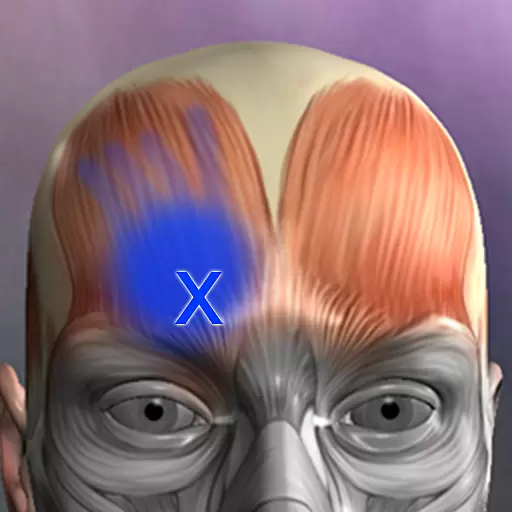
Discover the source of pain with Muscle Trigger Point Anatomy.
4.70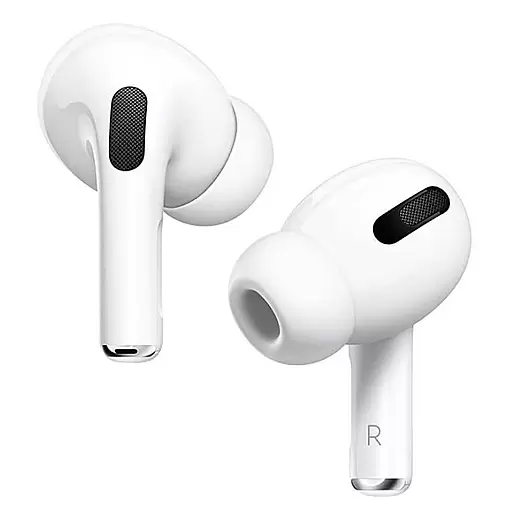
Hear far away sounds, conversations, TV and surrounding sounds more clearly.
4.70
The Client Portal app empowers you to manage care from one secure place
4.10
Manage your healthcare through the FollowMyHealth® Universal Health Record.
4.80
CPR Timer for High Performance AHA BLS / ACLS
5.00
A comprehensive medical disease app.
5.00
Pelvic Floor Muscle Exercises
4.80
Want to make it easier to manage your health? We’re with you, wherever you are.
4.70
Save up to 80% on your pharmacy prescriptions & medications with free Rx coupons
4.70
Boost reading, writing, speaking and listening with a scientifically proven app.
4.70
Download the PulsePoint app and use your CPR skills to save a life!
4.60
Modivcare members can book and manage trips.
4.50
700 questions, 2 full exams, Predictive Scoring—your key to NREMT success!
3.90
Care Simplified by MyChart
3.40


