
MySafeRide simplifies booking and managing rides for health plan members.
 3.50
3.50
3rd trimester? Counting Kicks is what moms should do-It’s important & easy too!
4.30
An easy way to earn money donating plasma. Book a visit, sit back, and get paid.
3.80
Live vet support by text/video
4.80
A rapid reference for prehospital providers caring for pediatric patients.
4.4
Control your hearing aids discreetly with the touch of a finger
4.30
Care Simplified by MyChart
3.40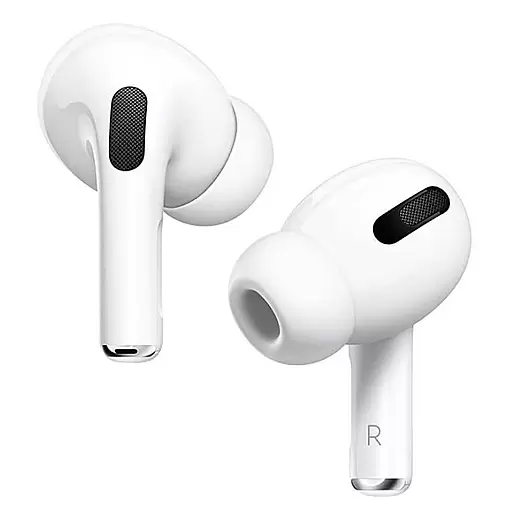
Hear far away sounds, conversations, TV and surrounding sounds more clearly.
4.70
Download OctaApp for easy access to your plasma donation info
4.40
myVCA is your tailor-made guide to raising a healthy and happy pet.
4.90
Access health information and communicate with your care team anytime, anywhere.
4.80
Remote, medical-grade heart care at your fingertips
4.70
Sync your blood glucose device, log values automatically and tame your diabetes!
4.60
Log your symptoms in the MyZio app — the perfect companion to the Zio monitor!
4.60
ASCCP Management Guidelines- There’s an app for that!
4.60
The OptumRx app empowers you to become an advocate of your pharmacy benefits.
4.40
The Client Portal app empowers you to manage care from one secure place
4.10
Donating plasma just got easier with the BioLife Plasma Services mobile app.
3.90
A scientifically-proven method to help people with dementia or memory impairment
4.2


