
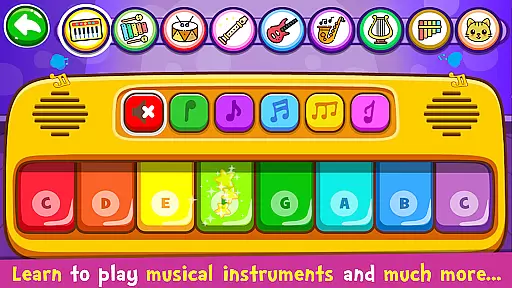
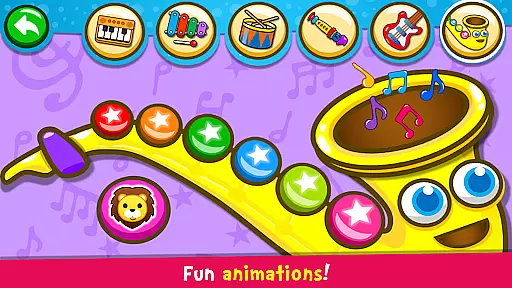
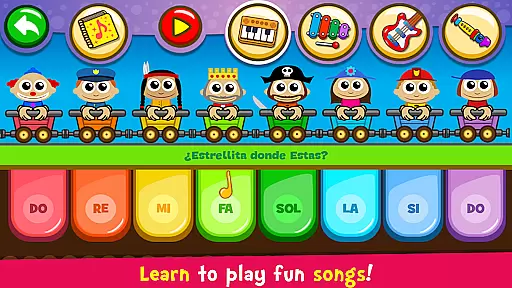
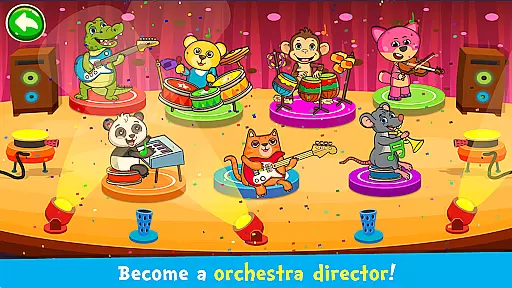
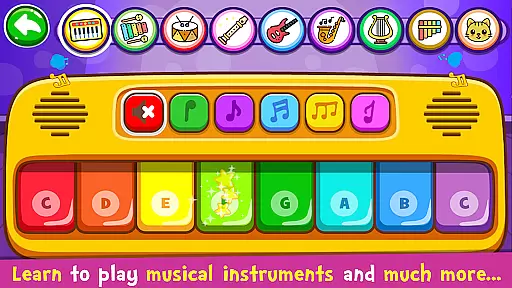
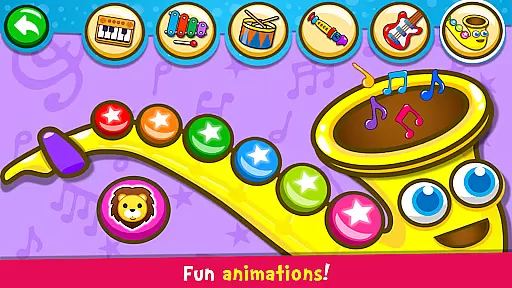
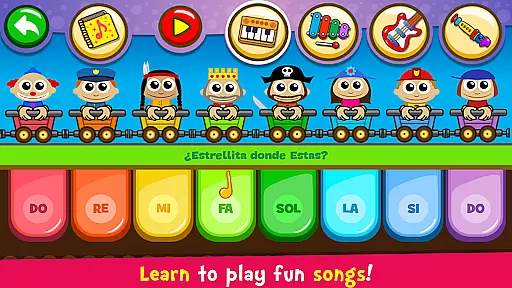
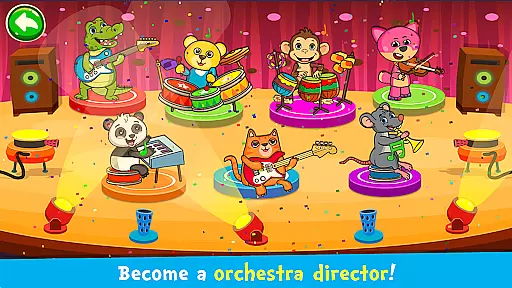
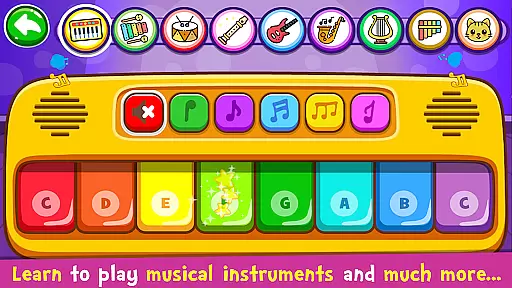
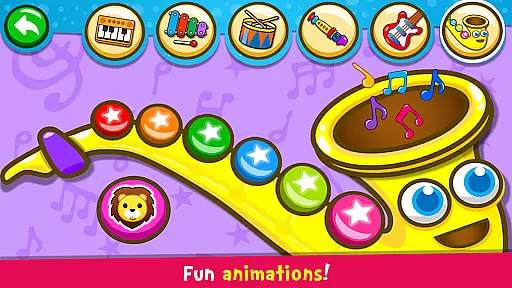
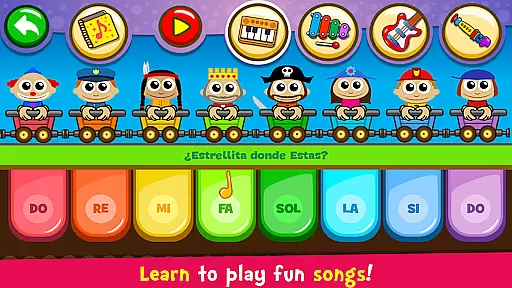
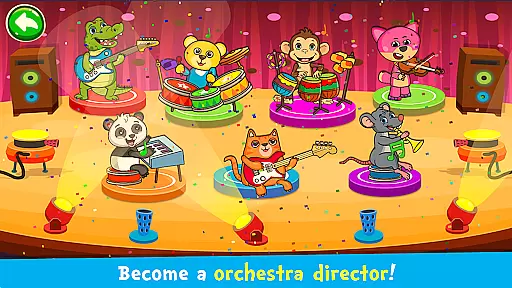
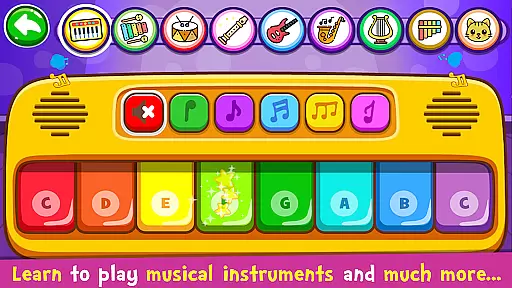
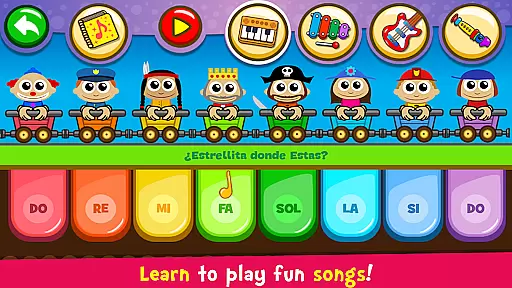
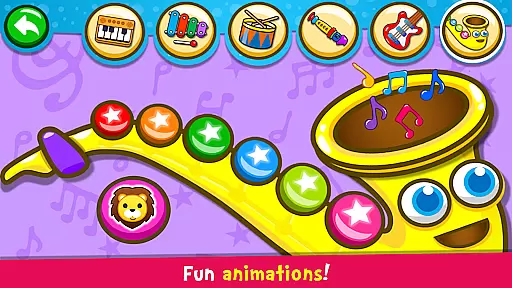
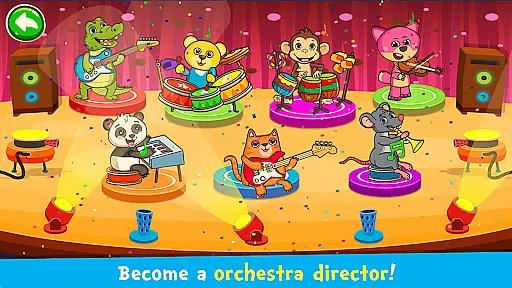
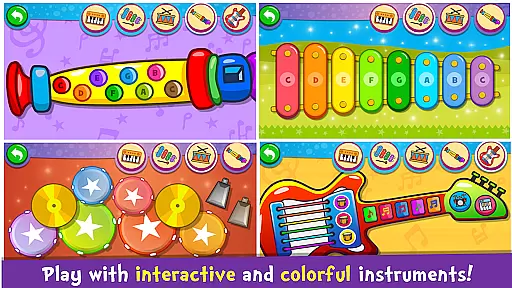
Piano Kids - Music & Songs represents an innovative approach to early childhood music education. This comprehensive application allows young learners to explore various musical instruments including piano, xylophone, and drums through interactive gameplay.
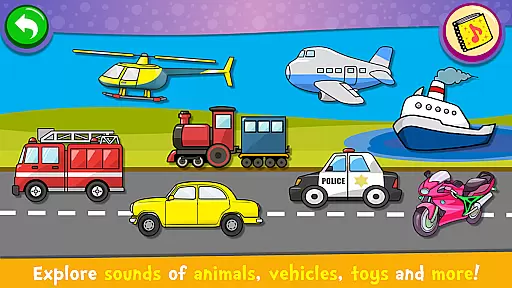
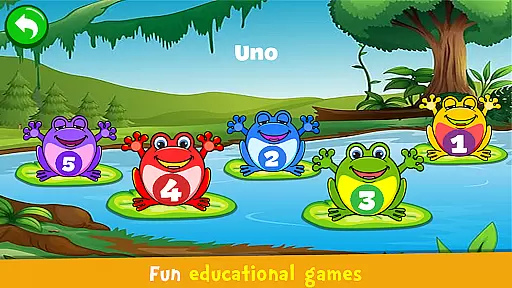
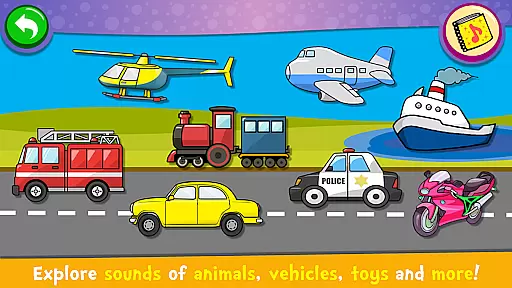
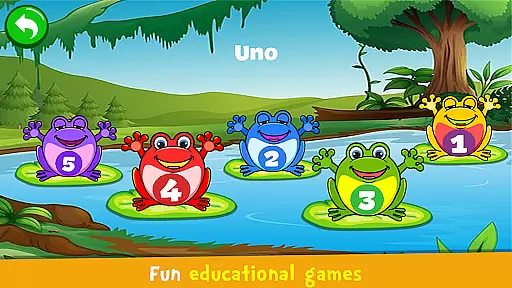
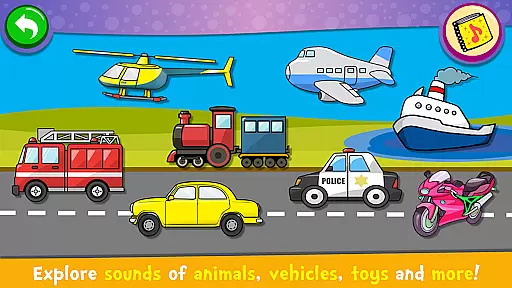
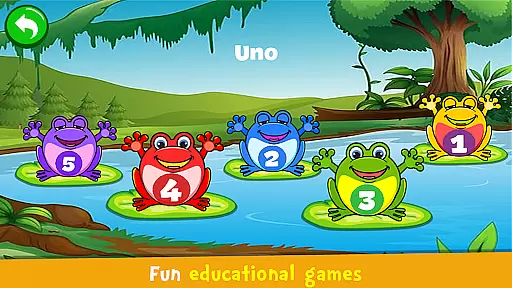
The app's four distinct modes - Instruments, Songs, Sounds, and Games - provide a well-rounded musical experience. Children can experiment with authentic instrument sounds while developing essential cognitive skills through engaging activities and popular nursery rhymes.
Parents appreciate how Piano Kids combines entertainment with education, helping children improve memory, concentration, and creativity while learning basic music theory concepts. The inclusion of multiple languages makes it suitable for diverse households worldwide.
This music application stands out with its diverse range of interactive features designed specifically for young learners. The realistic instrument simulations include piano, guitar, saxophone, and drums, each offering authentic sound reproduction that captures children's attention.
The structured learning system incorporates three key elements: instrument exploration, song practice, and sound recognition. Through the Auto Play feature, children can learn famous melodies step-by-step, while the DO-RE-MI/CDE scale options accommodate different teaching methods.
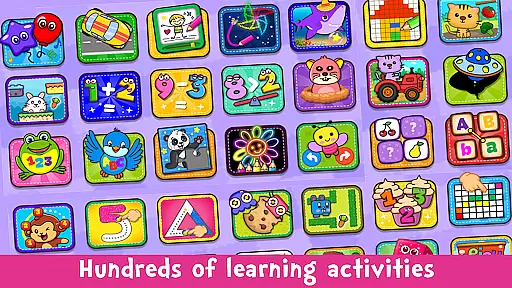
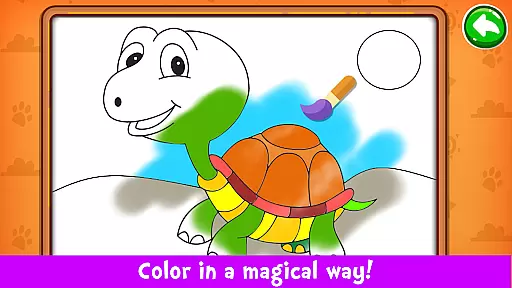
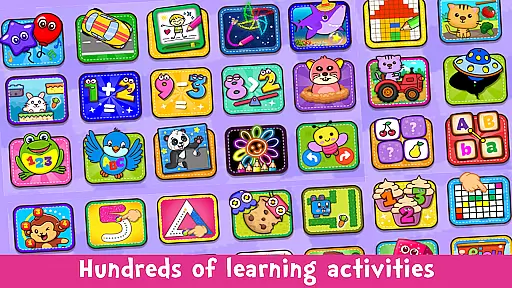
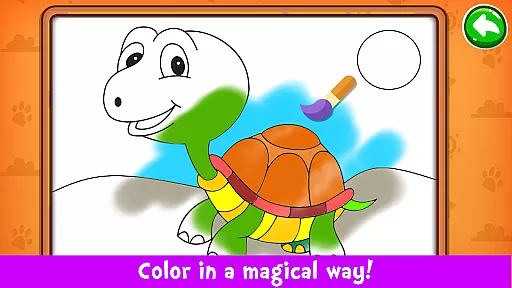
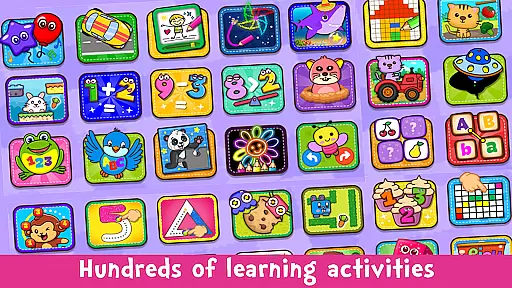
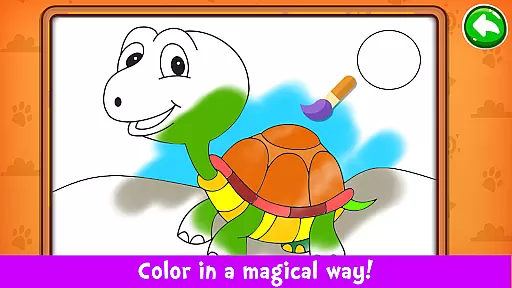
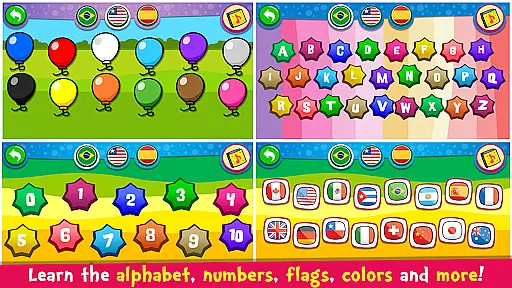
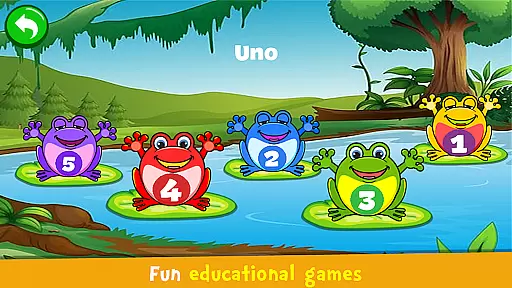
Additional educational components cover alphabet learning, number recognition, and basic language skills across multiple languages. The gamification elements, including puzzles and drawing activities, enhance engagement while supporting broader developmental goals.
Rhythm judgment precision is crucial for music learning applications, especially those designed for children. Piano Kids - Music & Songs offers an intuitive platform where young users can accurately follow rhythm patterns while playing various instruments or songs.
The app's 'Auto Play' feature allows children to listen and learn melodies, ensuring they grasp the correct timing and rhythm of each note. This function serves as a guide, helping them to replicate the melodies with precision on their own.
With real instrument sounds and high-quality audio, kids receive immediate auditory feedback. This feedback is essential for them to adjust their playing and improve their rhythm skills over time.
By engaging with the app's different modes, children not only enjoy playing but also develop a keen sense of rhythm, which is foundational for all musical pursuits.
A diverse and high-quality music library is vital for sustaining user interest and providing educational value. Piano Kids - Music & Songs boasts a rich collection of 30 famous songs that children can learn to play, keeping them engaged and motivated.
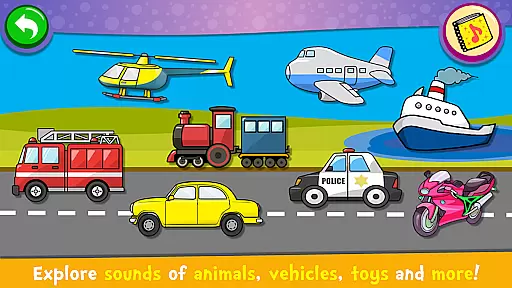
In addition to well-known tunes, the app includes various sound modes that explore different soundscapes, from musical instruments to everyday objects. This diversity enriches the childu2019s auditory world and aids in sound recognition.
Quality is not compromised for quantity; the app features authentic sounds of piano, xylophone, acoustic guitar, saxophone, drums, and flute. These high-fidelity sounds offer an immersive experience that stimulates the child's musical imagination.
Moreover, the ability to switch between 'DO-RE-MI' and 'CDE' scales adds another layer of versatility, catering to different educational systems and preferences worldwide.
Completely free
Intuitive interface
High-quality sounds
Multiple game modes
Educational content
Limited advanced features
Contains in-app ads
No adult difficulty levels
Basic graphics quality
Occasional bugs reported
Tap the tiles! Feel the music in a fresh, fiery piano rhythm experience!
 4.3
4.3
Makeover yourself,Enjoy your dress&hair with rhythm!
4.40
Piano meets rhythm. Music meets magic. Your next addiction starts here!
3.90
Conduct an orchestra of musical Monsters from the hit game My Singing Monsters!
4.20
Guide two orbiting planets along a winding path by tapping perfectly in rhythm
4.60
Unlock your amazing rhythm beat & theme. Perfect for music lovers of all ages!
4.60
Feel the Rhythm. Race the Galaxy!
4.80
The coolest rhythm game on this damn Play Store (respectfully)
4.80
Keep the music ball running and hopping on the color tiles! Ready? Game start!
4.70
Feel The Rhythm? Tap Tiles To Win! Enjoy The Ultimate Hit Playlist Only For You
4.70
Thump to the rhythm and bounce to the beat with these fuzzy musical monsters!
4.70
Satisfying beats and rhythm with your monster band. Relaxing music, cute friends
4.70
Cat music games! Dancing on cute piano tiles and meow in rhythm games!
4.60
Tap music to the beat! Just dance to pop songs! Enjoy the pocket rhythm game!
4.60
Fight with Boyfriend in Friday Night Funkin Music Battle & Rock the beat FNF
4.50
Tap to start and control the ball jump with beats in the hop-ball music game.
4.50
Lowriders comeback 2 - Musical Game with dancing, hopping and freeride cruising
4.20
Can you hear me?
4.10
Music rhythm game. Become an amazing guitarist and play famous songs
3.80


User Reviews