
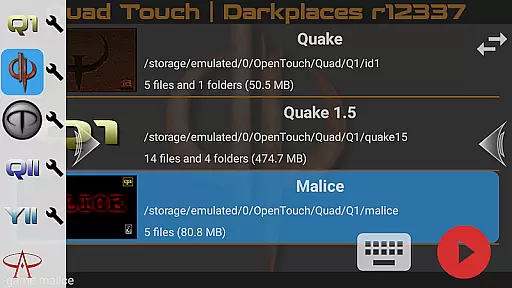
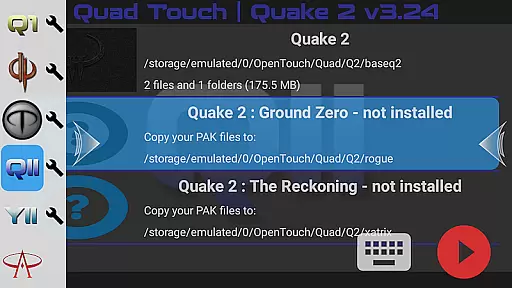
Quad Touch brings the most advanced Quake engines to Android, offering an unparalleled first-person shooter experience. The app includes multiple engine options like DarkPlaces, QuakeSpasm, and FTEQW, each providing unique features for different Quake versions. These engines support enhanced graphics, multiplayer capabilities, and compatibility with various expansion packs.
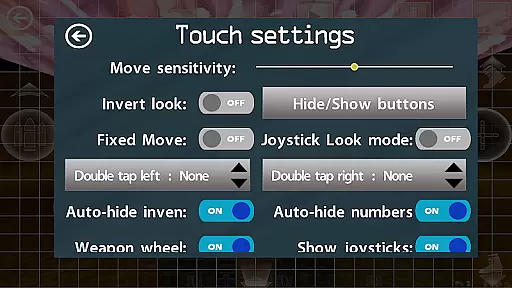
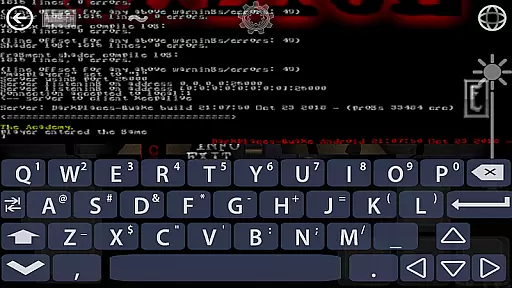
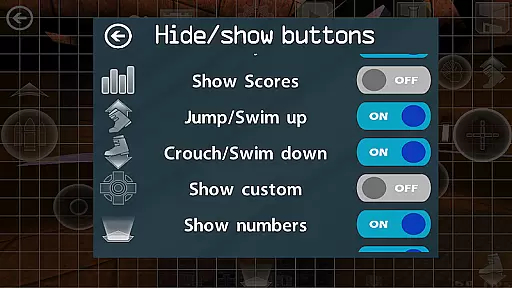
Designed for both casual and hardcore gamers, Quad Touch delivers top-notch touch screen controls alongside full gamepad support. The inclusion of a built-in keyboard, weapon wheel, and customizable buttons ensures a personalized gaming experience. With support for official expansions and total conversions, this app is perfect for playing classic Quake games on modern devices.
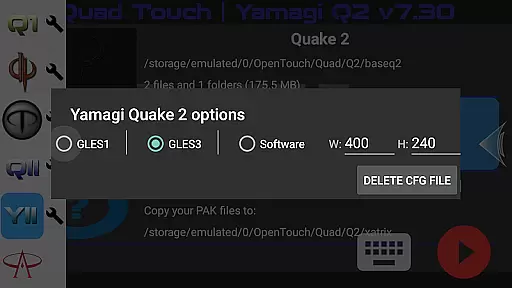
Quad Touch stands out with its diverse selection of Quake engines, including DarkPlaces for enhanced graphics and QuakeSpasm for a true original experience. Each engine is optimized for performance and visual fidelity, ensuring smooth gameplay across devices. The app also supports Hexen 2 through dedicated engines, expanding its versatility.
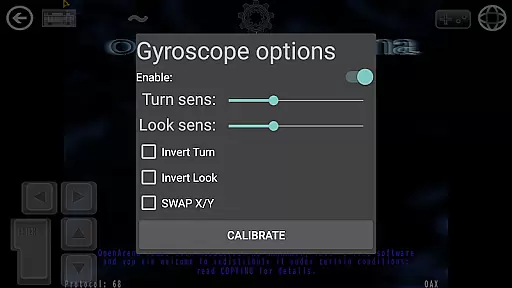
Beyond engine variety, Quad Touch offers innovative control schemes. Players can utilize gyro aim assist, custom button bindings, and a navigable UI via gamepad. The app facilitates importing/exporting settings, making it easy to maintain personalized configurations. These features collectively create an immersive and customizable Quake gaming environment.
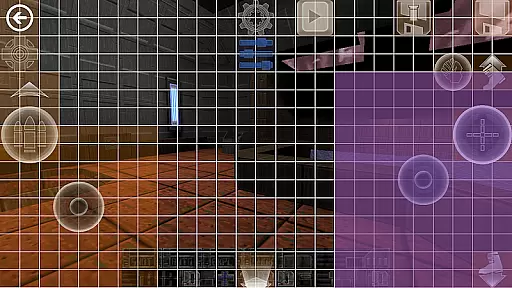
Control responsiveness and latency are crucial factors in action games, determining how quickly and accurately a player's inputs are translated into in-game actions. Quad Touch offers an advanced control system designed specifically for first-person shooter (FPS) games on Android devices.
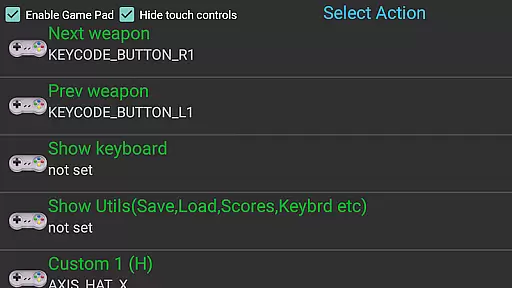
The app provides the very best FPS touch screen controls available on Android, ensuring that every tap and swipe is registered with precision. With full gamepad support, players can enjoy console-like responsiveness using Bluetooth controllers, making the gaming experience more immersive and engaging.
Beyond traditional controls, Quad Touch introduces innovative features such as a Weapon Wheel and six customizable buttons. These elements allow users to tailor their control schemes according to personal preferences, enhancing both speed and accuracy during gameplay. The inclusion of gyro aim assist further refines targeting mechanics, offering players additional flexibility in their strategies.
Combat feedback tightness refers to how well a game communicates the impact of combat actions to the player through visual, auditory, and tactile cues. In Quad Touch, this aspect is meticulously crafted to provide an authentic and thrilling FPS experience on mobile devices.
One of the standout features of Quad Touch is its support for various Quake engines, each bringing unique graphical enhancements and gameplay improvements. Engines like DarkPlaces and FTEQW deliver enhanced graphics and multiplayer capabilities, ensuring that combat scenarios are visually stunning and technically robust.
Quad Touch also emphasizes audio fidelity and haptic feedback, which are essential components of combat feedback. Players receive immediate confirmation of their actions through responsive sound effects and vibrations, heightening the sense of immersion. This comprehensive approach ensures that every shot fired or enemy defeated feels impactful and satisfying, maintaining high levels of engagement throughout the gaming session.
Advanced engine options
Customizable controls
Full gamepad support
Enhanced graphics
Wide game compatibility
No included game data
High-end device required
Complex setup process
Limited beginner support
Premium price point

Epic Fantasy RPG & Arena
 4.30
4.30
A fun platform run game with thousands of traps and wow that push your limits
4.00
Defeat the nasty aliens!
5.00
A Troll Platformer Game
3.30
Play all 6 Star Wars™ episodes with over 120 characters in fun LEGO style!
3.30
Try yourself at intense combat & tactical stealth missions in our shooting game!
4.40
Childhood nightmares should remain in the past.
4.60
Keep an eye on the animatronics and you'll make it thru the night... probably.
4.70
Pick your weapon up and fight all the monsters to survive.
4.40
Action roguelike bullet hell where every choice could make or break your run.
4.80
The ULTIMATE collection of Doom engine source ports in one app!
4.80
Throw shurikens and cut through your enemies!
4.60
There was never just one.
4.50
Rockstar Games brings its biggest release to mobile yet.
4.40
HOOK away with SPEED & STYLE! Jump, Swing, Fly! Let's Play fun Action Game!
4.20
Feeling lucky?
4.10
Experience the epic Western adventures that defined a generation
3.90
Craft, build, and survive in a zombie-infested open world!
3.40
Five years ago, Carl ‘CJ’ Johnson escaped the haze of Los Santos, San Andreas…
3.30


User Reviews