
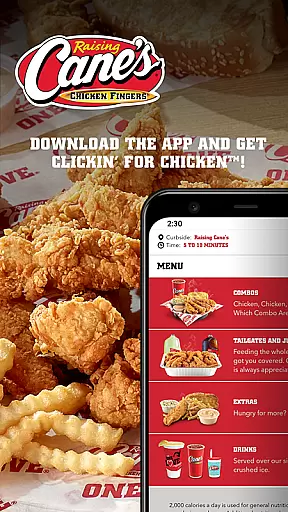
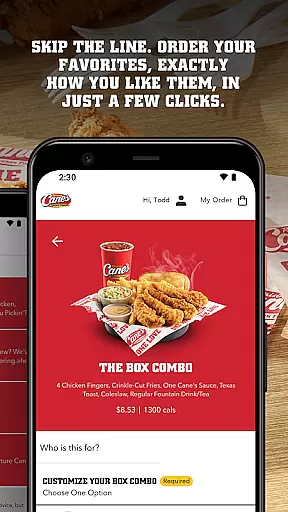
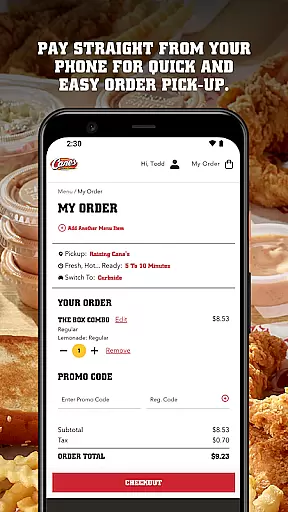
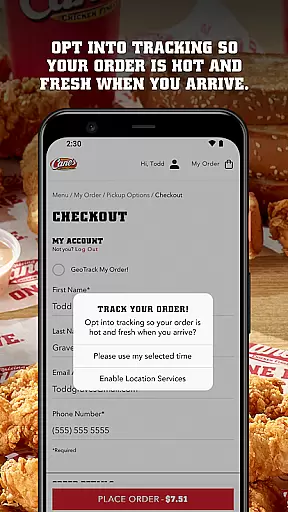
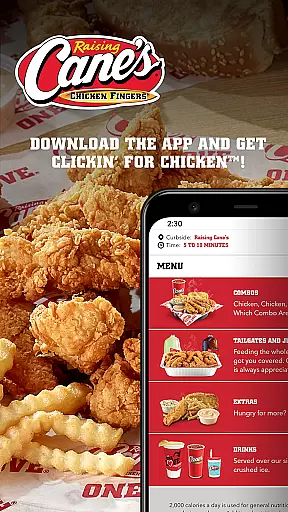
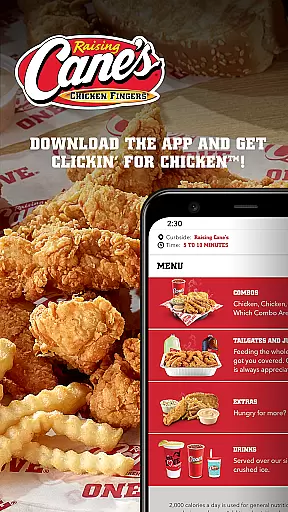
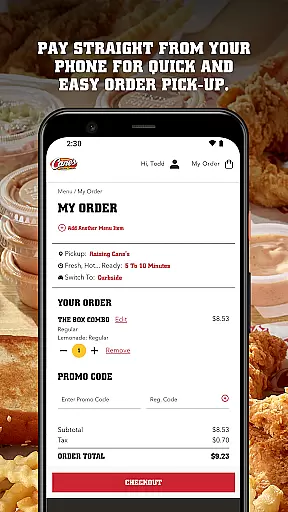
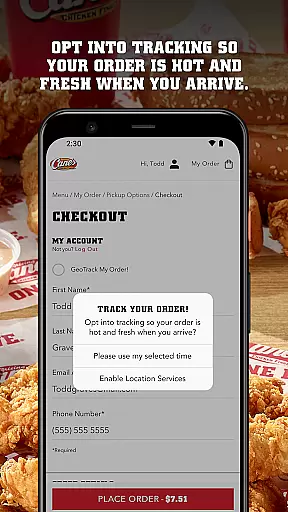
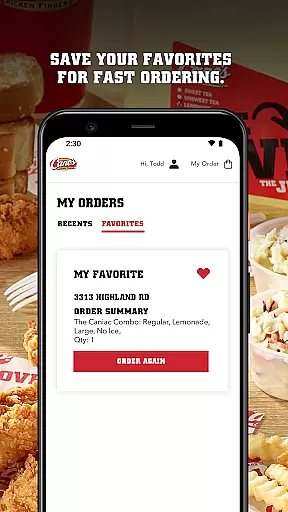
Raising Cane's Chicken Fingers app is your go-to solution for ordering their signature quality chicken finger meals. Designed to enhance customer convenience, this application allows users to skip the line by ordering ahead and paying directly through their mobile devices. With features like Tasty Tracking and Quick Reordering, it ensures that every meal is fresh, hot, and tailored to individual preferences.
Whether you're a regular customer or new to Raising Cane's, the app provides an efficient way to enjoy your favorite meals without the hassle of waiting in line. Its user-friendly interface makes it easy to customize orders and save favorites for future visits, ensuring a seamless experience every time you use the app.
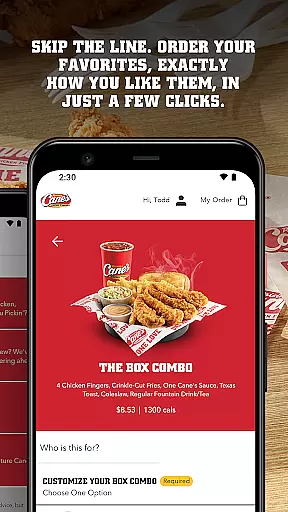
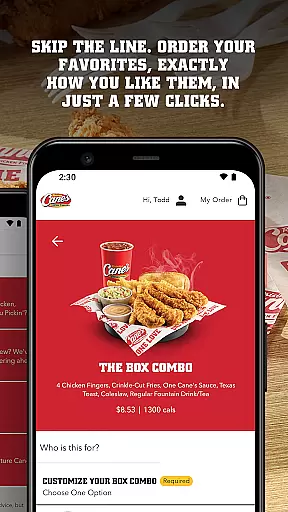
The Raising Cane's Chicken Fingers app offers a range of features designed to streamline the ordering process. The Order Ahead functionality lets customers place their orders with just a few taps, specifying exactly how they want their meal prepared. This feature not only saves time but also enhances the overall dining experience by reducing wait times significantly.
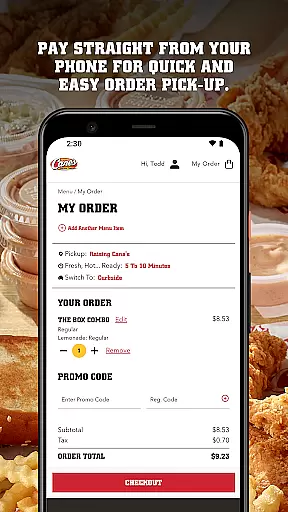
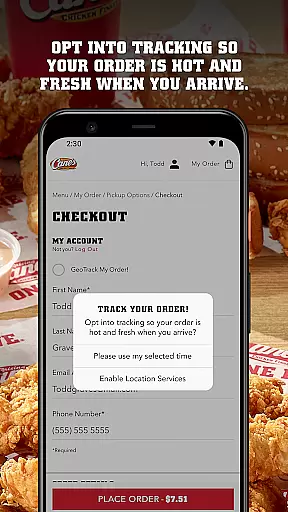
Another standout feature is Pay Ahead, which allows users to complete transactions directly from their phones, making the pick-up process quick and hassle-free. Additionally, the Tasty Tracking system ensures that customers receive their orders fresh and hot, maintaining the high quality that Raising Cane's is known for. These innovative features collectively contribute to a superior user experience, setting the app apart in the Food & Drink category.
Locating your nearest Raising Cane's Chicken Fingers has never been easier. The app provides a seamless store locator feature that ensures you can find your favorite chicken finger meals quickly and conveniently.
The store locator uses advanced geolocation technology to pinpoint your current location and display the closest Raising Cane's outlets on an interactive map. This guarantees accuracy and saves time, making sure you get your One Loveu00ae meal without unnecessary detours.
Beyond just showing locations, the app also provides essential details such as store hours, contact information, and directions. This comprehensive approach ensures that whether you're at home or traveling, you'll always know where to get your chicken fix.
Raising Cane's app offers flexible delivery and pickup options, ensuring you get your meal exactly how you want it. With the PAY AHEAD feature, you can skip the line and have your order ready for quick pick-up, perfectly timed to ensure your meal is fresh and hot.
For those who prefer delivery, the app streamlines the process by allowing you to place your order and pay directly through your phone. This not only simplifies the transaction but also ensures transparency in delivery fees and timing.
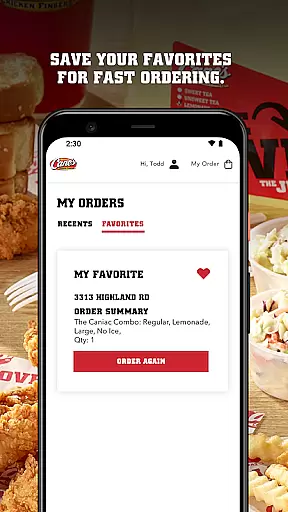
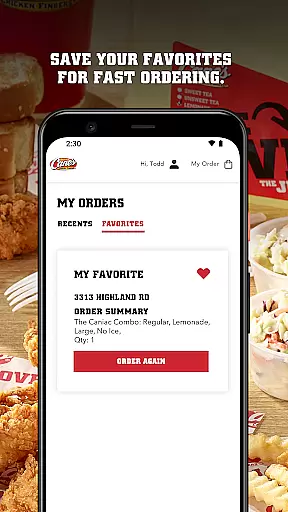
Additionally, the QUICK REORDERING option lets you save your favorite meals for even faster ordering in the future. Whether you're picking up or having it delivered, the app ensures a hassle-free experience tailored to your preferences.
User-friendly interface
Fast order placement
Secure payment options
Fresh food guarantee
Customizable orders
Limited menu variety
Occasional glitches
Location restrictions
No delivery option
Requires internet

Save at the pump AND in store with deals on gas, snacks & drinks at Murphy USA.
 4.80
4.80
Get 20% Back at thousands of 4+ star restaurants when you pay using inKind
4.90
The fast and practical app to help you make the best cocktails at home!
4.60
Order from local pizzerias
4.20
Real ones order on the app, earn points, score deals, and skip the line.
4.40
Find the perfect restaurant for any occasion on OpenTable.
4.60
Good Fortune Awaits with Panda Rewards and the Panda Express® App.
4.70
Bringing a piece of Louisiana to your fingertips!
4.90
Food Delivered to your door! Order from 1800+ Grocery & Retail Store Brands.
4.10
Earn rewards, order ahead, and never miss a celebration! At select locations.
4.90
Wings for Delivery or Carryout
4.80
Everything you want right here
4.50
Stashcook: Keep healthy food recipes, cooklist & weekly meal plans for any diet.
4.50
Food delivery from your favorite places. Order food, alcohol and more nearby
4.50
Order, Deals & Rewards
4.20
Order pizza and earn points
3.90
Check out the most rewarding way to get Whataburger just like you like it!
3.30
Krispy Kreme Mobile Ordering, Loyalty and Hot Light
3.20
Fix bad slushies with SlushIQ tools for Ninja Slushi, Iceman, and home mixers.
4.5


User Reviews