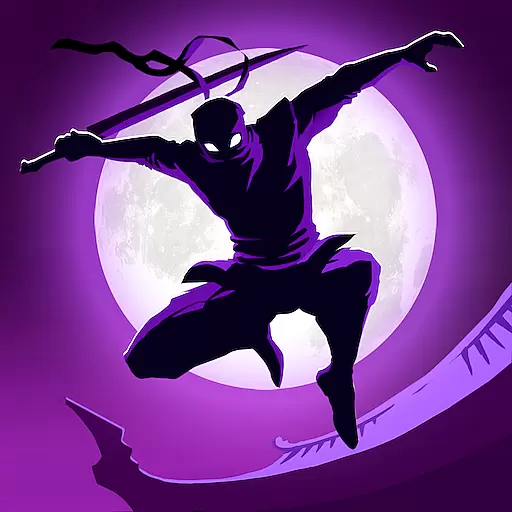
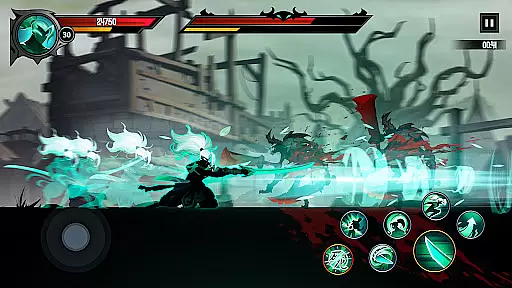
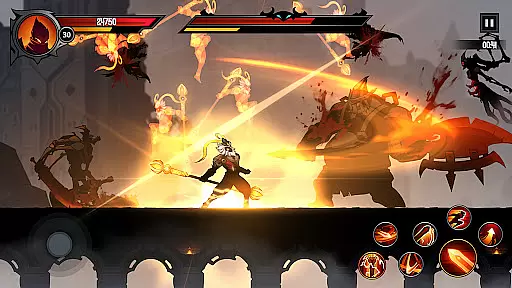
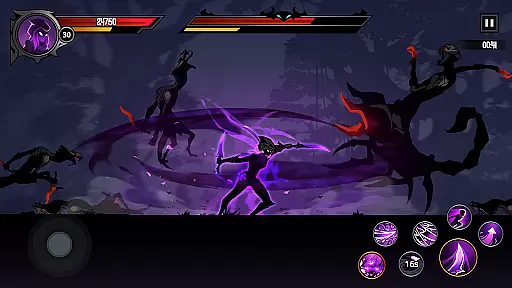
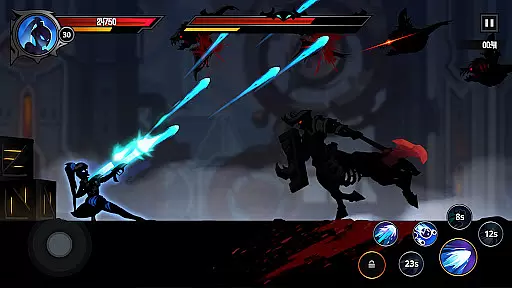
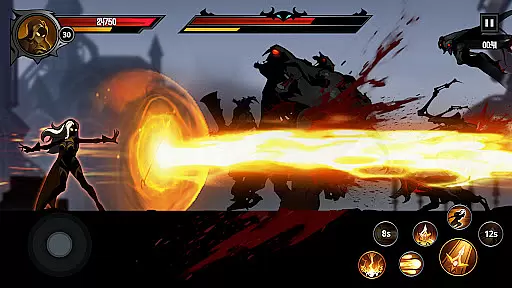
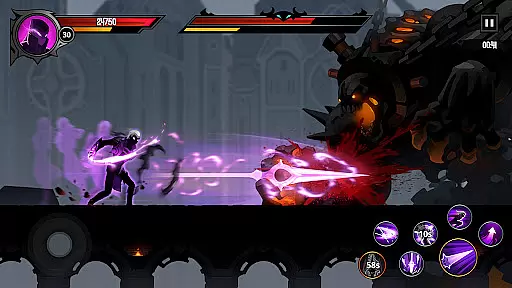
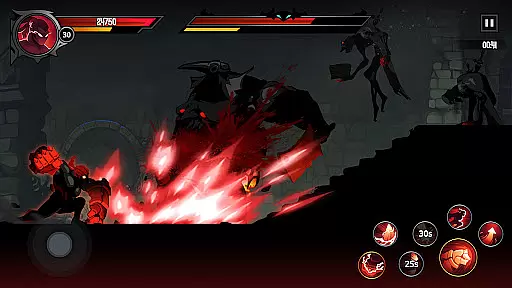
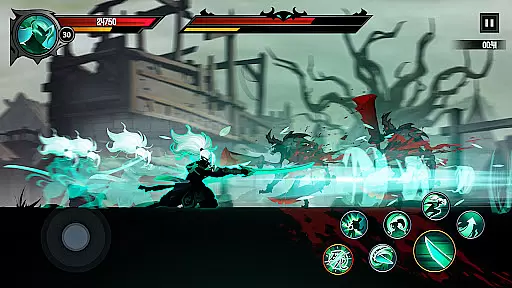
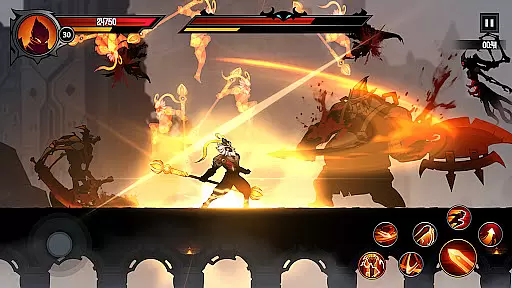
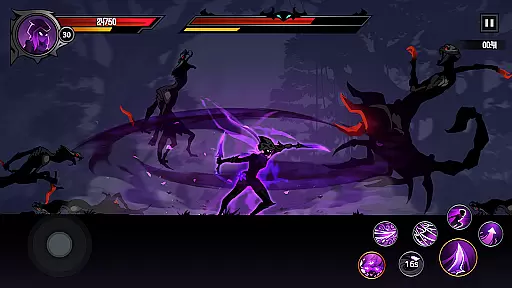
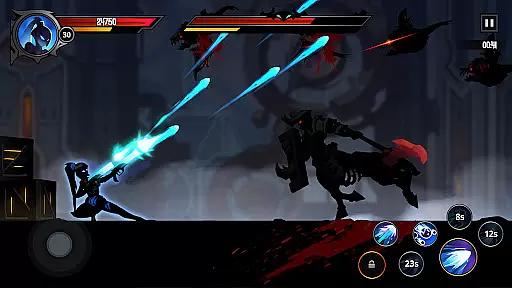
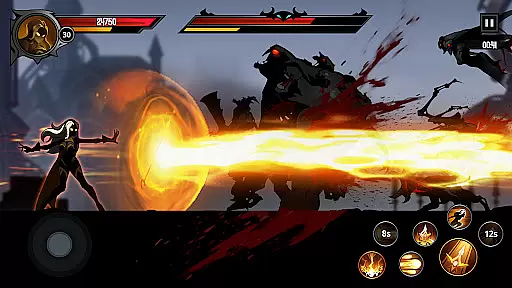
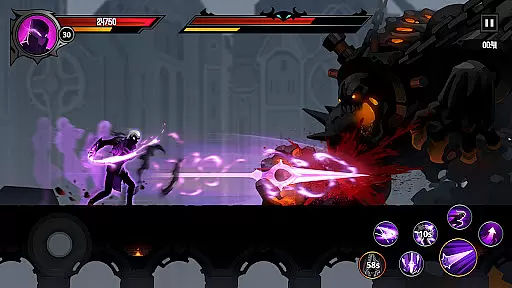
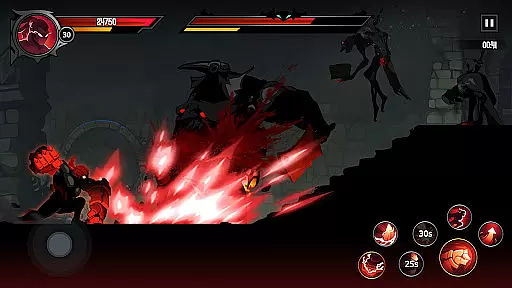
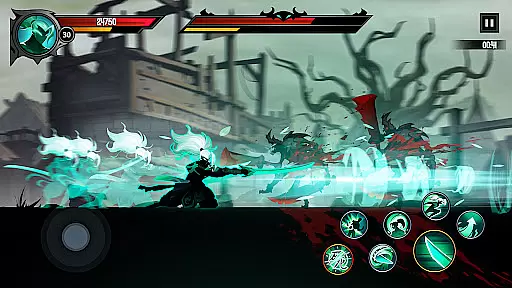
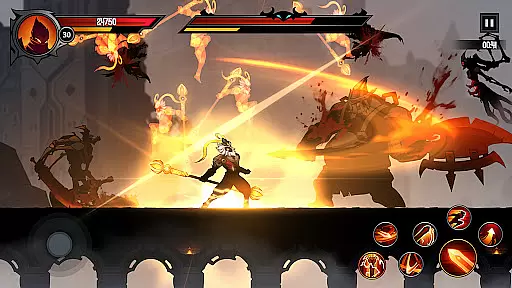
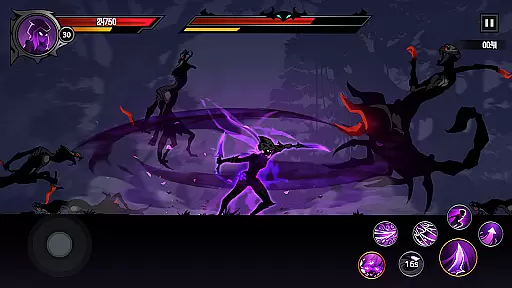
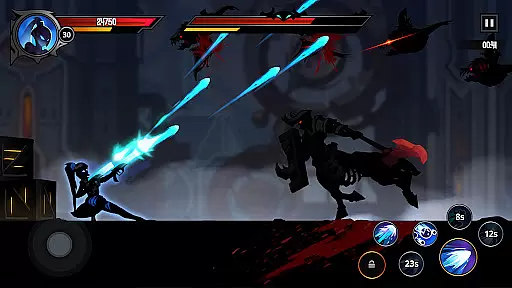
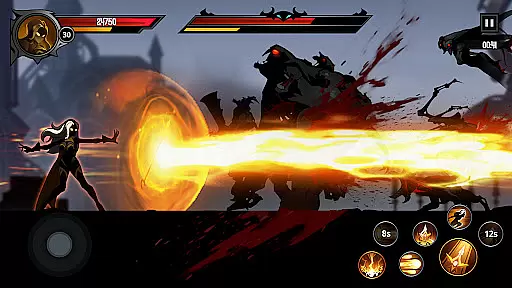
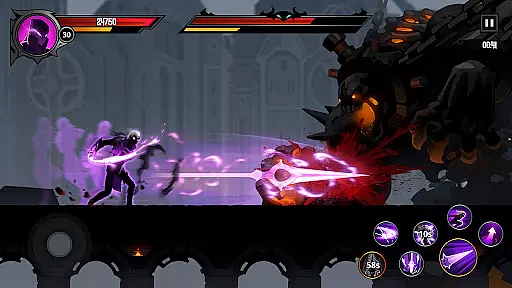
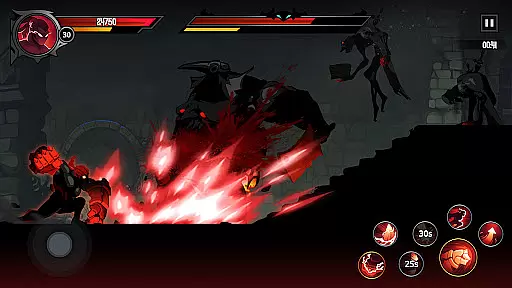
Shadow Knight: Ninja Fighting is an action-packed RPG game set in a dark fantasy world. Players assume the role of a Shadow Knight Premium, tasked with battling epic monsters and defeating the immortals of Darkness to save the world of Harmonia. The game features stunning visuals and immersive gameplay that includes running, climbing, and jumping through complex terrains.
With its engaging fantasy story, players can explore various environments such as towns, forests, and dungeons while encountering a wide array of creatures like zombies, orcs, and undead beings. The ultimate goal is to change the fate of the world by defeating powerful bosses and completing numerous quests that offer valuable rewards.
This Action game stands out with its stylish gear customization options, allowing players to collect and equip the best weapons, equipment, and runes to personalize their knight's appearance and abilities. Additionally, the game supports offline training, enabling knights to grow stronger even when you're not playing, ensuring you're always ready for the next battle.
Shadow Knight: Ninja Fighting offers an extreme gaming experience with its hack-and-slash gameplay set in a beautifully crafted dark fantasy world. Players can explore diverse terrains filled with mystery points, providing an adventurous journey through the expansive game universe.
The game boasts an adventure fantasy story where players immerse themselves in relentless shadow battles. As players venture through different landscapes, they encounter various enemies ranging from skeletons to beast men, all while aiming to defeat formidable bosses that dictate the fate of Harmonia.
Customization is key in this game, with hundreds of items available for collection. Players can gear up in style, creating unique combat styles for their Shadow Knight. Furthermore, the game incentivizes progression with a comprehensive quest system and over a hundred achievements to unlock, rewarding players with gems, energy, keys, and more.
In Shadow Knight: Ninja Fighting, control responsiveness is a critical aspect that ensures players can execute actions with precision and speed. The game's mechanics are designed to respond instantly to touch inputs, allowing for seamless navigation through the vibrant world of Harmonia.
The developers have optimized the game engine to minimize input latency, which means that every swipe, tap, or gesture is registered almost immediately. This optimization provides an immersive experience where players feel directly connected to their character's movements, whether they're engaging in intense combat or exploring complex terrains.
Players benefit from this high level of responsiveness as it allows them to perform intricate combos and react quickly to enemy attacks. In fast-paced action RPGs like Shadow Knight, split-second decisions can mean the difference between victory and defeat, making low-latency controls a significant advantage.
Ultimately, the responsive controls enhance the overall gameplay experience by providing a sense of mastery over the game's challenging encounters. As players become more adept at utilizing these precise controls, they can fully immerse themselves in the epic battles against darkness, enjoying both the thrill of battle and the satisfaction of skillful execution.
Combat feedback tightness in Shadow Knight: Ninja Fighting refers to how the game communicates the impact of combat actions to the player. A tight feedback loop ensures that players receive immediate and clear responses to their actions during battles, enhancing the feeling of engagement and control.
The game employs a variety of visual and auditory cues to provide this feedback. For instance, when landing a hit on an enemy, players will see dynamic animations and hear distinct sound effects that correspond to the type of attack performed. These elements work together to create a visceral experience that makes each strike feel impactful and satisfying.
Moreover, the tightness of combat feedback also aids in strategic decision-making. By clearly indicating successful hits, blocks, or dodges, players can adjust their tactics on-the-fly, learning enemy patterns and refining their approach to overcome increasingly difficult challenges.
This attention to detail in combat feedback not only elevates the excitement of hack-and-slash gameplay but also reinforces the player's connection to the fantasy world. As players witness the tangible results of their actions, they become more invested in the fate of Harmonia and their role as a Shadow Knight Premium fighting to restore light to the land.
Engaging storyline
Stylish customization
Vivid graphics
Rich quest system
Offline progression
Requires internet
In-app purchases
Complex controls
High difficulty
Repetitive missions

Command your army, crush the enemy, and reclaim the nation!
 4.30
4.30
The ULTIMATE collection of Doom engine source ports in one app!
4.80
NEOGEO's masterpiece game is now available in the app!
3.90
Controller supported shooting game. Go into a labyrinth & Reveal a mystery story
4.70
Whack, smash, and toss the puppet! Let’s destroy the ragdoll in this funny game
4.40
Collect & Survive
4.30
BLEACH anime action RPG. Relive the story, unleash Bankai, battle Hollows!
4.80
Brotato: The Ultimate Bullet Hell Experience!
4.80
Rockstar Games brings its biggest release to mobile yet.
4.40
Defeat the nasty aliens!
5.00
NEOGEO's masterpiece game is now available in the app!
4.70
NEOGEO's masterpiece game is now available in the app!
4.70
Survive epic space battles in an offline roguelike bullet heaven adventure
4.60
This time, the terror has followed you home!
4.60
A funny game with open world offline games and many Online multiplayer games
4.30
Wish-granting Mermaid’s Tears in the hands of SpongeBob… What could go wrong?
4.20
Fast-paced multiplayer fun. 3v3 & 5v5 matches, PvP brawls and battle royales!
4.20
ANSWER THE SNIPER CALL
4.10
Castlevania: Symphony of the Night
3.70


User Reviews