
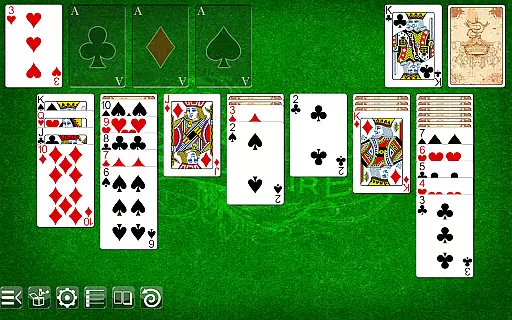
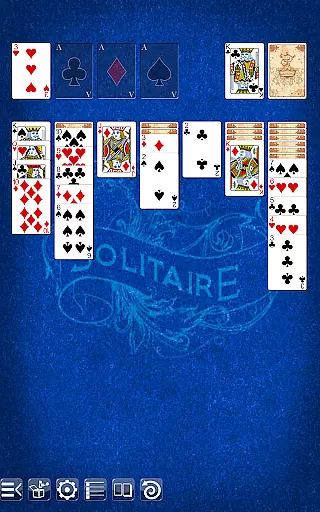
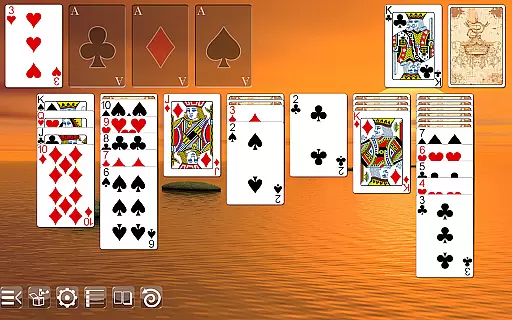
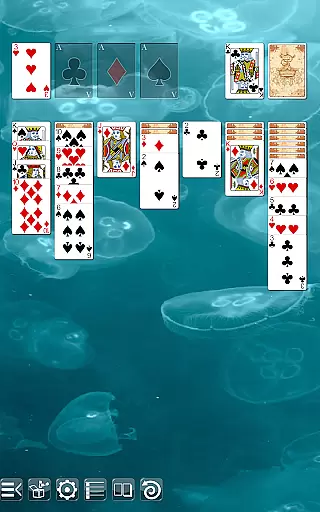
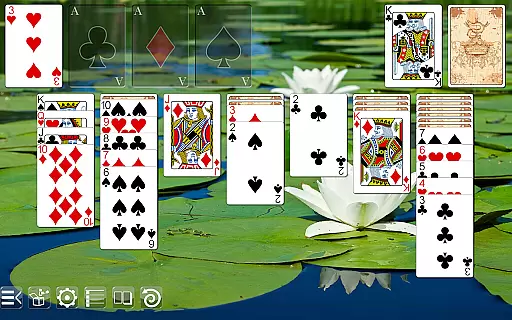
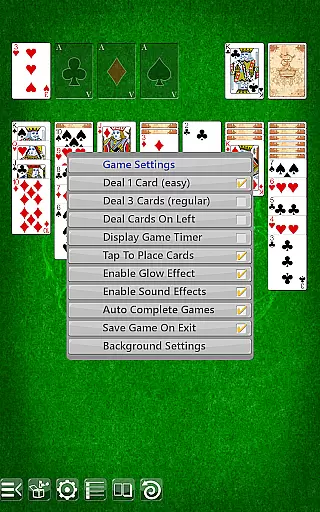
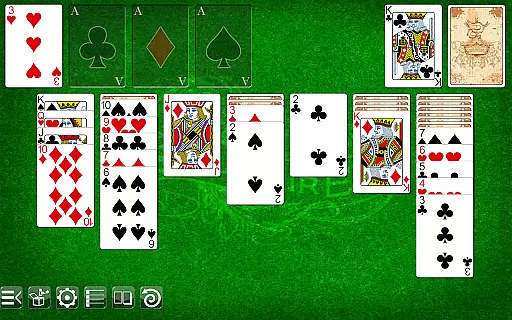
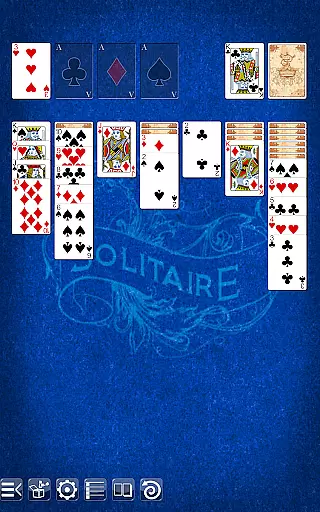
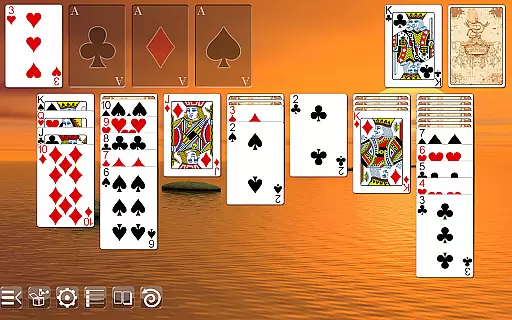
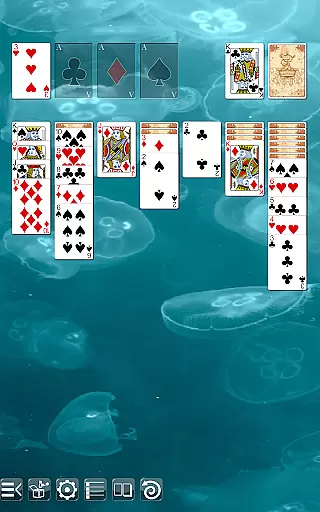
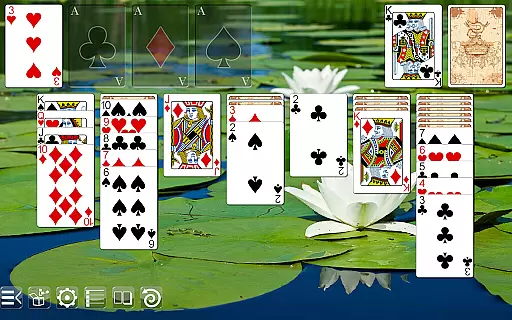
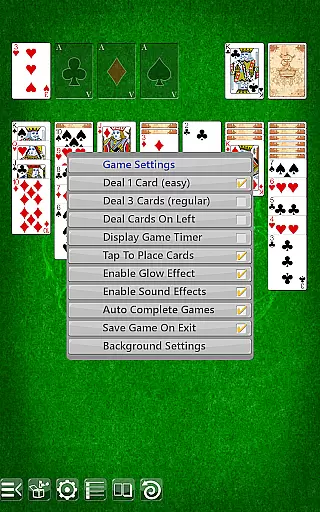
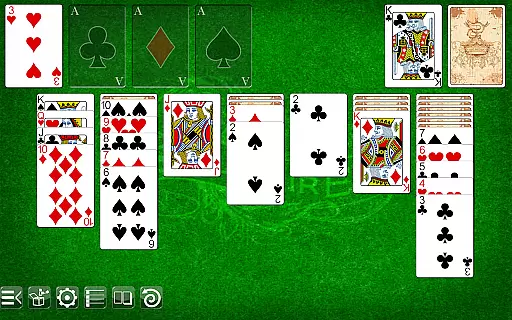
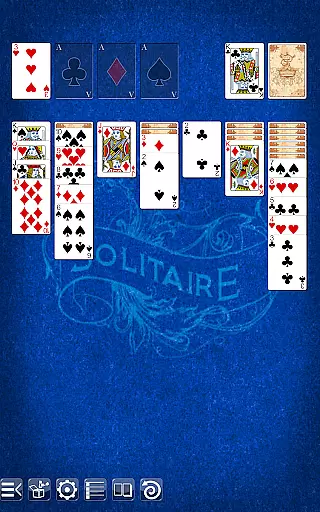
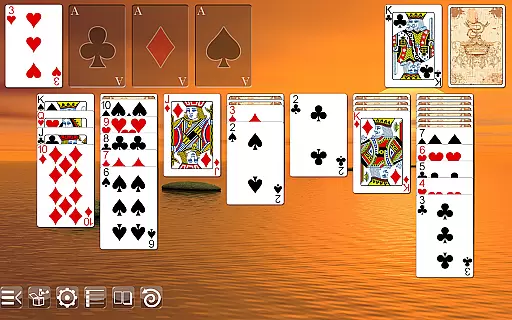
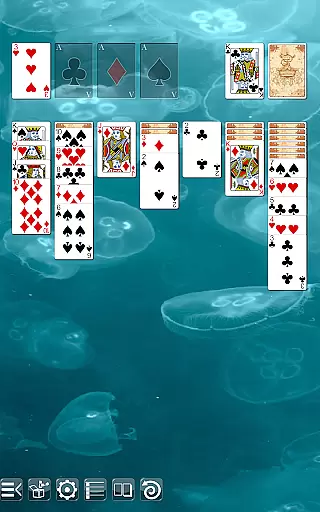
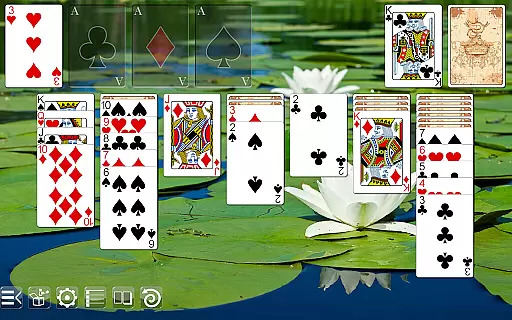
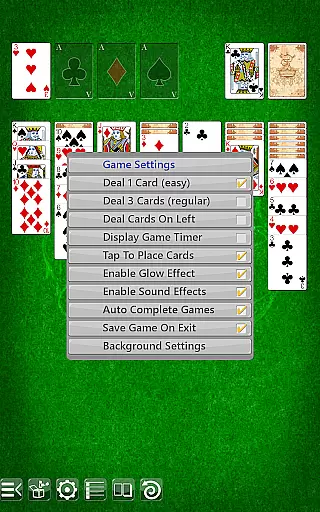
Solitaire is a classic card game app that offers an intuitive gameplay experience with stunning graphics. The self-adjusting layouts ensure crisp visuals across all screen sizes, from phones to high-definition tablets. With options like drag & drop or tap-to-place gameplay, users can choose their preferred style.
Choose from multiple table backgrounds and card backs to personalize your gaming experience. Supporting both portrait and landscape modes, this app provides features such as undo function, draw 1 or draw 3, and deals on the left or right side. Experience Solitaire at its best without any ads or permissions required.
This Solitaire app stands out with its versatile features designed for an optimal user experience. It supports both portrait and landscape modes, catering to different user preferences. The inclusion of an undo function, along with the choice between draw 1 or draw 3, adds strategic depth to the gameplay.
Players can enjoy regular and ornate face cards, two different card backs, and various table backgrounds. These customization options allow users to tailor the game to their personal taste. With no ads or permissions needed, this app ensures uninterrupted and secure gameplay.
In Solitaire, the fairness of the Random Number Generator (RNG) is paramount to ensure every game is unpredictable and challenging. The app employs a certified RNG mechanism that mimics the randomness of a real deck of cards, providing an authentic card-playing experience.
The implementation of RNG in this game guarantees that each session's card shuffling is independent and fair, without any pre-determined patterns. This ensures that players face a unique challenge every time they play, closely replicating the experience of shuffling a physical deck.
For enthusiasts who appreciate genuine gaming experiences, Solitaire's dedication to RNG fairness means that victories are earned through skill and strategy rather than predictable sequences or outcomes.
Fluid controls and minimal input latency are crucial for an optimal user experience in Solitaire. The app offers seamless touch controls that respond instantly to the player's actions, whether they prefer drag & drop or tap-to-place gameplay styles.
Every move and action in the game is fine-tuned to provide immediate feedback, ensuring that users can focus on their strategy without distraction. The responsive interface enhances both casual play and more serious strategic sessions.
By prioritizing control fluidity and reducing input delays, Solitaire delivers a smooth and engaging experience that allows players to enjoy the classic game without technological hindrances.
User-friendly interface
Stunning graphics
Customizable options
No ads
No permissions required
Limited to Solitaire
No multiplayer mode
Basic AI opponent
Few background choices
Simple sound effects

Word-building meets deck-building in the unique game Paperback Vol. 2
 3.30
3.30
Spider Solitaire Pro, classic Spider Solitaire Klondike game,as Freecell,Pyramid
4.20
The card-crafting deck-builder by AEG
3.50
Card-Based Farkle Fun
4.80
The official Android version of the card game Wizard
3.00
Enjoy Fun and Relaxing Classic Spades Card Game with Friends!
4.90
Classic Solitaire: A smart mix of fun, relaxation, and brain training!
4.90
Train your brain with relaxing classic solitaire game and have endless fun!
4.70
The most popular cribbage app available; all of the options, none of the fluff!
4.80
Card-based yatzy duels!
4.80
Relax and unwind with Solitaire: Card Games.
4.70
Play anywhere anytime the most popular card game
4.70
Train your brain with the challenging & addictive Solitaire Classic Card Games!
4.70
Learn how to play BlackJack, when to Hit, Stand, Split, Double or Surrender.
4.60
A game of apocalypse and yearning. Experiment. Die. Ascend.
4.60
The Conquian made with 100% Mexican talent.
4.40
Defeat the Uberlich in this challenging, deck-building roguelike adventure!
4.20
Collect and play the original CCG on Arena. Magic is now on your phone!
4.10
The Trading Card Game of Hunter's Gambit, Online!
4.4


User Reviews