
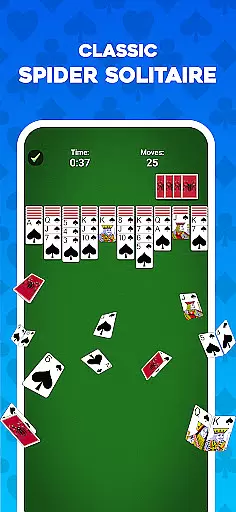
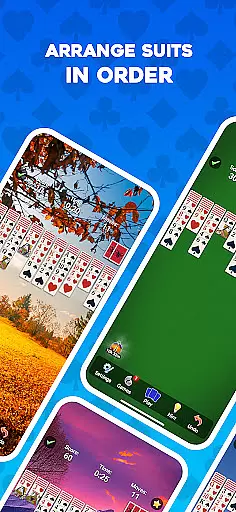
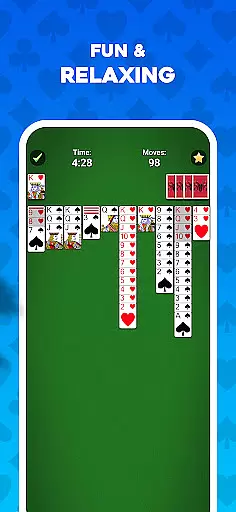
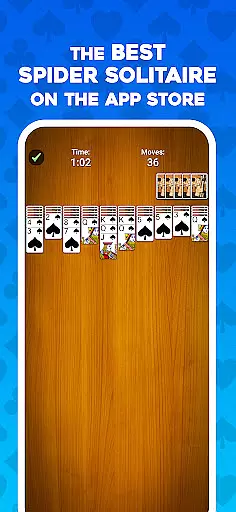
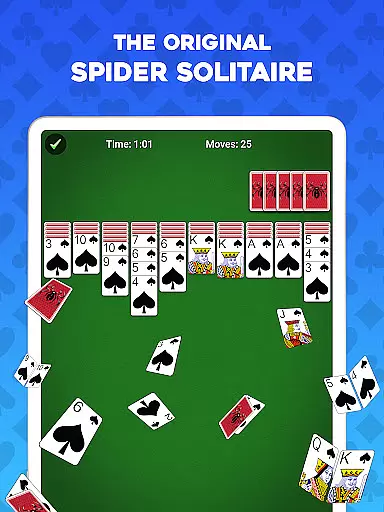
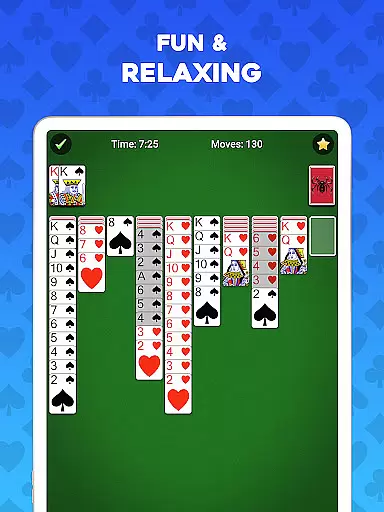
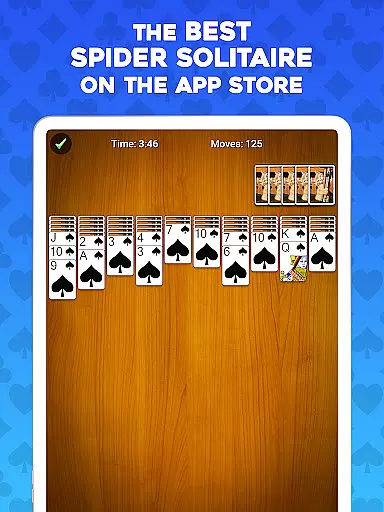

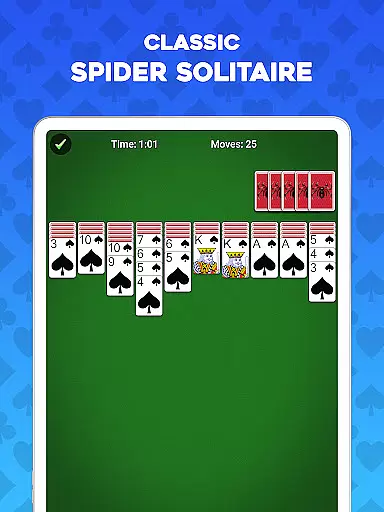
Spider Solitaire is a premier card game app designed for enthusiasts who enjoy classic solitaire games. This application offers an engaging experience with its easy-to-learn yet challenging gameplay, making it suitable for both beginners and experienced players. The primary function of the app is to provide users with a platform to play Spider Solitaire offline, featuring various modes from 1 to 4 suits that cater to different skill levels.
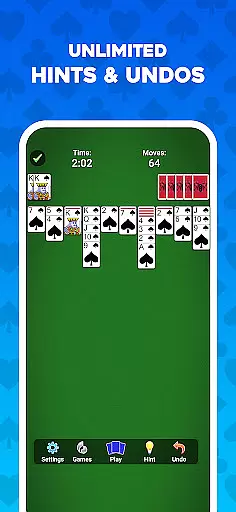
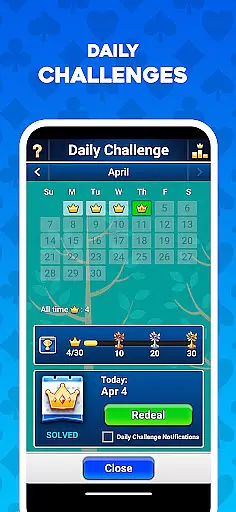
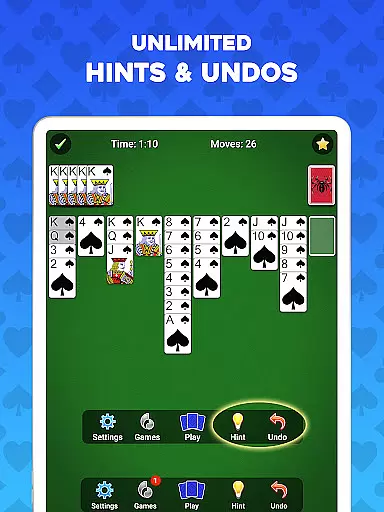
One of the standout features of this app is its ability to train your brain while providing entertainment. With daily challenges and weekly events, users can enhance their skills and earn badges, adding a layer of gamification to the traditional card game. Additionally, the app includes unlimited undos and hints, ensuring a stress-free environment for players to improve at their own pace. Whether you're looking to unwind or sharpen your mind, Spider Solitaire delivers a comprehensive experience through its well-designed interface and strategic depth.
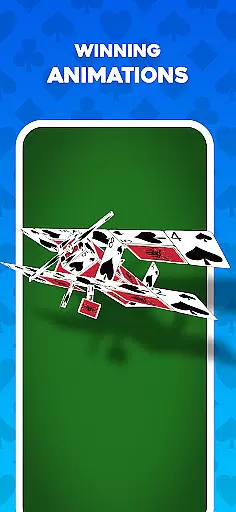
Spider Solitaire stands out among other card games due to its rich feature set tailored for an optimal user experience. The app provides multiple game modes, allowing players to choose between 1 to 4 suit difficulties, catering to casual gamers as well as experts seeking a challenge. Each mode maintains the classic solitaire animations and deluxe graphics that make every session visually appealing and immersive.
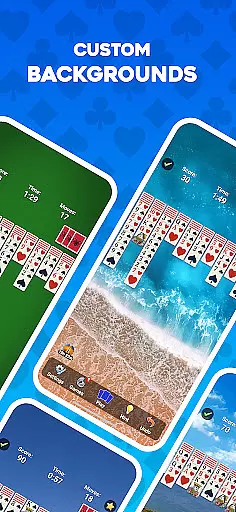
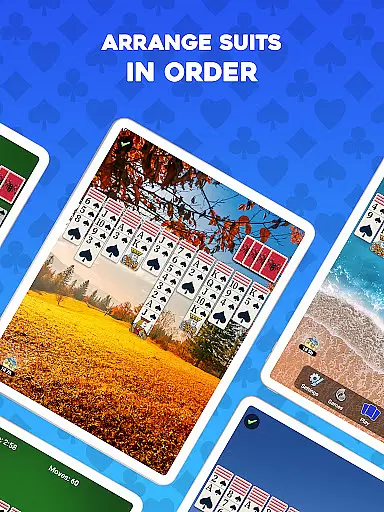
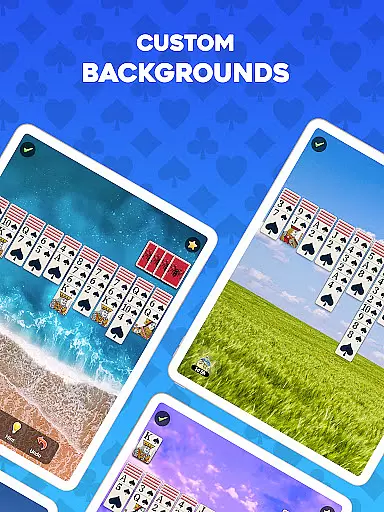
Beyond its core gameplay, Spider Solitaire offers unique elements such as Weekly Travel Events where players complete themed hands and earn travel badges. These events not only diversify the gaming experience but also motivate users to return regularly. Furthermore, customization options like tracking game stats, customizing card layouts, and supporting both left- and right-handed play ensure that each player can tailor the game to their preferences. Such attention to detail highlights the app's commitment to delivering a personalized and enjoyable gaming experience.
Random Number Generation (RNG) fairness is crucial in card games like Spider Solitaire to ensure every deal is unpredictable and unique. This game guarantees a fair RNG process, providing players with an authentic experience where each session presents a new challenge.
The certification of RNG processes in Spider Solitaire ensures that all shuffled decks are completely random, mimicking the experience of playing with a physical deck. Players can trust that no two games will be alike, enhancing replayability and engagement.
By incorporating certified RNG mechanisms, Spider Solitaire maintains balance and unpredictability in its gameplay. Users benefit from knowing that their skill and strategy are the primary factors influencing game outcomes, rather than pre-determined patterns or sequences.
Control fluidity and input latency are vital for an optimal user experience in digital card games. Spider Solitaire excels in delivering smooth controls, allowing players to focus on their strategy without being hindered by sluggish responses or unresponsive touch interactions.
The game's design emphasizes quick card movements and seamless transitions between actions, ensuring that users can execute their strategies effortlessly. Whether tapping or dragging cards, players will find the interface responsive and intuitive, which is essential for maintaining immersion and enjoyment.
Low input latency ensures that every action taken by the player happens almost instantaneously, making gameplay feel natural and engaging. This attention to detail in control responsiveness elevates Spider Solitaire above other card games, offering a superior gaming experience that keeps players coming back for more.
User-friendly interface
Offline play capability
Daily and weekly challenges
Unlimited undos and hints
Customizable card layouts
Limited social features
No multiplayer mode
Premium features require purchase
Occasional bugs reported
Ads in free version

Become a hero or a villain as you make choice in the fairy Middle Ages!
 3.50
3.50
The official digital adaptation of the beloved card game Morels.
4.70
Decked Builder is the premium deck building app for Magic the Gathering (MTG)
2.90
Enjoy Spider Solitaire: a classic card puzzle with relaxing, strategic gameplay!
4.50
Relax, strategize, and enjoy endless card fun with vintage solitaire.
4.70
Strategy and luck combine in our favorite partnership card game.
4.4
A unique card-based rogue-like with more than a hundred hours of content!
3.90
Classic, Original, Klondike Solitaire Game with Large Cards!
4.90
A fun and challenging rougelike dungeon card game.
4.4
Riichi Mahjong - A fun, strategic variant of the classic multiplayer game!
4.80
Train your brain with relaxing classic solitaire game and have endless fun!
4.70
Reiner Knizia's classic card game, Masters Gallery
4.60
Sit on the Iron Throne
4.60
Play and Master the Fun Classic Card Games with Friends
4.60
The Fox in the Forest is a beautifully illustrated trick-taking card game.
4.50
Play Solitaire card game and experience pure brain training.
4.50
90 games. Intuitive, simple, beautiful... just great. Try it and you'll love it!
4.20
The official Android version of the card game Wizard
3.00
Solitaire pro is a premium classic card game that you can enjoy all day.
4.1


User Reviews