
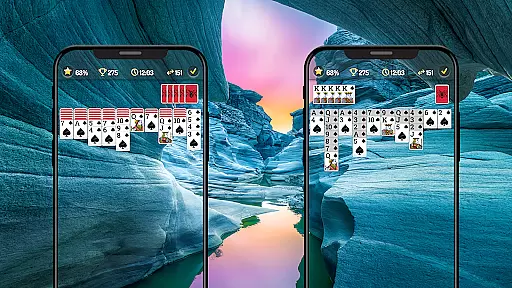
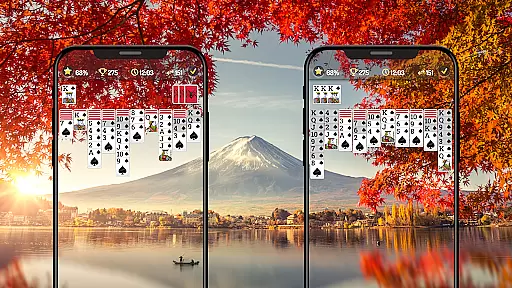

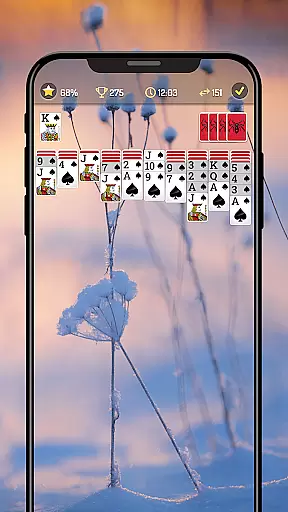
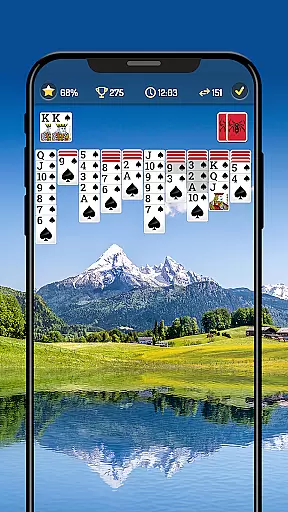
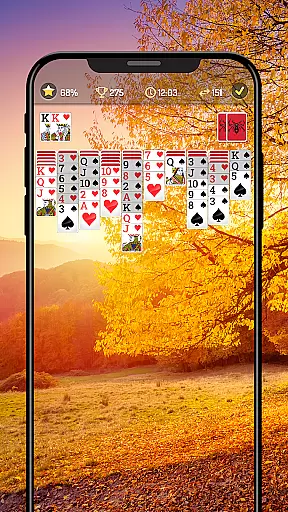
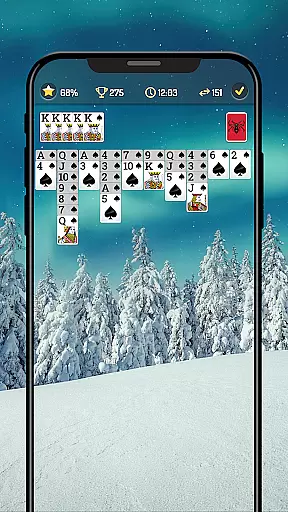
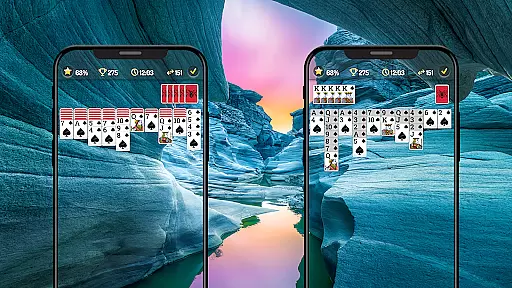
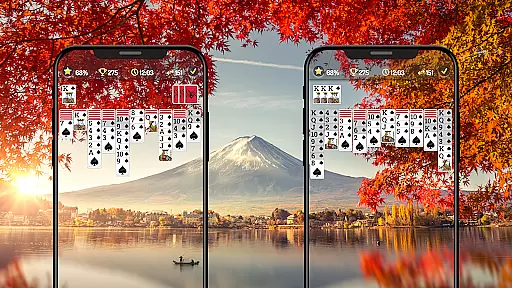

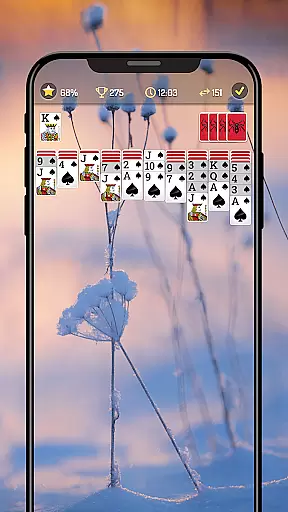
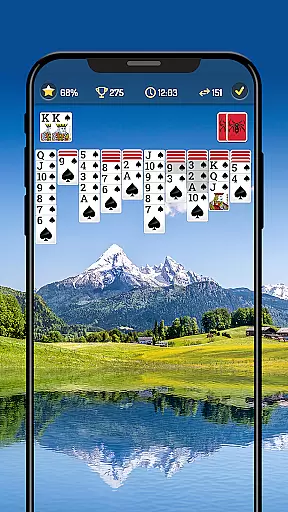
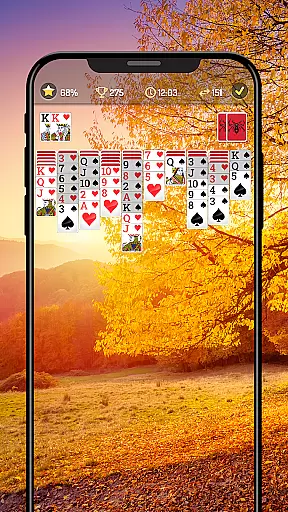
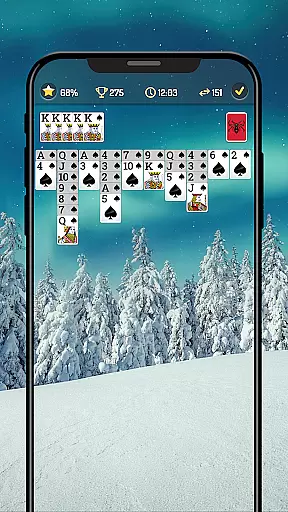
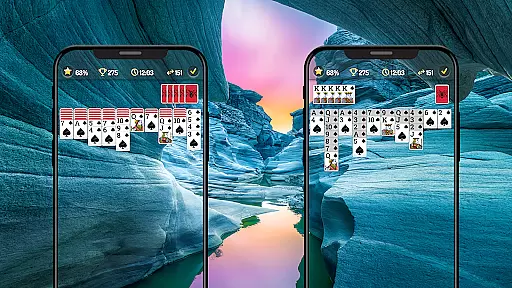
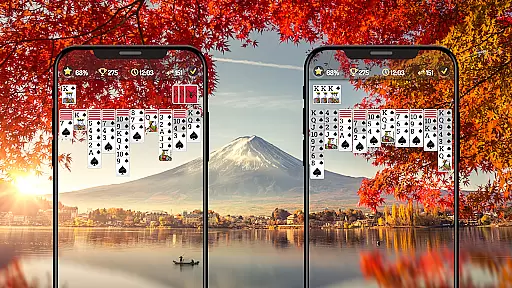

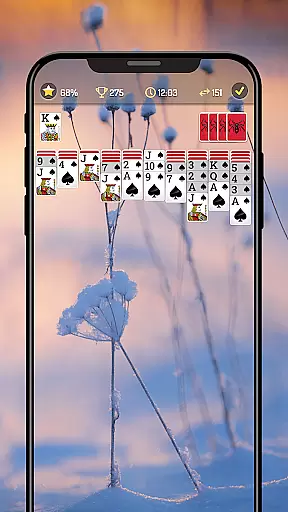
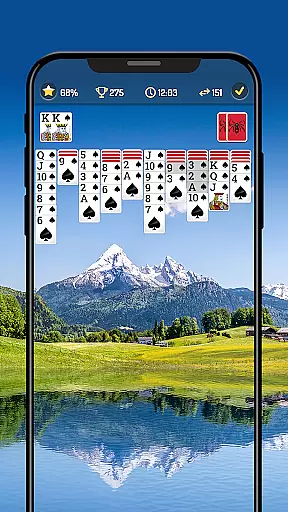
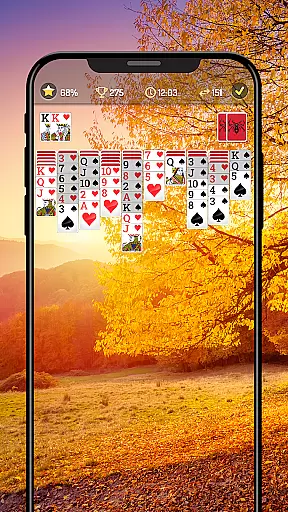
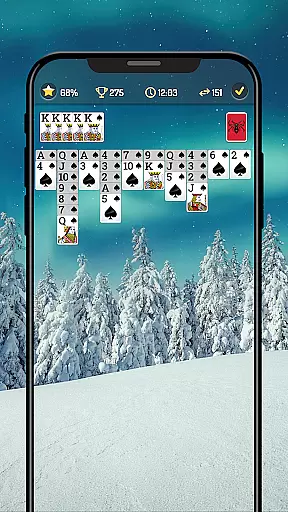

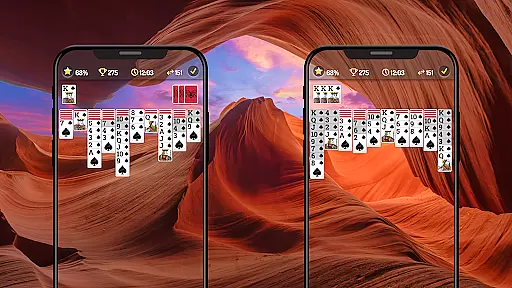
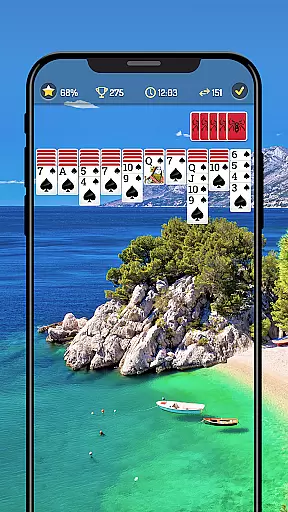
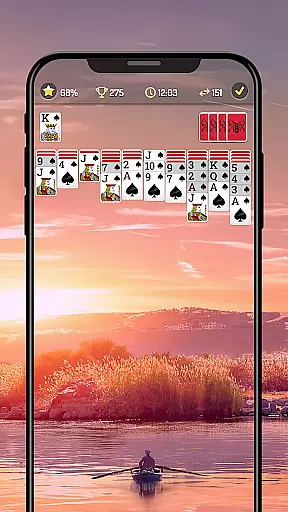
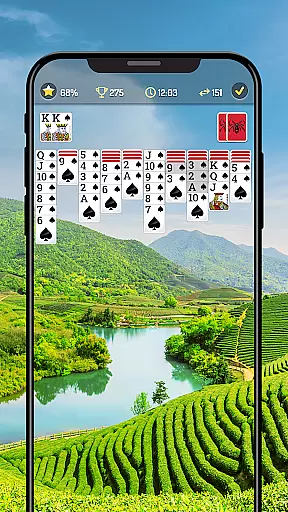
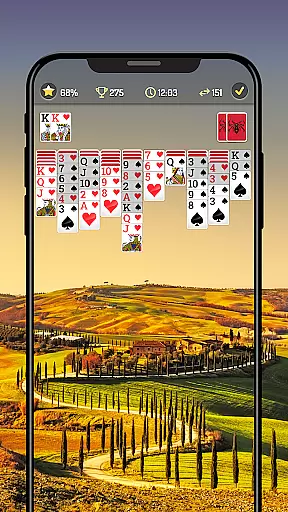

Spider Solitaire is a modern take on the classic card game that challenges players to stack cards in descending order by suit. This free-to-play game offers various difficulty levels, allowing beginners to start with one or two suits and progress to more complex four-suit games. The application provides an engaging way to sharpen cognitive skills while offering relaxation.
Designed for both casual and serious gamers, Spider Solitaire includes features like offline play, timer mode for competitive challenges, and compatibility across all devices. Players can customize their gaming experience with different card faces, backs, and backgrounds. With daily challenges and rewards, this app ensures users remain engaged while climbing leaderboards and earning recognition as true Spider Solitaire masters.
Spider Solitaire stands out with its diverse gameplay options, including Draw-1 or Draw-3 card modes and customizable difficulty levels based on the number of suits. The inclusion of left-handed mode and auto-complete features caters to a wider audience, ensuring comfort and convenience for all players. These thoughtful additions demonstrate the app's commitment to accessibility and user satisfaction.
Tracking personal statistics and progress is made easy through built-in analytics, helping players monitor their improvement over time. Additionally, the app offers exciting daily challenges with rewarding incentives, keeping the gameplay fresh and motivating. With support for multiple languages and intuitive controls like single-tap or drag-and-drop functionality, Spider Solitaire delivers a seamless and enjoyable gaming experience across various platforms.
In card games like Spider Solitaire, the fairness of the Random Number Generator (RNG) is crucial for ensuring that every game is unpredictable and challenging. This application employs advanced RNG algorithms to simulate the randomness of a real deck of cards, providing players with an authentic experience.
The certification of the RNG guarantees that the game meets industry standards for randomness, which means that each session is unique and cannot be predicted or manipulated. This ensures that all players are competing on a level playing field, where skill and strategy determine success.
Players can enjoy peace of mind knowing that their progress in the game is based purely on their ability to strategize and not on any pre-determined outcomes. This commitment to fair play enhances the overall gaming experience and builds trust among users.
For a card game such as Spider Solitaire, control fluidity and low input latency are essential for a seamless user experience. The application has been optimized to ensure that every tap and drag operation is smooth and responsive, allowing players to focus on their strategy without being hindered by technical glitches.
Whether you're using a single tap to move cards or utilizing the drag-and-drop feature, the controls have been designed to feel natural and intuitive. This fluid interaction keeps players engaged and immersed in the gameplay, enhancing both the enjoyment and challenge of the game.
Moreover, the minimal input latency ensures that there's no delay between the player's actions and the game's response, which is particularly important during fast-paced decision-making moments. This responsiveness contributes significantly to the satisfaction derived from mastering complex moves and strategies within the game.
User-friendly interface
Customizable card designs
Offline play capability
Daily challenge rewards
Cross-device compatibility
Limited social features
In-app ads present
Premium version costs
Complex for beginners
Fewer tutorials

Hardwood Hearts, where breaking hearts is just part of the game.
 4.50
4.50
Strategy and luck combine in our favorite partnership card game.
4.3
Play your cards carefully in this 4 player trick-taking card game!
4.60
Find dragons in mysterious land and play card games.
4.60
Solitaire Classic Pro, like Spider, Klondike Solitaire,FreeCell,Pyramid,Tripeaks
4.40
Play and Master the Fun Classic Card Games with Friends
4.60
Easy and Fun Classic Spades Card Game to Play Offline with Friends
4.70
Cozy Thanksgiving moments plus relaxing offline solitaire games.
4.60
Train your brain playing the most relaxing & addictive 2025 solitaire game
4.70
Classic Solitaire game you love! Offline, easy, and relaxing!
4.80
Play for fun, practice or get advice for 400+ VP games and over 2000 pay tables.
4.60
Enjoy a beautiful solitaire card game with classic rules and relaxing play.
4.60
Play Solitaire card game and experience pure brain training.
4.50
Spider Solitaire Pro, classic Spider Solitaire Klondike game,as Freecell,Pyramid
4.20
90 games. Intuitive, simple, beautiful... just great. Try it and you'll love it!
4.20
Build a dice pool to purify Astrea's corruption and save the Star System.
4.10
A unique card-based rogue-like with more than a hundred hours of content!
3.90
Fast-paced card brawl in the wacky world of Meteorfall
3.50
The Trading Card Game of Hunter's Gambit, Online!
4.0


User Reviews