

This application is for the Luvme Hair official website: shop.luvmehair.com .
 4.30
4.30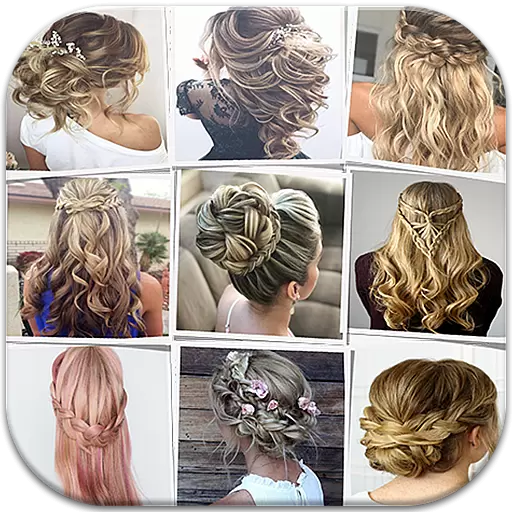
Make beautiful Hairstyles for girls with your own hands in little bit of time
4.00
Beauty Camera - Selfie Camera with beauty editing tool, makeup, filter, sticker
4.60
Your on-demand aesthetician
4.40
True mirror app with zoom, LED light, for makeup & shaving anywhere!
4.20
Download Today
4.40
Beauty/age defining ai coach guides you through the exercises in daily routine.
3.30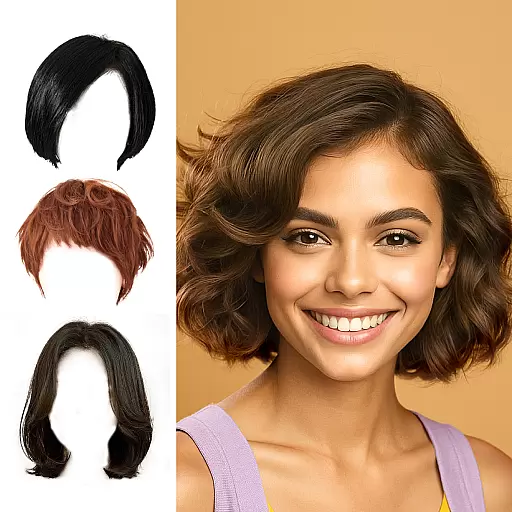
Try on different hairstyles and hair colors, glasses and jackets | Cartoon face
4.10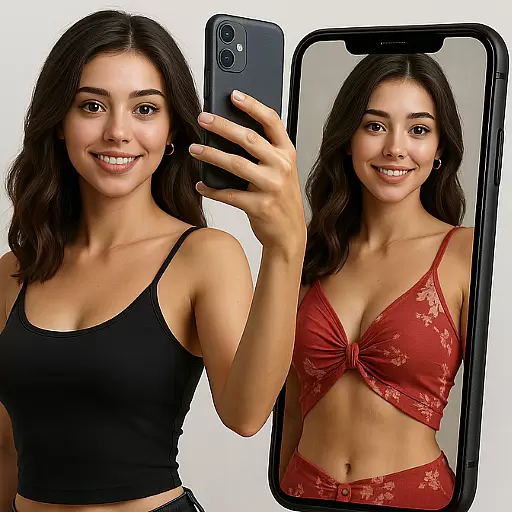
Try On Style with AI: Virtual Dressing Room & Personal Fashion Stylist App
4.00
Face Makeup Camera: Photo makeup app and perfect Lipstick app, beauty lip filler
4.70
Beauty Mirror - True mirror app with light, shaving mirror, makeup mirror app
4.50
Winter picture editor: Christmas stickers, frames for photos & Christmas cards.
4.40
Seasonal color palettes for shopping clothes and makeup products with confidence
4.20
Snap stunning selfies with AI from the Sweet Beauty Camera editor
4.10
The Official Voting App
3.90
Change your hairstyle and color instantly with AI-powered virtual makeovers.
3.90
Edit Your Photos and Videos with Beauty Filters & Get Makeup Artist Tutorials
3.60
Design unique tattoos and preview them on your body image using Tattoo Maker App
3.30
Your Personal Stylist for Smart Shopping, Beauty & Styling Outfits.
4.5


