
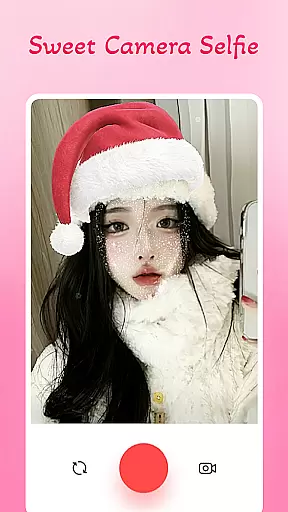
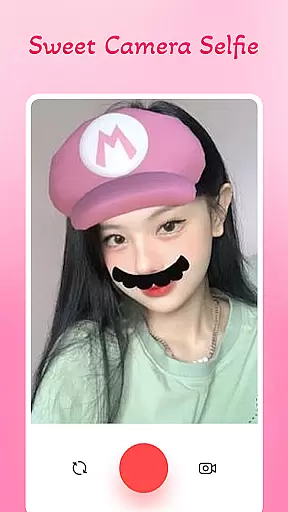
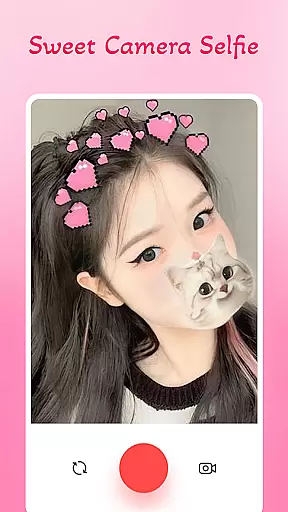
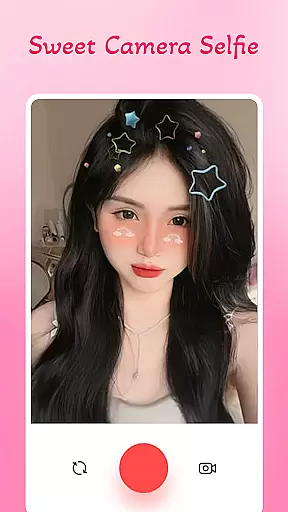
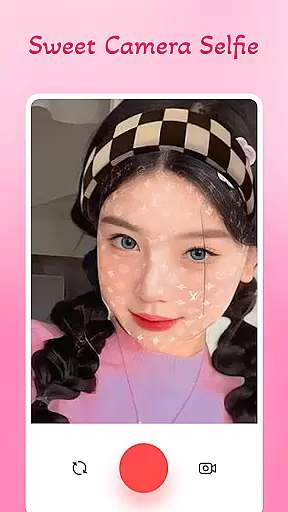
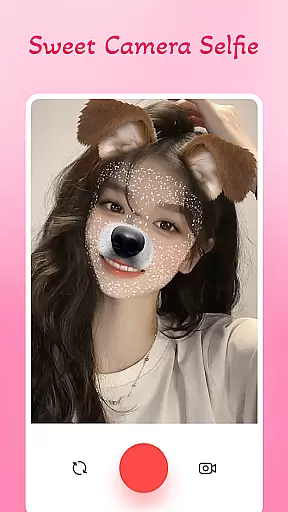
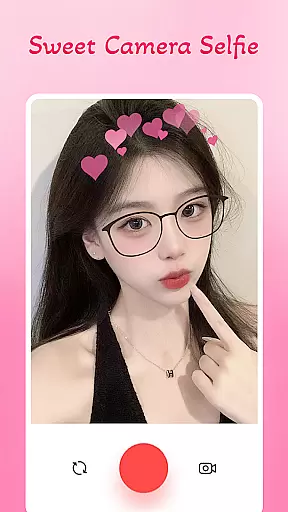
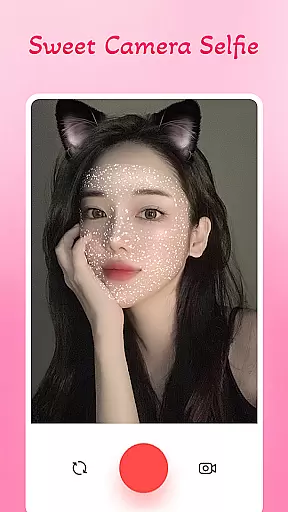
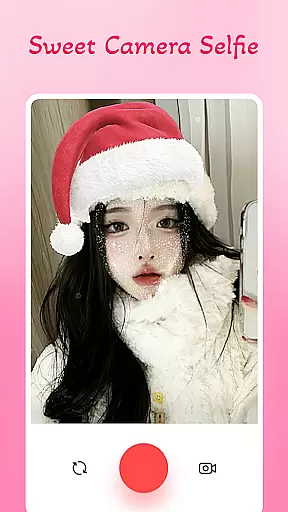
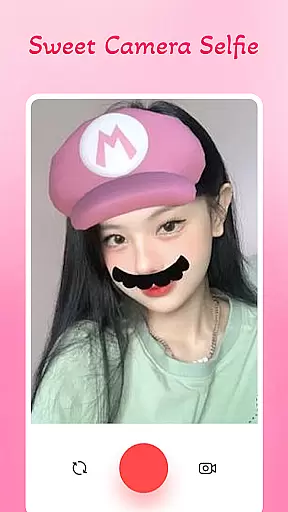
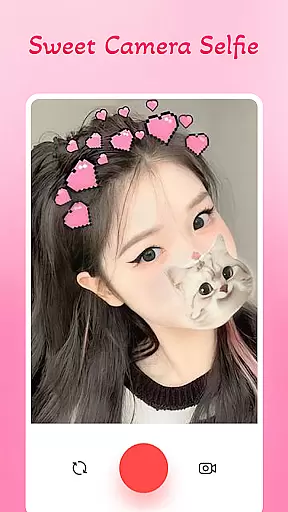
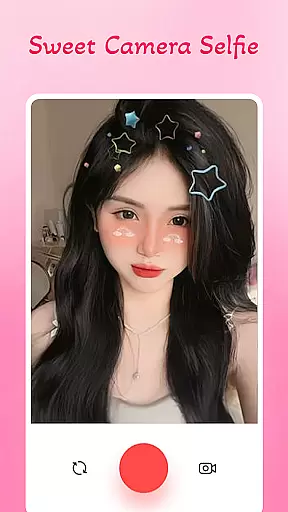
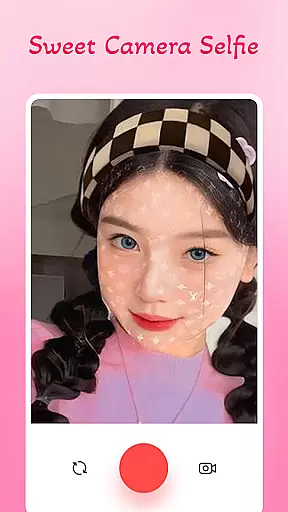
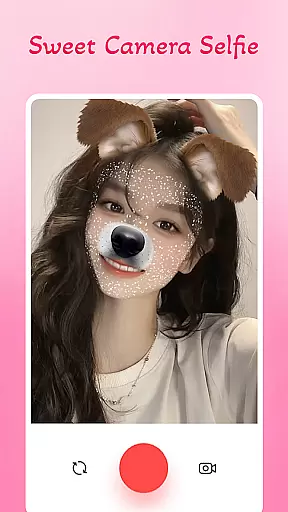
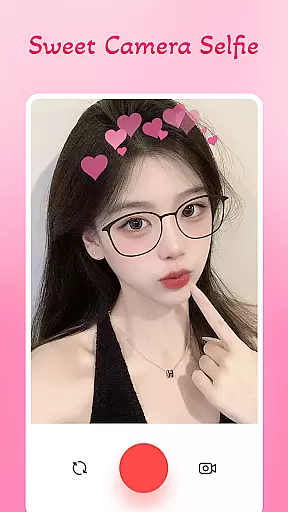
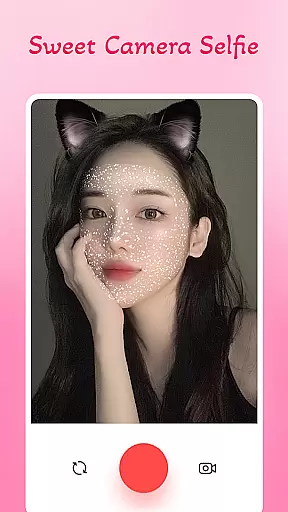
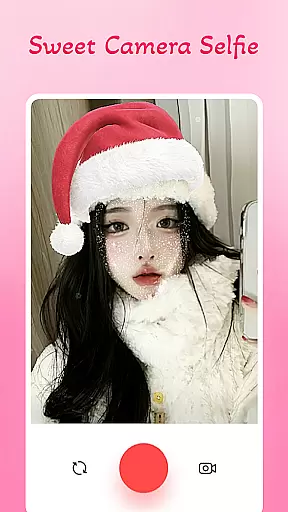
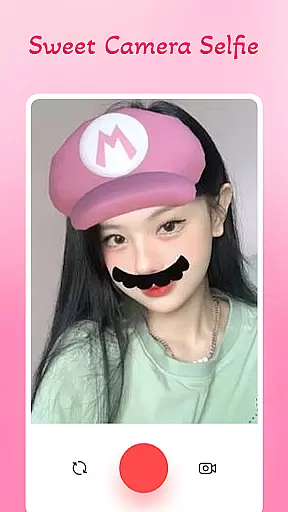
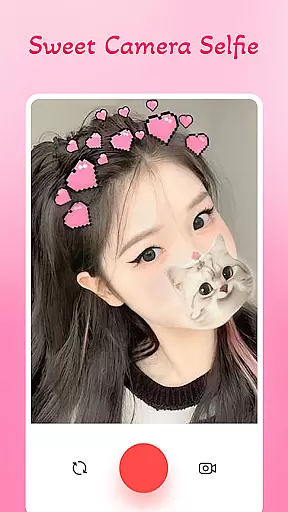
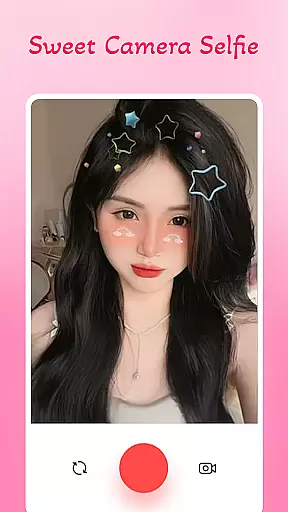
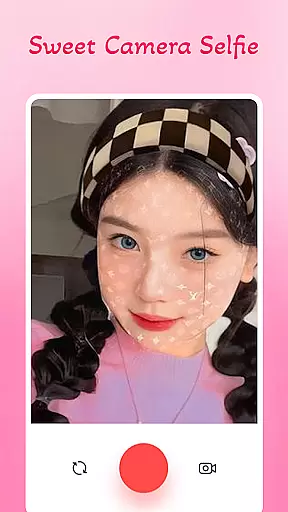
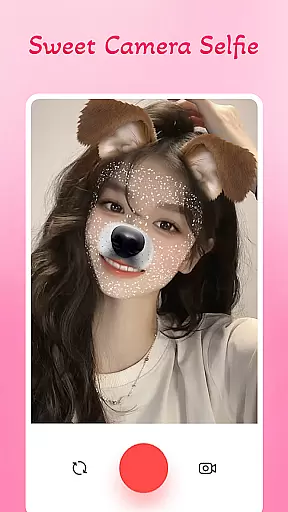
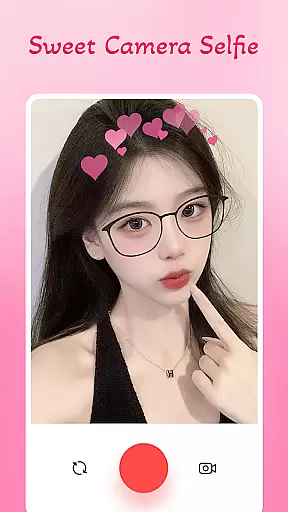
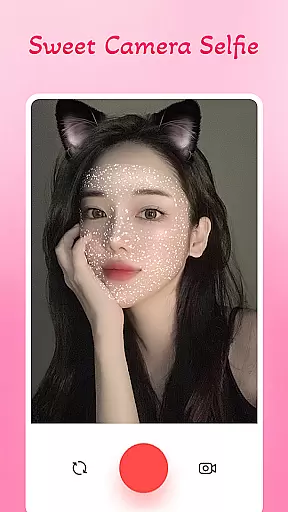
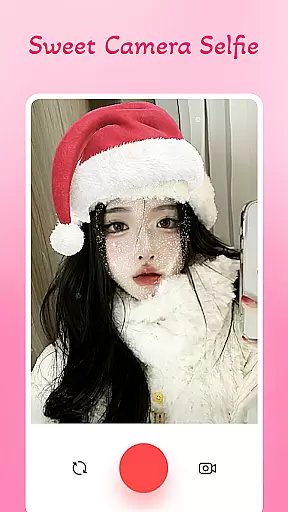
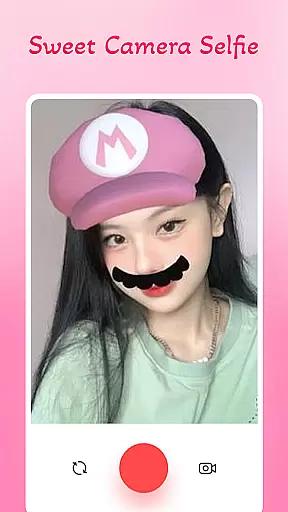
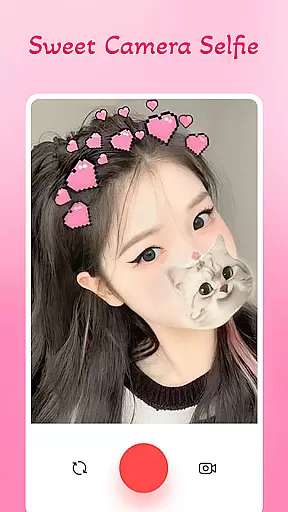
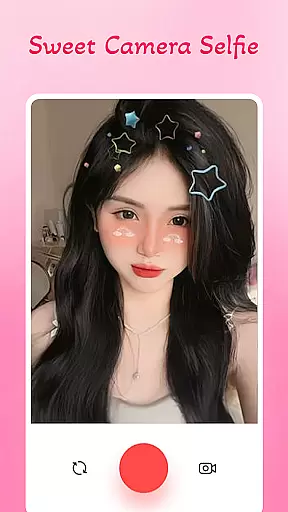
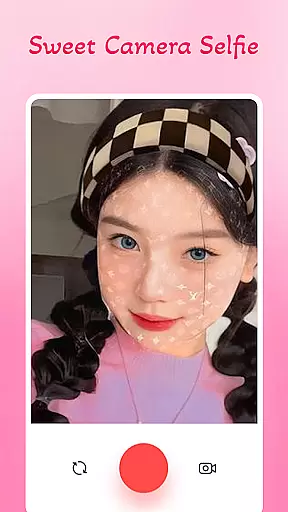
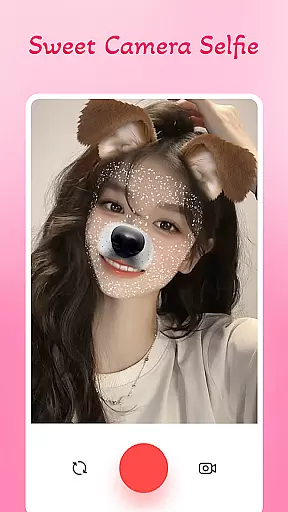
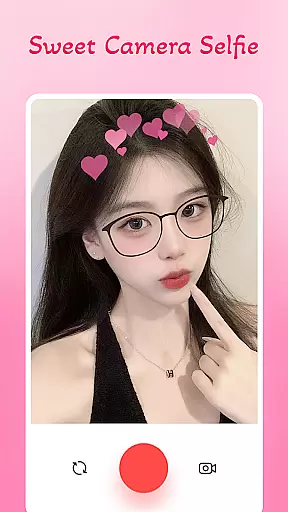
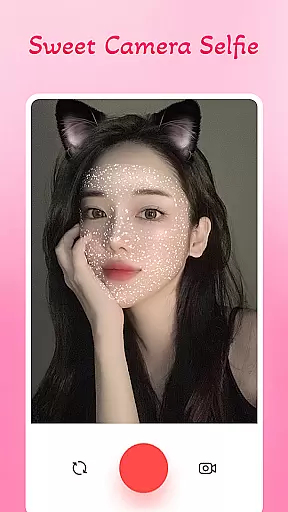
Sweet Camera Selfie Editor is a feature-rich beauty camera app designed to enhance your selfies with professional filters, funny face stickers, and powerful editing tools. This app allows users to transform ordinary photos into stunning works of art through its intuitive interface and creative features. Whether you're looking to add charm or humor to your pictures, Sweet Camera Selfie Editor offers everything from animal face stickers to heart crowns, making it perfect for expressing individuality.
With optimized performance for smooth operation on all devices, this app ensures that even users with minimal editing experience can achieve impressive results. The app also includes sharing options for social media platforms, enabling users to instantly showcase their creativity. From smoothing skin to adding playful effects, Sweet Camera Selfie Editor helps you create unique, eye-catching selfies effortlessly.
Sweet Camera Selfie Editor stands out with its diverse range of features tailored for selfie enthusiasts. The app provides professional beauty filters that enhance facial features while maintaining a natural look. Users can experiment with various picture stickers such as animal faces, emojis, and decorative elements like heart crowns, ensuring no two photos are ever the same.
In addition to its aesthetic tools, the app includes an easy-to-use interface where users can adjust sticker sizes, positions, and filter intensities with simple gestures. The Face Filters Beauty Editor further refines images by smoothing skin, brightening eyes, and applying special effects that elevate selfies into artistic creations. With seamless integration for social sharing, Sweet Camera Selfie Editor makes it effortless to share polished photos directly to social networks.
The lightweight design ensures optimal performance across devices without compromising speed or quality. Whether you're aiming for glamorous, playful, or serious edits, this app caters to every mood and style preference, empowering users to express themselves fully through their photography.
In the realm of beauty and photo editing applications, having a comprehensive product database is crucial for delivering a rich user experience. Sweet Camera Selfie Editor stands out by offering an extensive collection of filters, stickers, and editing tools that cater to diverse user preferences. This app includes everything from professional selfie beauty camera filters to playful animal face stickers, ensuring users can find exactly what they need to enhance their photos.
The depth of the product database in Sweet Camera Selfie Editor is demonstrated through its wide variety of beautiful sticker effects and creative filters. Whether you're looking to add charm with heart crowns or humor with funny face stickers, this app provides countless options to transform your selfies into unique works of art. The availability of such a broad selection ensures that users can express themselves fully and customize their images to match any mood or occasion.
Moreover, Sweet Camera Selfie Editor's database is optimized for performance, maintaining smooth operation across all devices. This optimization allows users to enjoy high-quality editing without experiencing lag or performance issues, making it accessible for everyone regardless of their device specifications. With easy sharing options for social networks, users can instantly showcase their beautifully edited creations, enhancing their online presence and engagement.
Personalization precision in beauty apps like Sweet Camera Selfie Editor refers to the ability to tailor the editing experience to individual user preferences, ensuring each photo reflects the user's unique style and personality. This app excels in providing highly personalized features that allow users to experiment with various filters and stickers, creating stunning and customized selfies effortlessly.
Sweet Camera Selfie Editor offers advanced personalization through its Face Filters Beauty Editor feature, which enables users to smooth skin, lighten eyes, and apply special effects that turn ordinary selfies into art masterpieces. By adjusting these elements, users can achieve a fresh look every time they edit a photo, ensuring their images stand out on social platforms. The app's intuitive interface makes it easy for users of all experience levels to navigate and utilize these sophisticated tools effectively.
Furthermore, the app's Cute Filters Beautiful Camera functionality supports a wide range of moods and styles, from playful and glamorous to serious and artistic. With endless combinations of picture stickers and filters, no two selfies will ever be identical. This level of personalization precision empowers users to express themselves fully, letting their personalities shine through every edited photo. Sweet Camera Selfie Editor truly transforms the way users interact with their images, offering a personalized and engaging experience that keeps them coming back for more.
User-friendly interface
Wide variety of filters
Optimized performance
Creative sticker options
Easy social sharing
Limited advanced tools
Ads may disrupt workflow
Premium features locked
Occasional lag on older devices
Learning curve for beginners

Enhance Your Look with Face Analysis, Hair Style Changer, Beauty Score, Rating
 3.90
3.90
Seasonal color palettes for shopping clothes and makeup products with confidence
4.20
Unique selfie filter camera! Upload live sticker & face filter every week!
4.70
Beauty camera & Selfie camera for perfect selfie with filter, sticker, makeup
4.70
The all new Cosmo Prof app offers exclusive pro products, deals, and training.
4.00
Beauty Camera AI Photo Editor with effect, filter, makeup tools for photo editor
4.30
For businesses, Booksy Biz allows you to manage your schedule & more on the go.
4.60
Monthly Perfume Subscription
4.70
Snap stunning selfies with AI from the Sweet Beauty Camera editor
4.10
Mirror app that shows your image with photo editor, zoom and light!
4.70
The ultimate beauty membership
4.70
Beauty Camera - Selfie Camera with beauty editing tool, makeup, filter, sticker
4.60
Unleash your (Pro)tential with the hottest hair, nails and beauty brands!
4.60
Your on-demand aesthetician
4.40
This application is for the Luvme Hair official website: shop.luvmehair.com .
4.30
Hair style app, Face shape finder, Face shape, Hair style, Face shape detector
4.30
The Official Voting App
3.90
Design your nails, manicure and pedicure with nail paint art and nail idea app
3.90
Color haircut changer style on
3.30


User Reviews