
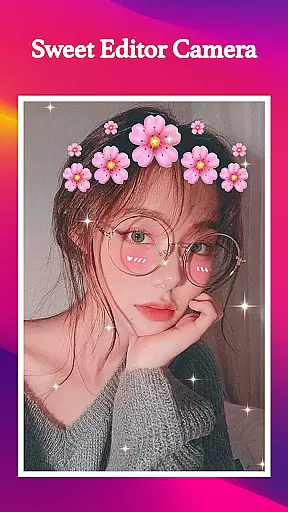
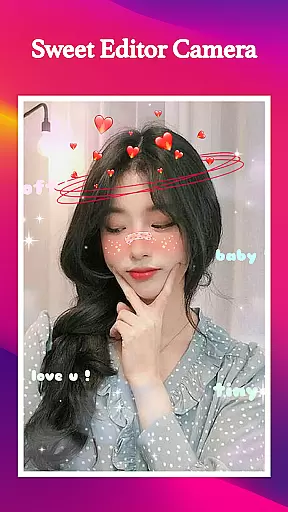
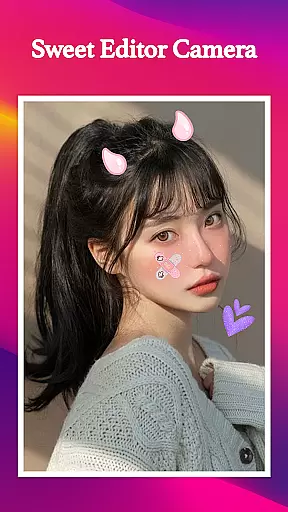
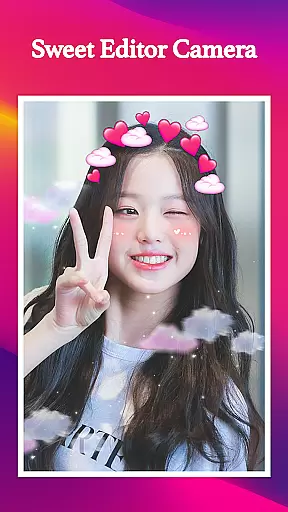
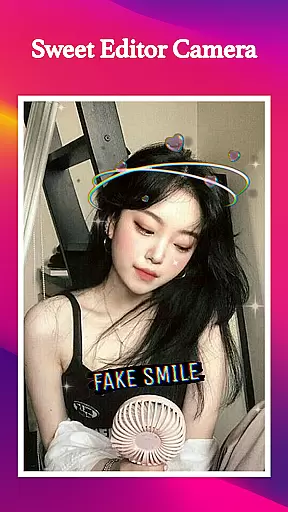
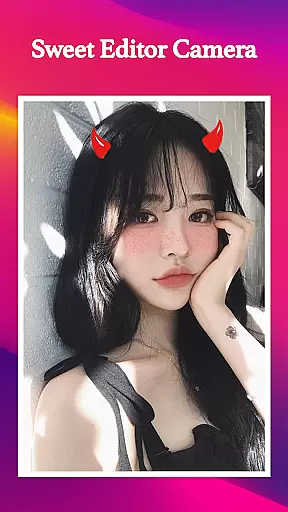
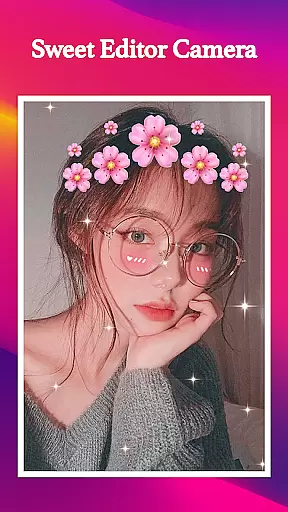
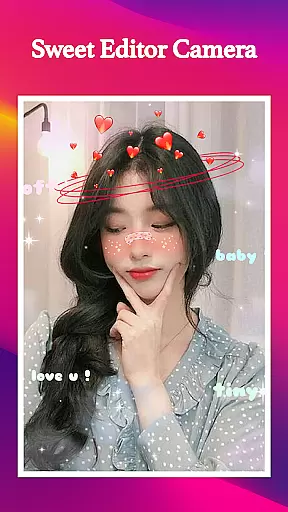
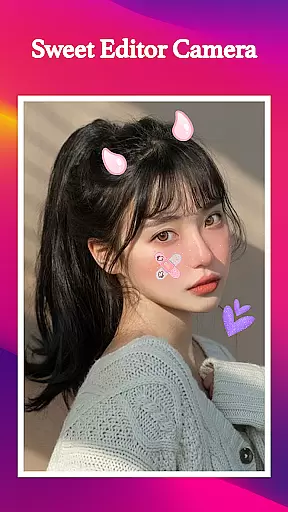
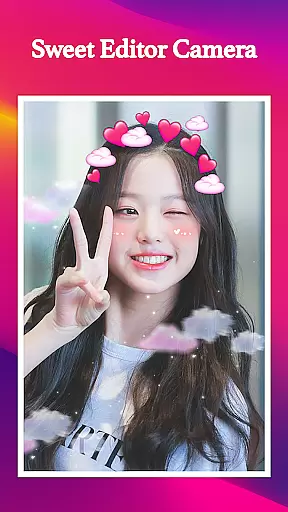
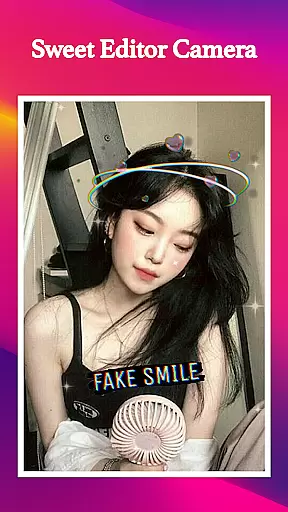
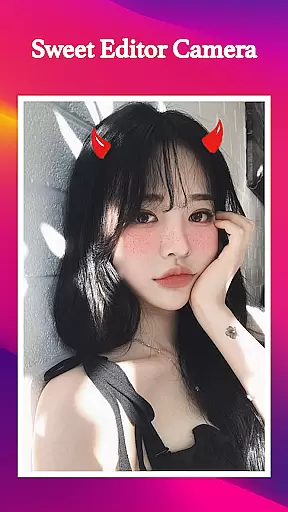
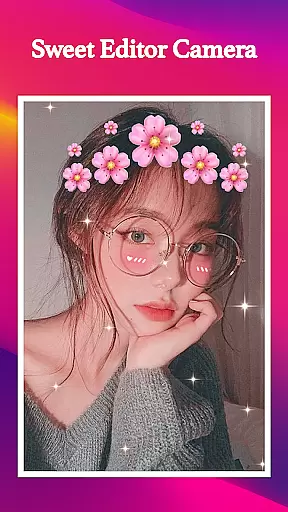
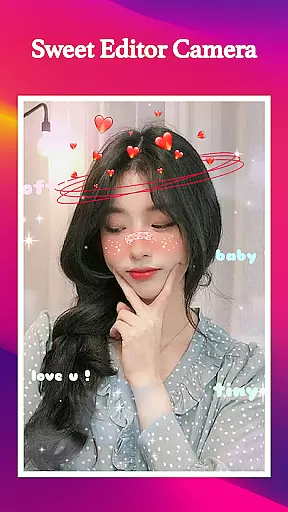
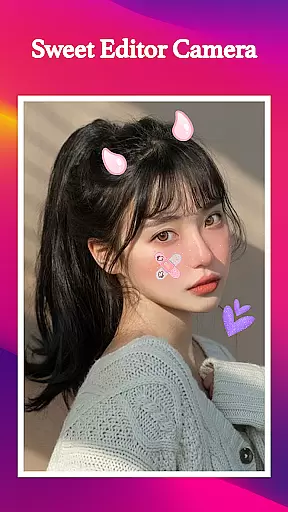
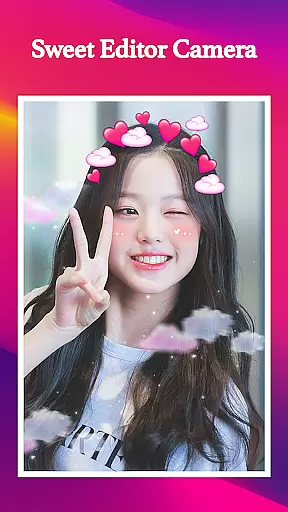
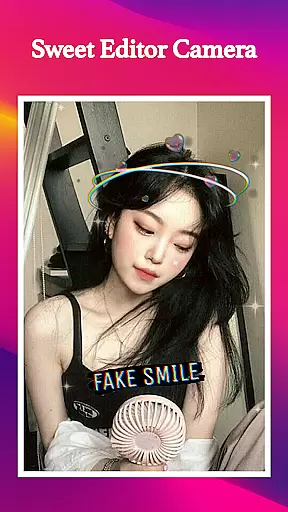
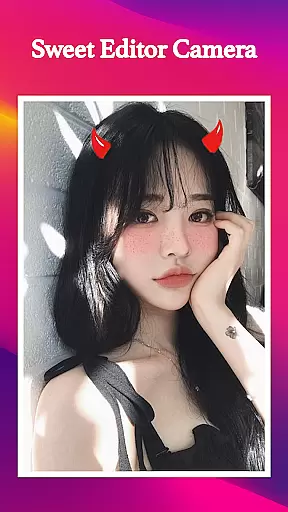
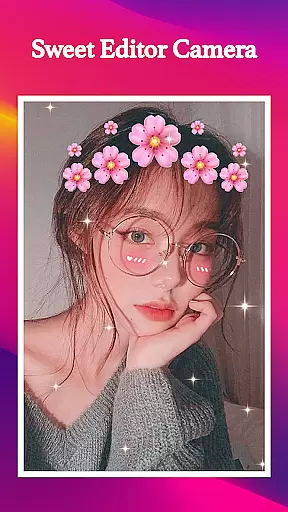
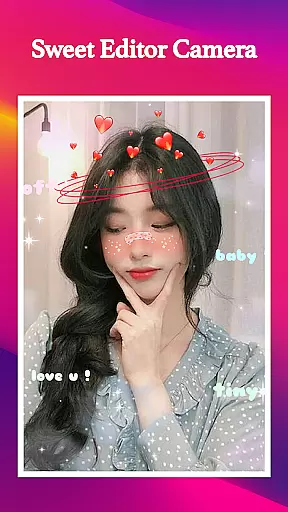
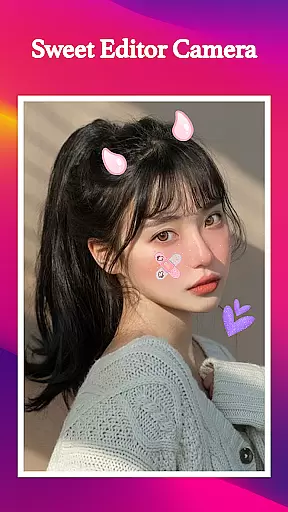
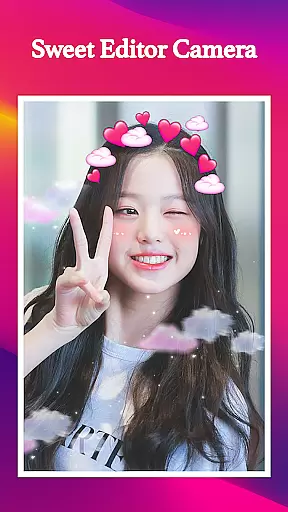
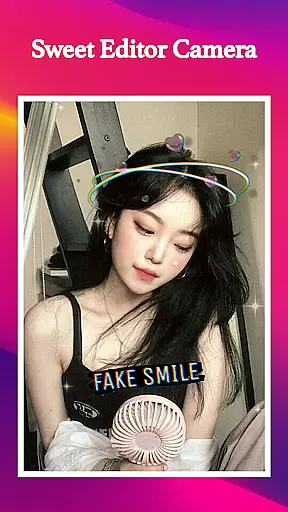
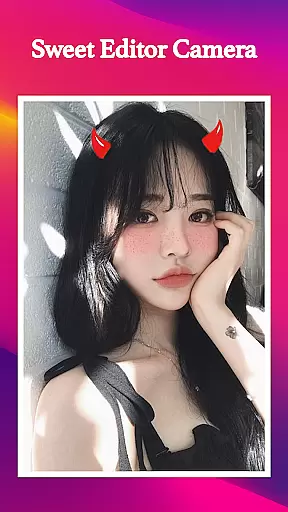
Sweet Editor Camera Lite is a feature-rich beauty camera app designed to enhance your selfie game. This powerful tool offers advanced photo editing capabilities, allowing users to create flawless and creative selfies with ease. The app includes an impressive array of filters, beauty enhancers, and playful stickers that cater to various occasions and moods.
One of the standout features is its user-friendly interface that ensures you never miss the perfect shot. Whether you're aiming for a natural look or something more artistic, Sweet Editor Camera Lite provides intuitive controls and instant adjustments. From skin smoothing to teeth whitening, the app's smart beauty tools help highlight your best features while maintaining authenticity.
The app's offline functionality makes it accessible anytime, anywhere. With quick sharing options to all major social media platforms, users can effortlessly showcase their enhanced photos. Sweet Editor Camera Lite is especially valuable for those looking to add a touch of creativity and professionalism to their mobile photography without needing professional skills or equipment.
Sweet Editor Camera Lite stands out with its comprehensive set of features tailored for modern selfie enthusiasts. The app boasts an extensive collection of cute filters suitable for any occasion, from casual everyday shots to special events. These filters not only change your appearance but also add unique artistic elements to your photos, making them truly distinctive.
Smart beauty tools are at the core of this app's functionality. Users can utilize advanced features like skin smoothing, teeth whitening, and face retouching to achieve picture-perfect results. The app also includes a hair color changer with vibrant shades, allowing for complete transformation of your look. Additionally, the sticker collection, featuring fun elements like animal ears and faces, adds an extra layer of creativity to your photos.
Professional-grade editing tools enable precise adjustments of brightness, contrast, and saturation. The intuitive interface ensures these powerful features are accessible even to novice users. With its offline capability and quick sharing options to various social media platforms, Sweet Editor Camera Lite combines convenience with high-quality photo editing in one comprehensive package.
When it comes to beauty applications, having a comprehensive product database is essential for delivering value to users. Sweet Editor Camera Lite excels in this area by offering an extensive collection of filters, beauty tools, and customization options that cater to a wide variety of user preferences.
The app includes numerous cute filters designed for different occasions, allowing users to transform their look effortlessly. Whether you're aiming for a natural appearance or something more playful, the app's diverse filter selection ensures there's something for everyone.
Beyond just filters, Sweet Editor Camera Lite provides detailed tools for skin smoothing, teeth whitening, and face retouching. These features are meticulously crafted to enhance users' natural beauty while maintaining authenticity. The inclusion of vibrant hair color options further expands the creative possibilities.
With its robust product database, Sweet Editor Camera Lite empowers users to experiment with their appearance confidently. The app's combination of advanced editing tools and fun elements like stickers ensures that every photo can be uniquely personalized, making it a go-to choice for those looking to elevate their selfie game.
Personalization is at the heart of Sweet Editor Camera Lite, ensuring that each user can tailor their experience to match their individual style. The app employs sophisticated algorithms to deliver precise personalization options that adapt to user preferences over time.
One of the standout features is the smart beauty tools that intelligently analyze facial features to apply enhancements naturally. This includes skin smoothing, teeth whitening, and subtle face retouching that preserves the user's authentic appearance while elevating their best features.
Sweet Editor Camera Lite also offers a range of adorable stickers and playful overlays, such as dog ears and cat faces, which users can add to their photos for extra fun. These elements are carefully integrated to ensure they complement the user's chosen aesthetic without overwhelming the image.
By combining powerful editing capabilities with intuitive personalization features, Sweet Editor Camera Lite delivers a seamless experience that allows users to express themselves creatively. The app's ability to learn from user interactions ensures that the more it's used, the better it becomes at predicting and fulfilling personal style needs.
User-friendly interface
Wide range of filters
Powerful editing tools
Offline functionality
Quick social sharing
Limited advanced features
Occasional performance issues
Basic skin enhancement
Few premium options
Ads in free version

Beauty Camera - Selfie Camera with beauty editing tool, makeup, filter, sticker
 4.60
4.60
Your future self face age old or young from camera selfie into beautify videos
4.4
All-in-one solution for independent beauty pros to manage & grow their business
4.30
Transform your sweet selfies with Selfie Beauty Camera Filters And Effects!
4.60
Design unique tattoos and preview them on your body image using Tattoo Maker App
3.30
Try interesting trending filters allows you switch to a cute girl
4.70
Beauty Camera AI Photo Editor with effect, filter, makeup tools for photo editor
4.30
Top brand haircare & fragrance
4.60
Never run out of your go-to beauty & get 5% off with auto-replenish deliveries!
4.00
Get Smart About Your Skin with Fully Personalized Beauty Tech!
4.80
AI Stylist, Try On Millions Of Clothes In Any Brand & Style, AI Clothes Changer
4.70
Wacky mirror filter, waves effect & wavy effect to make your own funny videos.
4.60
Beauty camera for perfect selfie with makeup, sticker and filter
4.50
Beauty camera to take nature selfie with photo filter. Photo makeup face editor.
4.50
Crown Heart Emoji Photo Editor has given you the chance to look cute girl
4.40
This application is for the Luvme Hair official website: shop.luvmehair.com .
4.30
True mirror app with zoom, LED light, for makeup & shaving anywhere!
4.20
Try on different hairstyles and hair colors, glasses and jackets | Cartoon face
4.10
Your Personal Stylist for Smart Shopping, Beauty & Styling Outfits.
4.2


User Reviews