
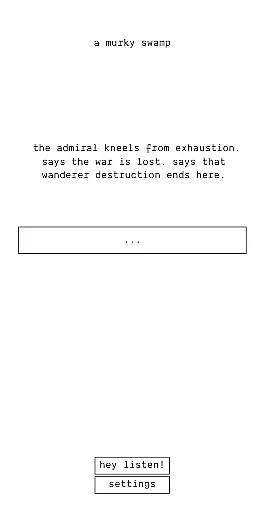
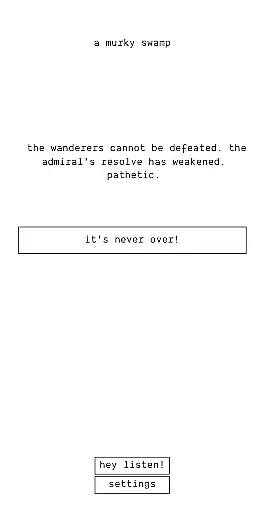
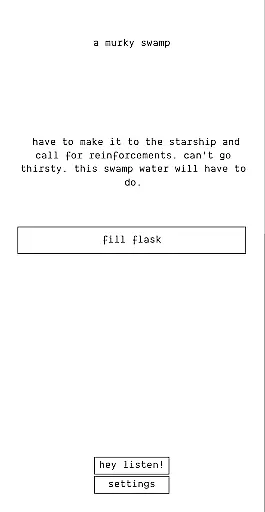
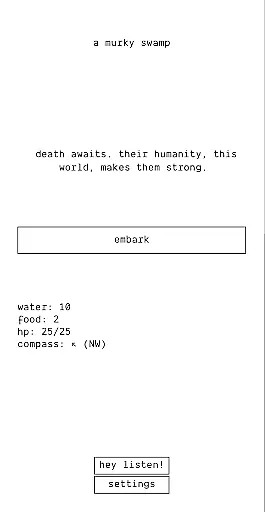

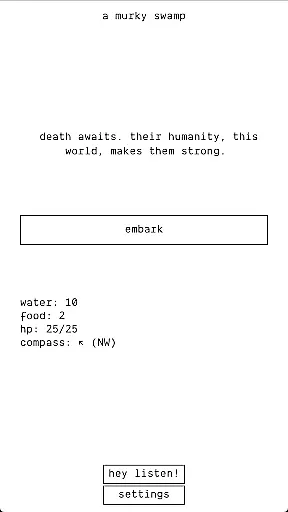
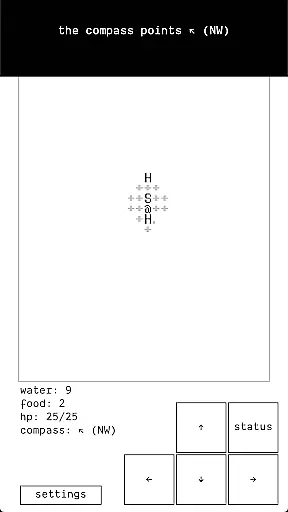

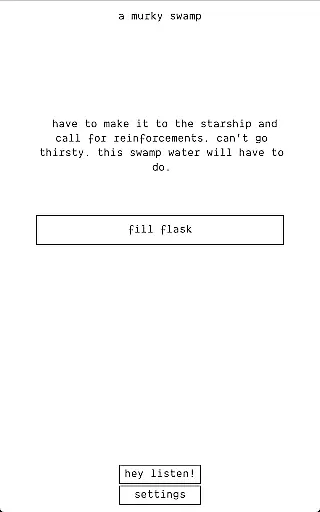
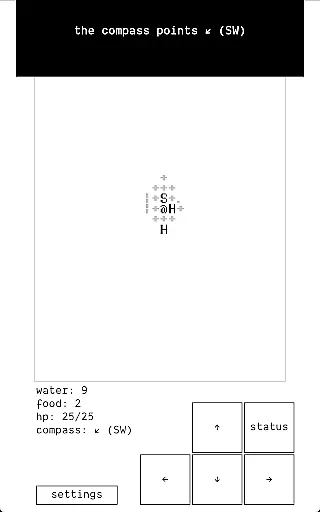
The Ensign is a premium role-playing game that offers an immersive experience without interruptions. As the pre-sequel to A Dark Room, it provides a Soulsian adventure leading up to the pivotal moment of lighting the fire. With no ads, microtransactions, or data usage requirements, players can enjoy uninterrupted gameplay in any environment.
Designed for gamers who appreciate deep storytelling and atmospheric experiences, The Ensign delivers a compelling narrative with challenging gameplay. Its unique selling point lies in its ability to provide a rich RPG experience while maintaining a minimalist approach to mobile gaming.
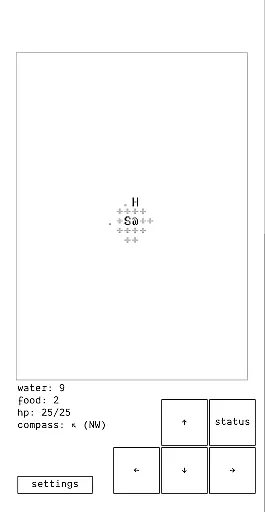
The Ensign stands out with its captivating storyline and retro-style graphics that evoke nostalgia while delivering modern gameplay mechanics. Players navigate through intricate scenarios where every decision impacts survival chances in a harsh world.
Gameplay features include turn-based combat, resource management, and exploration elements that challenge strategic thinking. The absence of unnecessary permissions ensures user privacy and device security, making it a trustworthy choice for discerning gamers.
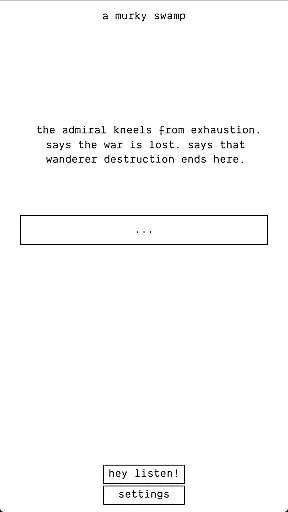
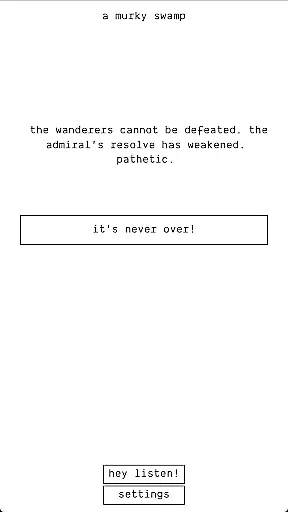
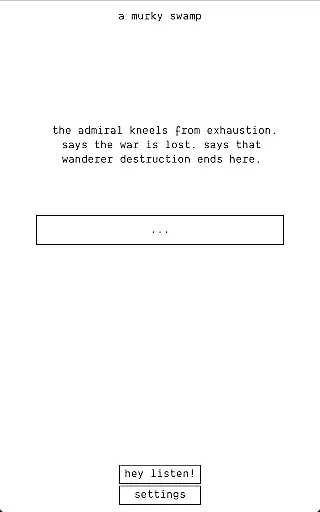
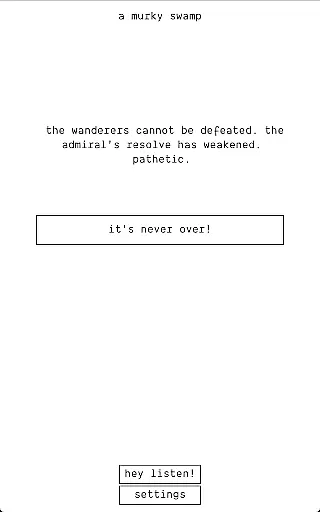
Narrative and lore depth are crucial elements in role-playing games, providing players with an immersive experience that draws them into the game's universe. The Ensign excels in this area by presenting a rich backstory that serves as a prequel to the highly acclaimed RPG, A Dark Room.
The game intricately weaves its narrative through challenging gameplay, reminiscent of a Soulsian experience. This approach ensures that players uncover the storyline gradually, maintaining engagement and deepening their connection to the unfolding events leading up to lighting the fire.
Players can expect to explore a meticulously crafted world filled with mystery and danger, where every decision could lead to unforeseen consequences. The depth of the lore is not just about storytelling but also about creating an atmospheric journey that resonates with fans of the genre.
Character customization and progression systems allow players to tailor their gaming experience according to personal preferences and play styles. In The Ensign, while direct customization options might be limited due to its focus on narrative, the character development process is deeply integrated into the challenging gameplay.
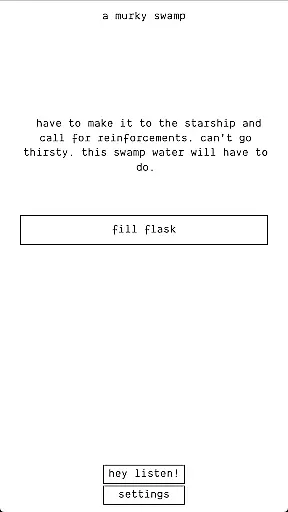
As players navigate through the harsh environments presented in the game, they will find their character evolving not only in abilities but also in understanding the complex lore surrounding them. Each step forward is earned through perseverance and strategy, enhancing the sense of accomplishment.
This method of progression ensures that each playeru2019s journey through The Ensign is unique, despite following a predetermined path laid out by the compelling story. It emphasizes growth through adversity, making every victory against the looming threat of death even more rewarding.
Engaging storyline
No in-app purchases
Offline playability
Privacy-focused design
Retro aesthetic charm
Steep learning curve
Limited visual effects
No multiplayer mode
Occasional bugs
Niche appeal

Embark on an adventure of magic Talismans to save your sister from a curse!
 4.60
4.60
A story-rich, tactical RPG in the Dungeons & Dragons Planescape setting.
3.80
Alphadia series reborn with stunning 3D battles!
4.40
AFK Journey, an Overworld Fantasy RPG. Get 50+ heroes and 450 pulls!
4.60
Princess Dream Castle - Makeover and Dress up Games!
4.10
Gather your party— the classic adventure returns!
3.20
The Ultimate Pixel Remaster
3.70
Craft and build own city in strategy game. Save humanity from sand apocalypse!
4.00
Conquer the world by making the right decisions
4.20
Build your Cookie Kingdom and team! An epic town building & adventure RPG game
4.80
Critically acclaimed minimalist text-based RPG/rougelike. Come light the fire.
4.70
Next-Gen Fantasy RPG
4.50
Awaken Elemental Power and Embark on a Fantasy Adventure!
4.40
Ride a dragon and journey with more than 20 monsters in a fantasy RPG!
4.40
Tale of Immortal is an sandbox based on Chinese mythology and cultivation.
4.30
Create your own super team with heroes and villains from the Marvel Universe!
4.30
The Ultimate Pixel Remaster
3.90
- Once every 100 years, the Abyss opens. - 3D dungeon RPG
3.90
The Ultimate Pixel Remaster
3.90


User Reviews