
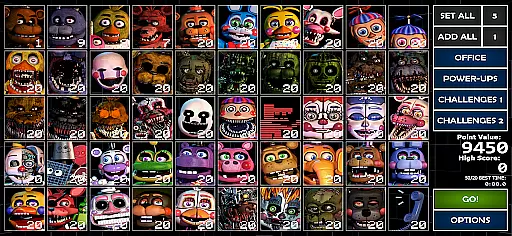
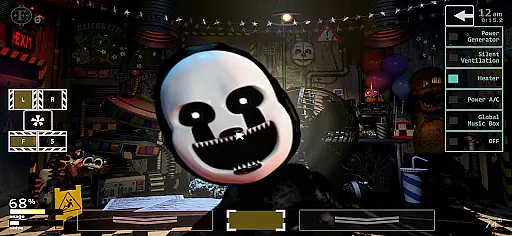
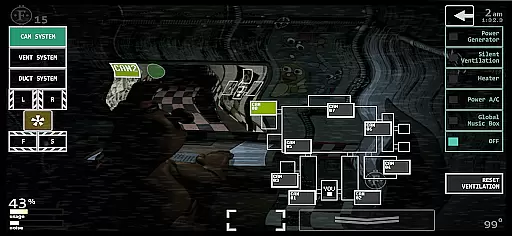
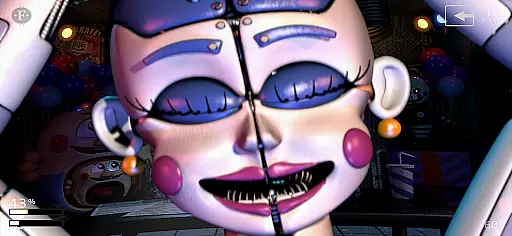
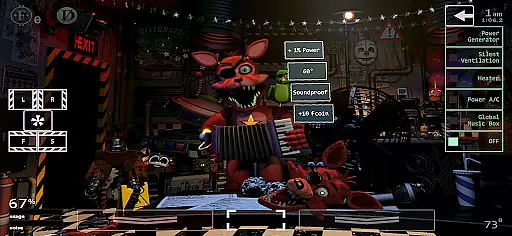
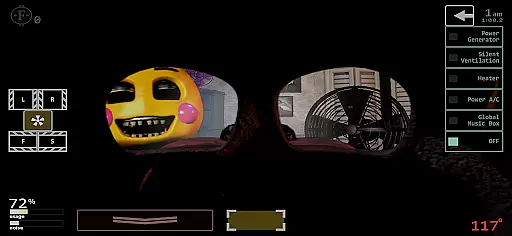
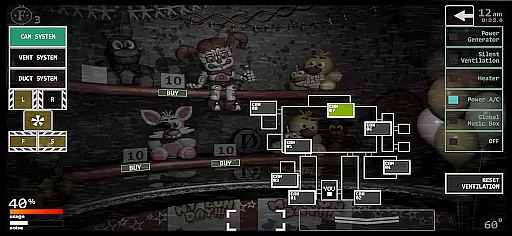
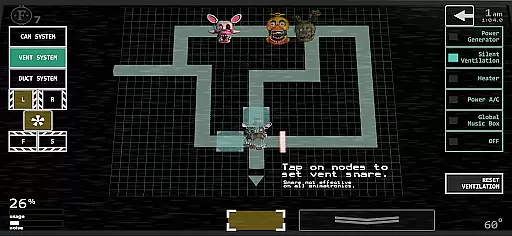
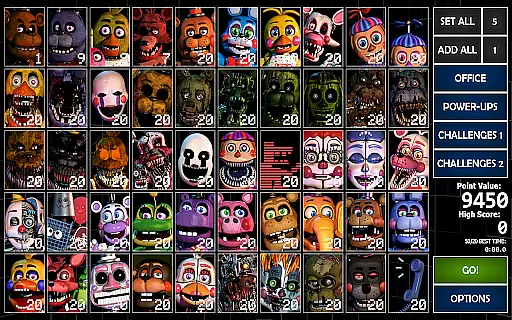
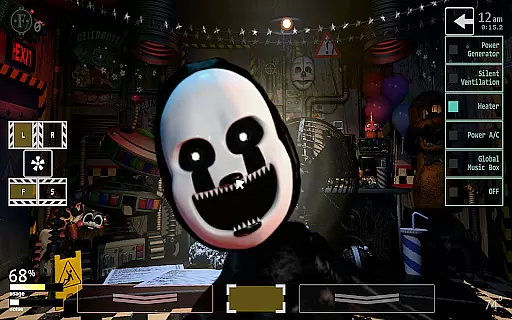
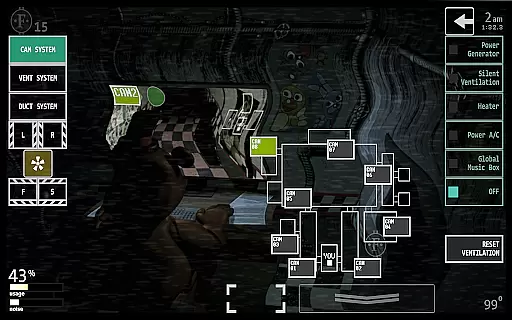
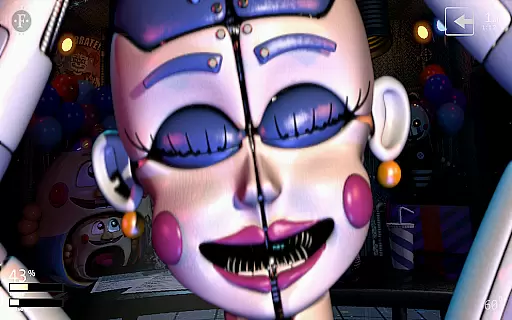
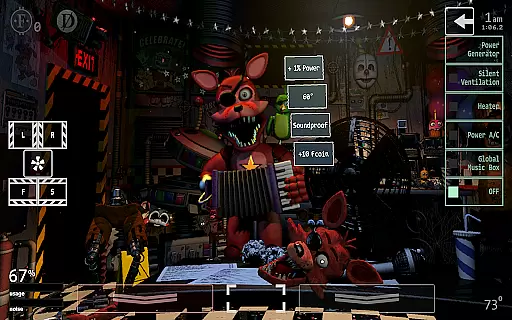
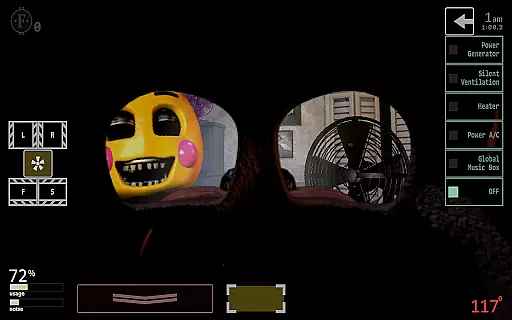
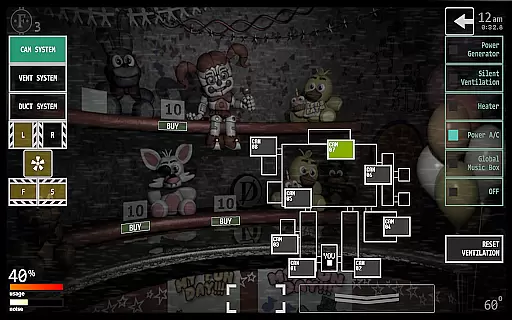
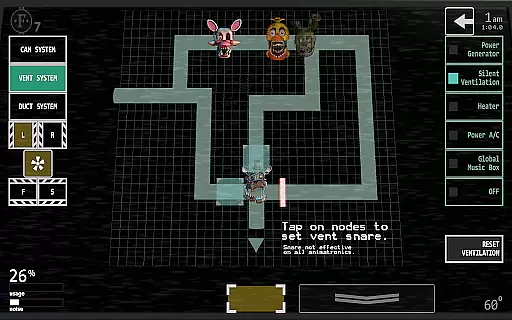
Ultimate Custom Night is an intense action game that brings together the best elements from the Five Nights at Freddy's series. With 50 selectable animatronic characters across seven games, players can customize their experience by choosing any combination of characters and setting difficulty levels from 0-20. From your office desk, you must manage two side doors, vents, air hoses, and master various tools like heaters, A/C, a global music box, and power generators to fend off killer animatronics.
The game challenges players with its ultimate challenges, requiring strategic use of laser traps in vents, collecting Faz-Coins, purchasing items from the Prize Counter, and monitoring two Pirate Cove curtains. Additional features include a challenge menu with 16 themed challenges, voice acting from franchise favorites, unlockable office skins, and cutscenes. Available in multiple languages, this game offers endless customization options for fans of the action genre.
Ultimate Custom Night stands out with its extensive customization options, allowing players to mix and match characters and set difficulty levels. The game includes a variety of tools such as heaters, A/C, a global music box, and power generators, which players must master to survive. Strategic placement of laser traps in vents, collecting Faz-Coins, and purchasing items from the Prize Counter are essential for progression.
Players can unlock office skins and cutscenes, adding to the replay value. The inclusion of a challenge menu with 16 themed challenges provides additional gameplay depth. Voice acting from returning and new franchise characters enhances the immersive experience. With support for multiple languages, Ultimate Custom Night caters to a global audience, offering a rich and varied gaming experience within the action category.
Control responsiveness and latency are crucial factors in action games, especially in a complex title like Ultimate Custom Night. The game demands quick reflexes and precise timing from players as they manage multiple office defenses against killer animatronics.
The developers have optimized the touch controls to ensure minimal input delay, allowing players to swiftly switch between different defensive mechanisms such as doors, vents, and air hoses. This optimization is vital for maintaining immersion and ensuring that players feel directly connected to the action.
Players benefit from this responsive design by experiencing less frustration and more engagement. When every second counts, knowing that your inputs register immediately can be the difference between success and failure in this intense mashup of FNaF challenges.
In Ultimate Custom Night, combat feedback tightness refers to how the game communicates player actions and enemy interactions through visual and audio cues. Given the high stakes of fending off deadly animatronics, tight combat feedback is essential for player survival.
The game employs a variety of indicators to signal when an animatronic is approaching or has been successfully deterred. These include distinct sounds for each character, changes in lighting, vent noise levels, and even Pirate Cove curtain movements. Such detailed feedback allows players to strategize their defense tactics effectively.
This level of detail not only enhances gameplay but also deepens player immersion. By providing clear and immediate feedback on their defensive maneuvers, Ultimate Custom Night ensures that players remain engaged and invested in the outcome of each encounter.
Extensive character selection
Variety of strategic tools
Unlockable content
Themed challenges
Global language support
High system requirements
Complex for beginners
Limited offline play
Repetitive gameplay
Occasional bugs
Retro pixel war game! Destroy enemies and survive the chaos!
 4.5
4.5
A funny game with open world offline games and many Online multiplayer games
4.30
HOOK away with SPEED & STYLE! Jump, Swing, Fly! Let's Play fun Action Game!
4.20
Prove your ninja skills by creeping through the shadows and taking out bad guys
4.40
Aim the arrow and become a legendary archer! Multiplayer action & shooting games
4.40
Grand criminal online open-world RP action game! Drive cars and commit crimes!
4.40
There was never just one.
4.50
ANSWER THE SNIPER CALL
4.10
Experience the epic Western adventures that defined a generation
3.90
The ULTIMATE collection of Doom engine source ports in one app!
4.80
Keep an eye on the animatronics and you'll make it thru the night... probably.
4.70
Survive epic space battles in an offline roguelike bullet heaven adventure
4.60
Carjack the open world like it's 1989!
4.50
A Legendary Action RPG With Ninja Shadow Legends Fighting Style Offline Games!
4.40
NEOGEO's masterpiece game is now available in the app!
4.30
Collect & Survive
4.30
A Naruto game full of 3D competitive action!
4.20
The Official Amazing Frog? by Fayju
3.60
A Troll Platformer Game
3.30


User Reviews