

 4.50
4.50
Manage your account, make a payment, and redeem your rewards on the go.
4.50
The all-in-one app to save, earn, travel, and put more money in your pocket
4.50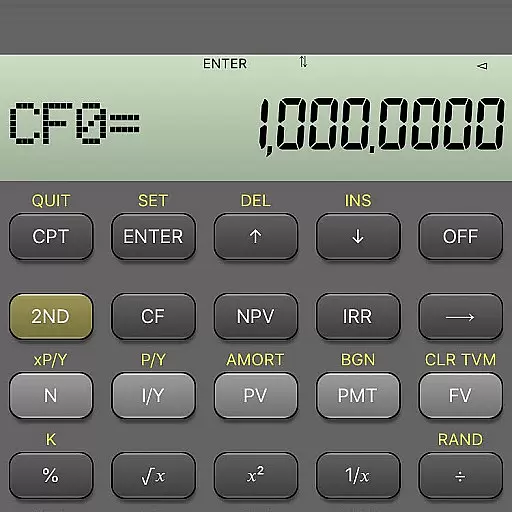
BA Financial Calculator PRO – Perfect for CFA/FRM/CPA and finance professionals
4.90
Manage your prepaid cards and add to Google or Samsung Wallet.
4.60
Early payday cash advance up to $150 a day with a max of $1,000 per pay period
4.70
The simplest way to budget, bank, save and invest.
4.50
Real-time tracking: Stocks, Indices, Futures, Commodities, ETF, & Funds prices.
4.60
Make your paycheck work harder for you with Perpay.
4.10
Companies owe you money.
4.80
Pay rent on your schedule.
4.70
Navigate your unique financial path confidently with help from Credit Karma.
4.70
Easily invest, save, and plan—all in one app.
4.60
Banking, Budgeting & Investing
4.60
Earn cash & save money daily. Access instant cash advances* - no credit check!
4.50
All your crypto & stocks in one secure and trusted app.
4.40
Get, Earn, and Save Money
4.30
Registration of your debts and Mdionatk and assembled, as well as a significant reports
4.30
Bank better with our new app
3.80


