
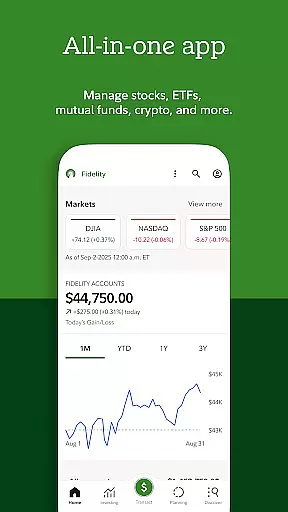

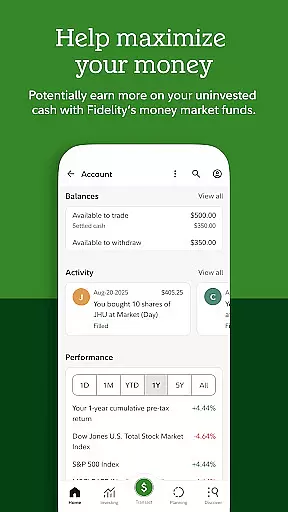
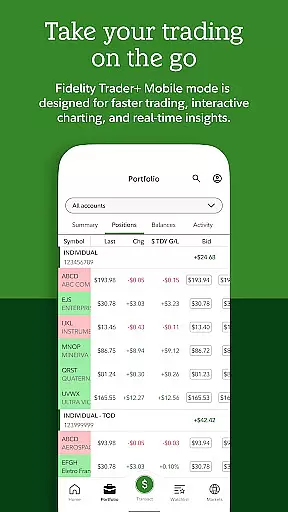
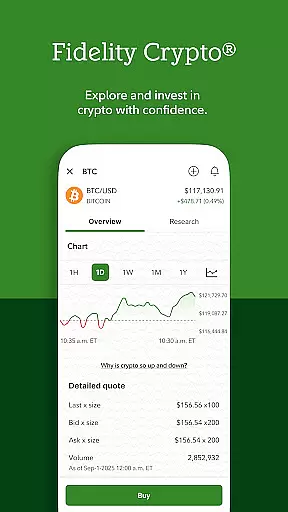
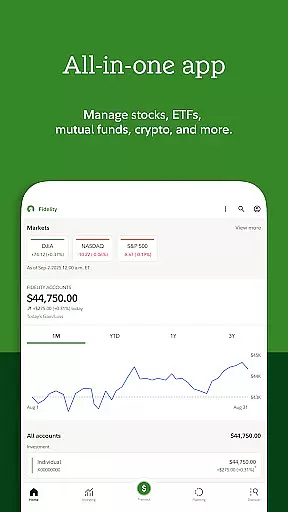

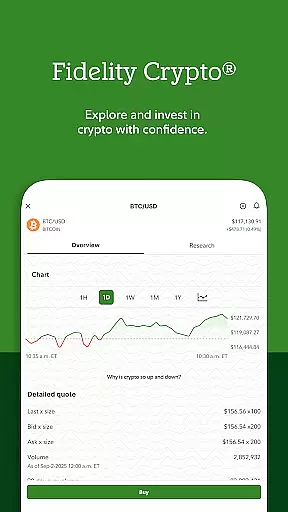

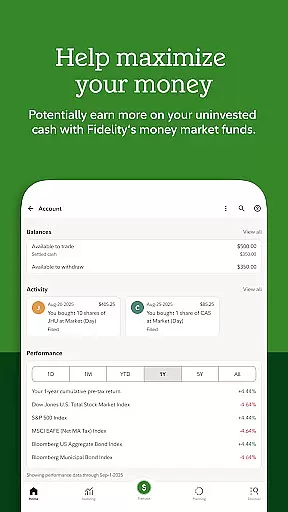
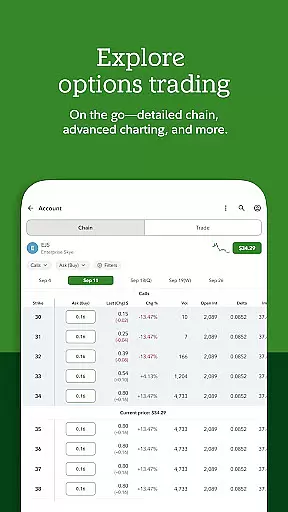
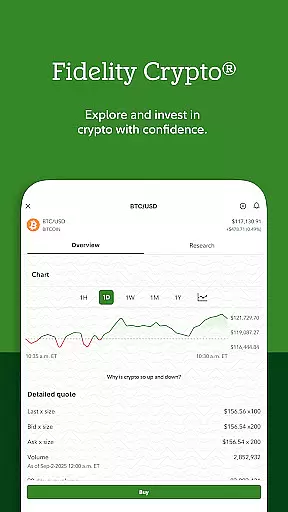
Fidelity Investments offers a comprehensive suite of financial tools designed to empower investors with professional insights and advanced capabilities. The app provides access to industry-leading research and analysis, enabling users to invest in stocks, ETFs, and mutual funds with confidence. With Fidelity Crypto®, users can also trade and transfer popular cryptocurrencies like Bitcoin and Ethereum.
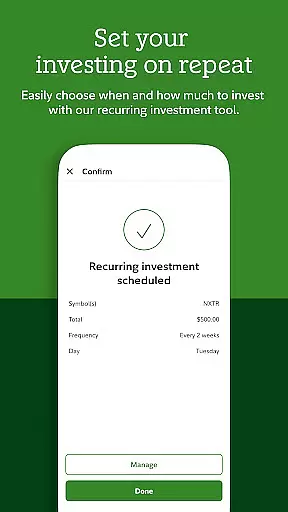
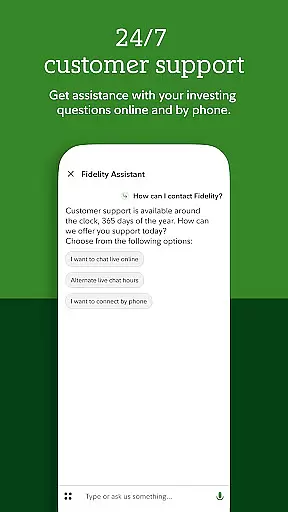
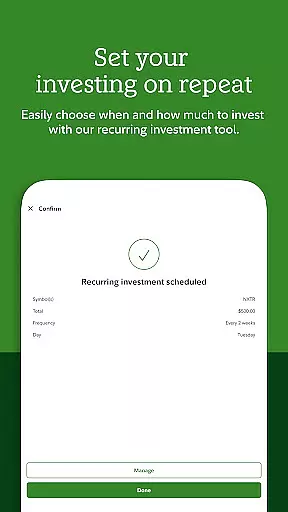
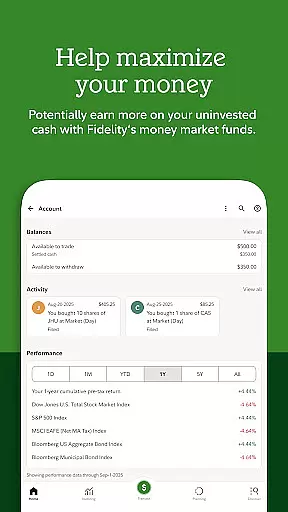
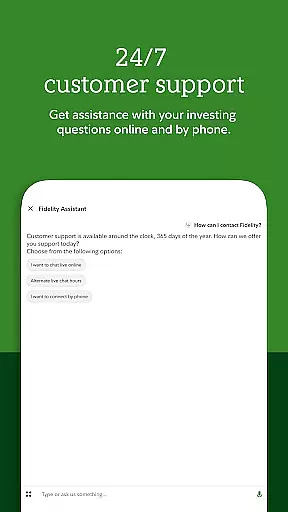
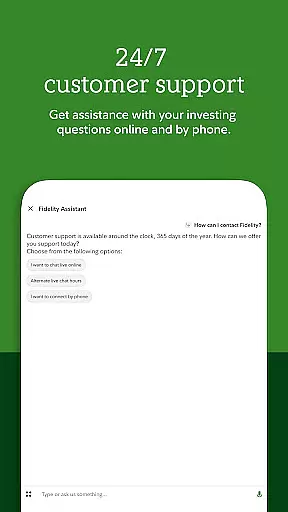
Beyond investment features, the app includes robust cash management tools that allow users to trade, deposit checks, pay bills, and automate investments. Users benefit from timely alerts and price triggers to manage stock trading effectively. The app's 24/7 support system includes state-of-the-art security measures such as two-factor authentication and voice biometrics, ensuring account protection at all times.
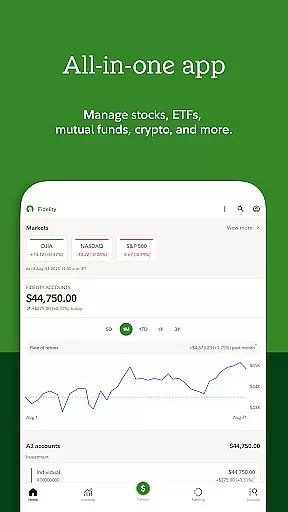
Whether you're managing personal investments or workplace benefits, this app serves as an all-in-one solution for modern investors seeking to make smarter financial decisions while maintaining complete control over their portfolios.
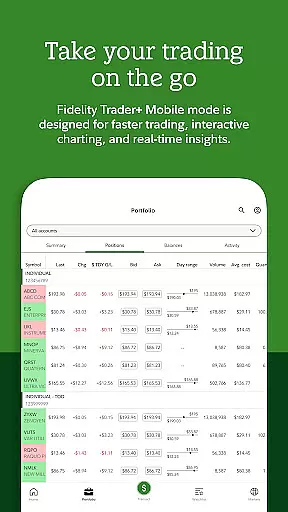
The Fidelity Investments app stands out through its diverse range of innovative features tailored for both novice and experienced investors. One of its key strengths is the integration of advanced research tools that provide detailed market analysis and professional-grade insights. This empowers users to make informed decisions when investing in various asset classes including stocks, ETFs, and mutual funds.
A standout feature is Fidelity Crypto®, which allows seamless trading and transferring of major cryptocurrencies like Bitcoin and Ethereum. The app also excels in cash management functionalities, offering services such as check depositing, bill payment, and automated investment scheduling. The alert system is particularly valuable, enabling users to set custom price triggers and receive real-time notifications about their investments.
Security features are equally impressive, with 24/7 support, two-factor authentication, and voice biometric verification providing enterprise-level protection. The inclusion of a Virtual Assistant ensures users can get help anytime, while the separate NetBenefits® app caters specifically to workplace benefits management, demonstrating Fidelity's commitment to serving all aspects of personal finance.
Account and fund security is a critical aspect of any financial application, ensuring the protection of users' assets and personal information. Fidelity Investments employs state-of-the-art security measures to safeguard your investments and personal data.
The app provides 2-factor authentication and voice biometrics as part of its security features, offering an additional layer of protection beyond just passwords. This ensures that access to your account is restricted to authorized users only, significantly reducing the risk of unauthorized access.
Furthermore, Fidelity's commitment to account protection extends to providing 24/7 support, allowing users to quickly address any security concerns or issues with the help of their dedicated support team. This constant availability of assistance enhances user confidence in managing their finances digitally.
By integrating these advanced security protocols, Fidelity Investments not only protects your funds but also reinforces trust, enabling you to focus on making smarter investment decisions without worrying about the safety of your assets.
A seamless transaction experience is essential for users managing their investments and executing trades efficiently. Fidelity Investments offers a robust platform that supports a wide range of transactions, including stocks, ETFs, mutual funds, and cryptocurrencies like bitcoin and ethereum through Fidelity Cryptou00ae.
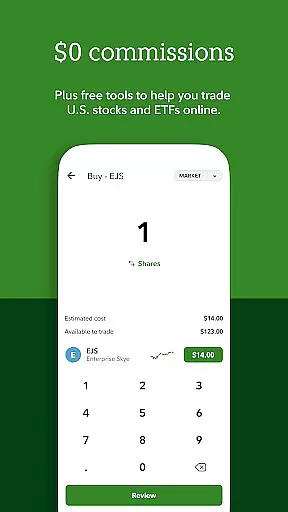
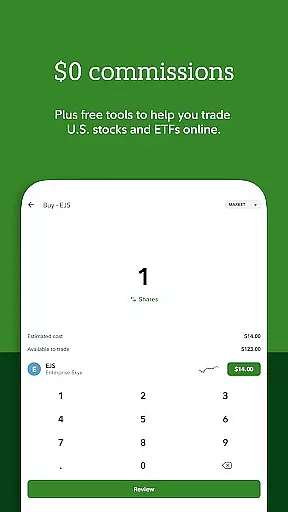
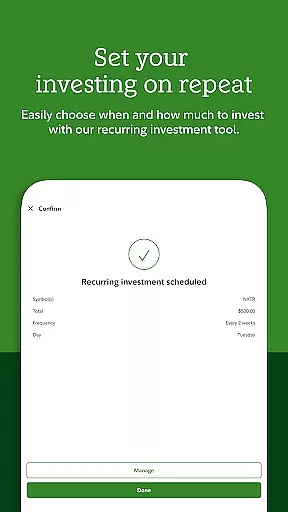
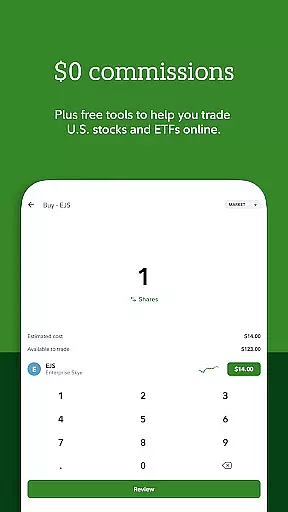
With $0 commission on online US equity trades and ETFs for retail clients, investors can execute trades without worrying about additional costs, except for certain exclusions and conditions. The app also allows scheduling transfers and automating investments, streamlining the transaction process and saving time for the user.
Moreover, timely alerts and price triggers are available to help manage stock trading actively. These notifications ensure that users never miss an opportunity or fail to respond to market changes, enhancing the overall transaction experience by keeping investors informed and ready to act.
Fidelity's comprehensive approach to facilitating various types of transactions with ease and efficiency empowers users to take control of their financial activities confidently and conveniently.
User-friendly interface
Comprehensive investment tools
Advanced security features
Excellent customer support
Wide range of financial products
Complex for beginners
Occasional technical issues
Limited international support
Higher account minimums
Crypto trading fees apply

Expenses, Bills, Budget and Accounts - All seamlessly integrated in one app!
 3.80
3.80
Manage your Discover account conveniently from anywhere.
4.80
Need help before payday? Get cash advances with no interest or credit checks.
4.60
Debt pay off. Build credit history. AI budget tool. Loan offers.
4.60
Car Insurance Made For You.
4.50
Put crypto to work & earn rewards. Stake crypto like Ethereum, Solana & Cardano
4.40
View BSC Transactions for multiple accounts
3.90
“Money Manager” is an optimized application for personal asset management.
4.70
Earn money as a tester with Testerup, get cash testing apps and games
4.20
The Citi Mobile® App lets you manage your accounts virtually anytime, anywhere
4.80
Simple & secure international money transfers - for personal & business needs.
4.80
Easy budgeting planning on a calendar!
4.80
No credit check, no interest, no worries.
4.70
Loan Calculator, Mortgage Calculator, Compound Interest Calculator
4.70
Pay, bank & build credit.
4.70
Play for fun, earn for real. Collect rent by owning virtual land & get cashback
4.60
Download the MySynchrony App to manage your accounts securely and conveniently!
4.60
Earn cash & save money daily. Access instant cash advances* - no credit check!
4.50
Secure Amex Account Access: View Balance, Make Payments, Redeem Rewards & more
3.60


User Reviews