
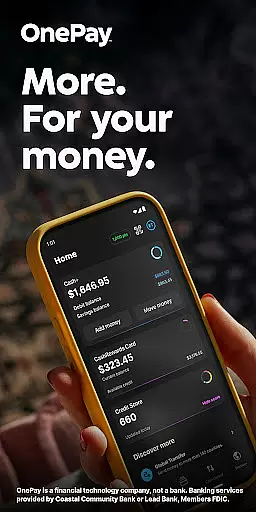
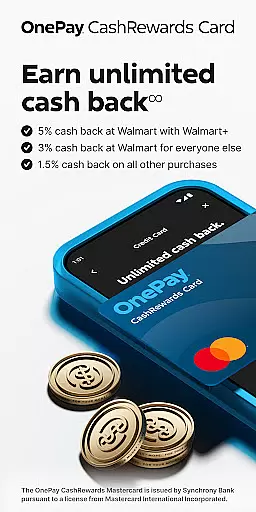
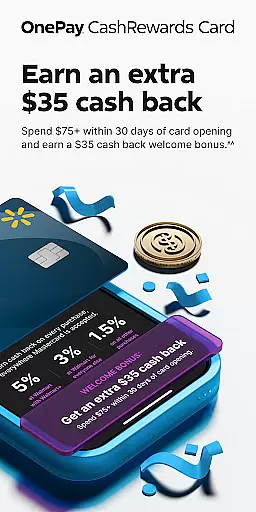
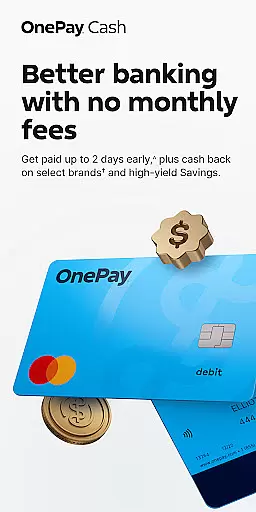
OnePay - Mobile Banking is a comprehensive financial management application that offers users an innovative way to handle their banking needs. As a financial technology company rather than a traditional bank, OnePay provides services through partnerships with established banks like Coastal Community Bank and Lead Bank, ensuring FDIC membership for eligible accounts. The app supports both the OnePay CashRewards Mastercard and the OnePay Debit Card, issued by Synchrony Bank and banking partners respectively, under licenses from Mastercard International Incorporated.
The core functionality of OnePay revolves around facilitating seamless transactions, managing deposits, and offering rewards in the form of OnePay Points. These points can be redeemed into a OnePay Cash account or other options, provided users meet certain deposit criteria. Additionally, features such as Savings Backup and Fee-Free Overdraft provide users with financial safety nets, while the Credit Builder Program helps improve credit scores through disciplined monthly payments. With its user-friendly interface and robust security measures, OnePay is designed to cater to individuals seeking efficient and flexible banking solutions.
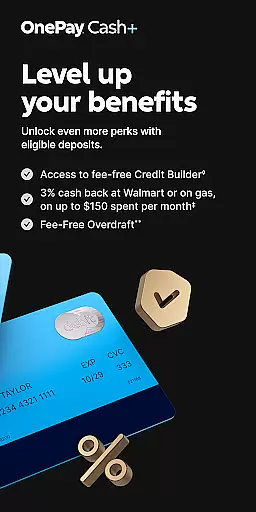
OnePay - Mobile Banking stands out due to its diverse range of features tailored to enhance personal finance management. A key feature is the ability to earn cash back in the form of OnePay Points, which requires meeting eligible deposit requirements. This incentivizes regular usage and responsible financial behavior. Furthermore, the app's Savings Backup and Fee-Free Overdraft options offer peace of mind by covering unexpected expenses without incurring hefty fees.
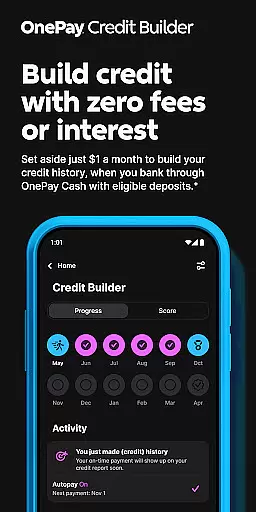
Another notable aspect is the Credit Builder Program, which allows users to build or improve their credit scores through structured loan repayments. Users have the flexibility to choose their monthly payment amounts, with any shortfall covered by funds held in a lockbox. Moreover, the integration of direct deposit functionalities ensures timely access to funds, subject to employer processing times. Overall, these features collectively empower users to take control of their finances with confidence and convenience.
Account and fund security is a critical aspect of any financial application, ensuring the safety of users' personal and financial information. OnePay u2013 Mobile Banking employs advanced encryption protocols to protect data in transit and at rest, safeguarding against unauthorized access. The app provides multi-factor authentication options, adding an extra layer of security during the login process.
Beyond basic security measures, OnePay also monitors account activity for suspicious behavior, immediately alerting users of any unusual transactions. This proactive approach helps mitigate potential fraud before it impacts the user significantly. Additionally, the app allows users to remotely manage their account security settings, empowering them with control over their financial safety.
For users, this comprehensive security framework translates into peace of mind when managing their finances digitally. Knowing that their funds and personal information are protected by cutting-edge technology encourages trust in the platform. Ultimately, OnePay's commitment to security ensures that users can focus on optimizing their financial health without worrying about potential breaches.
The transaction experience in a finance app encompasses the ease, speed, and transparency of conducting financial operations. OnePay u2013 Mobile Banking excels in delivering a seamless transaction experience through its intuitive interface, enabling users to perform tasks such as transferring funds, paying bills, and depositing checks with minimal effort. Real-time notifications further enhance this experience by keeping users informed of their transaction statuses instantly.
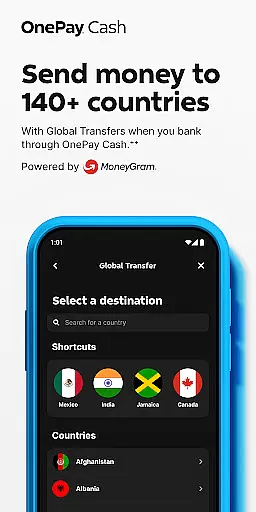
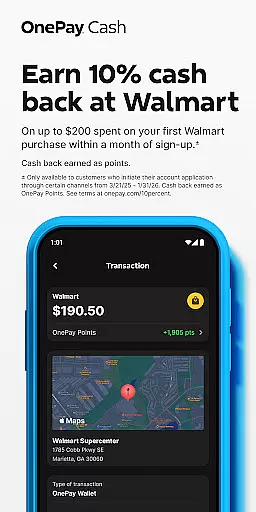
OnePay supports various payment methods including direct deposits, peer-to-peer transfers, and global transfers, catering to diverse user needs. Each transaction is processed efficiently, ensuring that users can access their funds when needed without unnecessary delays. Moreover, detailed transaction histories are readily available within the app, providing users with a transparent overview of their financial activities.
This optimized transaction experience not only simplifies everyday banking tasks but also empowers users to take control of their financial management. By offering swift, reliable, and transparent transactions, OnePay enhances overall user satisfaction and engagement with its mobile banking platform.
User-friendly interface
Flexible payment options
Robust security measures
Comprehensive financial tools
Rewarding loyalty program
Limited to eligible deposits
Dependent on partner banks
Overdraft coverage restrictions
Credit score improvement not guaranteed
Variable currency exchange rates

Expenses, Bills, Budget and Accounts - All seamlessly integrated in one app!
 3.80
3.80
Download the MySynchrony App to manage your accounts securely and conveniently!
4.60
Bill Manager is a simple app to help you keep track of your upcoming bills.
4.2
All your crypto & stocks in one secure and trusted app.
4.40
Early payday & cash advances with no-fee mobile banking!
4.60
NFC mobile payment app Use your phone as a contactless bank card
4.00
Real-time tracking: Stocks, Indices, Futures, Commodities, ETF, & Funds prices.
4.60
Navigate your unique financial path confidently with help from Credit Karma.
4.70
Send money and bitcoin easily. Invest, bank and do more with your money
4.70
Currency Converter, Exchange Rates, Widgets
4.90
Pay rent on your schedule.
4.70
Money transfer made easy. Send money to friends and family with great rates.
4.70
Money App - Earn Cash back, Fast Cash Advance, Personal Loan Offers, Banking
4.70
Over 180 currencies conversion rates with live exchange rates and offline mode.
4.60
Get a cash advance instantly. File taxes & cover unexpected bills in minutes.
4.60
Debt pay off. Build credit history. AI budget tool. Loan offers.
4.60
Banking, Budgeting & Investing
4.60
Venmo is the fun and easy way to pay and get paid.
4.10
View BSC Transactions for multiple accounts
3.90


User Reviews