
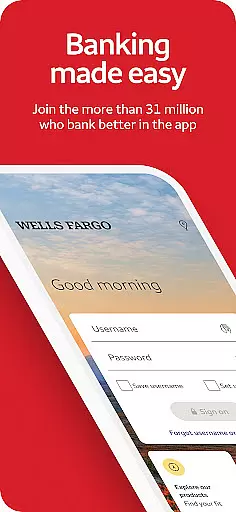
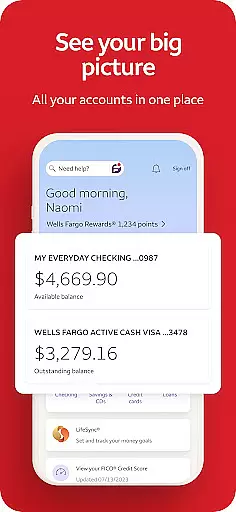
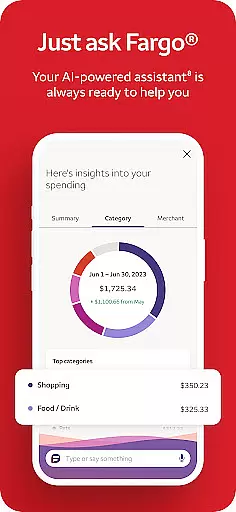
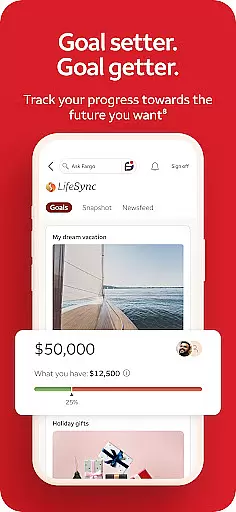
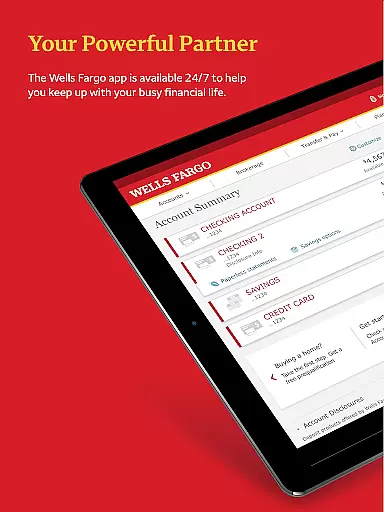
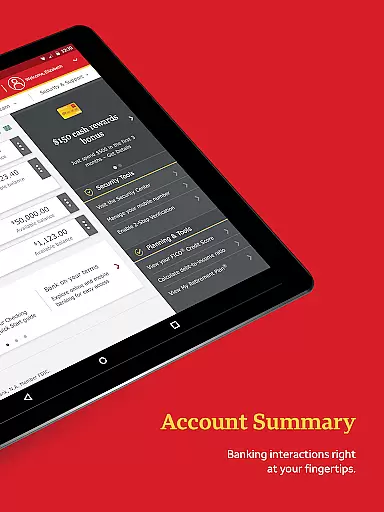
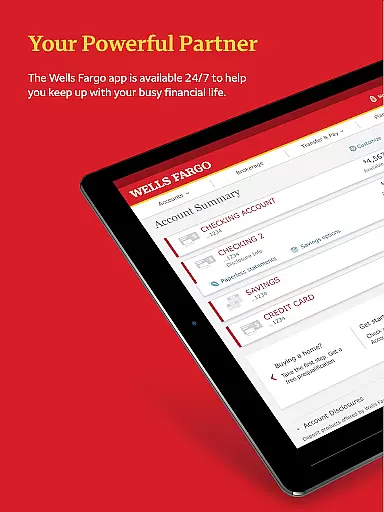
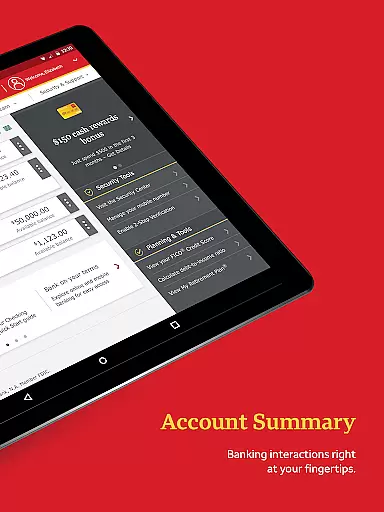
Wells Fargo Mobile is a comprehensive financial management application designed to provide users with convenient access to their banking, credit, and investment accounts. The app supports biometric authentication, allowing secure and quick login through fingerprint or facial recognition on compatible devices. Users can manage their finances by reviewing account balances, transaction history, and even control card settings such as activating or deactivating cards and adding them to digital wallets.
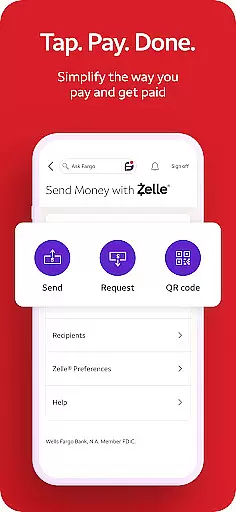
In addition to account management, the app facilitates fund deposits through mobile check deposit functionality, enabling users to deposit checks using their smartphone camera. It also offers seamless fund transfers between Wells Fargo accounts and external financial institutions. With integrated support for Zelle®, users can easily send and receive money using just a U.S. mobile number or email address. The app further enhances user experience by providing real-time investment tracking and market data for WellsTrade® accounts.
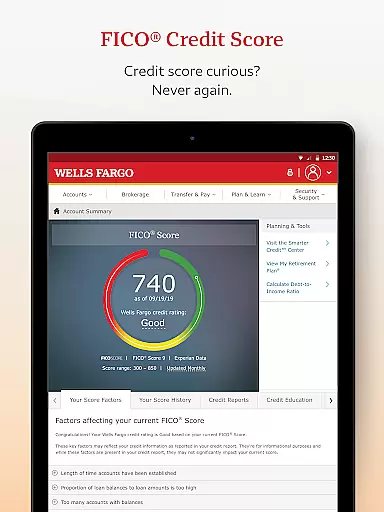
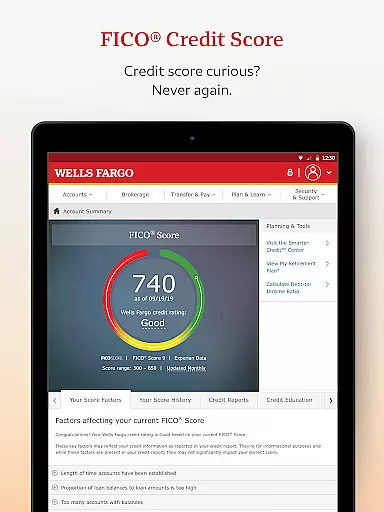
The security features of Wells Fargo Mobile ensure that users' financial information remains protected. The Security Center allows users to report fraud, manage alerts, and monitor suspicious activities. Additionally, users have access to their FICO® Credit Score within the app. Whether you need to locate an ATM, find a branch, or schedule an appointment with a banker, this app provides the necessary tools to stay connected with your finances securely and efficiently.
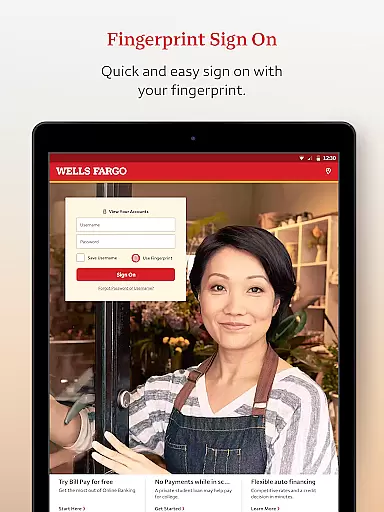
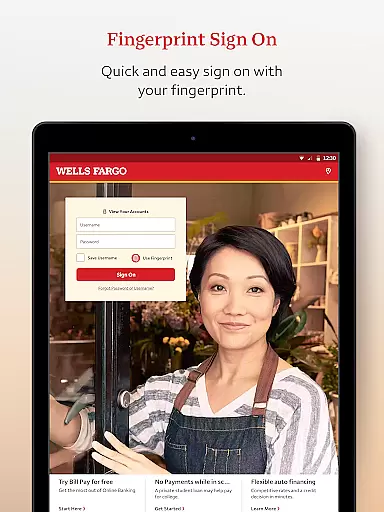
Wells Fargo Mobile stands out with its robust set of features tailored to meet various financial needs. One of the key highlights is the Biometric Sign On feature, which uses fingerprint or facial recognition technology to provide a fast and secure login experience. This ensures that only authorized users can access sensitive financial information, enhancing overall account security.
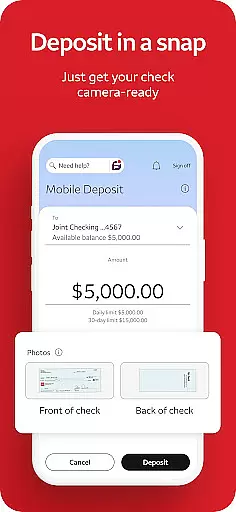
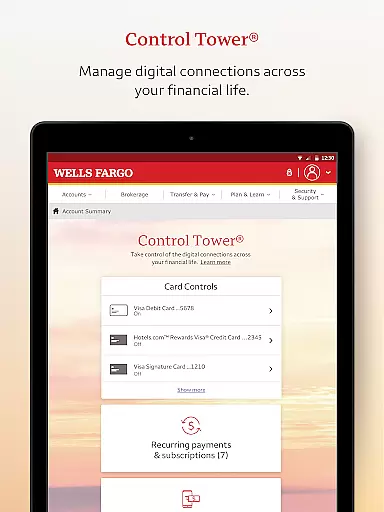
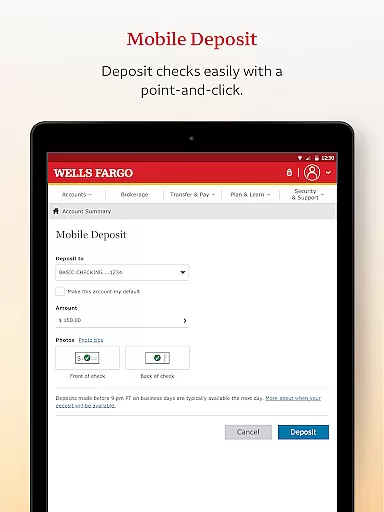
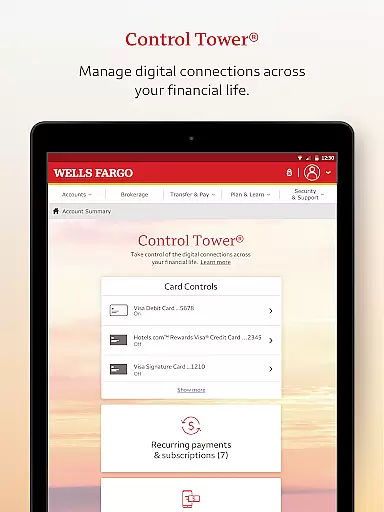
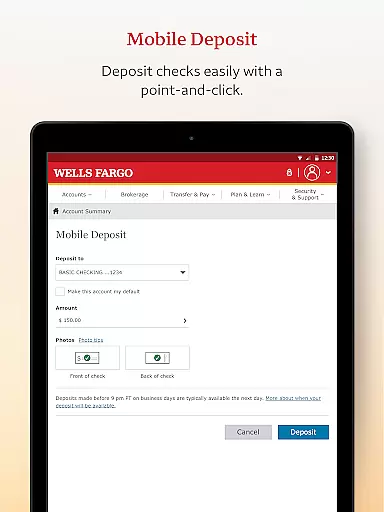
The app's Account Management capabilities are extensive, allowing users to review their account activity and balances, manage credit card transactions, and handle rewards programs. The Card Settings feature enables users to activate or deactivate cards, add them to digital wallets, and view recurring payments. Furthermore, the app supports mobile check deposits, enabling users to deposit checks instantly using their smartphone cameras. This feature is particularly useful for those who need to make deposits on the go without visiting a physical bank location.
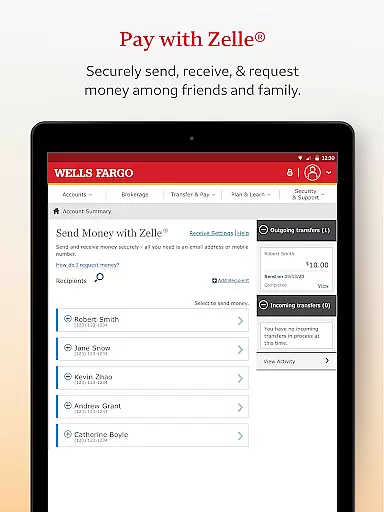
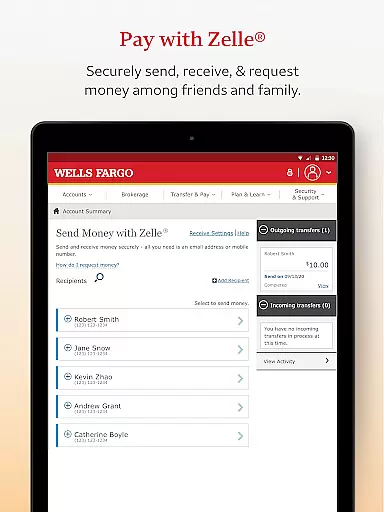
Another significant aspect is the app's integration with Zelle®, which simplifies peer-to-peer payments. Users can transfer funds to friends and family using just a U.S. mobile number or email address. For investors, the app provides detailed insights into investment portfolios, including real-time quotes, charts, and market data. These features collectively offer a comprehensive financial management solution that caters to both everyday banking needs and more complex investment tracking requirements.
Account and Fund Security is a critical feature of the Wells Fargo Mobile app, ensuring that users' financial information remains protected at all times. The app employs advanced security measures such as Fingerprint Sign On and Biometric Sign On, which are available on eligible devices. These features provide an additional layer of protection by allowing only authorized access to accounts.
The app also includes a Security Center where users can report fraud and manage alerts. This proactive approach helps in maintaining safe accounts by notifying users of any suspicious card activity. With instant alerts, customers can quickly respond to potential threats, thereby safeguarding their funds effectively.
Moreover, Wells Fargo Mobile provides users with access to their FICO Credit Score, empowering them with insights into their credit health. By regularly monitoring this score, users can take steps to improve or maintain their creditworthiness. This transparency not only builds trust but also encourages responsible financial behavior among users.
The Transaction Experience within the Wells Fargo Mobile app is designed to offer seamless and efficient banking operations for its users. Customers can easily transfer funds between their Wells Fargo accounts and other financial institutions, making money management straightforward and hassle-free. The integration with Zelle allows for quick transfers using just a U.S. mobile phone number or email address, enhancing convenience.
For those who need to deposit checks, the app offers a feature to do so using the Android camera. Once deposited, users can instantly view the processing deposit in their account, providing immediate confirmation and peace of mind. This functionality streamlines the traditional banking process, saving time and reducing the need for physical branch visits.
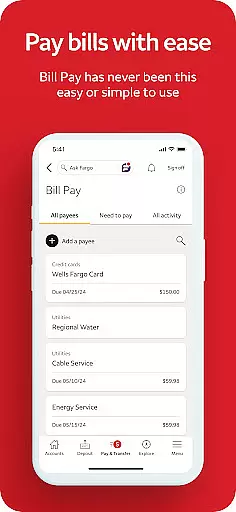
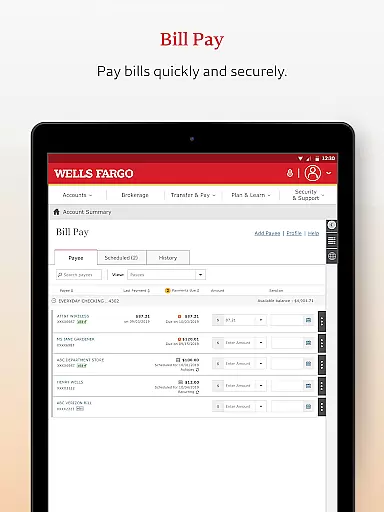
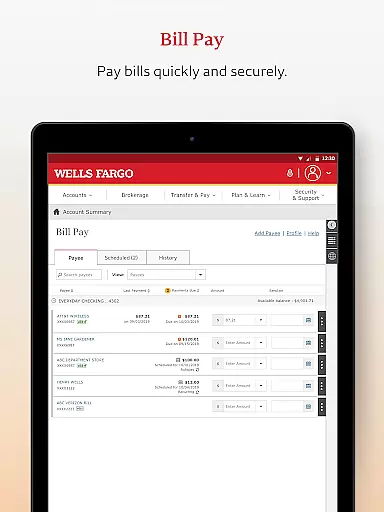
In addition to these features, the app enables users to pay bills directly from their accounts. Whether it's managing recurring payments or settling one-time dues, the transaction experience is smooth and reliable. Such comprehensive tools ensure that users have full control over their finances while enjoying a modern, digital-first approach to banking.
User-friendly interface
Secure biometric login
Comprehensive account management
Mobile check deposit
Integrated Zelle® support
Limited to Wells Fargo customers
Some features require enrollment
Dependent on device compatibility
Occasional connectivity issues
Additional fees for certain services

Secure, simple money transfer app. Send money to Mexico and worldwide fast.
 4.80
4.80
Bill Manager is a simple app to help you keep track of your upcoming bills.
4.5
Secure Amex Account Access: View Balance, Make Payments, Redeem Rewards & more
3.60
Easily invest, save, and plan—all in one app.
4.60
BTC, Crypto, Stocks & Options.
4.20
No credit checked needed.
4.80
Check EBT, SNAP, WIC balances, manage food stamps, and save money with benefits
4.80
All expenses at a glance.
4.80
Currency Converter (200+ currencies) with live exchange rates and offline mode.
4.70
Currency Converter supports all currencies of the world.
5.00
Money transfer made easy. Send money to friends and family with great rates.
4.70
Early payday & cash advances with no-fee mobile banking!
4.60
Manage your account, make a payment, and redeem your rewards on the go.
4.50
The all-in-one app to save, earn, travel, and put more money in your pocket
4.50
Car Insurance Made For You.
4.50
Trade NFL, NBA, Crypto, Tech
4.50
Read and extract public data on NFC Contactless banking card (VISA, MasterCard
4.30
Venmo is the fun and easy way to pay and get paid.
4.10
Bank better with our new app
3.80


User Reviews