
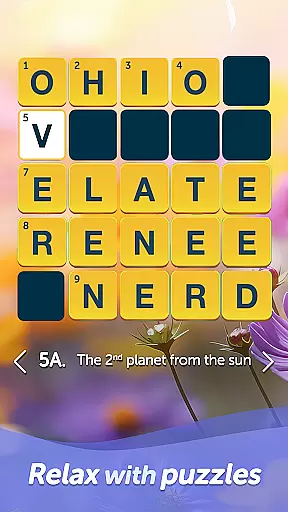
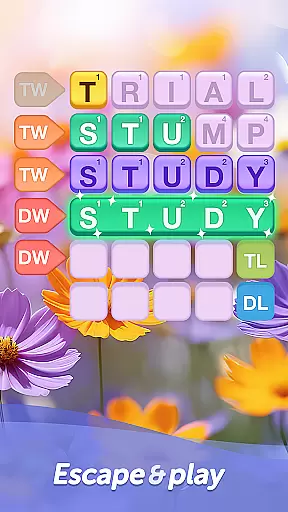
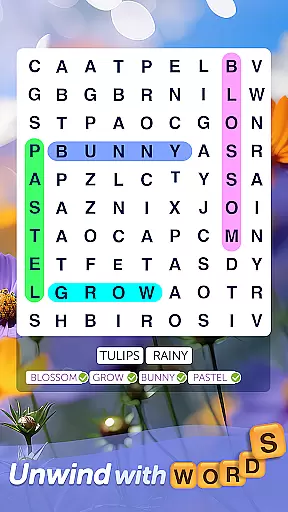
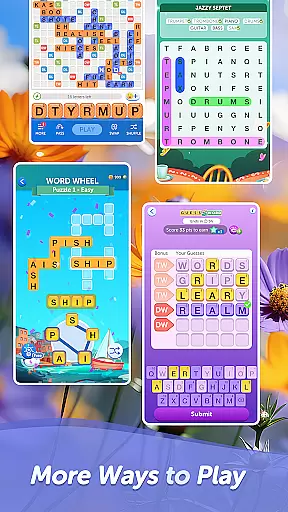
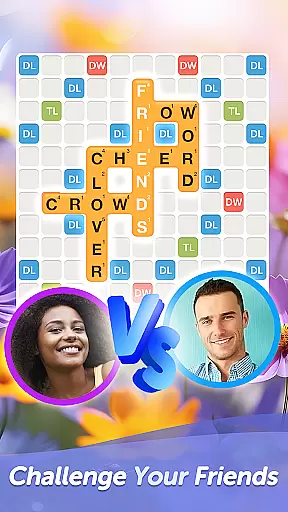

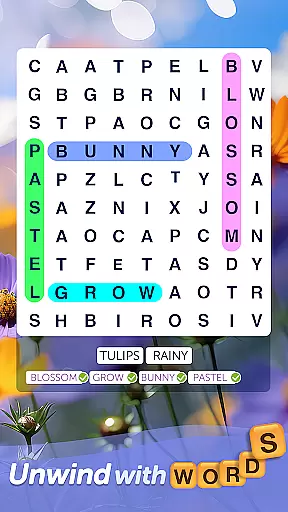
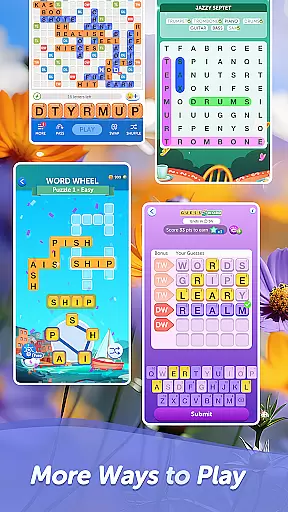
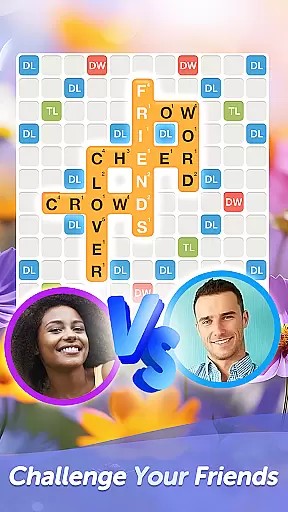
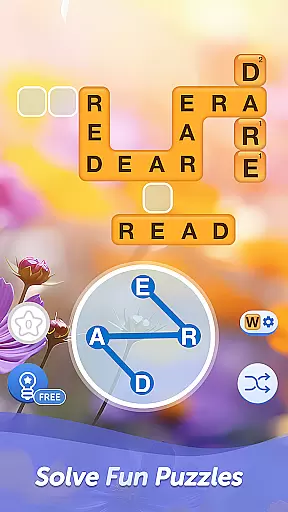

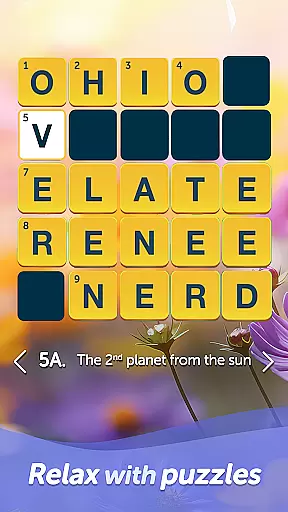
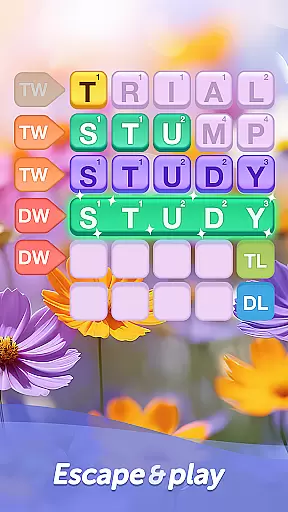
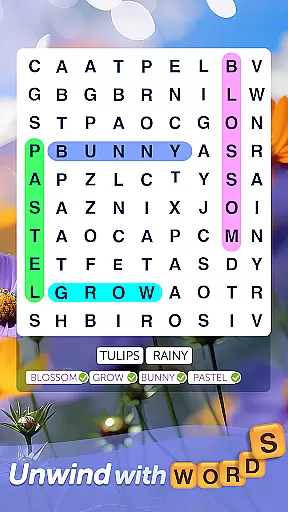
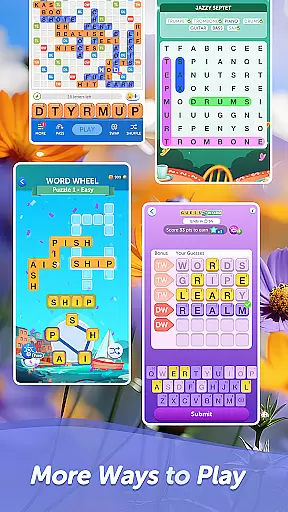
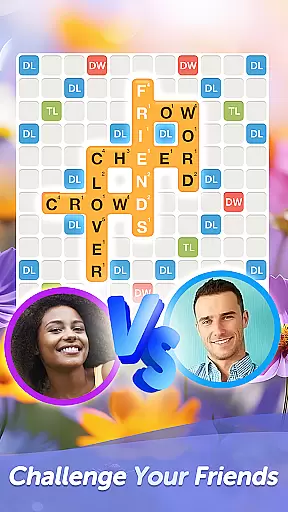
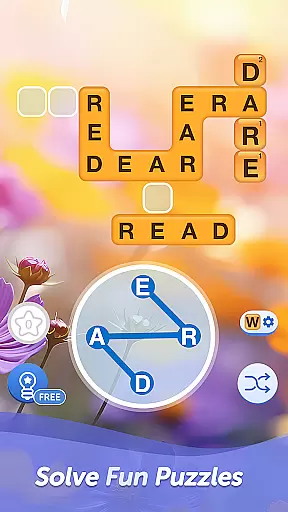

Words With Friends Word Game is a premier multiplayer word game that challenges players to unscramble letters and form high-scoring words on a classic crossword-style board. This engaging app combines elements of traditional word games with modern social features, allowing users to compete against friends, family, or matched opponents through Smart Match technology.
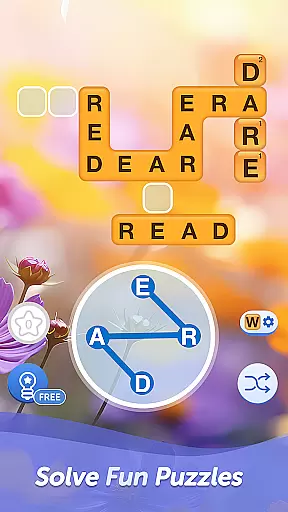
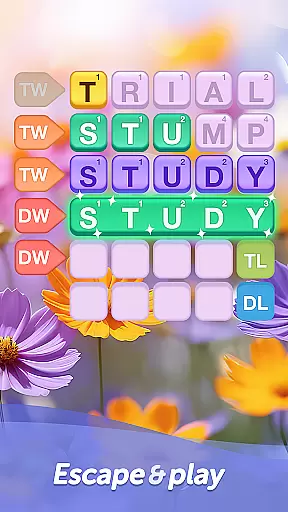
The application goes beyond basic gameplay by incorporating various modes including solo challenges against AI opponents called WordMasters, and a unique Word Wheel mini-game that tests players' anagram-solving skills. With its Rewards Pass system, users can work toward completing word goals, earning keys to unlock exclusive collectibles while expanding their vocabulary and sharpening their cognitive abilities.
Ideal for word game enthusiasts looking to train their brains while having fun, Words With Friends offers customizable features like Stickers, Tile Styles, and Profile Frames, enabling players to express their unique gaming style. The app's combination of competitive multiplayer modes, rewarding solo challenges, and extensive customization options makes it a comprehensive word gaming experience suitable for both casual and dedicated players.
Words With Friends stands out among word games with its diverse feature set that caters to various player preferences. The core multiplayer functionality allows users to engage in strategic word battles with friends or similarly skilled opponents through the Smart Match system. Players can challenge each other across different platforms, maintaining their progress and connections seamlessly.
Beyond traditional multiplayer modes, the app offers innovative features such as the WordMaster Challenge, where players can test their skills against increasingly difficult AI opponents. The Word Wheel mini-game provides a timed alternative for quick mental exercises, while the Rewards Pass system adds depth through goal-oriented gameplay. These features are complemented by regular content updates every six weeks, ensuring fresh challenges and rewards.
The customization options extend the app's appeal, allowing users to personalize their experience with unique Tile Styles, Profile Frames, and Stickers. Additional features include the ability to play ad-free for premium users, cross-platform synchronization, and integration with social media channels for community engagement. These comprehensive features create a dynamic ecosystem that keeps players engaged and invested in their word gaming journey.
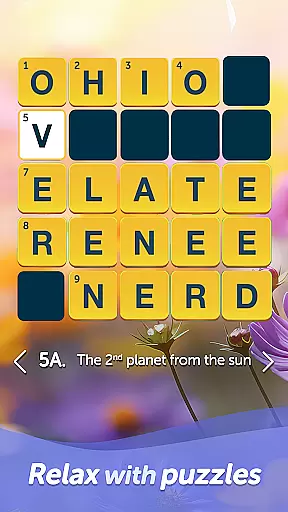
In Words With Friends, clue quality and clarity are essential for an engaging word game experience. The game provides clear and concise clues that guide players in forming words, ensuring that even complex terms are accessible to users of varying skill levels.
The application employs a sophisticated algorithm that generates clues based on the player's current skill level, which helps maintain a balance between challenge and enjoyment. This adaptive system ensures that players receive clues that are appropriately challenging, thus promoting continuous learning and improvement.
Players benefit from the high-quality clues by expanding their vocabulary and enhancing their strategic thinking as they work through increasingly difficult puzzles. The clarity of each clue allows players to quickly grasp the intended word, keeping the flow of the game smooth and enjoyable.
Ultimately, the well-crafted clues in Words With Friends not only assist in word formation but also contribute to the overall satisfaction and retention of players who seek both entertainment and cognitive exercise in their gaming experience.
Words With Friends offers a wide array of puzzle varieties that cater to different playing styles and preferences. From classic crossword-style games to innovative solo challenges against WordMasters, the app delivers diverse gameplay options that keep players engaged and excited.
The inclusion of various game modes such as multiplayer showdowns, solo challenges, and limited-time mini-games like Word Wheel ensures that there is never a dull moment. Each mode brings its unique twist to word gaming, encouraging players to adapt their strategies and think creatively.
This diversity in puzzle types not only enhances replayability but also attracts a broad audience with varying interests. Whether you're a fan of traditional board games or looking for quick brain teasers, Words With Friends has something for everyone.
By regularly updating content and introducing new themes every six weeks, the game maintains freshness and anticipation among its community. Players can look forward to novel experiences while honing their skills across different formats, making Words With Friends a dynamic choice for word game enthusiasts.
User-friendly interface
Variety of game modes
Regular content updates
Social media integration
Customization options
In-app purchases required
Ads between moves
Steep learning curve
Limited offline play
High data usage

Crossword & Trivia Game for Christian
 4.60
4.60
Relax, challenge yourself, and sharpen your mind anytime, anywhere!
4.60
Explore the world playing word puzzle games. Relax your brain by finding words
4.80
Play word games with friends! Smart puzzles, custom tiles & multiplayer fun!
4.40
750 professional casual crosswords to keep you busy during coffee break.
4.10
InWords is a word puzzle game where you list as many words as you can.
4.1
A fun multiplayer word game. Who can make the highest scoring words?
4.80
Zen Word - where challengers relax, solve word games, and train their minds!
4.80
Play this visually-pleasing word game specially designed for seniors!
4.90
Who's the impostor? Give clues, bluff your way through - the perfect party game
4.90
Visit the wonders of the world while you connect letters to create great words!
4.90
Crossword puzzles for all ages- easy to hard. All offline!
4.90
Challenge your brain with online learning and solve word puzzles!
4.90
Great Word Game with Friends!
4.80
Enjoy the beautiful scenery and endless word search puzzles!
4.70
Group words by category and solve relaxing association puzzles in a word game!
4.60
Daily crossword puzzles for brain training! Master vocabulary with word games!
4.50
Get the Party Started with the Ultimate Charades Game! Give Hints, Make Guesses.
3.90
Word puzzles with cute bears to enjoy, just don’t let the bubble bee bother you!
4.4


User Reviews