
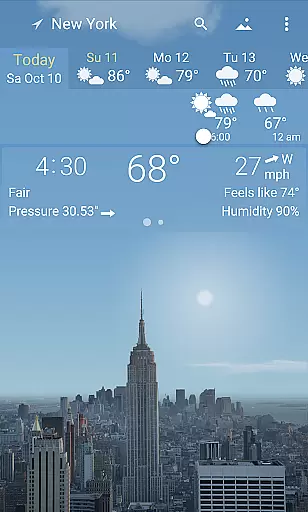
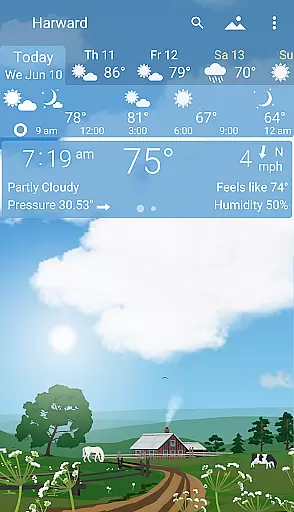
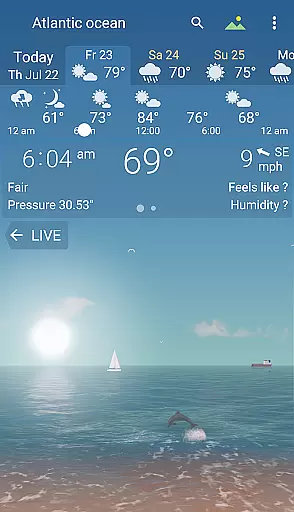
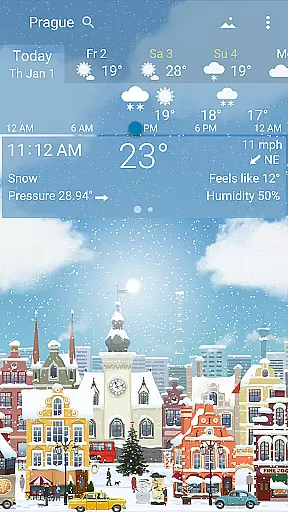
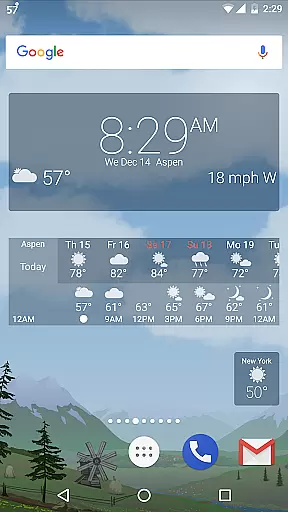
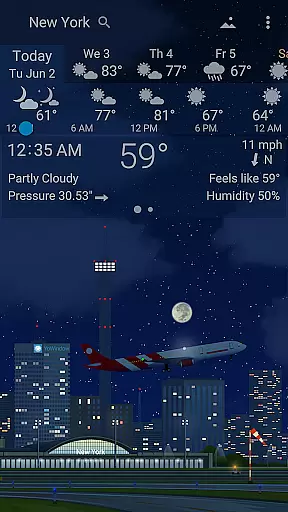
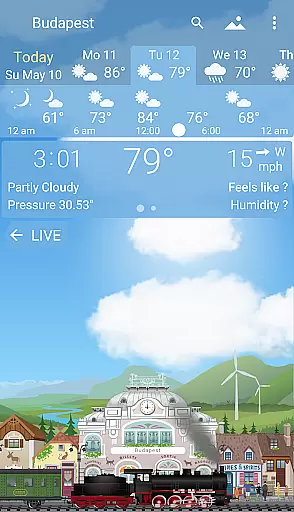
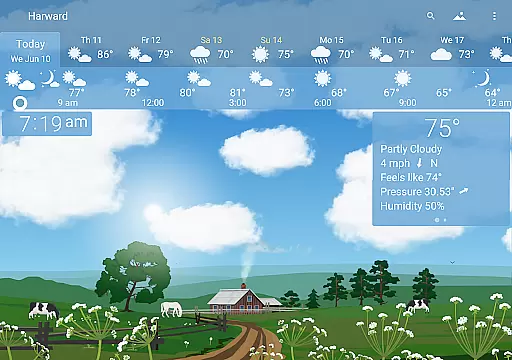
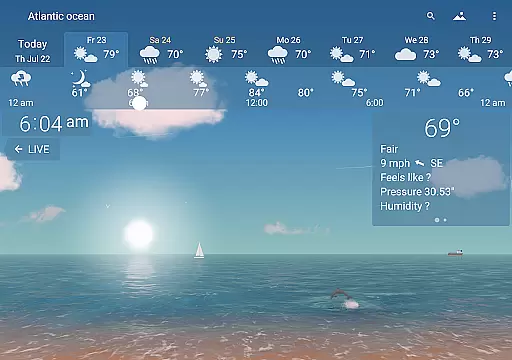
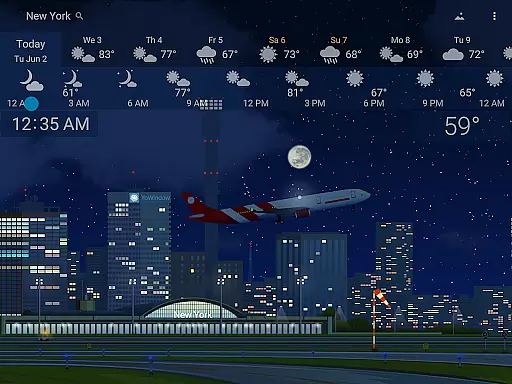
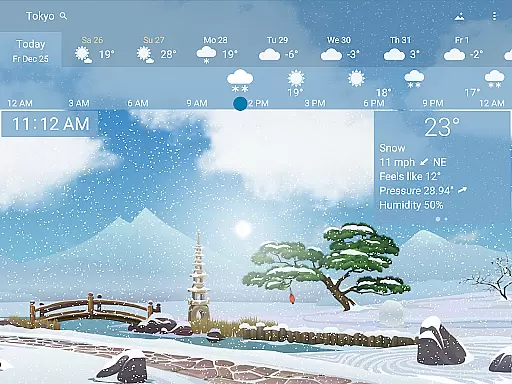
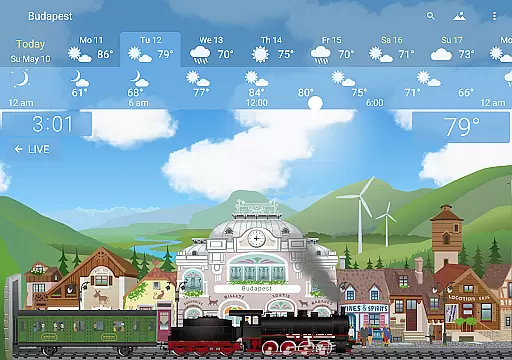
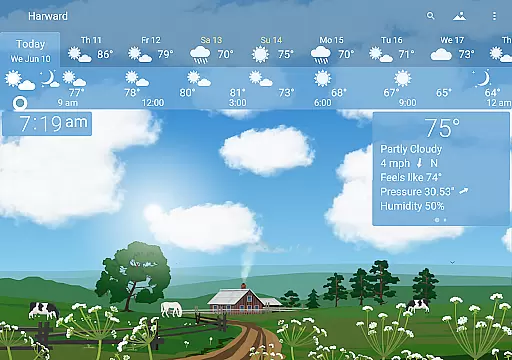
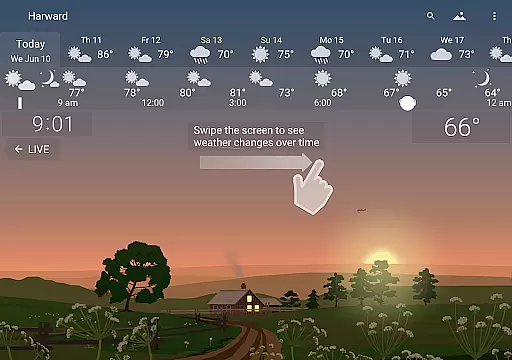
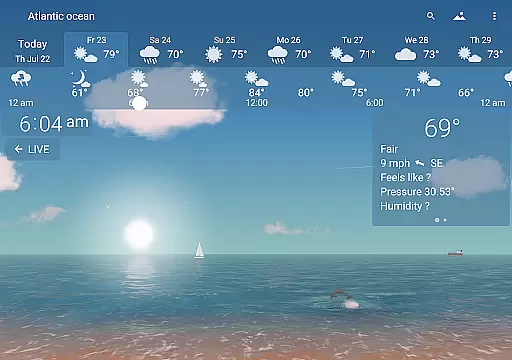
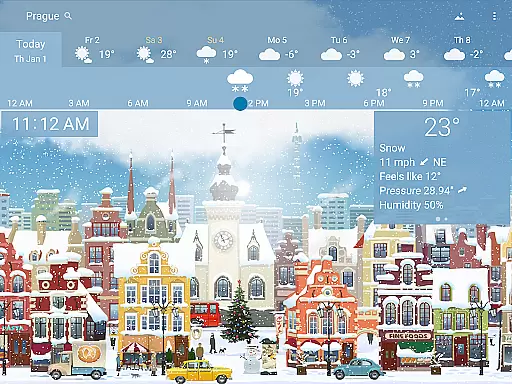
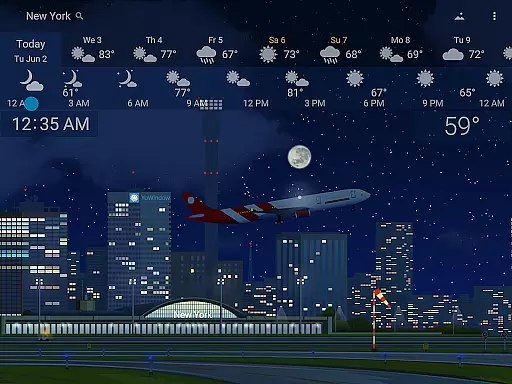
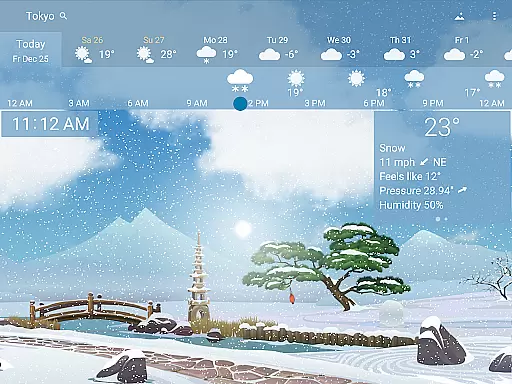
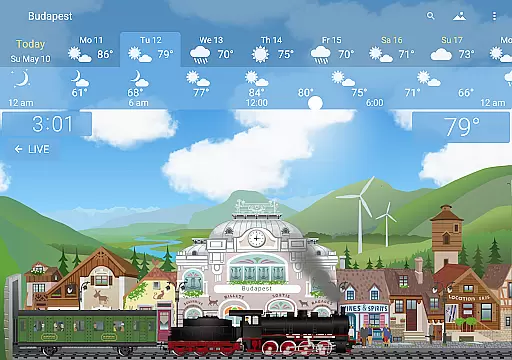
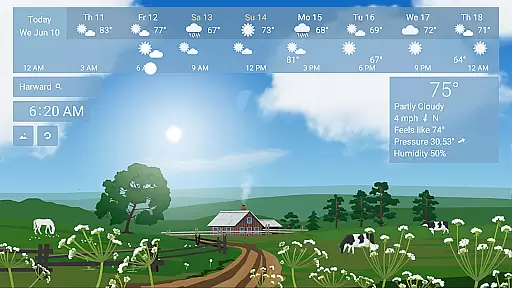
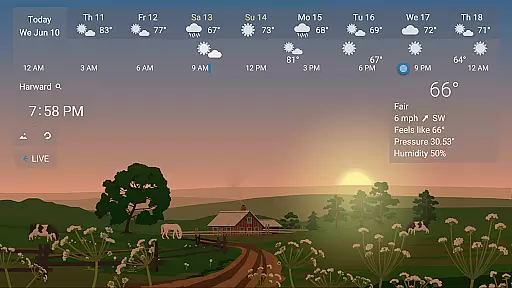
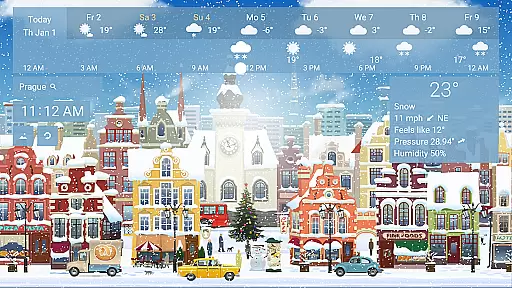
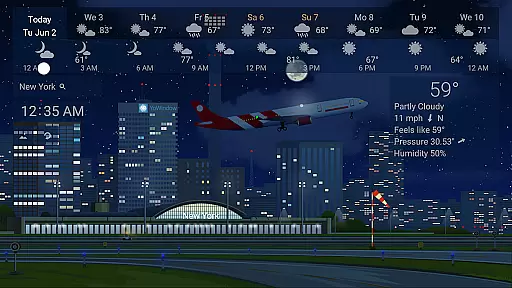
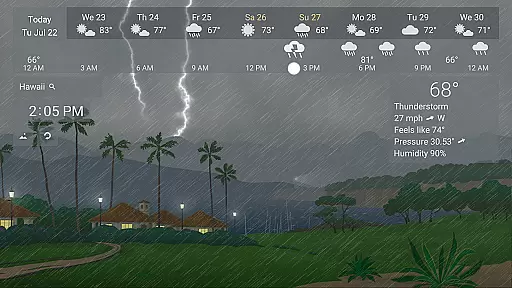
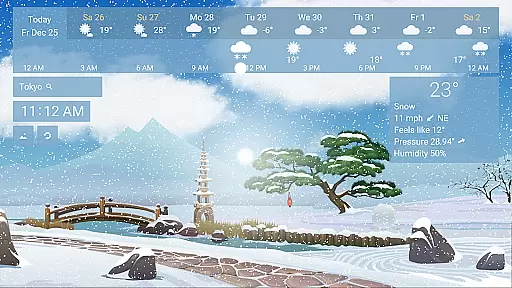
YoWindow Weather is an innovative weather application that offers users a visually stunning and highly functional weather forecasting experience. The app's standout feature is its living landscape that mirrors real-world weather conditions in real-time, such as rain, sunsets, and sunrises occurring simultaneously with the user's local environment.
With YoWindow, you can effortlessly scroll through time to see how the weather will evolve throughout the day. This unique approach combines practicality with beauty, providing current weather details, forecasts for the day, and extended outlooks. Its intuitive design makes it suitable for all users who want to stay informed about weather patterns while enjoying aesthetically pleasing seasonal landscapes tailored to their location.
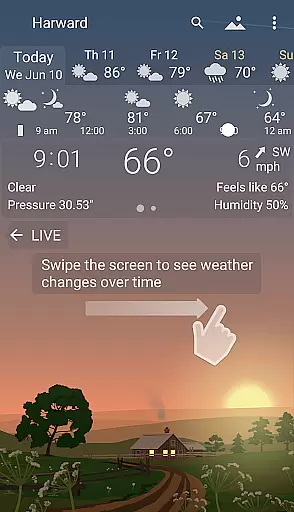
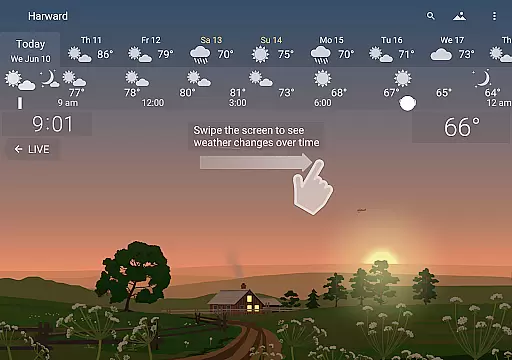
One of YoWindow Weather's key features is its ability to display real-time weather changes through an interactive and beautifully crafted landscape. Users can swipe across the screen to fast-forward or rewind through time, observing how weather conditions like rain, sunshine, or storms develop over hours or days.
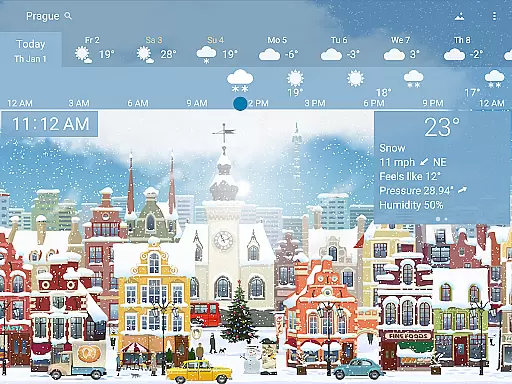
The app provides comprehensive weather data, including temperature, wind speed, humidity, and precipitation forecasts, powered by leading meteorological organizations yr.no and NWS. Additionally, YoWindow offers customizable landscapes that adapt to seasonal changes, ensuring the visuals remain relevant year-round. These features make YoWindow not only a reliable source of weather information but also a delightful visual experience for users who appreciate attention to detail in design.
YoWindow Weather stands out for its exceptional forecast accuracy and data credibility. The app sources its weather information from leading meteorological organizations such as yr.no and NWS, ensuring users receive reliable and precise weather updates.
The magic of YoWindow lies in its real-time reflection of the actual weather through a living landscape. This feature not only enhances user experience but also serves as a visual confirmation of the forecast's accuracy. For instance, if it's raining, it rains in YoWindow, providing an intuitive understanding of current conditions.
Users can scroll time forward to see how the weather will change throughout the day, offering a detailed glimpse into future conditions. This functionality is supported by accurate forecasting models that predict weather patterns with precision.
One of YoWindow Weather's key strengths is its extensive temporal and spatial forecast range. Users can access current weather conditions, daily forecasts, and extended outlooks for several days ahead, all within a few taps.
The app's unique time-scrolling feature allows users to swipe through different times of the day. This enables them to visually experience sunrise, sunset, and weather changes at exact real-life timings, enhancing both usability and preparedness.
Geographically, YoWindow covers a broad spectrum, delivering localized forecasts irrespective of the user's location. Whether you're at home or traveling, the app provides relevant and timely weather updates tailored to your specific area.
User-friendly interface
Real-time weather updates
Visually appealing graphics
Customizable landscapes
Accurate forecast data
Limited free features
High system requirements
Occasional sync issues
Premium subscription cost
Regional limitations

Live weather radar, widgets & forecasts. Track rain, storms & temperature.
 4.20
4.20
Hurricane Tracker, Rain Map
4.80
Your Personal Weather Assistant
4.00
Weather forecast & live radar map
4.20
Accurate Local Weather Forecast, let you easily understand the nearby weather!
4.20
Weather watch face for Wear OS 5+
4.40
Weather watch face for Wear OS 5+
4.10
Stay Ahead Of Changing Weather Conditions
4.00
Your ultimate app for real-time weather information!
4.70
A professional, comprehensive and accurate weather forecast app
4.90
Ultimate Lunar Calendar for 2021!
4.80
Weather - Local weather forecast, weather daily & hourly, weather radar
4.80
View weather widget and map. Wind direction and speed. Tides times and waves
4.70
My Aurora Forecast is the app for Northern Lights and Aurora Borealis alerts.
4.60
Get accurate rainfall and snowfall totals for pinpoint locations on a map.
4.60
72-hour weather & daily forecasts with extreme weather alerts
4.60
Weather radar map, storm tracker, local forecast, live rain alerts & daily news.
4.60
Hyperlocal Forecasts, Live Radar, Severe Weather alerts & Homescreen Widgets
4.30
Storm Radar, Alerts & Live Weather Forecasts Right on Your Home Screen
3.70


User Reviews