
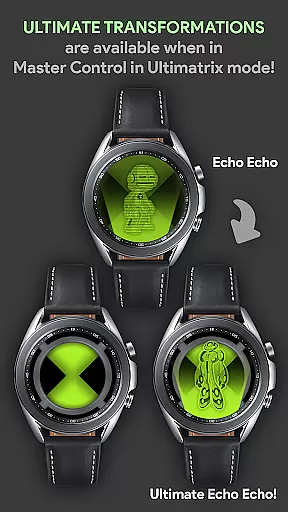
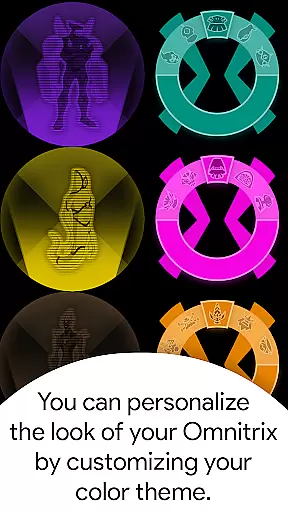
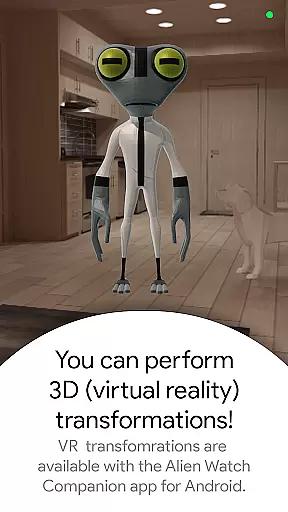
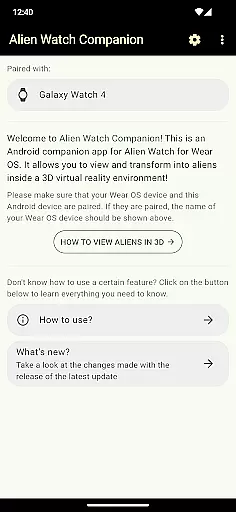




Alien Watch is a feature-rich simulation app that transforms your Wear OS smartwatch into the iconic Omnitrix device from Ben 10. With multiple modes like Prototype, Recalibrated, and Omniverse, users can access various sub-modes including DNA Scan, Master Control, Ultimatrix, and more. The app offers an immersive experience with functions such as Fusion Transformations, Self Destruction, and Voice Commands, while also supporting color customization and 3D transformations.
The app's core functionality lies in its ability to provide an authentic Ben 10 experience directly on your wrist. Users can unlock aliens through step goals or activation codes, submit their results to leaderboards, and enjoy custom sound effects for each transformation. It's particularly suited for fans of the franchise who want to relive childhood memories through their smart devices.
This simulation app demonstrates significant value by combining entertainment with wearable technology. Whether you're using the Randomizer function in Omniverse mode or exploring Ultimate Transformations in Recalibrated mode, Alien Watch delivers a unique interactive experience that brings the world of Ben 10 to life.
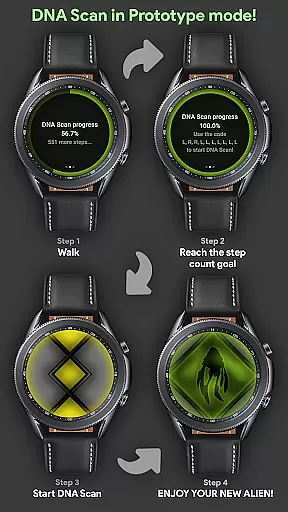
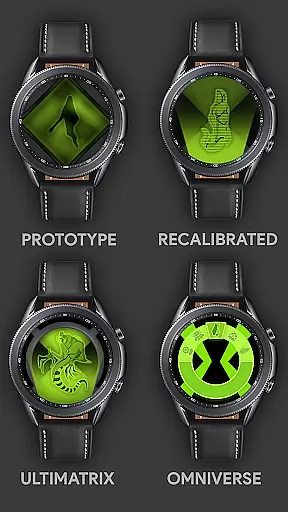
Alien Watch stands out with its diverse range of features designed to replicate the Omnitrix experience. The app includes three main modes - Prototype, Recalibrated, and Omniverse - each offering distinct functionalities. Prototype mode provides options like DNA Scan, Master Control, and Virtual Reality transformations, allowing users to view aliens in 3D during transformations.
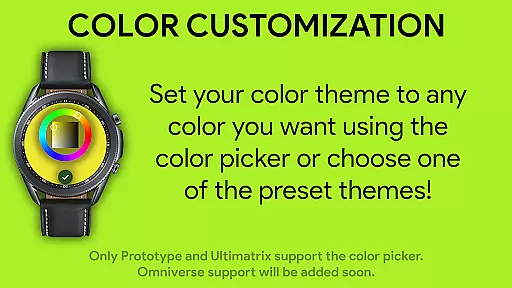
In Recalibrated mode, users can access Ultimatrix features, Ultimate Transformations, and Azmuth Easter Eggs, along with 12 customizable colors including ALBEDO mode. This mode also incorporates unique voice sound effects where aliens announce their names during transformations. Meanwhile, Omniverse mode supports the Randomizer function, which selects a random alien every 15 seconds, and includes additional visual enhancements like ALBEDO mode.
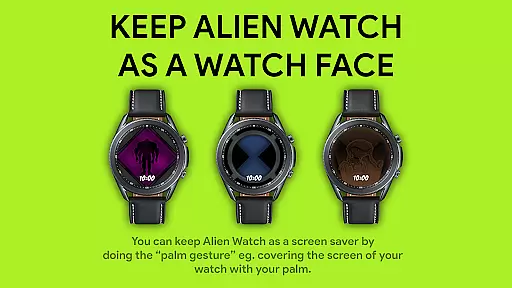
One innovative aspect is the palm gesture feature, enabling users to set Alien Watch as a temporary watch face when 'Always On' is enabled. These comprehensive features collectively create an engaging and personalized user experience, making it a standout choice among simulation apps.
Alien Watch offers an intricate economic system that mirrors the complexity of resource management found in advanced simulations. The app includes multiple modes such as Prototype, Recalibrated, and Omniverse, each with unique sub-modes that dynamically respond to user actions. This creates a personalized experience where resources like DNA scans and step count goals directly influence the availability and power of transformations.
The depth of this economic system is showcased through features like the DNA Scan, which allows users to unlock more aliens by achieving specific objectives. Users can choose between earning these unlocks through physical activity or by entering activation codes, providing a layered approach to progression. This dual-path system ensures that all players, regardless of their preferred playstyle, can engage with and enjoy the full breadth of what Alien Watch has to offer.
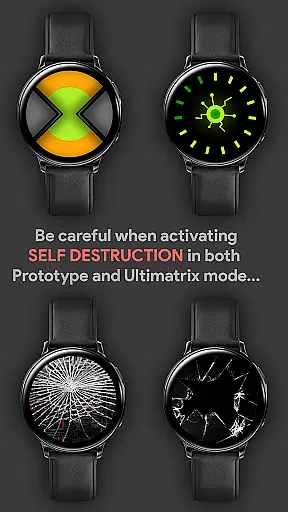
Dynamic feedback is central to the user experience, with real-time responses to player decisions. Whether it's activating Master Control, triggering Self Destruction, or experiencing Fusion Transformations, every action taken within Alien Watch feeds back into the simulation's economy. This responsive design keeps users engaged and invested in their ongoing interaction with the app.
Ultimately, the value delivered by this sophisticated economic model lies in its ability to provide endless replayability and personalization. By allowing users to shape their journey through various modes and features, Alien Watch stands out as a premier simulation app for those seeking an immersive and adaptive Ben 10 experience on their Wear OS devices.
Resource management in Alien Watch is carefully balanced to ensure a fair yet challenging experience. The app provides several avenues for resource acquisition and utilization, including walking to complete step count goals, using activation codes, and engaging with different modes like Prototype and Recalibrated. These diverse methods allow users to strategize how they collect and spend resources within the game.
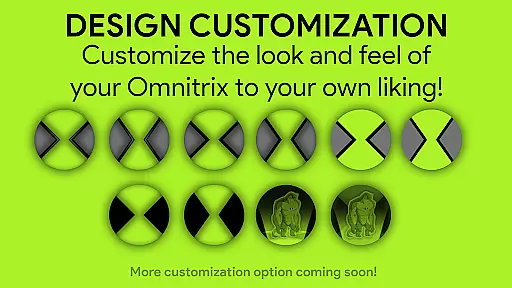
A key aspect of maintaining balance is the inclusion of features such as the Leaderboard in the Alien Watch Companion app. By submitting results from completed DNA Scans, users can compare their progress against others, fostering a competitive environment that encourages strategic thinking. Additionally, options like color customization and choosing between regular or Ultimate Transformations add layers of decision-making that affect resource allocation.
The app also excels in offering varied strategies for success without overwhelming players. For instance, while some may prefer the structured approach of unlocking aliens through walking, others might opt for the instant gratification provided by activation codes. This flexibility ensures that no single strategy dominates, preserving the balance essential for long-term engagement.
By integrating these elements seamlessly, Alien Watch delivers a compelling simulation where thoughtful resource management leads to greater achievements. Players are rewarded not just with new content but also with enhanced immersion in the world of Ben 10, making every choice impactful and enjoyable.
Authentic Ben 10 theme
Multiple interactive modes
Customizable features
Unique sound effects
Leaderboard integration
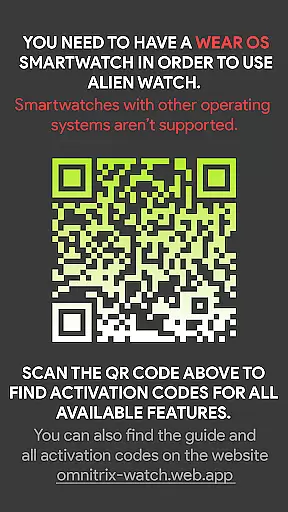
Requires Wear OS
Dependent on Android version
Complex setup process
Limited without companion app
Premium feel but not free

40+ original, licensed construction vehicles, over 60 jobs, USA setting.
 3.90
3.90
Big Tractors, Big Farms, 1000+ Acres, American Sheds, all on an American Map!
4.40
Prank and cause chaos in the house. But don’t get caught!
4.10
Make yummy Jelly and start your Mukbang livestream
4.20
Build and explore your city as mayor! Create and simulate your own metropolis.
4.20
Experience the sometimes hectic life of a Freddy Fazbear's Pizzeria franchisee.
4.60
7 years packed with fun
4.20
Demon Castle Building Dungeon Management Simulation
4.90
Design a subway map for a growing city.
4.60
Make a Wizard's journey to find the Philosopher's Stone in an Incremental RPG!
4.80
Replay gaming history - The hit tycoon game, now on Android
4.80
Smash solar systems, orbit planets, and destroy in this universe simulation game
4.70
From humble backwater to medieval metropolis - build the city of your dreams!
4.50
Cook in the kitchen, Serve food: Manage the dash fever in my restaurant games!
4.20
A babysitting horror game
4.20
Final Fantasy Tactics: The War of the Lions has arrived for GooglePlay!
4.10
Play on ANY CITY in the world!
3.70 3.50
3.50
Construction Simulator returns with a map inspired by the Canadian landscape.
3.40


User Reviews