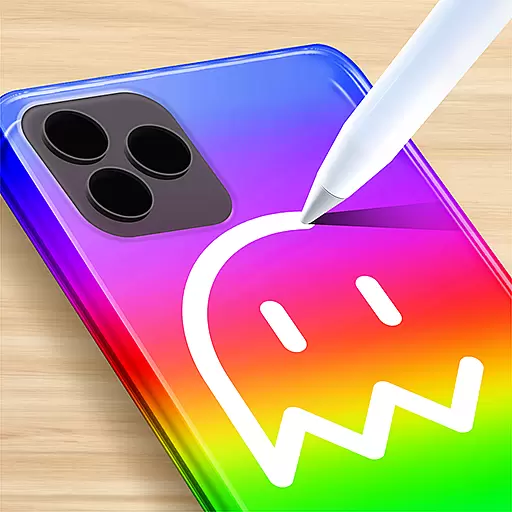
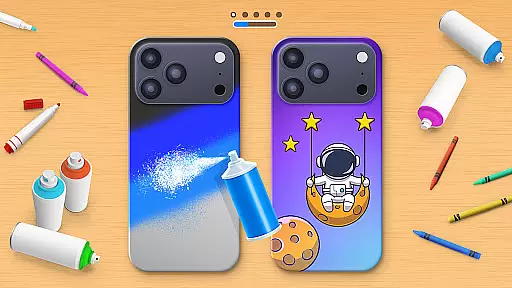
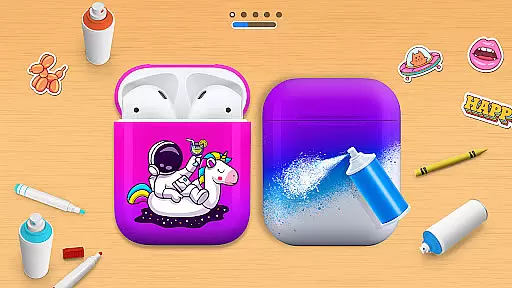
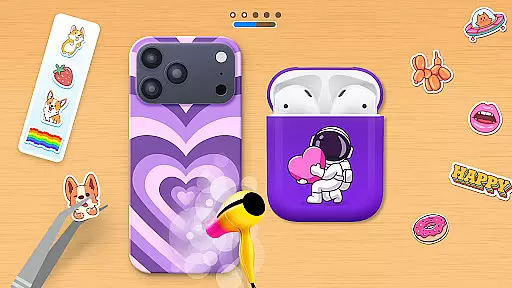
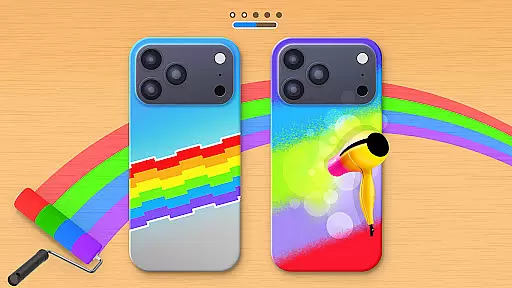
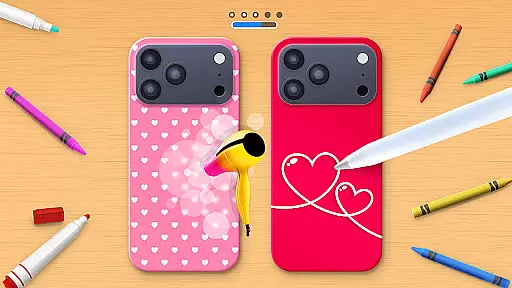
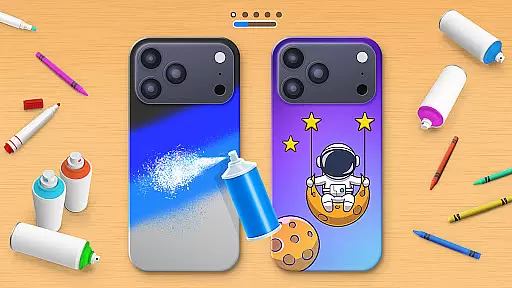
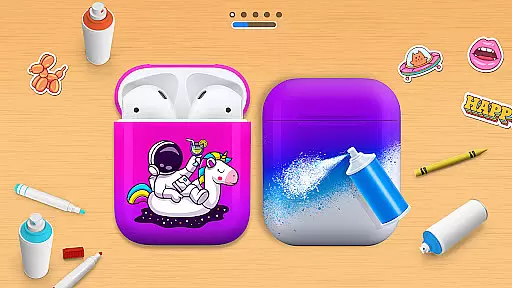
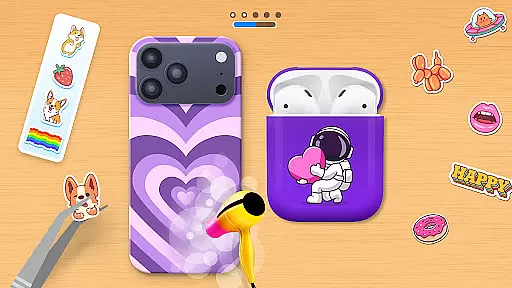
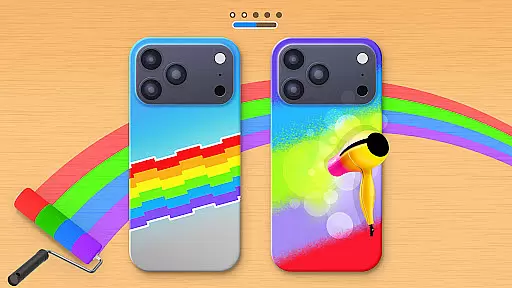
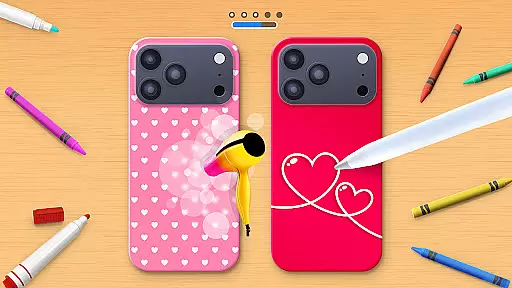
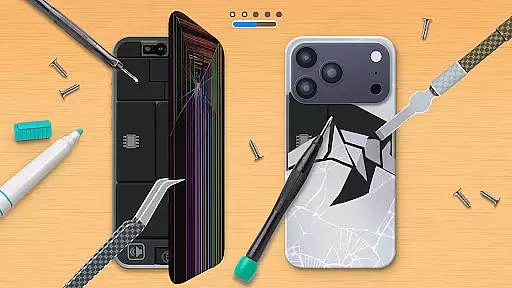
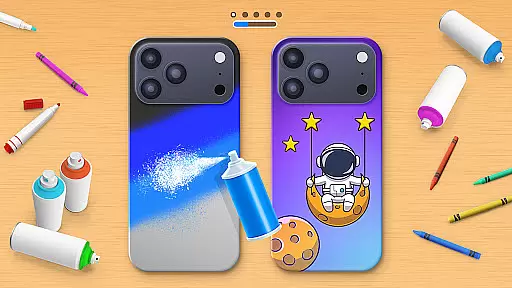
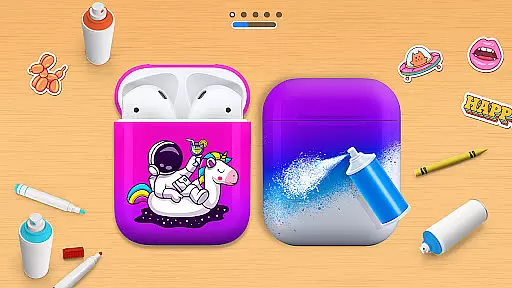
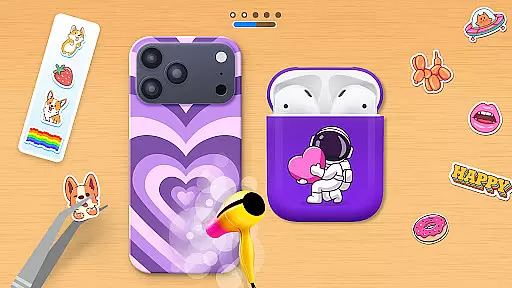
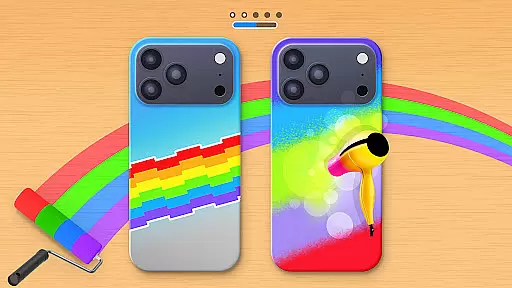
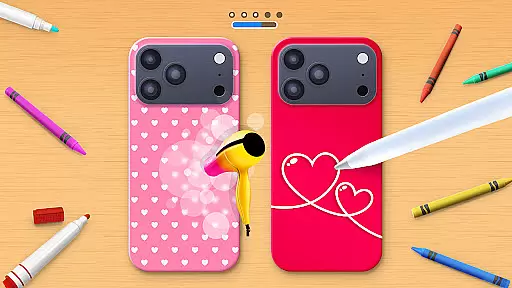
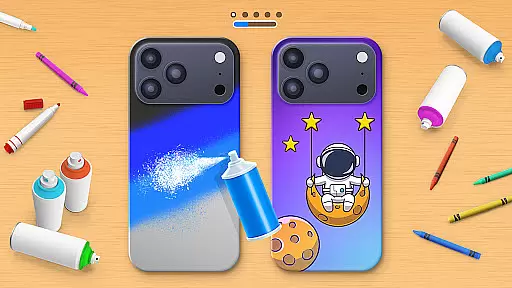
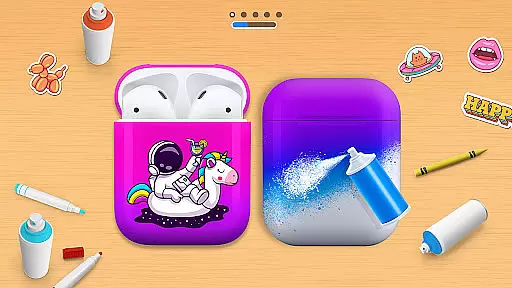
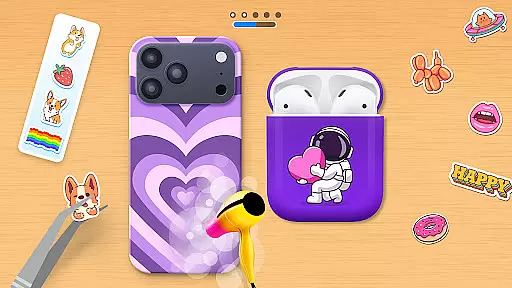
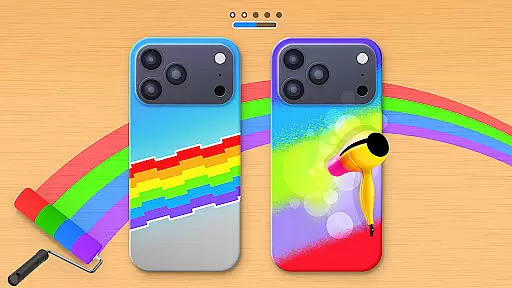
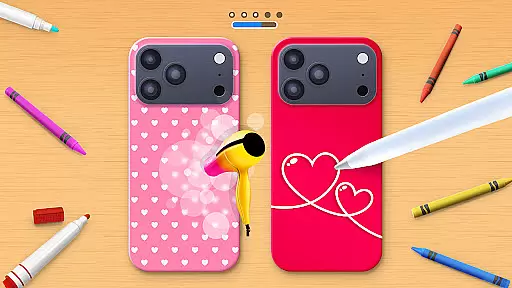
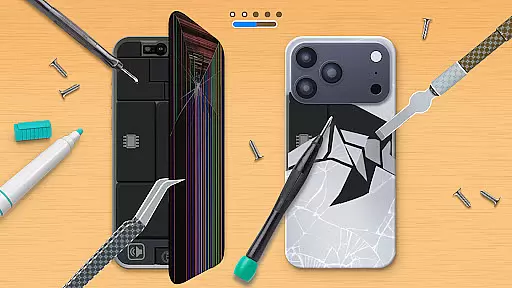
Phone Case DIY is a creative simulation game that allows users to design and customize phone cases, earbuds, and headphones. With endless color options and patterns, the app provides a platform for expressing personal style through digital crafting. The intuitive interface makes it easy to paint, draw, and apply stickers, while features like acrylic art and slime design offer unique customization possibilities.
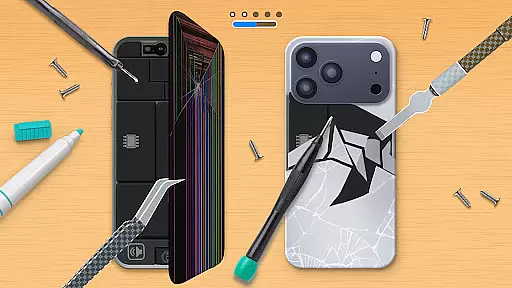
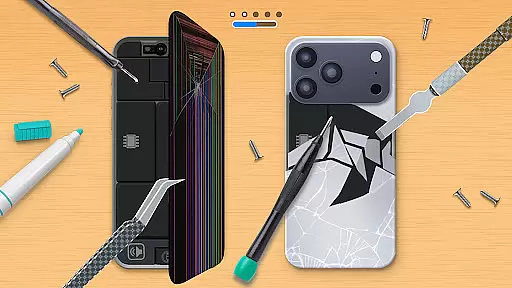
Beyond basic design functions, the app includes a leaderboard for users to showcase their skills globally and profile customization to highlight individuality. Repairing damaged phone cases adds another layer of engagement. Whether you're an aspiring designer or simply looking to personalize your devices, Phone Case DIY offers a fun and immersive experience.
Phone Case DIY stands out with its comprehensive suite of design tools tailored for creativity. Users can paint phone cases with vibrant colors, create acrylic art, and apply trendy stickers for added flair. The app also supports designing accessories like headphones and earbuds, ensuring a cohesive look across all devices.
Innovative features such as slime art and tie-dye effects provide dynamic ways to experiment with textures and patterns. A global leaderboard fosters friendly competition by ranking designers based on their skills. Additionally, the repair function lets users restore damaged cases, adding a practical dimension to the creative process. These elements combine to deliver a rich, engaging experience for design enthusiasts.
In Phone Case DIY, the economic system is designed to encourage creativity and personal expression through a rewarding feedback loop. The game incorporates various in-game resources that players can earn or unlock as they progress.
Players receive virtual currency for completing designs, which can then be used to purchase new colors, patterns, or stickers. This creates a dynamic marketplace where users are motivated to continue designing phone cases to earn more resources.
The feedback system is immediate and satisfying - after finishing a design, players can see their creation come to life and receive instant recognition through the leaderboard system. This creates a sense of accomplishment and encourages further participation.
This economic structure not only enhances gameplay but also allows players to invest in their creative journey, making each design evolution more meaningful and engaging.
Phone Case DIY offers an impressive balance of resource management that keeps players engaged without feeling overwhelmed. The game provides a wide array of coloring features and decorative elements while maintaining a structured approach to resource allocation.
Players must strategically choose which colors, patterns, and stickers to use on their phone cases, earbuds, and headphones. Each design decision requires careful consideration, as resources are earned through active play and creativity.
The game strikes a perfect equilibrium between offering enough resources for experimentation while creating a challenge that motivates players to optimize their usage. This balance ensures that both casual players and design enthusiasts can enjoy the game at their own pace.
Furthermore, the inclusion of features like acrylic art and slime design adds another layer of complexity to resource management, allowing players to develop unique strategies while expressing their artistic vision.
User-friendly interface
Variety of design tools
Global leaderboard
Profile customization
Repair functionality
Limited offline features
In-app purchases required
Occasional ads
Steep learning curve
High system requirements

Drone racing simulator with class leading aerodynamics
 3.30
3.30
Join storage auction! Manage your pawn shop! Become an auction tycoon!
4.40
Live a mom’s life—take care of family & home
4.00
Solve the mysteries of the universe with potato power!
4.40
The most realistic digital combat flight simulator
3.40
A babysitting horror game
4.20
Lead a Magical School and Cast Spells in an Incremental Game!
4.70
Control the traffic flow. Decide when the cars can pass and avoid crashes
4.60
Gas station simulator. Play & earn money offline. Grow petrol station business!
4.40
Enter a world of magic and adventure and create your own RPG-style town!
4.80
Work hard and you may reach the top of the video game industry.
4.80
Big Tractors, Big Farms, 1000+ Acres, American Sheds, all on an American Map!
4.40
Grow your agricultural empire with 100+ authentic machines!
4.40
Build rockets, airplanes, and more and explore highly detailed 3D planets.
4.30
Raise crops and animals in this farming simulator!
4.20
Cook in the kitchen, Serve food: Manage the dash fever in my restaurant games!
4.20
Prank and cause chaos in the house. But don’t get caught!
4.10 3.50
3.50
Survive, explore, and invent wild machines in a world ruled by robots!
4.1


User Reviews