
Genesis, Mega Drive, Mega CD, Master System, Game Gear Emulator!
 4.20
4.20
R-TYPE game
4.60
Three awesome new levels for The Impossible Game.
4.30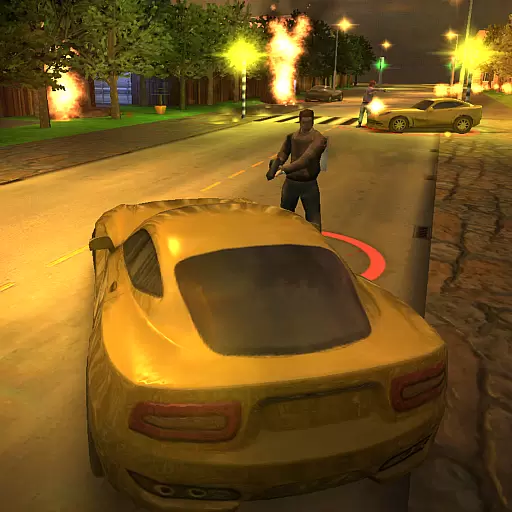
Payback 2 includes everything from tank battles to high speed helicopter races!
4.50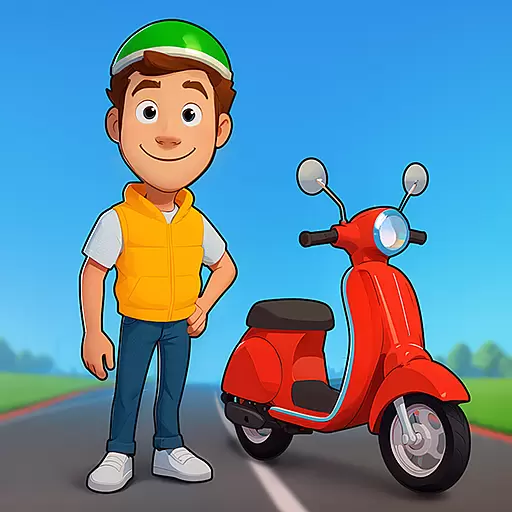
Motorcycle racing games! Prove your paperboy can win in the bike race 3D!
4.50
Divine powers at your fingertips! An innovative and frantic shoot-'em-up!
4.0
Genesis/Mega Drive/CD & Master System/Mark III Emulator
4.30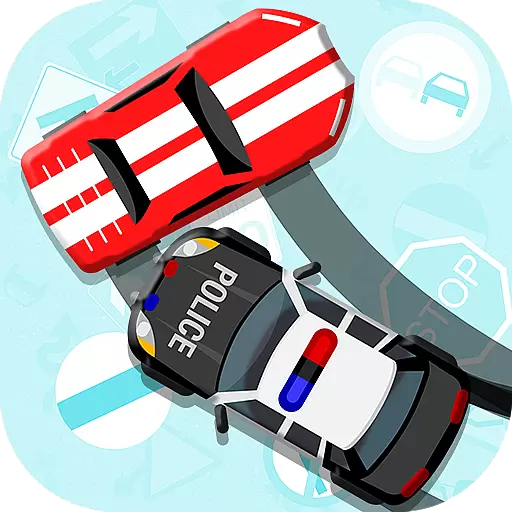
Outrun cops, ignite the thrill of a high-speed chase!
4.50
You control the ball! Dribble, shoot and score against eleven soccer players!
4.60
Full featured version of Pizza Boy A (GBA emulator)
4.80
Gameboy Color Emulator
4.60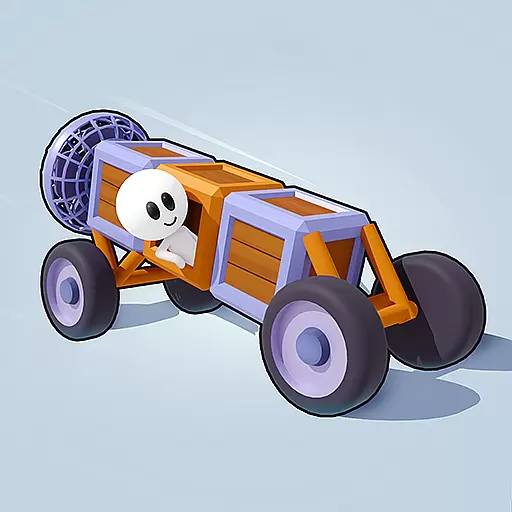
Cool car builder & racing simulator: make a car to win the obstacle course race!
4.60
Use superpower in your magic hands. Defeat the enemies in a fun elemental game.
4.50
Join the art challenge: Guess the word and draw fast before the timer runs out!
4.20
NEOGEO's masterpiece game is now available in the app!
4.10
Mine planets, upgrade your space ship, battle others, and dominate the galaxy!
3.90
Protect the balloon! Only 1% of players can reach lvl 100 with all the balloons!
3.70
Restore peace and order in the city
3.20
John GBA is GBA emulator. This emulator is easy to use.
3.10


