

Want to make it easier to manage your health? We’re with you, wherever you are.
 4.70
4.70
Behavioral Health Portal
4.70
myVCA is your tailor-made guide to raising a healthy and happy pet.
4.90
Download the PulsePoint app and use your CPR skills to save a life!
4.60
CPR Timer for High Performance AHA BLS / ACLS
5.00
A comprehensive 3D atlas of the human body
4.80
A rapid reference for healthcare professionals caring for pediatric patients.
4.30
The Client Portal app empowers you to manage care from one secure place
4.10
Continuous Glucose Monitoring
3.40
A comprehensive medical disease app.
5.00
The Better Pharmacy Experience
4.90
Be more confident prescribing homeopathy at home for your family.
4.80
Remote, medical-grade heart care at your fingertips
4.70
Enjoy 200%+ volume booster with bass booster, equalizer and headphone supported.
4.60
PPP provides quick offline access to over 350 field treatment protocols.
4.60
Check and Track your Blood Pressure & Heart Rate.
4.50
Master AEMT with 1,400+ study items, TEIs, practice tests, and scoring.
4.10
Over 1,200 review questions and 5 exams—pass the NREMT with EMT Review Plus!
4.10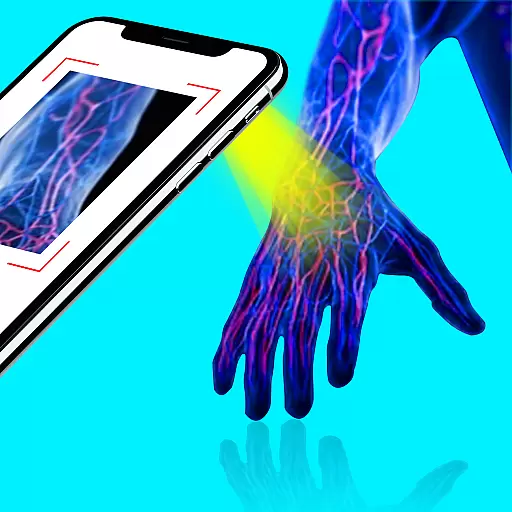
X-Vein: Advanced vein detection for medical practice
3.10


