
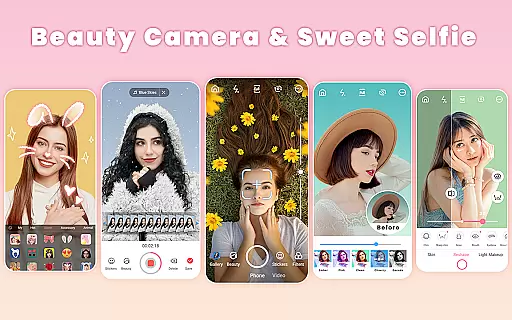
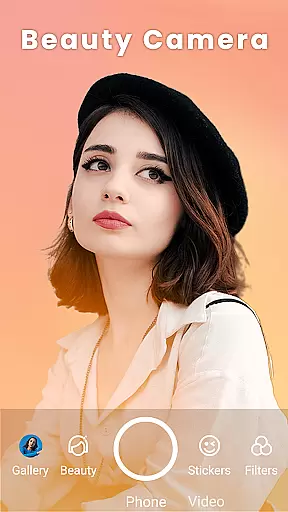
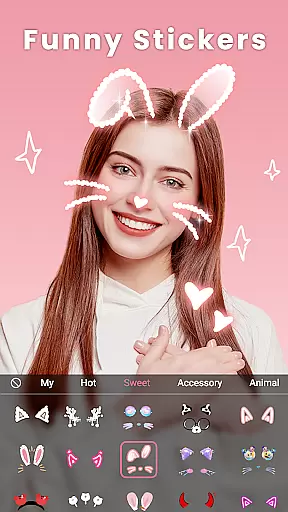
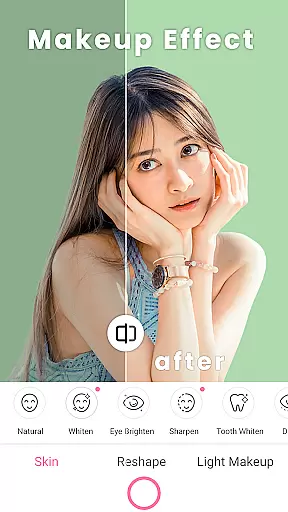
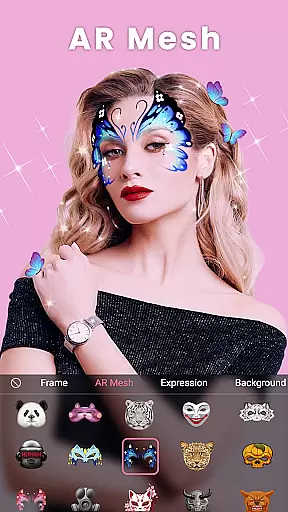
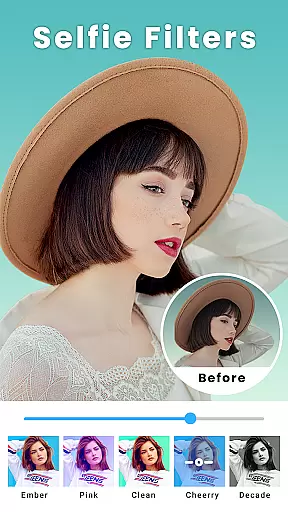
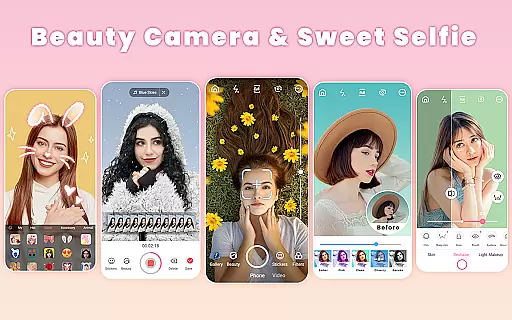
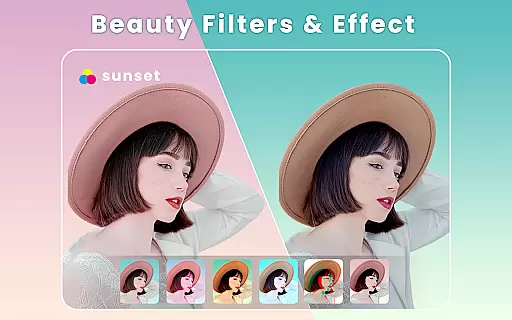
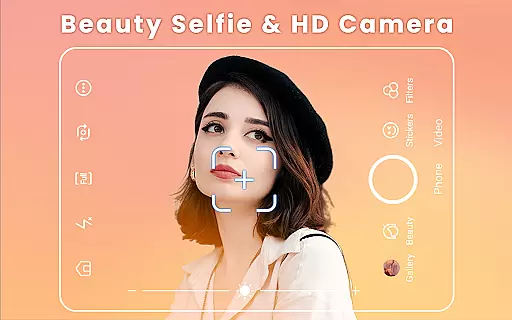
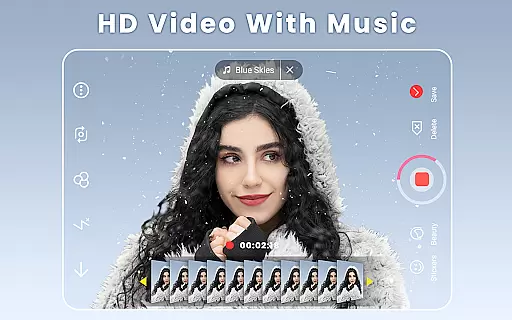
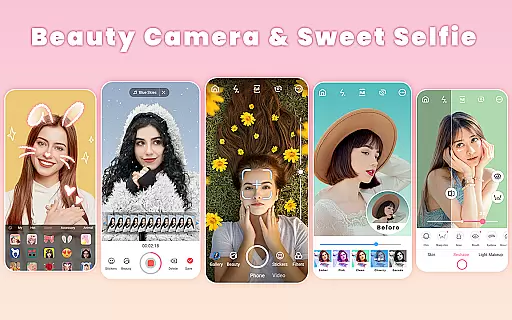
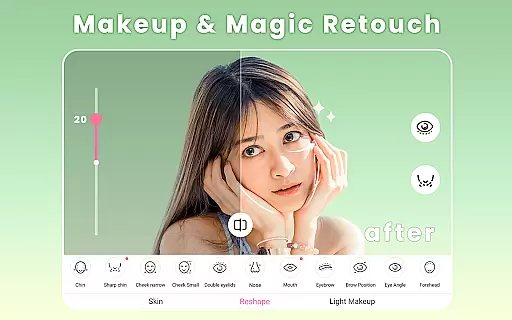
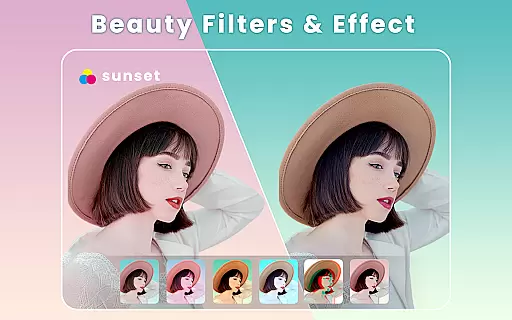
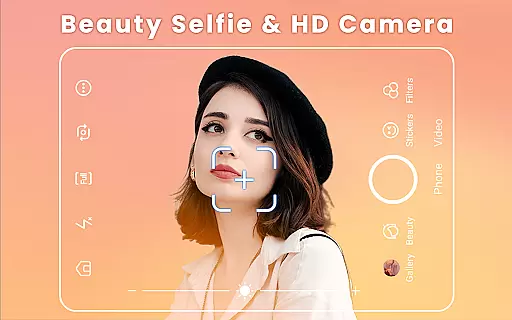
Beauty Camera is a comprehensive beauty and photo editing application designed to enhance your selfies and videos with professional-grade tools. The app offers an extensive suite of features including real-time beautification, makeup effects, and body retouching, allowing users to create flawless images effortlessly. With over 300 thematic filters and various AR effects, it caters to diverse style preferences.
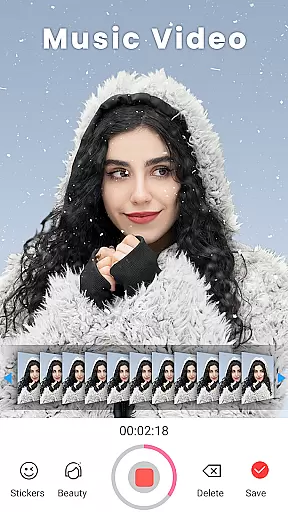
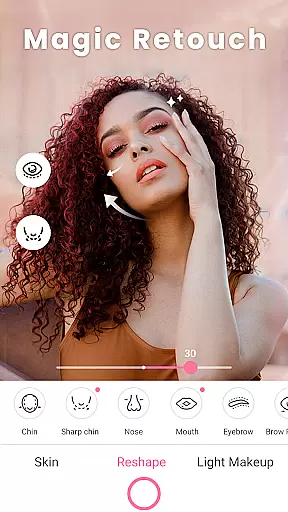
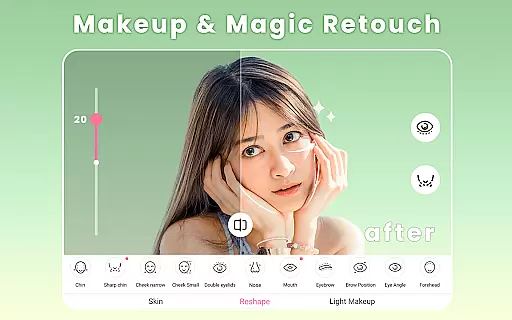
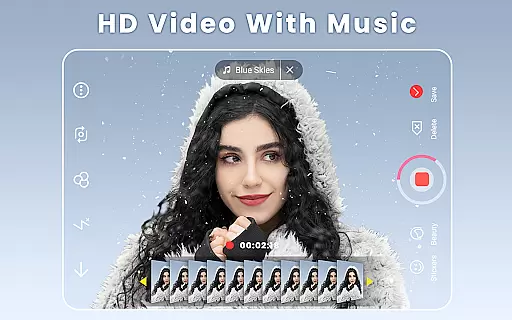
The application's core strength lies in its powerful editing capabilities. Users can adjust facial features, apply makeup digitally, and even reshape body contours. It also includes a robust photo editor for trimming, blurring, and enhancing images. The built-in music video maker lets you add soundtracks to your videos, while the collage maker helps create stunning photo compositions.
Ideal for social media enthusiasts, Beauty Camera is perfect for preparing images and videos for platforms like Instagram and TikTok. Its one-tap beautify feature and precise AR makeup tools make it invaluable for creating professional-looking content quickly, demonstrating its practical value in today's digital landscape.
Beauty Camera distinguishes itself through its sophisticated feature set tailored for beauty enhancement and creative expression. The app implements advanced AI technology for automatic skin smoothing, blemish removal, and facial reshaping, ensuring natural-looking results. Its real-time beauty filters and makeup effects are powered by smart recognition algorithms that adapt to different face shapes and lighting conditions.
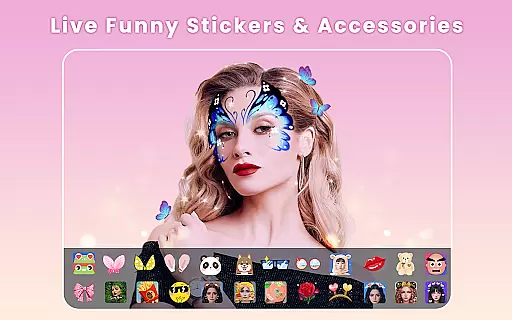
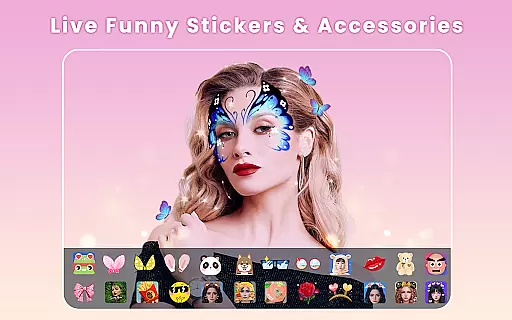
One of the app's standout characteristics is its comprehensive makeup studio. Users can virtually try on lipstick, blush, and contour products from top beauty brands. The app's AR technology enables realistic virtual makeovers, while its extensive sticker library adds playful elements to photos and videos. Professional-grade tools for teeth whitening, eye brightening, and body reshaping provide users with complete control over their digital appearance.
These features deliver substantial value by enabling users to produce high-quality content without requiring professional photography skills. The combination of precise editing tools and creative effects makes Beauty Camera particularly appealing to social media influencers and content creators who need versatile image enhancement solutions.
Beauty Camera offers an extensive product database that caters to a wide array of beauty needs. The app includes a vast selection of virtual makeup products, ranging from lipsticks and blushes to eyeliners and contour kits. Each product is meticulously detailed with information on color shades, application techniques, and suitability for different skin tones.
The depth of the database ensures that users can experiment with looks using realistic simulations of popular beauty brands. This feature not only enhances user engagement but also serves as a digital try-before-you-buy experience. Users can confidently explore various styles knowing they have access to accurate representations of real-world products.
Moreover, the app's database is regularly updated to include the latest trends and releases in the beauty industry. This commitment to currency means users always have access to up-to-date options, ensuring their virtual makeovers remain fresh and relevant. With Beauty Camera, users are empowered to make informed decisions about their beauty choices.
Personalization is at the core of Beauty Camera's appeal, offering users precise control over their digital makeover experience. The app employs advanced algorithms that analyze facial features to recommend personalized beauty solutions tailored to individual preferences and characteristics.
Users can fine-tune every aspect of their appearance, from subtle adjustments like teeth whitening and eye brightening to more pronounced changes such as reshaping facial contours or trying out different hairstyles. This level of customization ensures that each user achieves results that resonate with their unique sense of style and desired aesthetic.
Furthermore, Beauty Camera's intuitive interface makes personalizing oneu2019s look both simple and enjoyable. By learning from user interactions, the app continuously refines its recommendations, creating an increasingly bespoke experience over time. This dedication to precision in personalization sets Beauty Camera apart as a leader in virtual beauty applications.
User-friendly interface
Extensive filter options
Advanced AR effects
Comprehensive editing tools
Real-time beautification
Occasional processing lag
Some features require premium
High storage requirements
Learning curve for beginners
Ads in free version

Glow up with science: cosmetics, ingredients scanner, tracking & face analysis
 4.10
4.10
Your future self face age old or young from camera selfie into beautify videos
4.1
True mirror app with zoom, LED light, for makeup & shaving anywhere!
4.20
Wacky mirror filter, waves effect & wavy effect to make your own funny videos.
4.60
All-in-one solution for independent beauty pros to manage & grow their business
4.30
Get Smart About Your Skin with Fully Personalized Beauty Tech!
4.80
Beauty Camera AI Photo Editor with effect, filter, makeup tools for photo editor
4.30
Change your hairstyle and color instantly with AI-powered virtual makeovers.
3.90
Try On Style with AI: Virtual Dressing Room & Personal Fashion Stylist App
4.00
Book your appointments
4.90
Try interesting trending filters allows you switch to a cute girl
4.70
Selfiechat Filters for amazing photos with Funny face filters
4.60
Transform your sweet selfies with Selfie Beauty Camera Filters And Effects!
4.60
For businesses, Booksy Biz allows you to manage your schedule & more on the go.
4.60
Beauty camera for perfect selfie with makeup, sticker and filter
4.50
Beauty camera to take nature selfie with photo filter. Photo makeup face editor.
4.50
Beauty Mirror - True mirror app with light, shaving mirror, makeup mirror app
4.50
Try on different hairstyles and hair colors, glasses and jackets | Cartoon face
4.10
Snap stunning selfies with AI from the Sweet Beauty Camera editor
4.10


User Reviews