
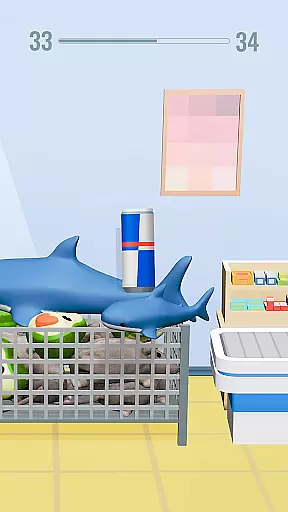
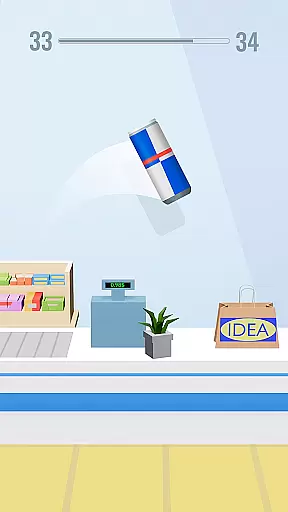
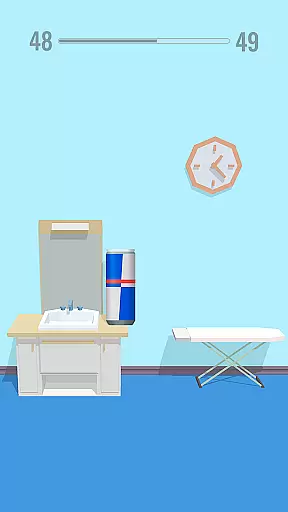
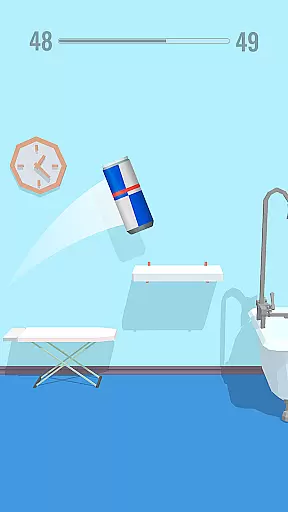
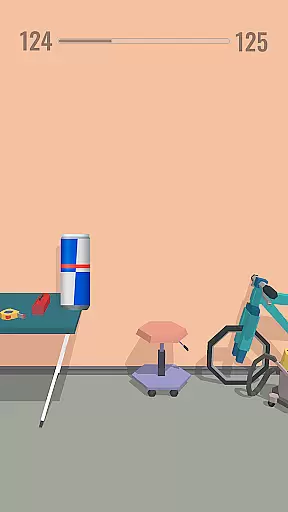
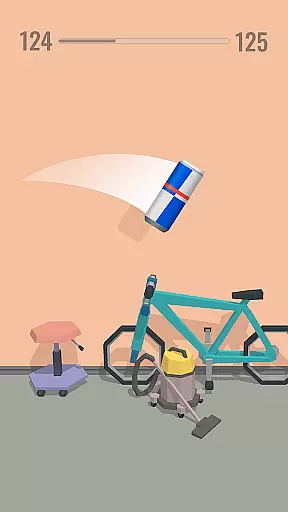
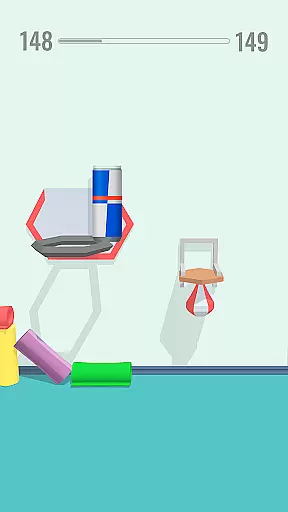
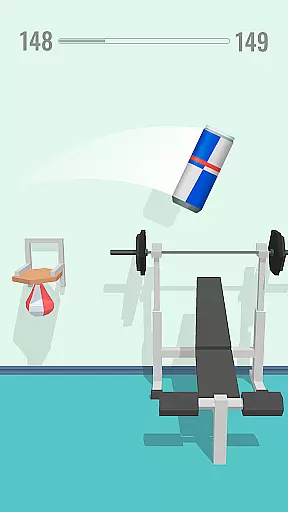
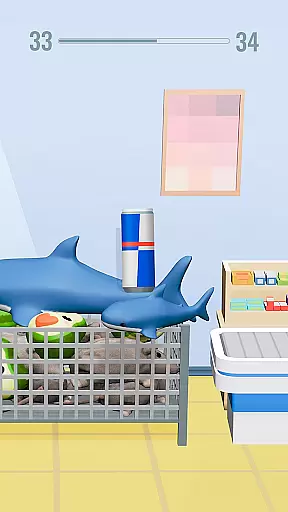
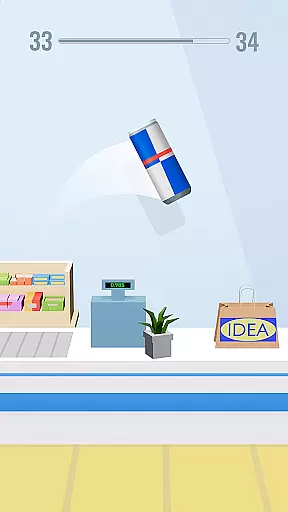
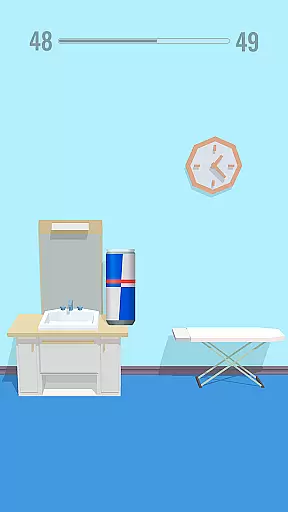
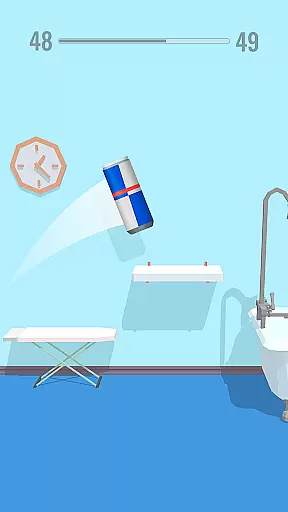
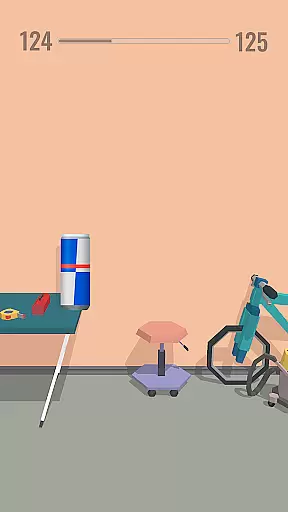
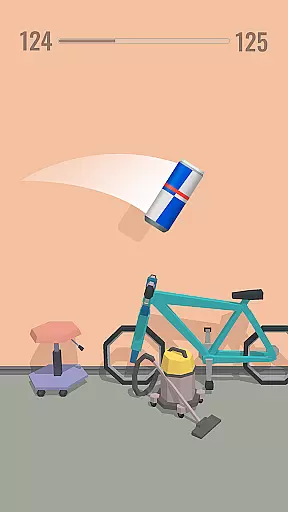
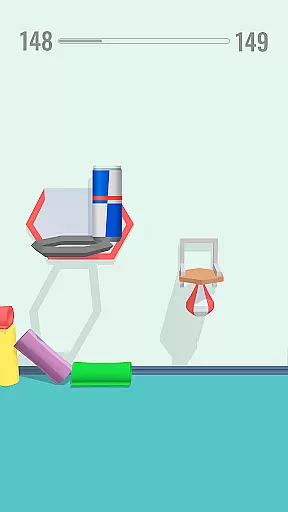
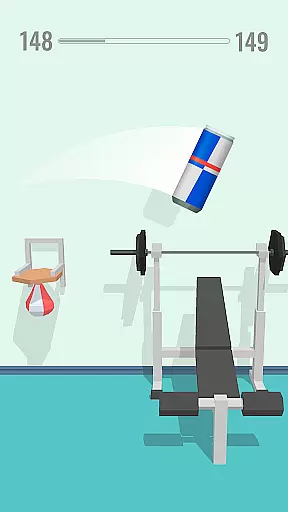
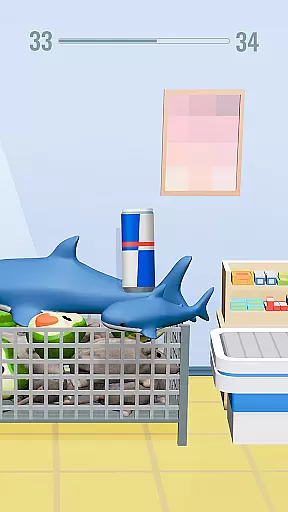
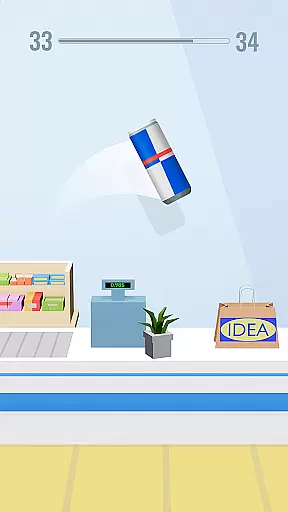
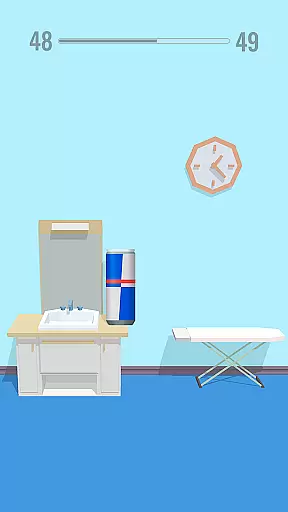
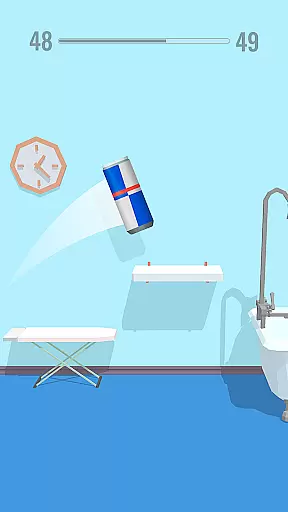
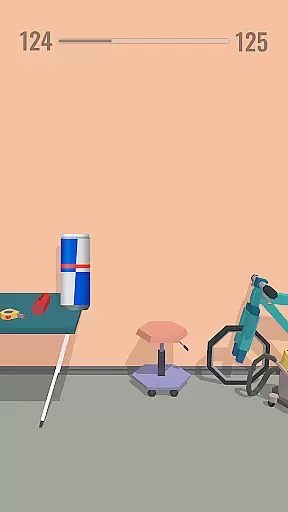
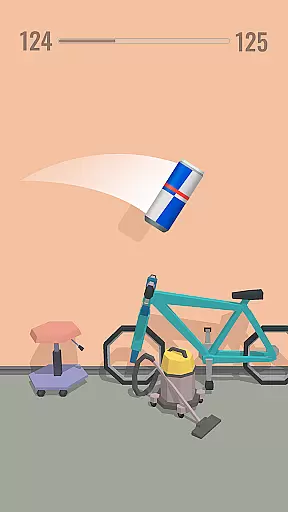
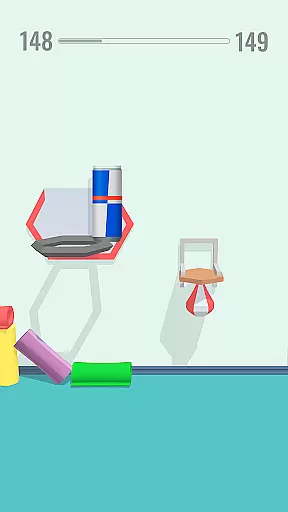
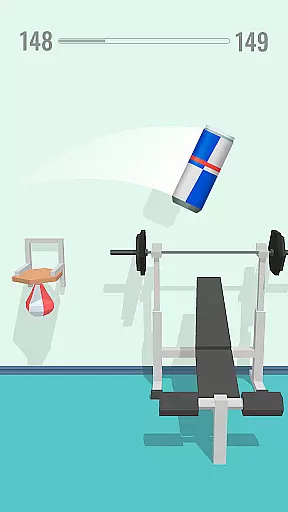
Bottle Jump 3D brings the popular bottle flipping challenge to your mobile device with an arcade twist. The core gameplay revolves around tossing a virtual water bottle to make it flip and land perfectly on various platforms while avoiding obstacles. With intuitive tap controls, players can master the art of bottle flipping through progressively challenging levels.
What sets Bottle Jump 3D apart is its combination of simple mechanics with increasing difficulty. Players can enjoy over 200 levels filled with unique challenges, collect gold caps to unlock new bottle skins, and even create TikTok videos showcasing their flipping skills. Whether you're looking for stress relief or aiming to become a flip master, this arcade game offers both entertainment and a test of precision.
The game's appeal lies in its accessibility and replay value. Suitable for casual gamers and challenge seekers alike, Bottle Jump 3D provides hours of engaging gameplay that can be enjoyed offline, making it perfect for anytime, anywhere fun.
Bottle Jump 3D stands out with its innovative take on the bottle flipping trend. The game features a one-touch control system where players tap the screen to make the bottle jump and flip. Timing these taps correctly allows for higher jumps and stylish spins, adding depth to the seemingly simple mechanic.
One of the key highlights is the extensive level design. With more than 200 levels, each presents unique obstacles and layouts that require different strategies to complete. Players can interact with various level decorations, using them to their advantage in completing missions. Additionally, the game includes a rewarding progression system where collecting gold caps unlocks new bottle skins, ranging from milk to poison bottles.
The social aspect is also noteworthy. Players are encouraged to share their best flips on TikTok, promoting community engagement. The ability to play offline ensures uninterrupted fun, while the option to challenge friends adds a competitive edge. These features combined create an addictive experience that keeps players coming back for more.
Arcade authenticity in mobile games refers to how well a game captures the essence and excitement of classic arcade experiences. Bottle Jump 3D brings this nostalgia to your fingertips by combining simple controls with challenging levels that evoke the timeless appeal of arcade gaming.
In Bottle Jump 3D, players can expect an engaging experience reminiscent of traditional arcade games. The straightforward tap-to-flip mechanic is easy to grasp yet difficult to master, much like the classic arcade machines that kept gamers coming back for more. This simplicity ensures that players of all ages can enjoy the thrill of arcade-style challenges.
The game's vibrant visuals and dynamic obstacles create an immersive environment that echoes the lively atmosphere of arcades. Each level presents unique challenges that require precision and timing, offering a modern twist on the beloved arcade formula. Players will find themselves fully absorbed as they navigate through increasingly complex rooms.
By incorporating collectible elements such as gold caps and unlockable skins, Bottle Jump 3D enhances its arcade authenticity. These features not only add depth to the gameplay but also provide a sense of progression and achievement akin to earning high scores or collecting tokens in an arcade setting. This thoughtful blend of nostalgia and innovation makes Bottle Jump 3D a standout choice for fans of arcade gaming.
Control responsiveness is a critical aspect of any game, determining how accurately and swiftly player inputs are translated into in-game actions. In Bottle Jump 3D, responsive controls are essential for executing precise bottle flips and navigating through intricate obstacle courses.
The game employs a simple yet effective control scheme where players tap the screen to make the bottle flip and tap twice to jump higher. This intuitive system ensures that even novice players can quickly grasp the basics while still allowing room for skill development. As players progress, they'll appreciate the fine-tuned responsiveness that enables them to perform complex maneuvers with ease.
Bottle Jump 3D's responsive controls contribute significantly to the overall gaming experience by providing immediate feedback. Whether it's adjusting the flip angle or timing jumps perfectly, players can rely on the game's quick response to their inputs. This level of responsiveness enhances immersion and keeps players engaged as they strive to improve their technique.
Furthermore, the game's offline functionality ensures consistent performance without interruptions from network issues. Players can enjoy seamless control responsiveness regardless of their internet connection, making Bottle Jump 3D a reliable choice for those seeking a smooth and satisfying arcade experience on their mobile devices.
Easy-to-learn controls
Variety of levels
Offline gameplay
Rewarding progression
Social sharing options
Repetitive gameplay
In-app purchases
Ads between levels
Graphics could be better
Limited audience appeal

Spaceship racing on a rocky planet — pure action and challenge.
 4.2
4.2
Local offline 2 3 4 player multiplayer minigames - race, tanks, football
4.60
Nostalgia.GBA Pro is a high quality GBA emulator.
4.40
Divine powers at your fingertips! An innovative and frantic shoot-'em-up!
4.1
Challenge your friends across the world to see who can jump the farthest!
4.50
Cool car builder & racing simulator: make a car to win the obstacle course race!
4.60
Suck the other’s blood and be the longest surviving mosquito!
4.40
Play fun multiplayer games with friends on one device! Two, Three, Four players!
4.60
Jump and fly your way through danger in this rythm-based action platformer!
4.50
Join the breathtaking chase!
4.80
This is an emulator for a certain 64 bit console with online cloud backup.
4.80
Bomb the communists back to 1916!
4.70
Catch ghosts, shoot monsters and defeat bosses in this RPG idle shooting game.
4.70
Ready… Set… DASH! Play now!
4.70
R-TYPE game
4.60
Nostalgia.GBC is a high quality GBC emulator.
4.50
The only Sega Saturn emulator for Android
4.40
A fluid, action-packed arcade space shootout!
4.3
Reach high, and shine in the neon world in 3D!
4.3


User Reviews