
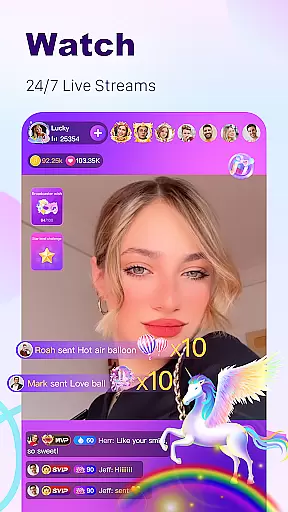
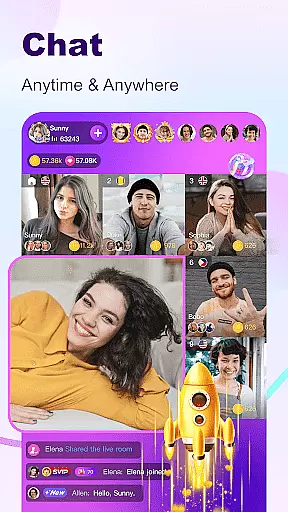
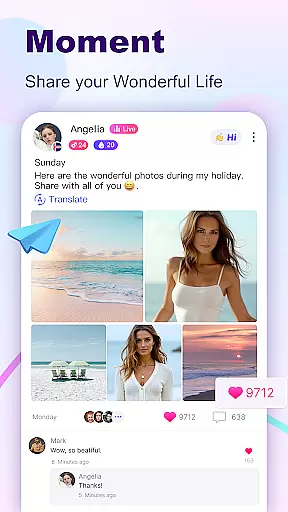

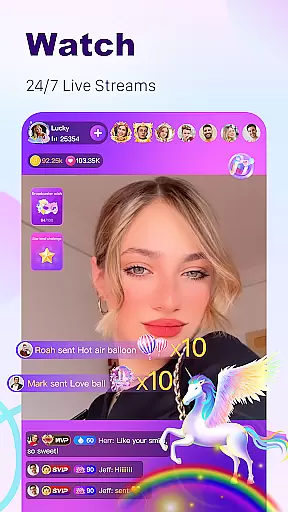
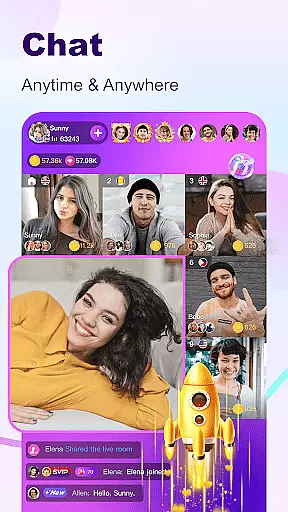

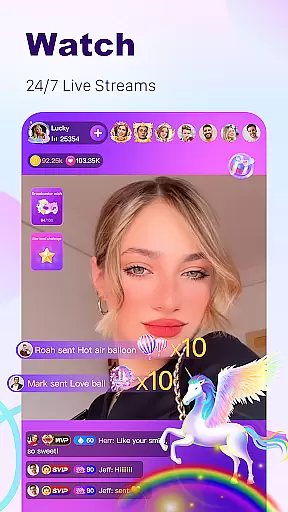
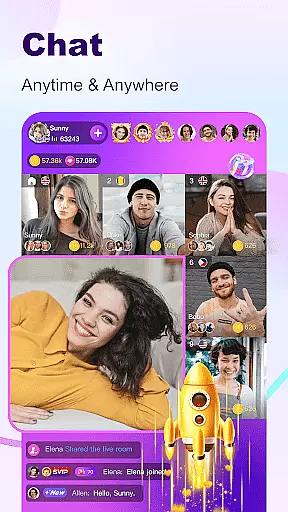

BuzzCast is a dynamic social platform that combines live streaming, instant messaging, and short video sharing to connect users worldwide. The app's core functionality revolves around its 24/7 live streaming feature, allowing users to broadcast their lives, showcase talents, or engage in live video chats without restrictions. This creates an interactive environment where users can freely communicate through texts, photos, emojis, and voice messages.
What sets BuzzCast apart is its AI-powered translation tool that breaks language barriers, enabling unlimited global interactions. Additionally, the app offers creative tools for posting engaging short videos and nearby moments, helping users build closer connections with local communities while also exploring international content. Whether you're looking to become a social media influencer or simply make new friends, BuzzCast provides the perfect ecosystem to meet amazing people who resonate with your interests.
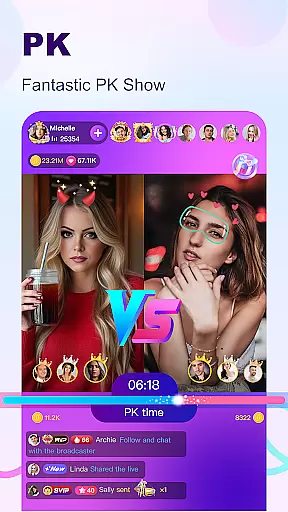
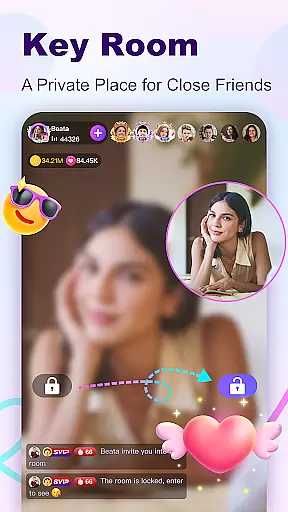
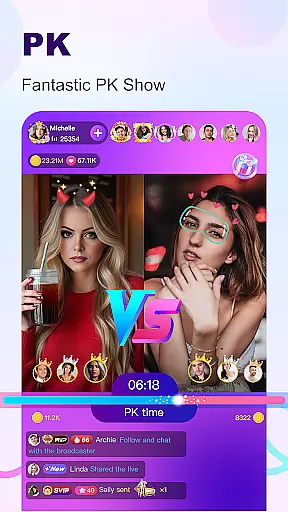
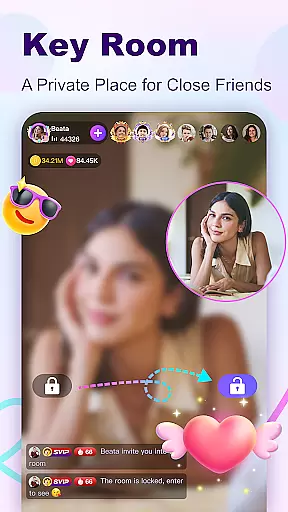
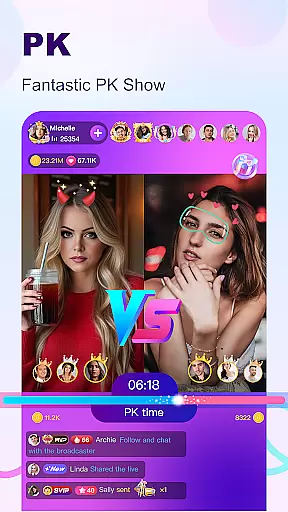
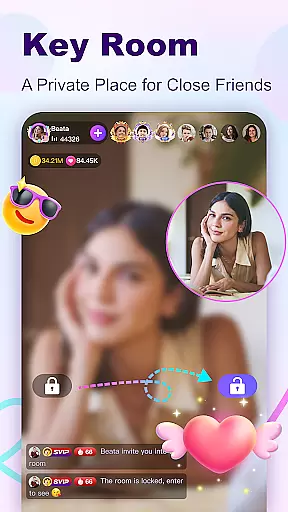
BuzzCast stands out with several innovative features designed to enhance user engagement. One of its key highlights is the live PK mode, where broadcasters can challenge each other in talent showdowns while viewers support their favorite hosts by sending gifts. Another unique aspect is the Key Room feature, which allows users to create password-protected private spaces for more intimate interactions among invited friends.
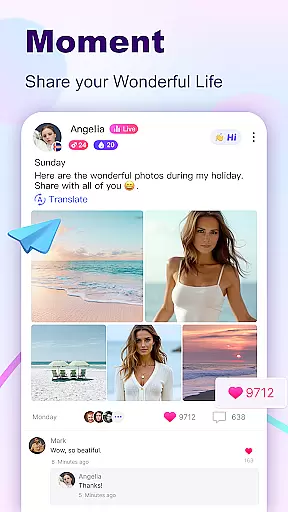
The app also excels in providing creative tools for content creation. Users can post 15-second short videos using easy-to-use editing features like special effects, stickers, and trending music. Furthermore, BuzzCast’s Nearby Moments function helps users discover people in their vicinity, fostering potential offline friendships. These features collectively ensure that BuzzCast remains not just a communication tool but a comprehensive entertainment platform tailored for diverse user preferences.
In the BuzzCast community, user profile customization is a core feature that allows individuals to express their unique identity. Users can personalize their profiles with photos, bios, and links to their social media, creating an authentic representation of themselves. This level of customization not only enhances personal branding but also fosters genuine connections with others.
BuzzCast places a strong emphasis on authenticity verification to maintain a trustworthy environment. By implementing a verification process, the platform ensures that users are interacting with real people. This builds confidence within the community as members can engage knowing they are communicating with verified individuals who are who they claim to be.
The benefits for users include increased trust and safety when forming new friendships or engaging in live chats. Verified profiles contribute to a more reliable social experience, encouraging active participation and interaction. As a result, users can focus on enjoying the diverse content and making meaningful connections without concern over fake profiles.
Ultimately, BuzzCast's dedication to user profile customization and authenticity verification enriches the overall user experience. It empowers members to present their true selves while engaging with a community that values honesty and transparency. This approach sets BuzzCast apart as a place where real interactions lead to lasting relationships.
BuzzCast revolutionizes the way users discover new connections by offering innovative features designed to break down barriers and foster global friendships. The app leverages AI automatic translation to transcend language differences, allowing users from different parts of the world to communicate effortlessly. This inclusivity creates a melting pot of cultures and ideas, enhancing the social experience for everyone involved.
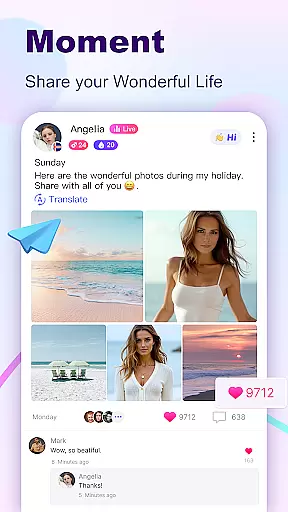
Through BuzzCast's Nearby Moments feature, users have the unique opportunity to connect with people in close proximity. This localized approach to connection discovery encourages both online interaction and the potential for offline friendships. By sharing daily moments and engaging with local content, users can find common ground with those around them, strengthening community bonds.
The app's sophisticated algorithms recommend potential friends based on shared interests and interactions, facilitating meaningful encounters. Users can follow each other with a single click, initiating conversations through instant messaging. With options to send texts, photos, emojis, videos, and voice messages, BuzzCast provides versatile communication tools tailored to individual preferences.
By prioritizing connection discovery, BuzzCast cultivates an environment where meeting amazing people becomes a natural part of the user journey. The platform's comprehensive approach ensures that whether users seek global outreach or local engagement, they can forge valuable relationships that resonate with their personal interests and aspirations.
User-friendly interface
AI-powered translation
Private Key Rooms
Variety of live streams
Creative video tools
Limited offline functionality
Occasional ads
High battery usage
Regional restrictions
Learning curve for new users

Global short video platform: epic effects, trending videos & vibrant community!
 4.40
4.40
Video call, live video chat & talk to strangers. Meet people on Omega!
3.60
A gathering place for 300 million people's life interests and hobbies
4.30
Live pics from your friends - Only the photos you want to see
4.60
FREE calling and texting (SMS texts + MMS) in US & Canada with FREE phone number
4.30
Random chat & meet online. Find your soulmate or someone special and have fun!
3.90
Go Live, Chat & Meet New People! Friends. And more than friends.
3.80
A warm, simple dating app for adults seeking real connection.
4.20
TikTok Lite - Designed for speed, simplicity, and saving your phone’s space!
4.40
Get your NGL Link
4.60
Date single & make friend
4.60
Social calendar for friends to make plans, group chat, share events & schedules
4.60
Dating & make friend to chat, meet, flirt, and make real connections!
4.60
Free texting (SMS) to US, Canada & more. Free new number. Call free & Text free.
4.30
Dating for singles. Meet lonely people nearby online. Find your match here!
4.20
Join your friends and discover videos you love, only on TikTok
4.10
Watch, Edit, Upload and Share Gaming Clips
4.00
The video chat to meet people in the blink of an eye!
3.90
Swipe, Meet & Chat Real People
3.80


User Reviews