
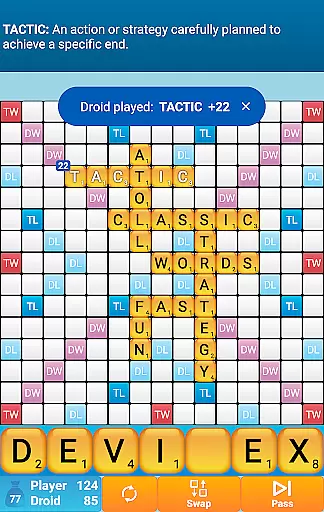
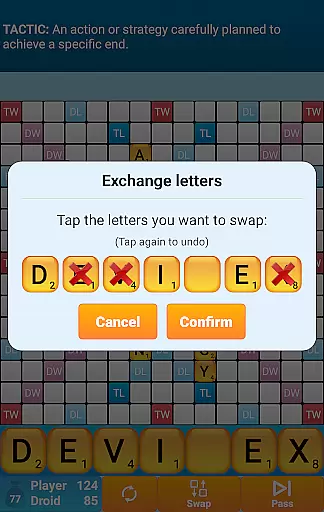
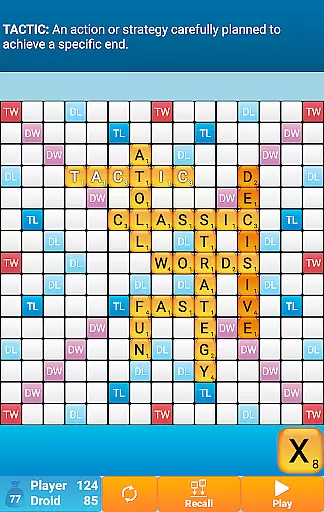
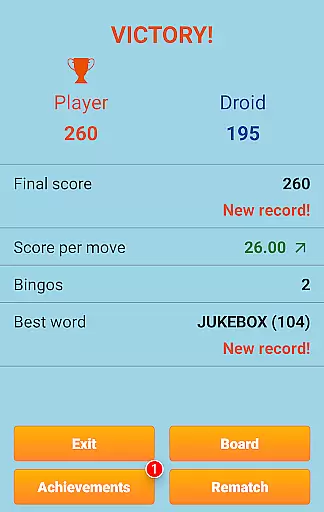
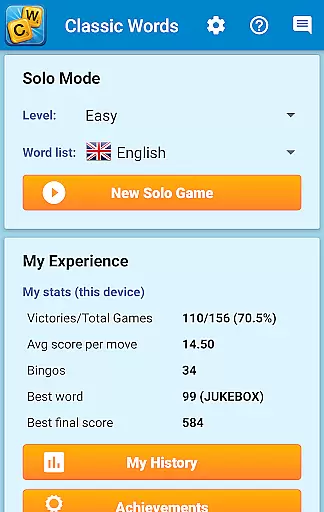
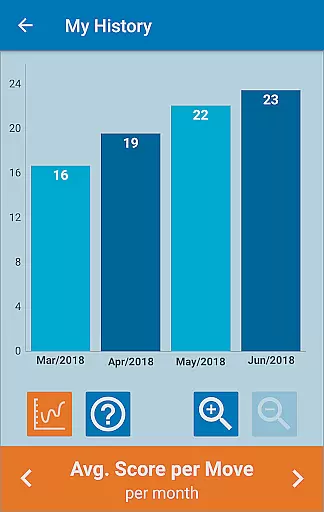
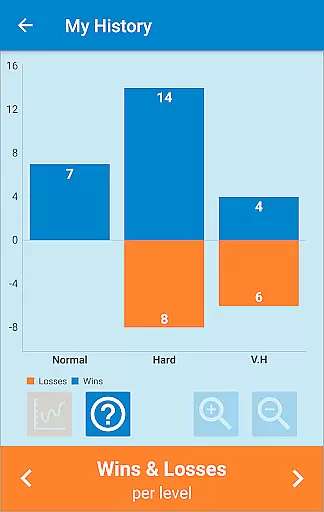
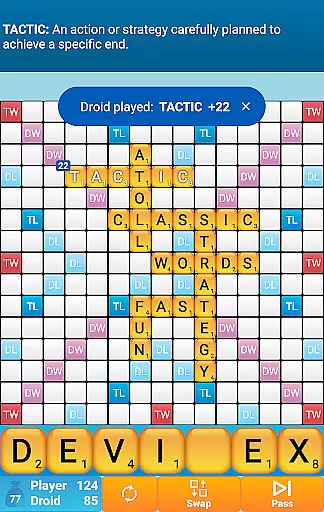
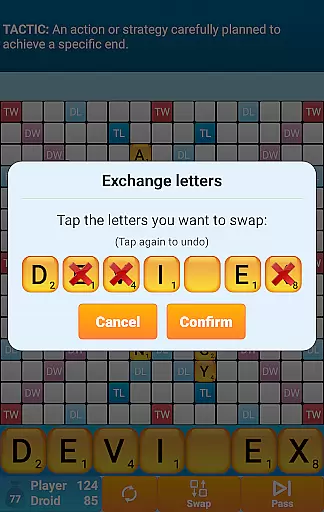
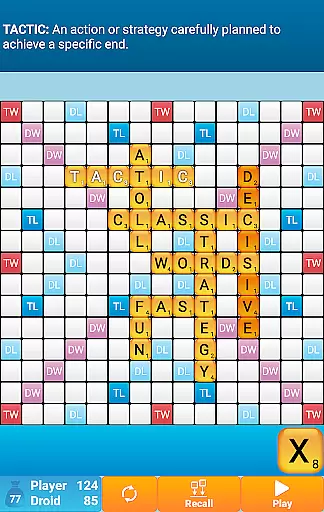
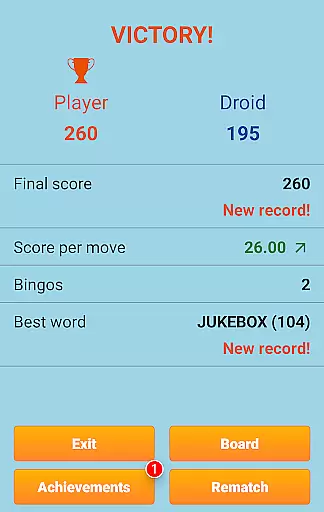
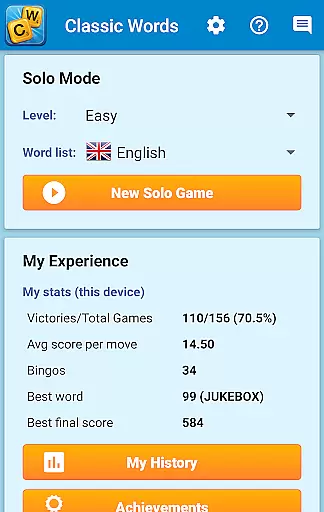
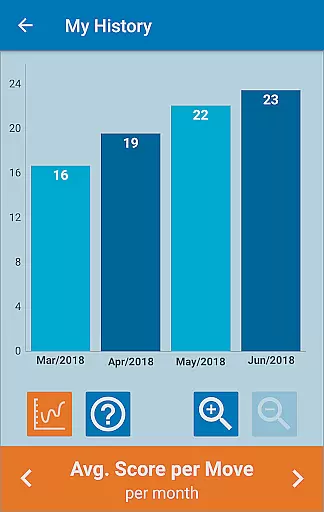
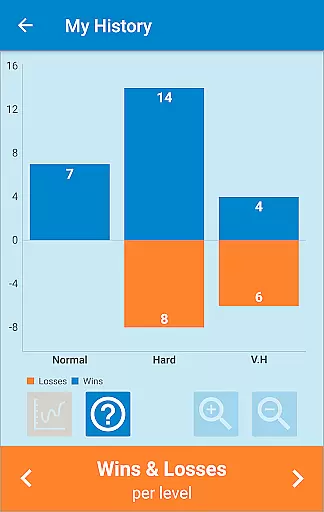
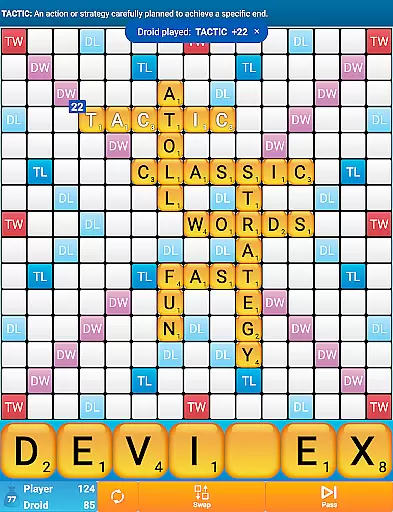
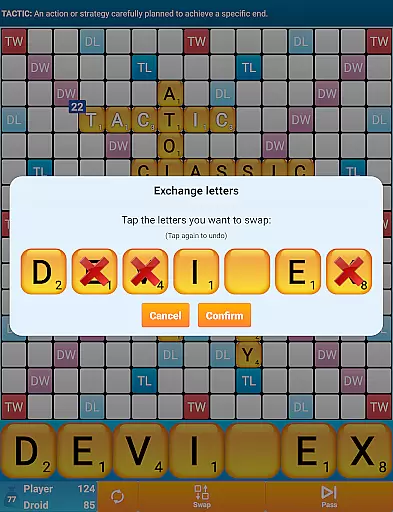
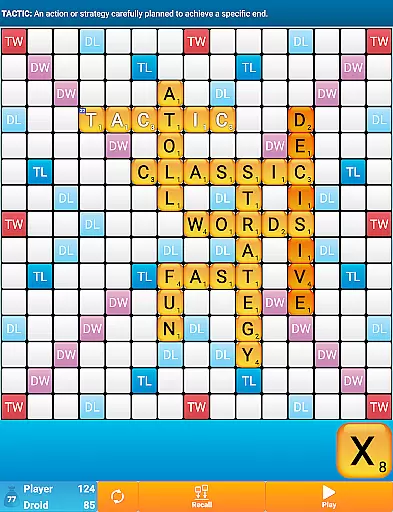
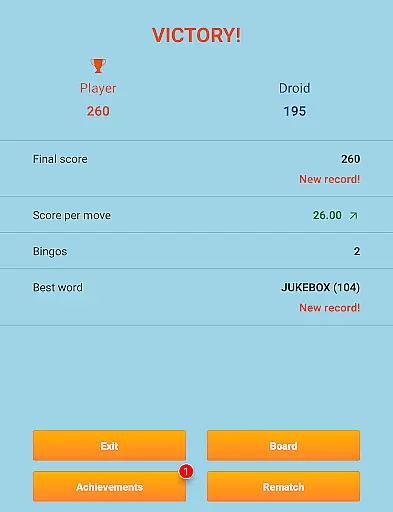
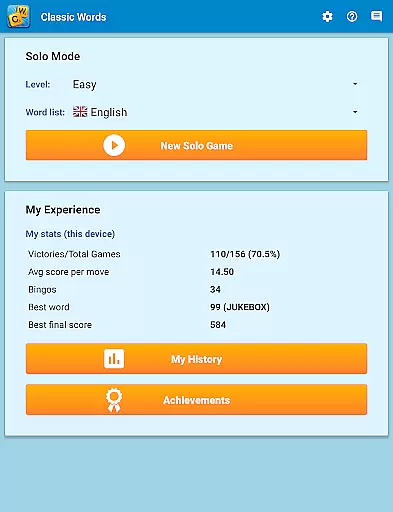
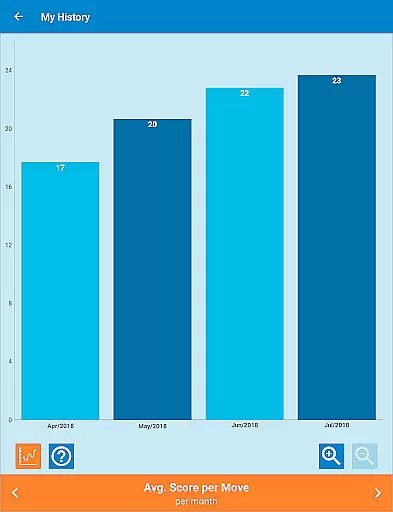
Classic Words Plus is a premium word game that offers an ad-free experience for crossword enthusiasts. Designed for solo play, this board-based game lets you challenge your smartphone or tablet's AI in a battle of vocabulary and strategy. With 6 difficulty levels and support for multiple languages including English, Spanish, French, Italian, German, Dutch, and Polish, the game caters to both beginners and advanced players.
The game stands out with its exclusive features such as the Teacher mode and a Pass-and-Play option for two players on a single device. Classic Words Plus uses high-quality word lists like the NASPA Word List 2020 for English, ensuring authentic gameplay. Players can enjoy strategic depth by placing words on special squares to earn bonus points while expanding their vocabulary through built-in definitions.
Classic Words Plus boasts several unique features that enhance the traditional crossword-style gameplay. The game includes smart AI with variable skill levels, allowing users to select their preferred challenge from beginner to expert. A standout feature is the ability to display word definitions simply by swiping, which helps players learn new words while they play.
Another key aspect is its robust language support. Each language has customized letter distribution and point values, adapting to the specific linguistic nuances. For instance, German includes Umlauts, and French uses official tournament lists. Additionally, the offline Pass-and-Play mode makes it versatile for face-to-face matches, although online multiplayer isn't supported. These features collectively offer a rich, educational, and entertaining experience for word game aficionados.
Clue quality and clarity are essential in word games, as they guide players to form valid words. Classic Words Plus ensures that clues are embedded within the gameplay through its built-in word definitions feature.
When players place a word on the board, they can easily swipe the word to display its definition. This not only aids in understanding the words used but also enriches the player's vocabulary over time.
The game supports multiple languages, including English, Spanish, French, Italian, German, Dutch, and Polish. Each language has its own dictionary, ensuring that word definitions are accurate and culturally relevant.
This dedication to clear and educational clues enhances the overall experience, making it both enjoyable and instructive for players of all skill levels.
Puzzle variety in Classic Words Plus is demonstrated through its support for multiple languages and difficulty levels, offering a broad spectrum of challenges. Players can choose from six difficulty settings, catering to beginners up to tournament-level experts.
Each language option comes with its own dictionary, such as the NASPA Word List 2020 for English, which provides an extensive array of word choices and combinations. This variety keeps the game fresh and engaging, preventing the repetition that can occur in less diverse word games.
In addition to linguistic diversity, the game includes various strategic elements like Double Letter, Double Word, Triple Letter, and Triple Word squares. These features require players to think critically about word placement to maximize their scores.
Classic Words Plus offers a rich tapestry of puzzles that cater to different strategies and knowledge bases, ensuring that every session is unique and stimulating.
Ad-free gameplay
Smart AI opponent
Multiple language support
Built-in word definitions
Pass-and-Play mode
No online multiplayer
Limited social features
Premium price tag
Complex for beginners
Offline-only modes

Play this fun word connect game to calm and train your brain.
 4.60
4.60
Unleash your vocabulary in the world’s #1 word cross puzzle game!
4.70
Enhance your mind and unwind with word puzzles and solitaire. Play now!
4.80
Visit the wonders of the world while you connect letters to create great words!
4.90
Train your brain and unscramble letters in this fun social crossword puzzle!
4.10
Solve crossword puzzles challenge your brain and expand your vocabulary
4.90
A fun multiplayer word game. Who can make the highest scoring words?
4.80
Zen Word - where challengers relax, solve word games, and train their minds!
4.80
Group words by category and solve relaxing association puzzles in a word game!
4.60
Crossword puzzles for all ages- easy to hard. All offline!
4.90
Play this visually-pleasing word game specially designed for seniors!
4.90
The highly addictive fun word game.
4.70
Enjoy the beautiful scenery and endless word search puzzles!
4.70
101 offline games: words, puzzles, quizzes! Play, learn and compete!
4.70
Unleash your inner codebreaker! Solve challenging cryptograms & word puzzles.
4.70
Relax, challenge yourself, and sharpen your mind anytime, anywhere!
4.60
3000+ levels of word puzzles fun. Connect words, improve vocabulary, boost IQ!
4.60
Combine crossword clues with a fill in the quote cryptogram style answer
4.30
750 professional casual crosswords to keep you busy during coffee break.
4.10


User Reviews