
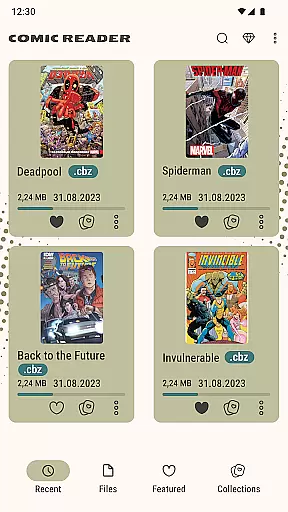
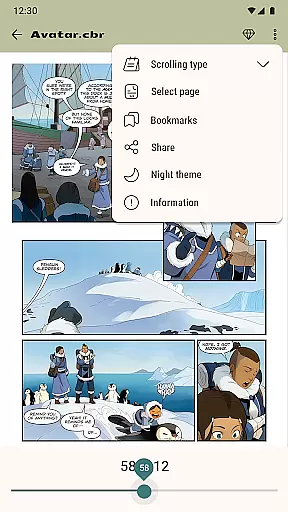
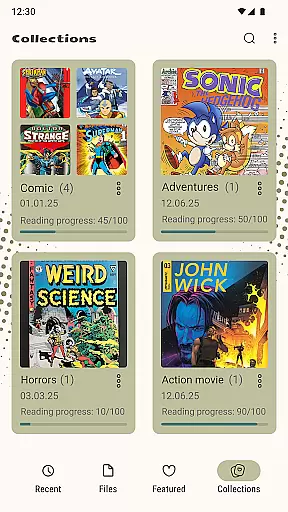
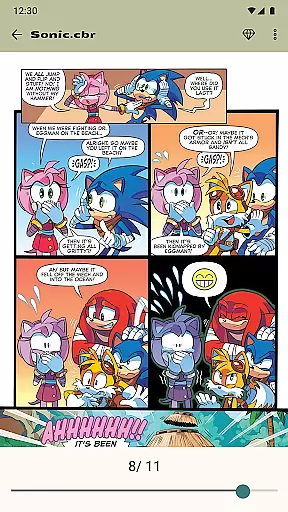
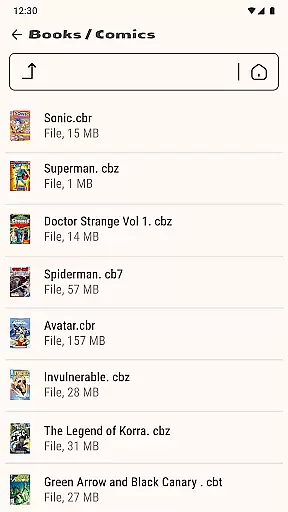

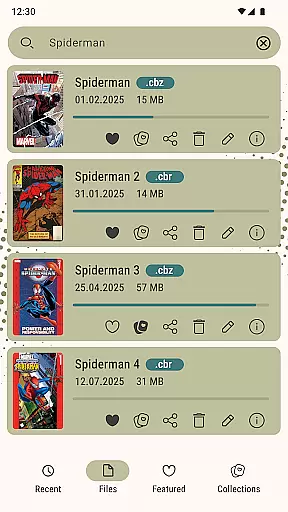
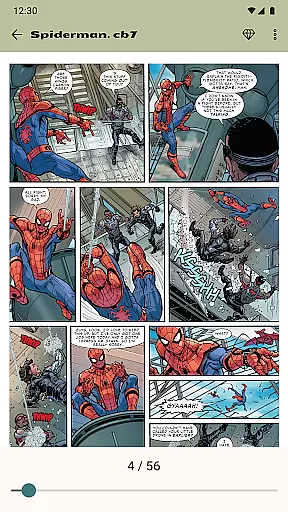
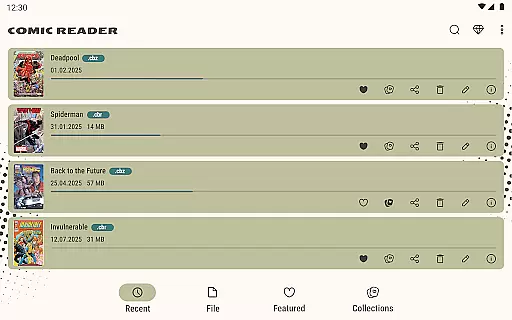
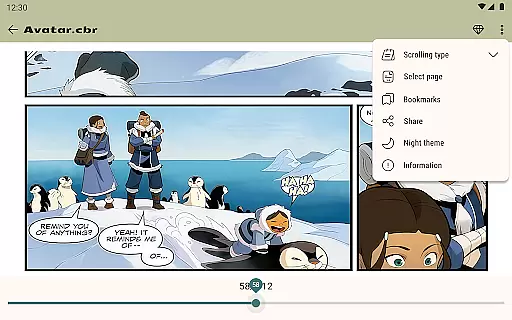
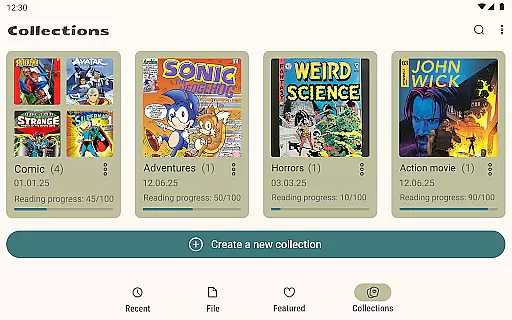
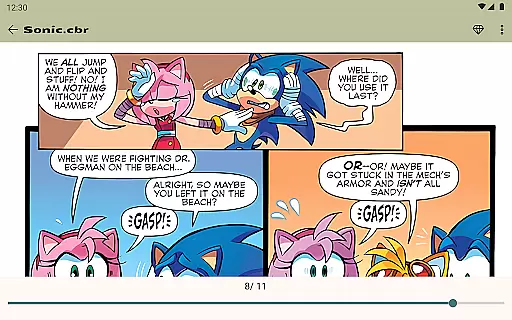
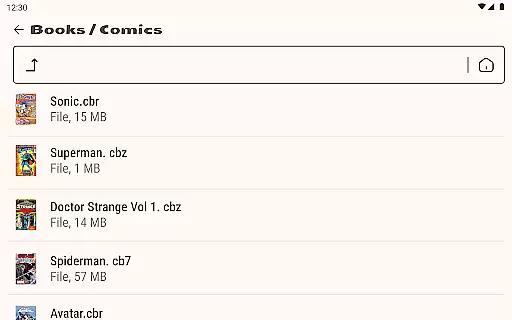
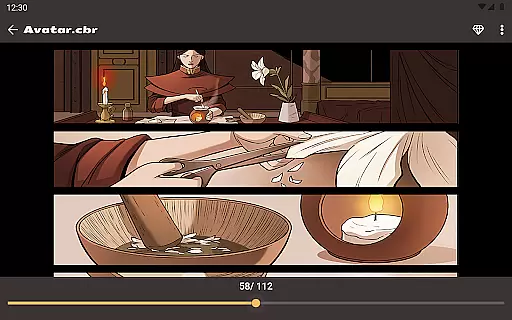
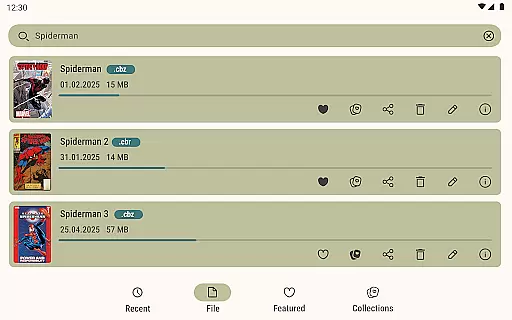
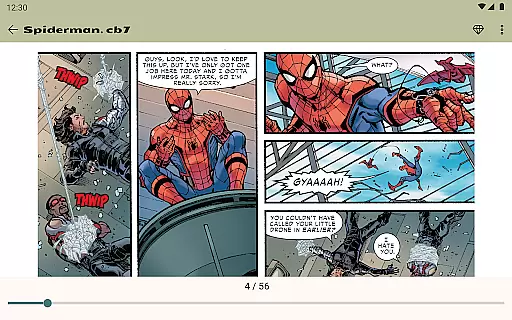
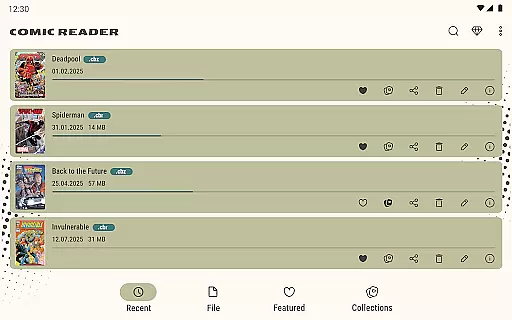
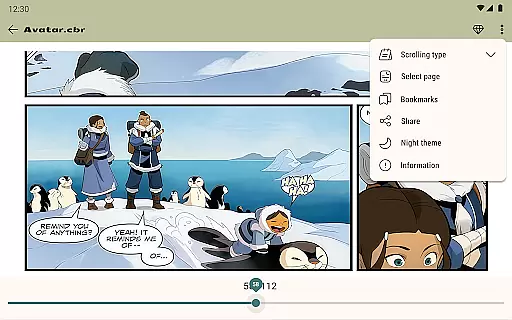
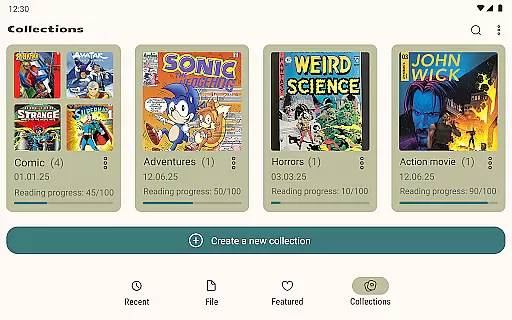
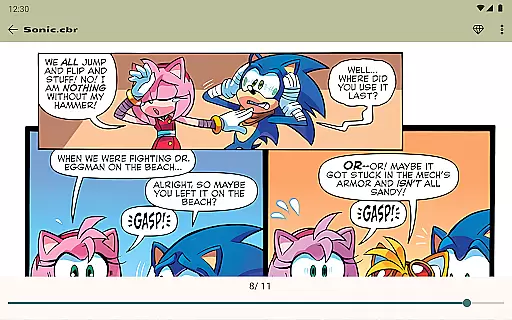

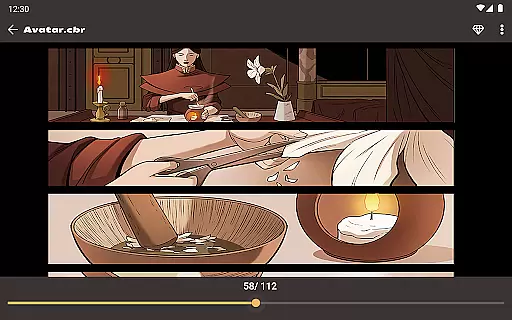
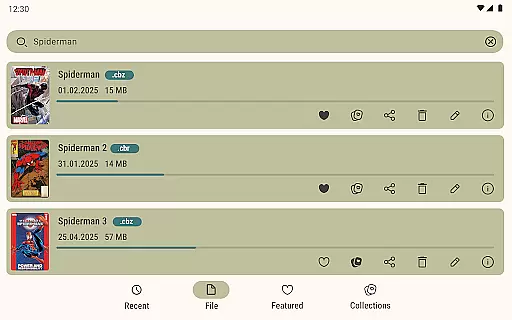
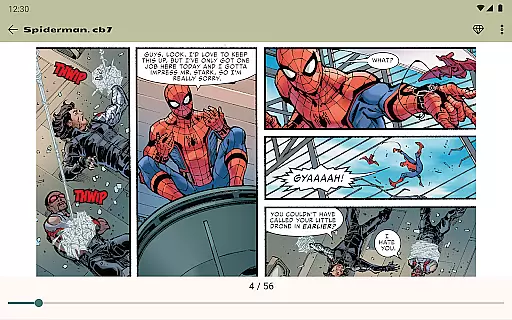
Comic Book Reader is a versatile offline comic reader designed for comic enthusiasts who want to enjoy their favorite content without an internet connection. This app supports all major comic formats including CBR, CBZ, CB7, CBT, JPEG, PNG, and GIF, making it a comprehensive tool for reading comics, manga, graphic novels, and magazines.
The application offers a user-friendly interface with features like night mode, day mode, page zoom, bookmarks, and the ability to jump to any page by number. These functionalities ensure a comfortable and personalized reading experience. Additionally, its built-in file manager allows users to add, rename, delete, and share files directly within the app.
Whether you're traveling or simply prefer offline access, Comic Book Reader provides a seamless solution for enjoying your digital comic collection anytime, anywhere.
Comic Book Reader stands out with its robust feature set tailored for comic lovers. The app's full offline support makes it ideal for various scenarios such as travel, subway commutes, or flights where internet access might be limited or unavailable. It ensures instant loading of CBR & CBZ files, providing a smooth reading experience without delays.
One of the key highlights is the ability to save reading progress, ensuring that users never lose their page. The dual-mode feature, offering both night and day modes, enhances eye comfort during extended reading sessions. Furthermore, the built-in file manager empowers users to manage their library efficiently by adding, renaming, deleting, and sharing files.
Additional features include page zoom functionality, bookmarks, and the ability to search the library by comic or book title. Users can also share their favorite comics via messengers and social networks. For those seeking an uninterrupted experience, the option to remove ads with a one-time purchase adds significant value.
Comic Book Reader offers an extensive and versatile library that supports all major comic formats including CBR, CBZ, CB7, CBT, JPEG, PNG, and GIF. This ensures users have access to a wide range of comic genres and styles without any format restrictions.
The application's built-in file manager allows users to add, rename, delete, and share their comic files effortlessly. This feature not only enhances the management of one's digital collection but also makes it easy to organize and access specific titles quickly.
With instant loading capabilities, users can enjoy seamless transitions between pages and comics, making reading more enjoyable. The ability to save reading progress ensures that users never lose their place, regardless of how vast their library is.
Comic Book Reader places a strong emphasis on content authenticity by allowing users to directly manage and curate their own collections. By supporting popular formats used by official publishers, the app encourages users to load and read legally purchased comics, ensuring the integrity and authenticity of the content.
While Comic Book Reader is ad-supported, it provides an option for users to remove ads with a one-time purchase, promoting a transparent monetization model that respects user experience. This approach aligns with industry standards for licensing and fair use.
For any issues or inquiries regarding content authenticity, users can reach out to the support team at help.atools@gmail.com. The team is responsive and committed to maintaining high standards of content legitimacy within the app.
User-friendly interface
Full offline support
Instant file loading
Customizable reading modes
Built-in file management
Ad-supported free version
Limited advanced features
No cloud sync option
Basic UI design
Occasional bugs reported

Instantly create comic-style art with AI.
 3.90
3.90
Create your personalized cartoon comic strips & comic books.
3.20
Discover manga stories & stream anime series with unlimited entertainment access
4.40
Read officially manga titles from Japan including Attack on Titan
3.80
See the newest comic book releases and manage your comic collection or pull list
4.70
Read latest manga with this minimal reader with NO ADS.
4.30
from HipComic: Value Your Comic Book Collection with Just the Snap of a Photo.
3.80
Read comics & manga
4.70
Kodansha official Manga app
4.30
Read and track manga across the web with ease
4.90
Catalog your collection. Just scan covers with your device camera. (US $20/yr)
4.80
Official from Japan
4.80
Artists wanting to use decent hand reference on the go, this app is for you!
4.70
Instant access to over 30,000 Marvel comics with new issues added every week.
4.70
Free Comic Book Collection Management & Price Guide
4.60
A gathering place for a massive collection of genuine comics.
4.50
Draw the comics with glow brushes! Easy and relax!
4.40
Pocket Toons: Free Webtoons, Comics, & Manga - New Chapter Drops Everyday
4.30
You can create comics, manga and manwha using AI with Arcstory comic book maker
2.70


User Reviews